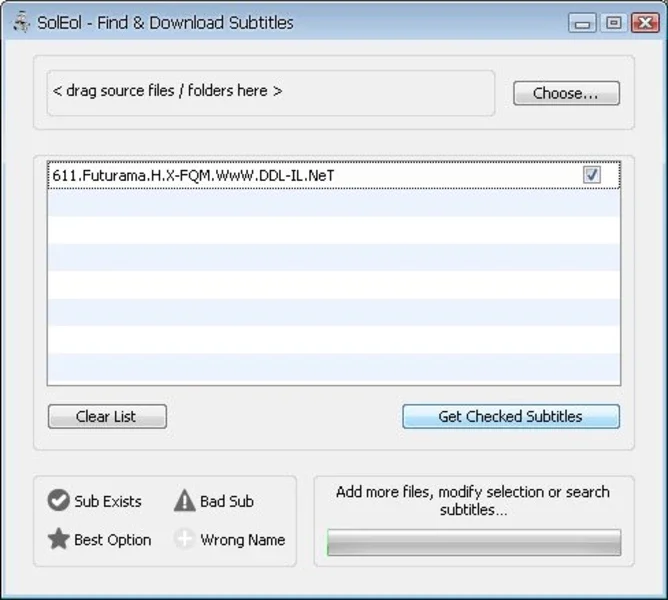

Drag a video in, pick languages, grab subtitles in seconds
You are on macOS — this is the Windows version. See the macOS version
Screenshots
Description
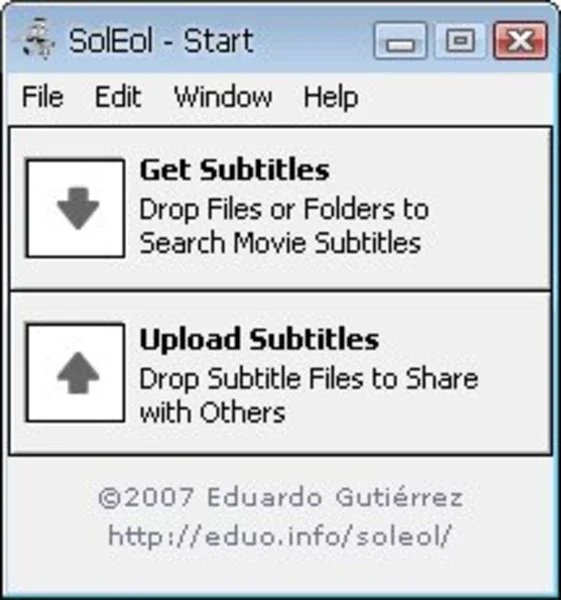
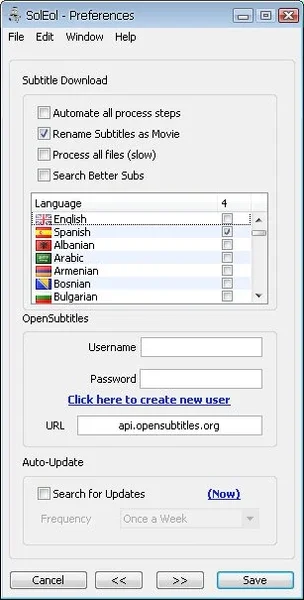
Drop a video file onto SolEol and it searches for subtitles for it. Results show up within seconds. You choose one or more languages before the search, and a single click downloads the subtitle you want.
The program is built for watching movies and TV series in original version with subtitles. Dragging and dropping is how you hand it the file, and the language selection comes before the search runs, so a title you watch in more than one language takes a separate pass each time. Results are listed as they come back, and downloading is a single click on the one you pick. You can also flip the direction: instead of downloading, upload your own subtitles to contribute them.
SolEol runs on Windows and is free to use.
Download files
2f9eb2791d1af5788e53897d85329da1e9d9be6fc159439d0eb7d031848c8ff6
223ab4491da6a70d90832f3badefbdbc21178abcb7d2d81ccb918115140dd29b
f9d1e9c523a6b55c49fa75067fb21ea9cbcd4c10eab5aeadb51c01479383b1a5
System requirements
Available on:
Minimum OS:
Windows XP or later
Additional information
Developer
Latest release
Size
File type
SHA-256
2f9eb2791d1af5788e53897d85329da1e9d9be6fc159439d0eb7d031848c8ff6