
Speedtest by Ookla 1.15.200 for Windows
Measures connection speed with one tap and keeps a record of each test
You are on macOS — this is the Windows version. See the macOS version
Screenshots
Description
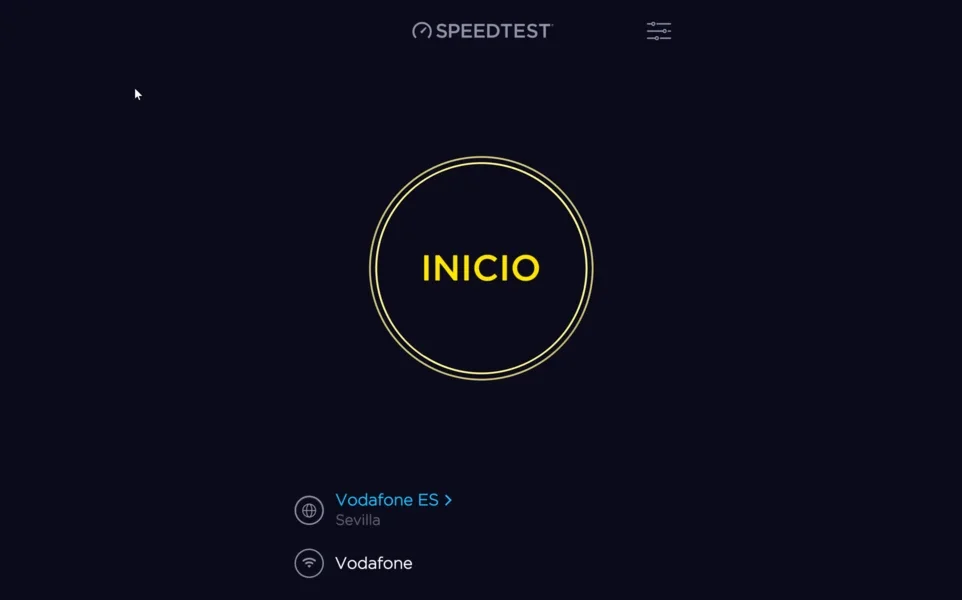
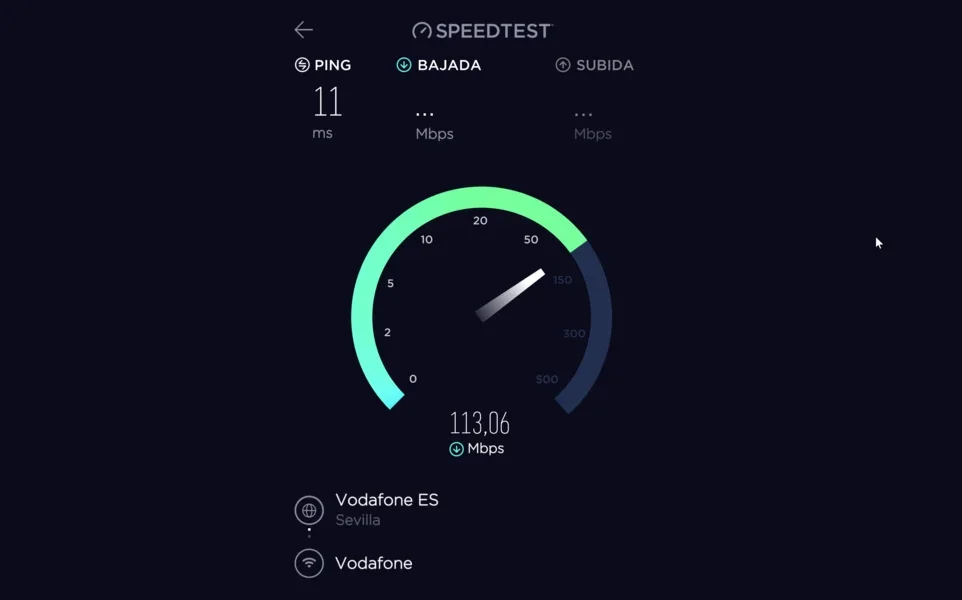
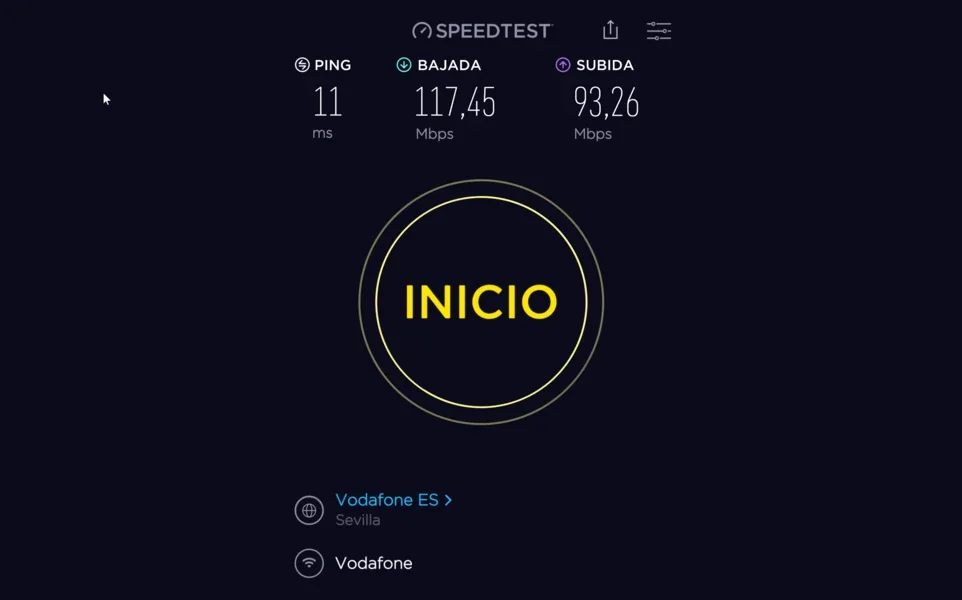
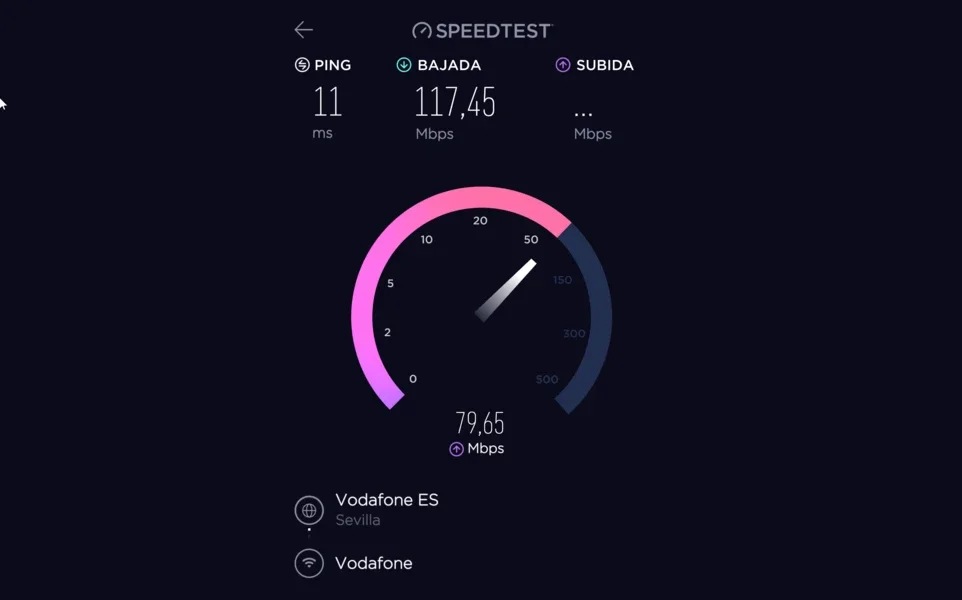
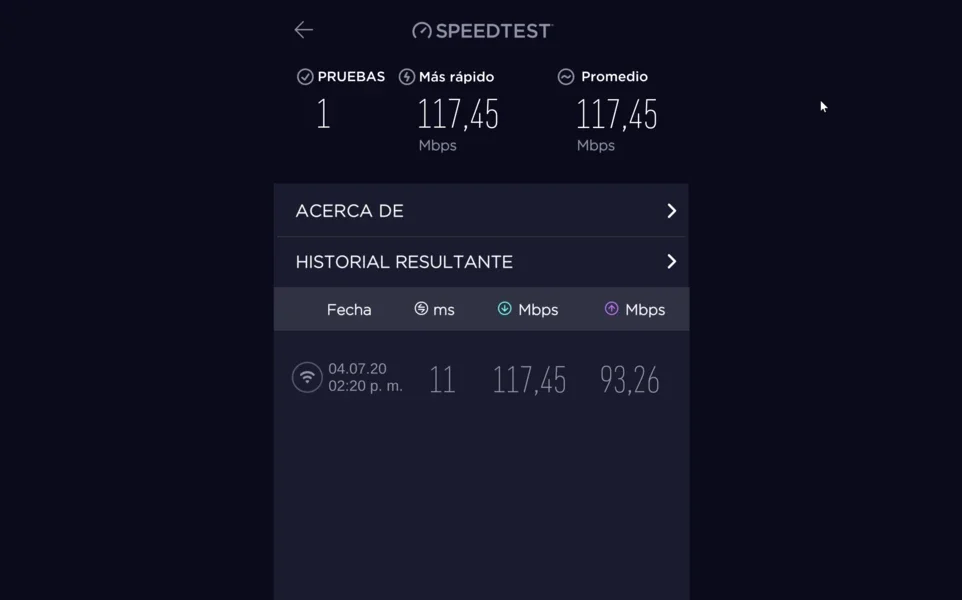
Tap once and Speedtest by Ookla begins measuring the download and upload rates of the connection you are on, whether Wi-Fi or mobile data. Results come back within seconds. Behind the test sit thousands of remote testing servers that Ookla organizes.
Dials and video checks
A speedometer is the main display, with other dials and readouts that show stability and fluctuations as they happen. A video testing feature reports maximum resolution, load time, and buffering, which shows how well the connection handles streaming. The app also works as a VPN, and its free tier includes 2GB of data per month for private browsing or streaming. Speedtest VPN Premium removes ads and lifts the usage cap.
Records and coverage
Every test is saved, and you can open the history at any time. Patterns and trends in connectivity show up across those records. A slowdown can be documented with them and shown to an internet service provider as proof when asking for a bandwidth upgrade. Speedtest Maps adds data on what various providers deliver in a given area, so you can compare their performance and judge where a reliable connection is likely. The app can also check how far mobile coverage reaches.
Download files
281b9a15556ac2d1fb54b67fee260ea200266e31c70de9eceb82e04225c94d72
No digital signature281b9a15556ac2d1fb54b67fee260ea200266e31c70de9eceb82e04225c94d72
No digital signatured891077016f90d702cb7e1ccc2a5b37e9c1f053f629402a3d628cc751962b2ad
Signed by D01B1733-EEB2-4D57-8B6B-B0FEE2F6925D · valid until Apr 27, 2026105009c948c825068b7f9ea28f6a242f554b9e79a5a3d7c29051f0e227ebf6d9
a69c36955c91ec443bc7756dc04bd5cb25e53f9a83ab22737c6ed4576aa33605
System requirements
Available on:
Additional information
Developer
Latest release
Size
Category
File type
SHA-256
281b9a15556ac2d1fb54b67fee260ea200266e31c70de9eceb82e04225c94d72