
SSuite NetSurfer Browser 2.30.16.12.4 for Windows
A tabbed browser with integrated Office tools and an adblocker
Screenshots
Description
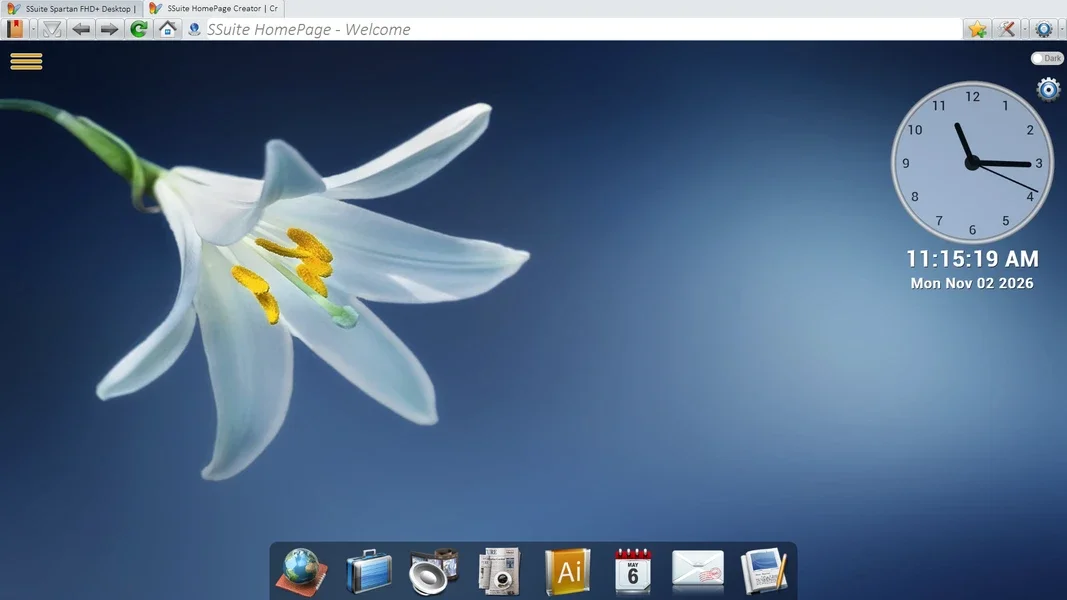
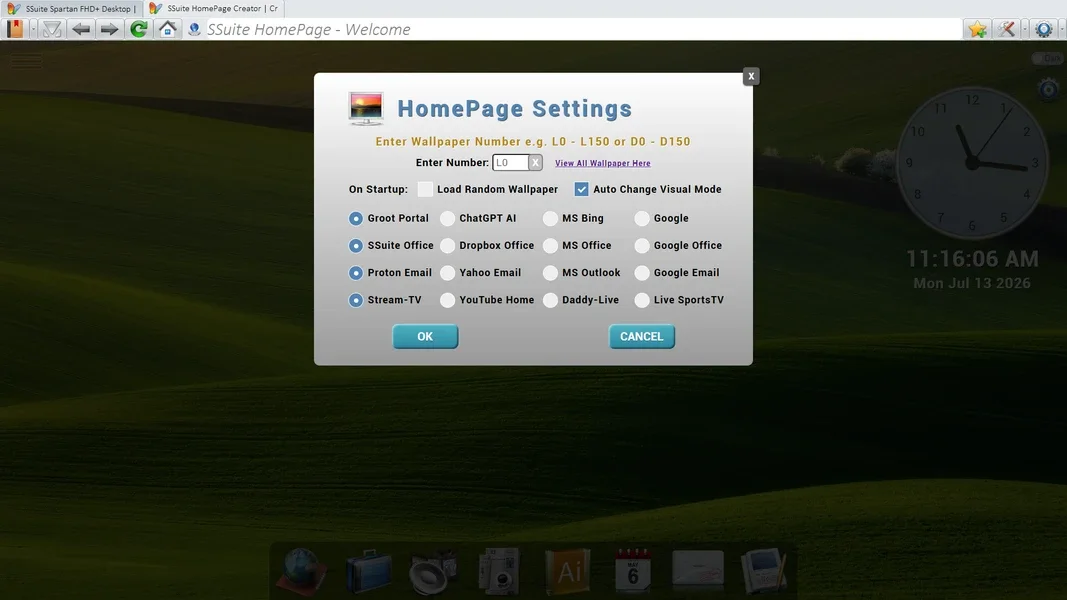
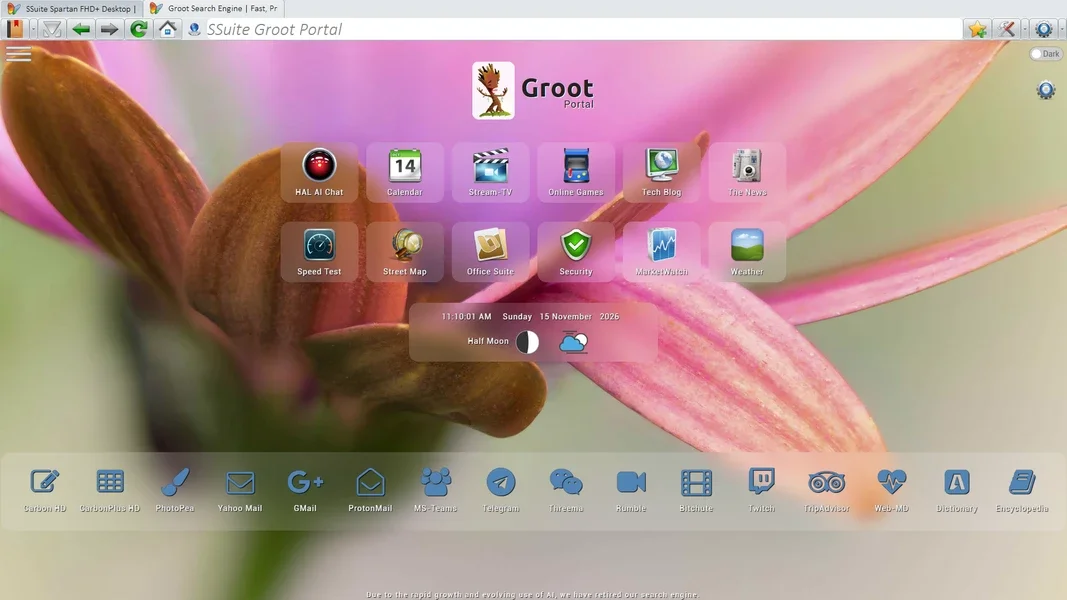
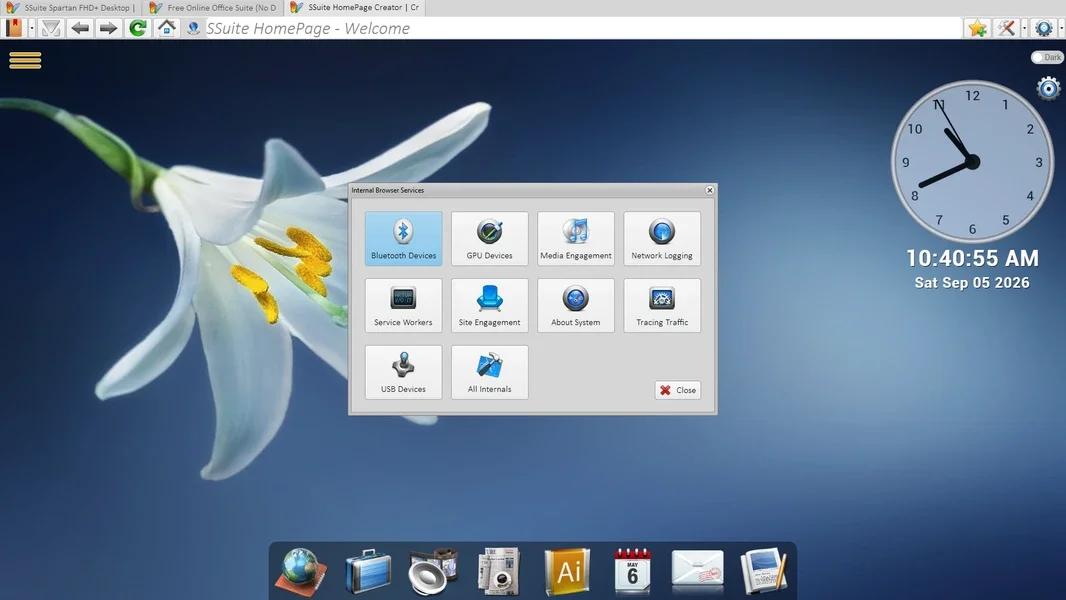
SSuite NetSurfer Browser is built on Microsoft Edge's WebView2 runtime control and has no other connection to it. Tabs, Incognito Mode, keyboard shortcuts, and an integrated AdBlock extension cover the basics of daily browsing. The toolbar buttons can be rearranged to suit how you work. No login, registration, or user account is needed, and neither Java nor DotNet is required.
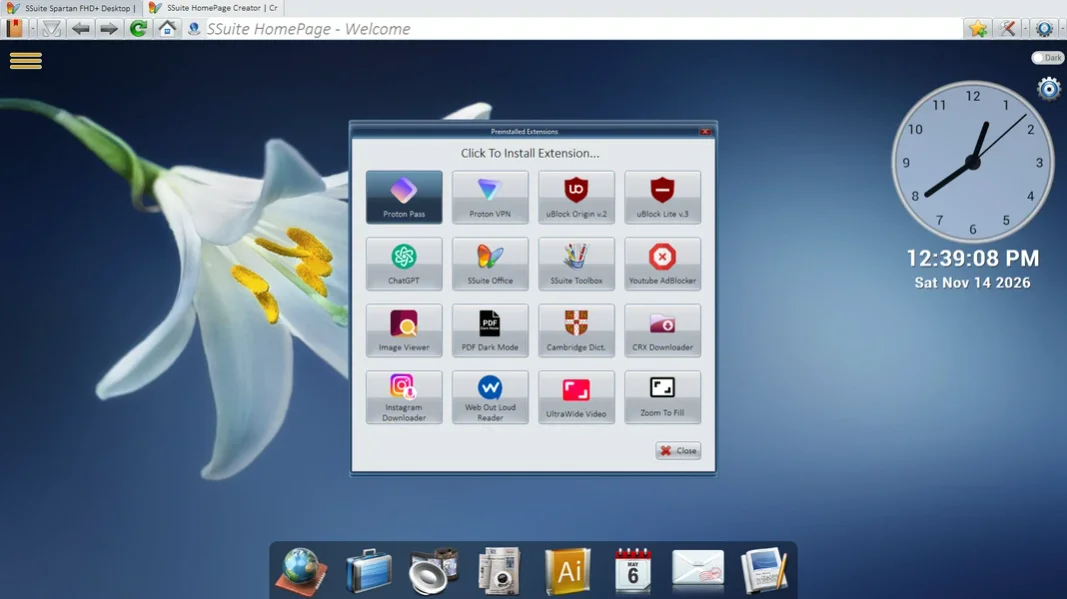
Preloaded extensions include SSuite Office tools, uBlock Origin v.2, and a YouTube adblocker, alongside the Proton Pass and Proton VPN extensions. More extensions go in through the Extension Manager: the Add button handles manual installs, and the Preinstalled button installs in one click. To update an extension, download the latest setup file and run it again. The options list stays short, covering the home page, the download folder, router and NAS addresses, tracking prevention, muting all browser audio, and turning off background connection attempts. Several enhanced tracking prevention levels can be selected, and saving passwords in the browser can be switched off. Deleting every cookie on a page takes one action, as does blocking all images there, and one click closes all tabs. Bookmarks can be imported from Chrome, Edge, Firefox, and other browsers; imported entries are sorted into 11 built-in categories by keywords in their URLs and folder names. In the Bookmark Manager, dragging a bookmark into another category reorganizes it. Dropping a bookmark from the side panel onto an open tab goes to that bookmarked page, while dragging a tab into the address bar opens it in a new window.
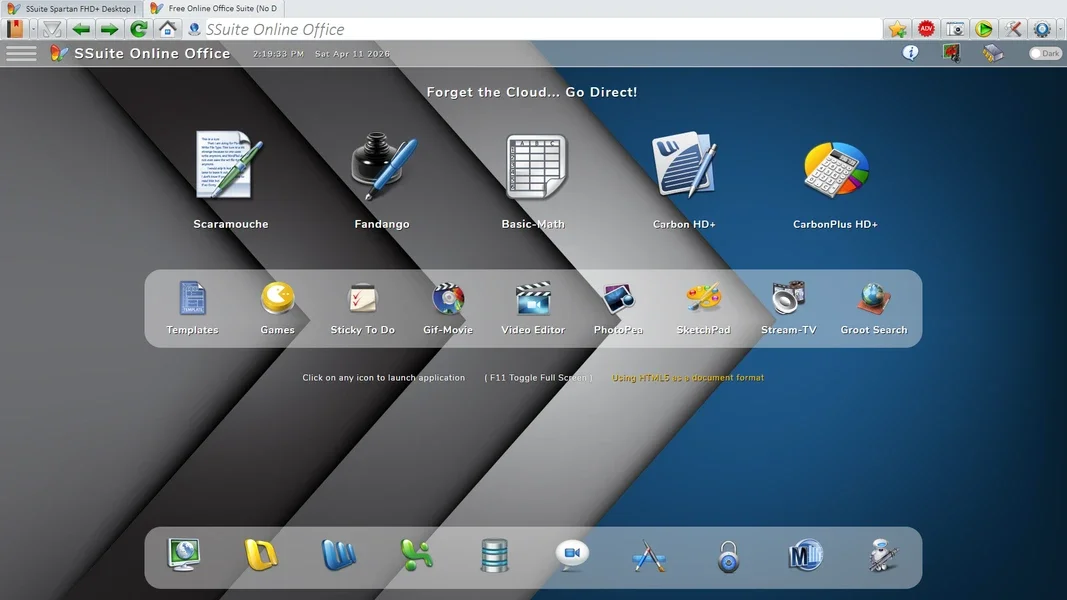
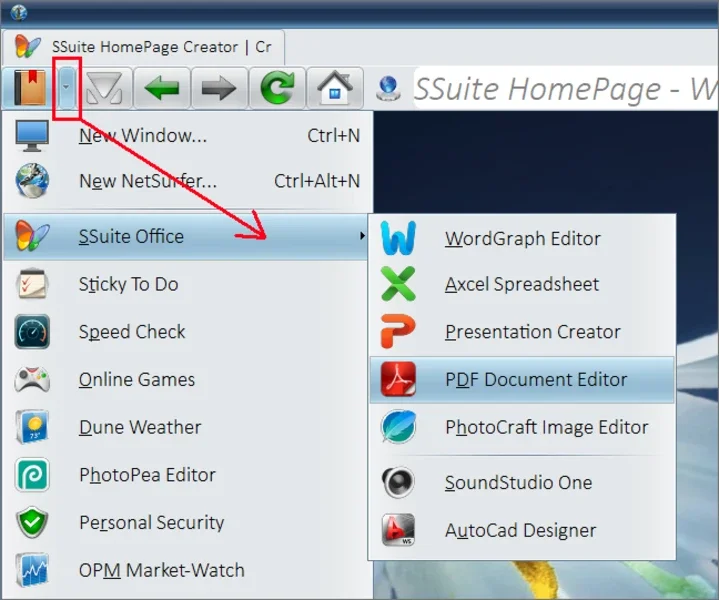
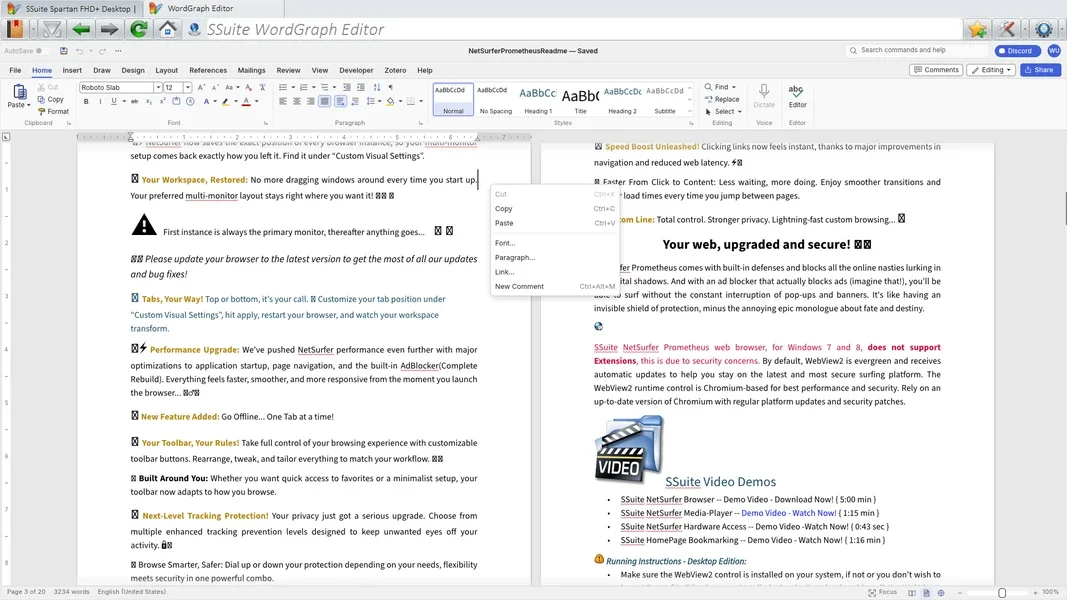
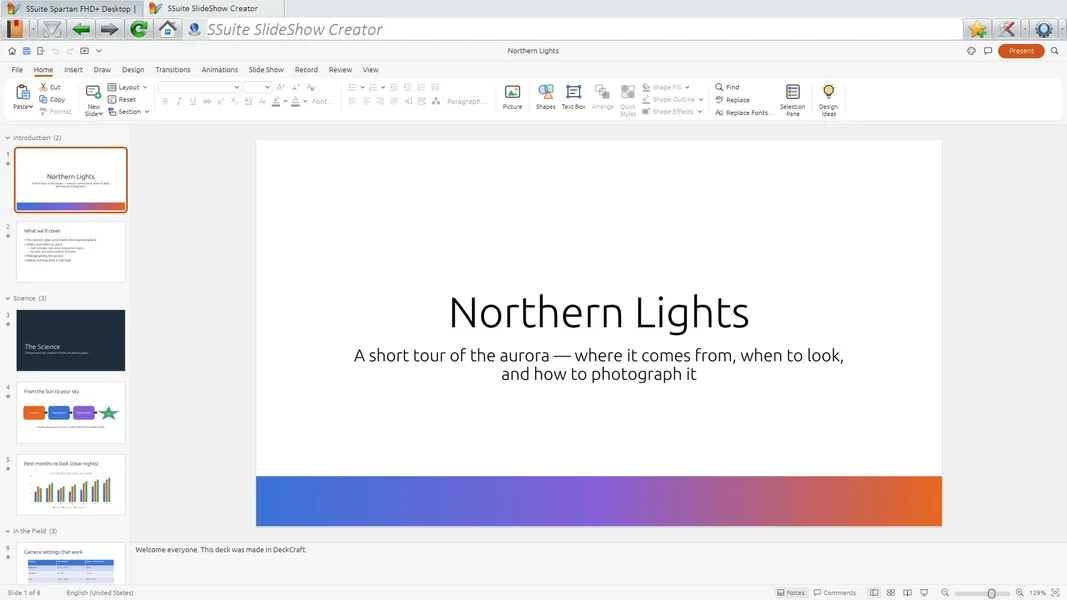
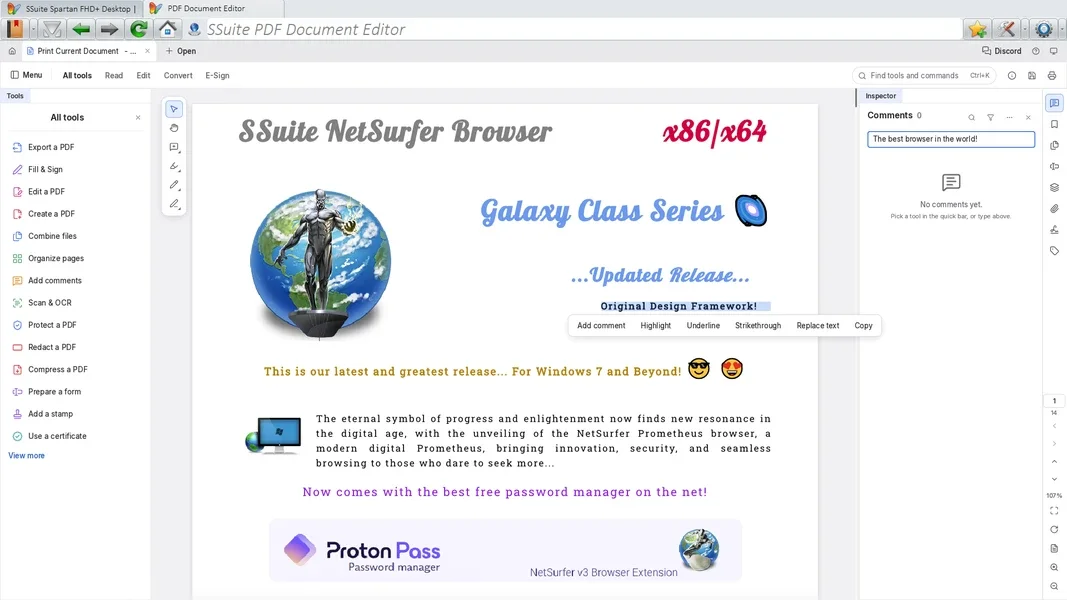
Word, Excel, PowerPoint, PhotoShop, and a PDF editor from Microsoft's Desktop Office suite are integrated. The media player has a redesigned interface, plays local media files and media hot-links, and includes a 10-band audio equalizer. Themes apply to the whole browser frame, including in full-screen and while resizing. The first instance always opens on the primary monitor, other instances can go anywhere, and multi-monitor mode saves the exact position of every instance and restores the layout on startup. On first launch after installation, it takes a few extra seconds to create folders for browsing history, cache, and configuration.
Download files
06e8f787b4cf6efbd6f2053c411197655ad473f9a0f256fe09e70b0cda0421dc
No digital signature60ceeda1775af1c060d72f34e44ade68cae9c4b91d112649d9d8768deae633e3
No digital signature2dfdef204126f90a44f690f3f3c78f7bbb42963c11f0383fba12d892739f3951
No digital signatureb426e639887b9f9de9e9856dd0db9ca72e9237eaa5754659cb17539d95cbc883
No digital signatured4b5c6140adaeedcbdd7c98006ccd7250fcd06aec507729b8c86c16639d15576
No digital signatureSystem requirements
Available on:
Additional information
Developer
Latest release
Size
Category
File type
SHA-256
06e8f787b4cf6efbd6f2053c411197655ad473f9a0f256fe09e70b0cda0421dc