
TextConverter 2022-08-20 for Windows
Edits the content of many text files at once, automatically
Screenshots
Description
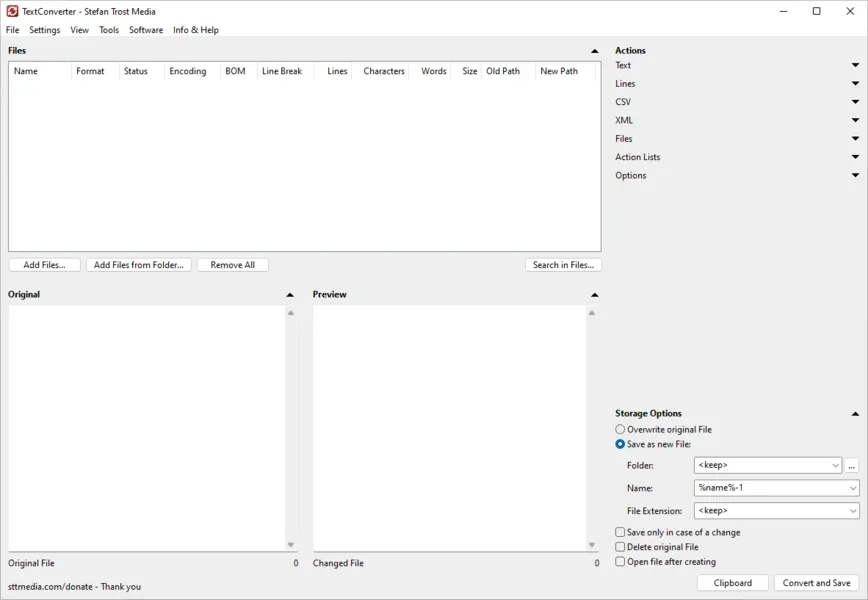
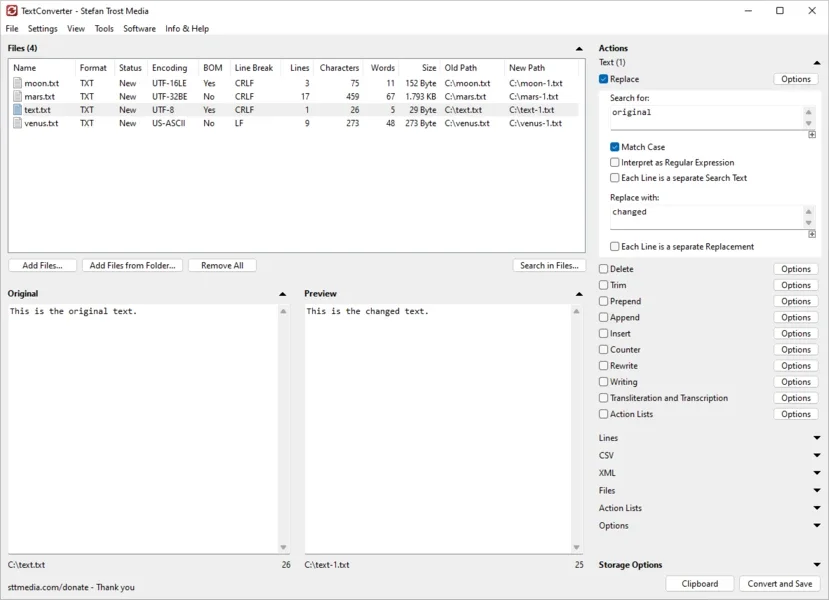
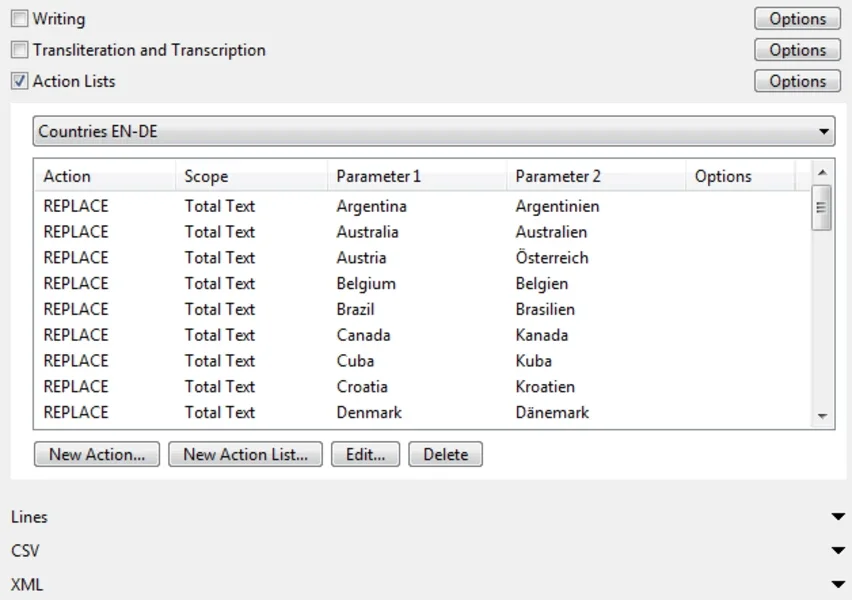
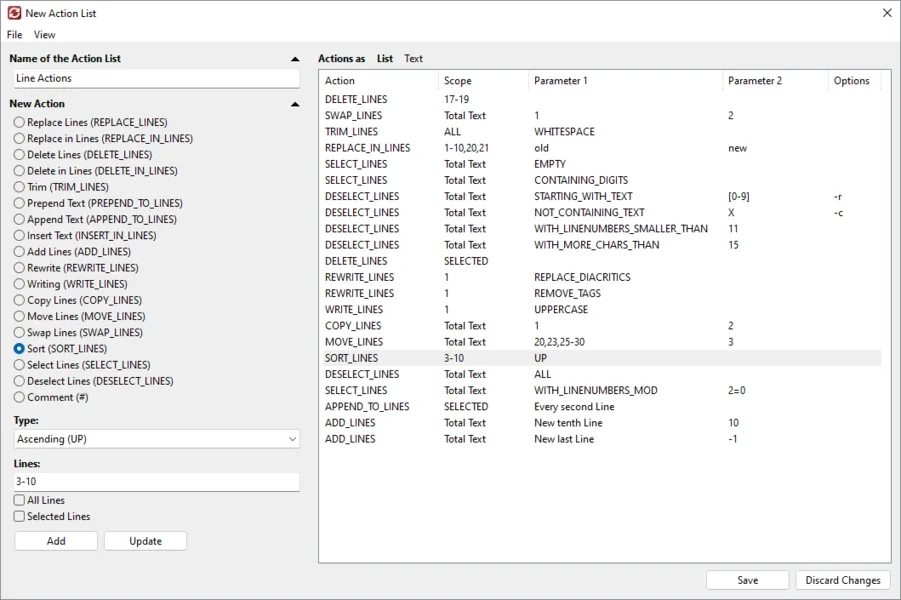
TextConverter edits the content of several text files at once, automatically, on Windows. Once the program starts, you drag your files onto the main tab to import them. A menu on the right lists what you can do to the text, insert, delete and edit among the choices. Each feature has its own system and its own explanation when used, so the working method for one is not assumed for the next. Set up your changes and substitutions first, then click Save, and the program applies them to the selected documents. The interface is easy to use and walks you through each step.
The whole job runs from that one window: import, set up, save. Nothing is applied to the documents until you click Save.
Download files
System requirements
Available on:
Additional information
Developer
Latest release
Size
File type
SHA-256
ceb71da217e9f46f8b4c04ed5e0461782e3ce1eed0d368d9a4f70eed25043334