
ThumbWin 1.2.8 for Windows
Keeps minimized apps visible as desktop thumbnails
Screenshots
Description
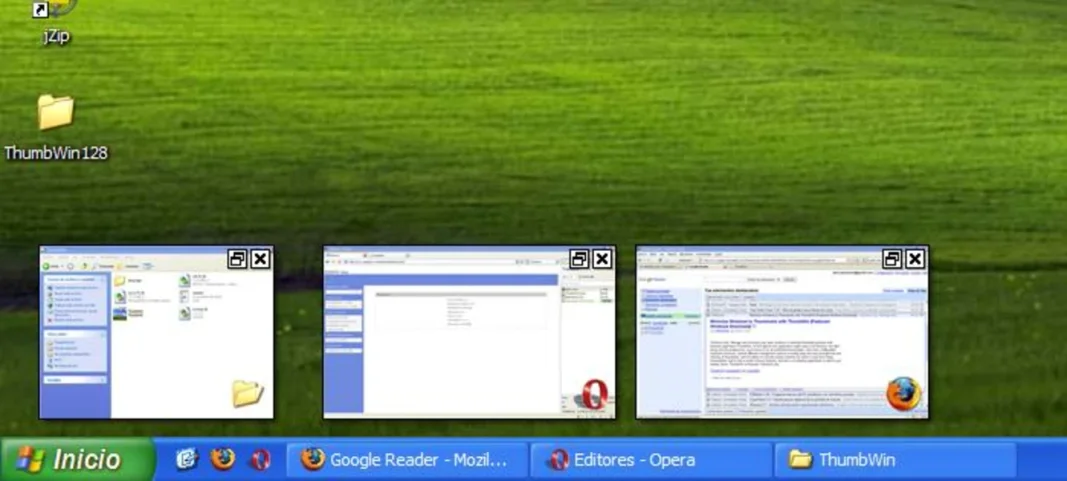
Minimize a window and ThumbWin turns it into a small thumbnail on the desktop instead of tucking it away in the taskbar. Each preview shows the application itself, so you can see what it is doing before you bring it back.
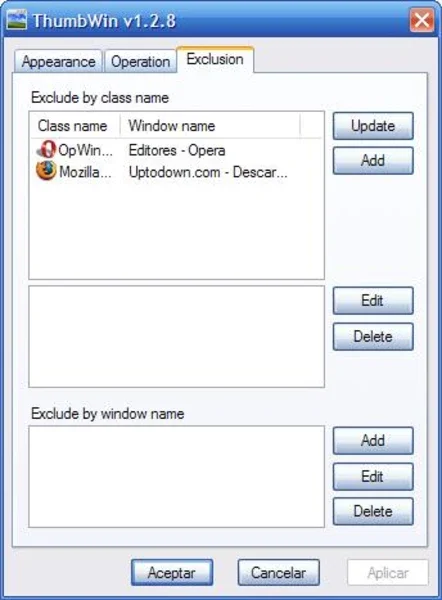
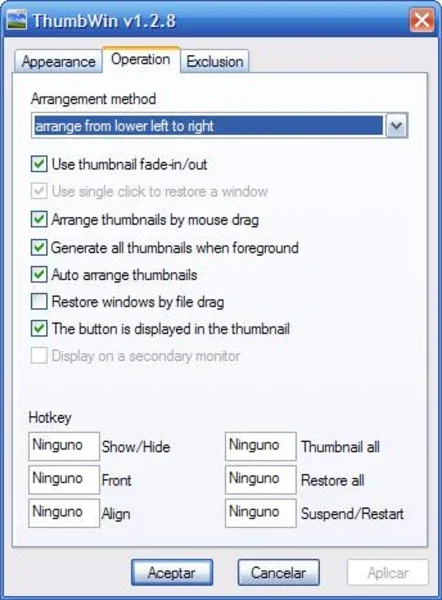
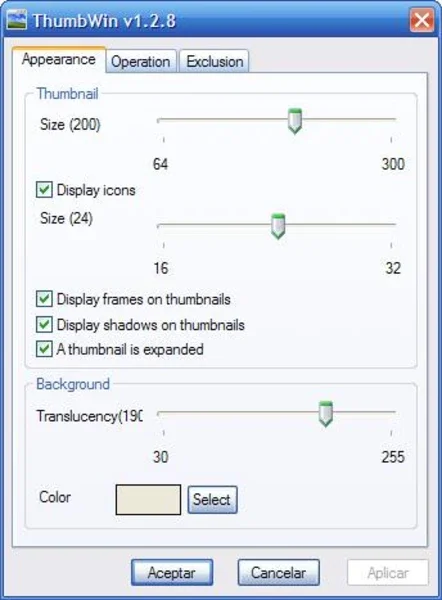
From the thumbnail you can restore the application or close it, without going back to the taskbar first. The previews are fully configurable, so you decide how they look and behave on the desktop. ThumbWin runs on Windows, and its function is essentially the same as the taskbar, with the minimized windows laid out where you can see them. Minimizing an application is what creates the thumbnail, and the preview stays on the desktop until you act on it.
The program is free.
Download files
99538e7f47135403129b2c0791319e4a9c91902a70eba96148a6e386857e6dd0
No digital signatureea9c5a5674ba7059c796db3c65d5714ebc06aa7ac0671d6fde6bac10c13650d1
System requirements
Available on:
Additional information
Developer
Latest release
Size
Category
File type
SHA-256
99538e7f47135403129b2c0791319e4a9c91902a70eba96148a6e386857e6dd0