Tiles 9.5.3.0 for Windows
Sidebar that shows and manages your shortcuts
Screenshots
Description
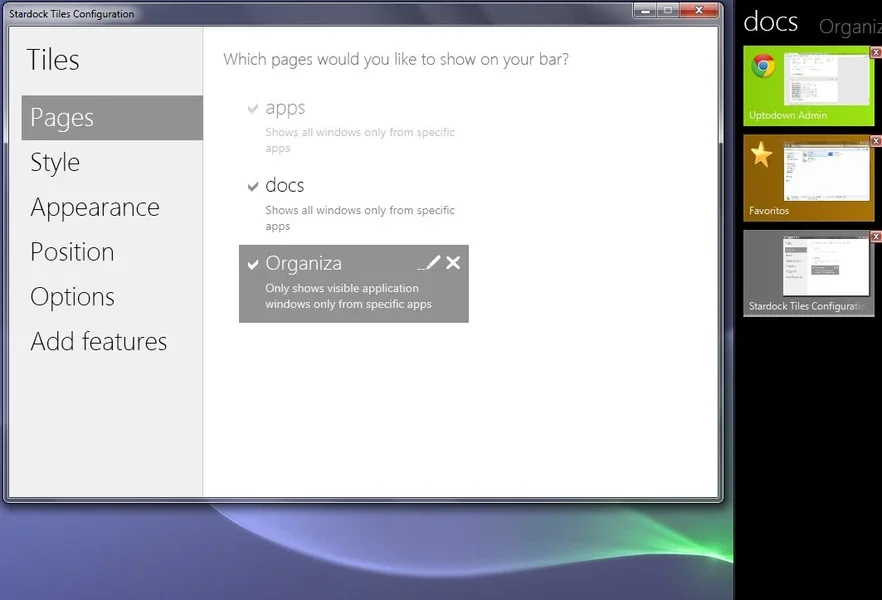
Tiles puts a sidebar on the screen that shows and manages your computer shortcuts. Favorite applications, folders, programs and web pages are all reachable from it.
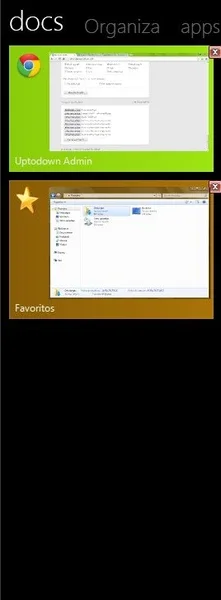
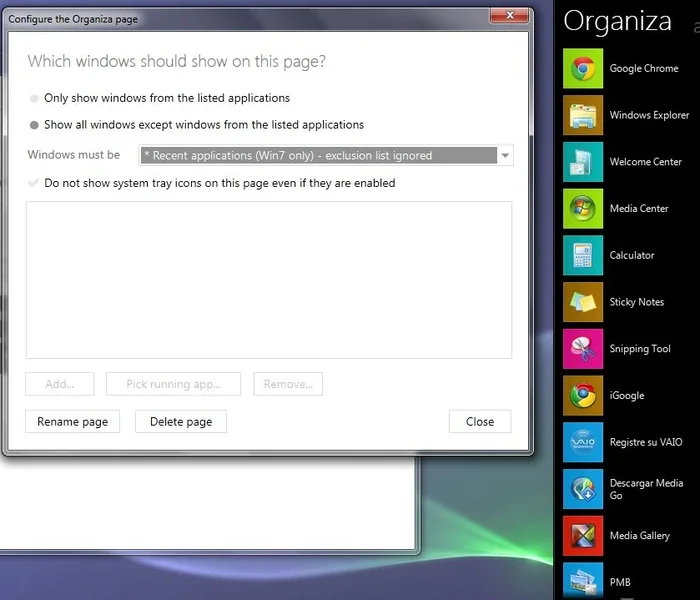
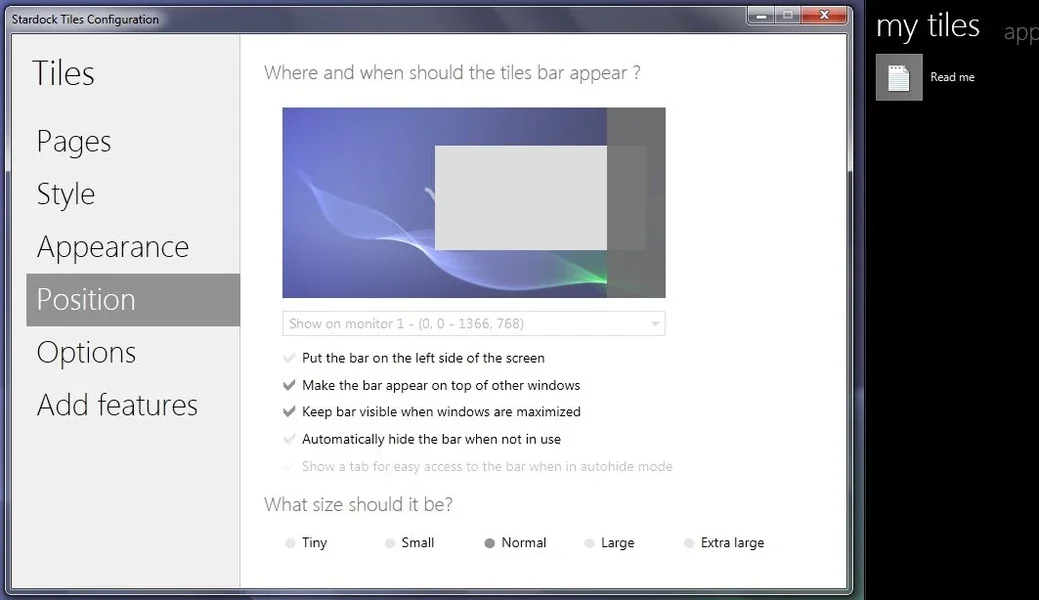
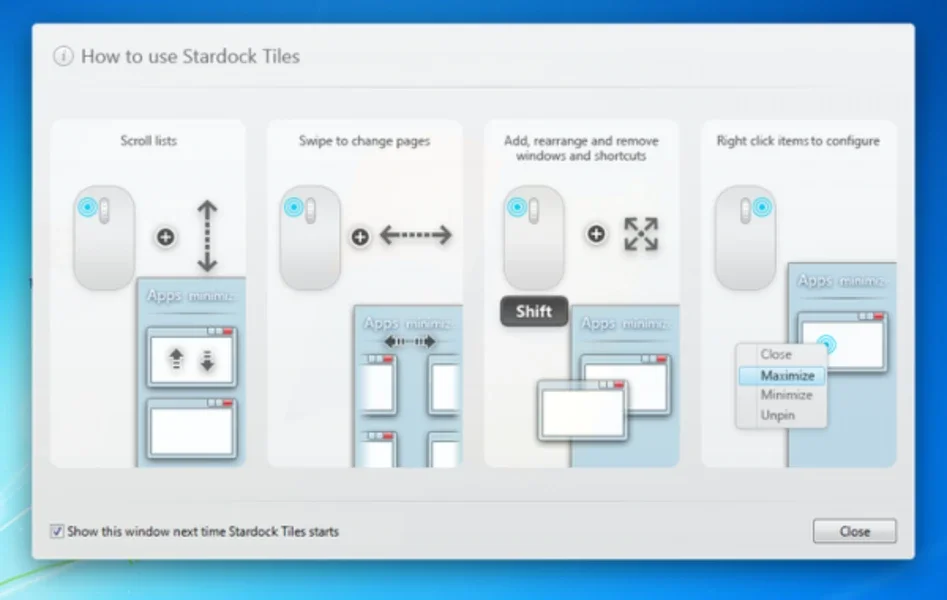
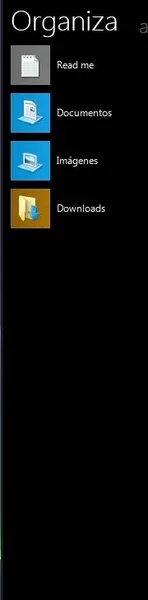
My Tiles is the general view, listing every shortcut. Apps shows separate windows for programs in use and distinguishes between them, while Docs shows recent documents and documents still open. Shortcuts are added by dragging them to My Tiles, and you can order them as you wish. The sidebar comes in many sizes and screen positions, and settings include auto-hide when it is not in use. Settings also let you assign a keyboard shortcut for the app and change the sidebar design. The program has three desktops, navigated from left to right, and the design resembles Windows 8.
It runs on Windows.
Download files
5bb497f723f8de2ca71fd111325bc97cc64a3b8898c4bd905de4b65e2f557b34
Signed by STARDOCK SYSTEMS, INC. · valid until Apr 20, 20229480c5ba050ada3753f4d78b1dc5b65d028308a29525aa4116735defe252f2b5
System requirements
Available on:
Minimum OS:
Windows XP or later
Additional information
Developer
Latest release
Size
Category
File type
SHA-256
5bb497f723f8de2ca71fd111325bc97cc64a3b8898c4bd905de4b65e2f557b34