
TinyTask 1.77.0.0 for Windows
Records your clicks and keystrokes as macros you replay with a button
Screenshots
Description
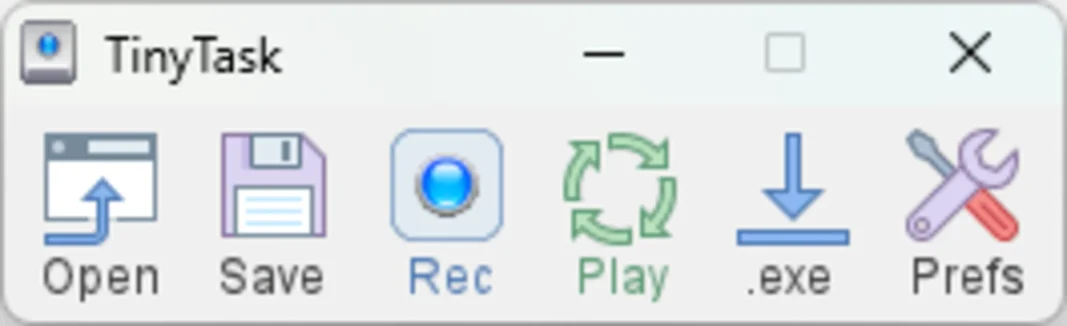
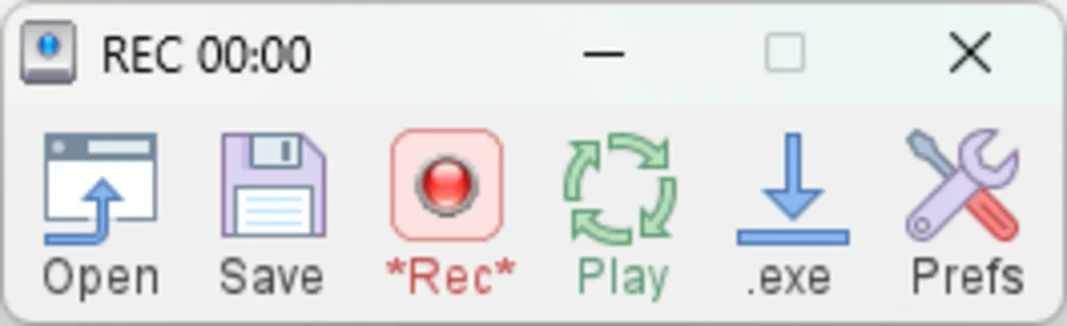
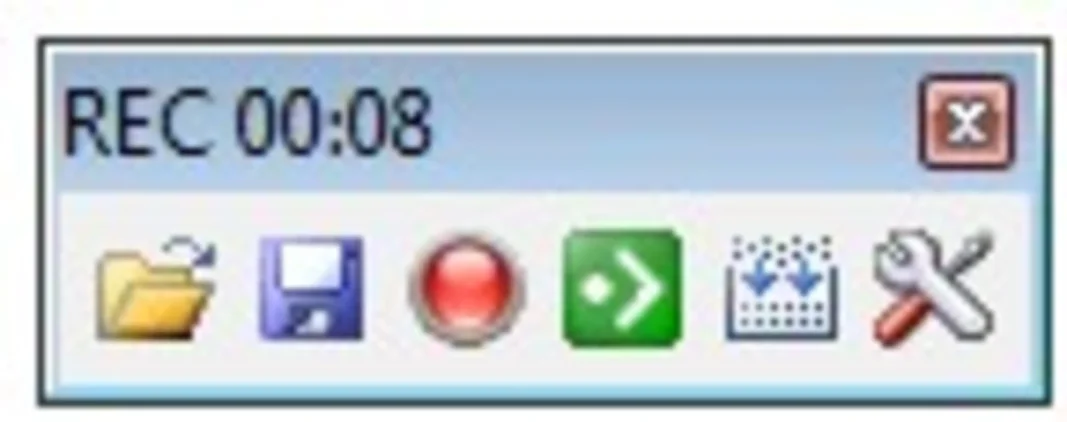
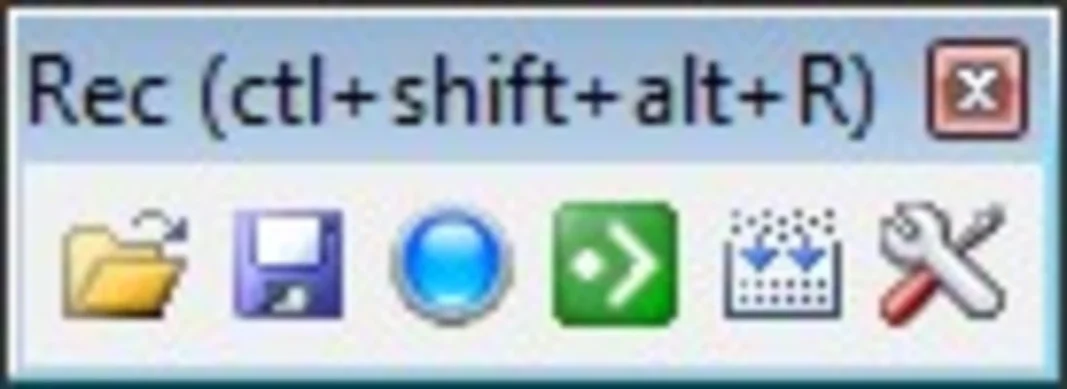
TinyTask records what you do on screen and turns it into a macro you can replay whenever you like. Press record, work through the steps once, and the app saves the sequence; a button click runs it again.
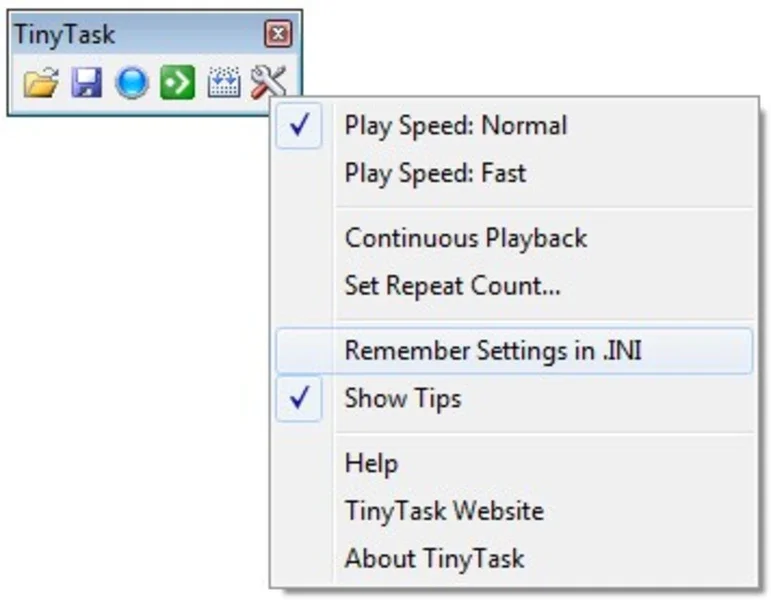
No coding or scripting is involved, which fits the tool's scope: it is a basic macro recorder, not a productivity platform. The interface is a single screen, and recording starts and stops from there. Because it uses very few system resources, it gets along on older devices too. The standalone executable can be carried on a stick and launched without installation, and a normal install takes only a few seconds. TinyTask is free and runs on Windows.
The simplicity has edges. There is no advanced scheduling, no conditional logic, and no integration with other automation ecosystems, so anything past repetitive tasks runs out of room. Updates come infrequently and mostly keep compatibility rather than add features. Users who need more move to tools like AutoHotkey.
Download files
6d5df8577a842c79dd4d4cb9b90cb11f5395d7a666d067ac835ffa244e253ac1
75e06ac5b7c1adb01ab994633466685e3dcef31d635eba1734fe16c7893ffe12
No digital signature041bfb806d735dc68e2fe143d4ef83194164f6ee5f56bd5e793b3d0ae372e187
No digital signaturee1780418265523480e7cf62740b53819a84da6fc507d8aac25da39b05fdababa
No digital signaturee85efe251c012827fa88e7dfa266b46e0df8c234acb8b6a21ed3ea209748df80
No digital signatureSystem requirements
Available on:
Minimum OS:
Windows XP or later
Additional information
Developer
Latest release
Size
Category
File type
SHA-256
6d5df8577a842c79dd4d4cb9b90cb11f5395d7a666d067ac835ffa244e253ac1