
GS Auto Clicker 3.1.4 for Windows
Simulates repeated mouse clicks up to 1,000+ per second with recording and replay
You are on macOS — this is the Windows version. See the macOS version
Screenshots
Description
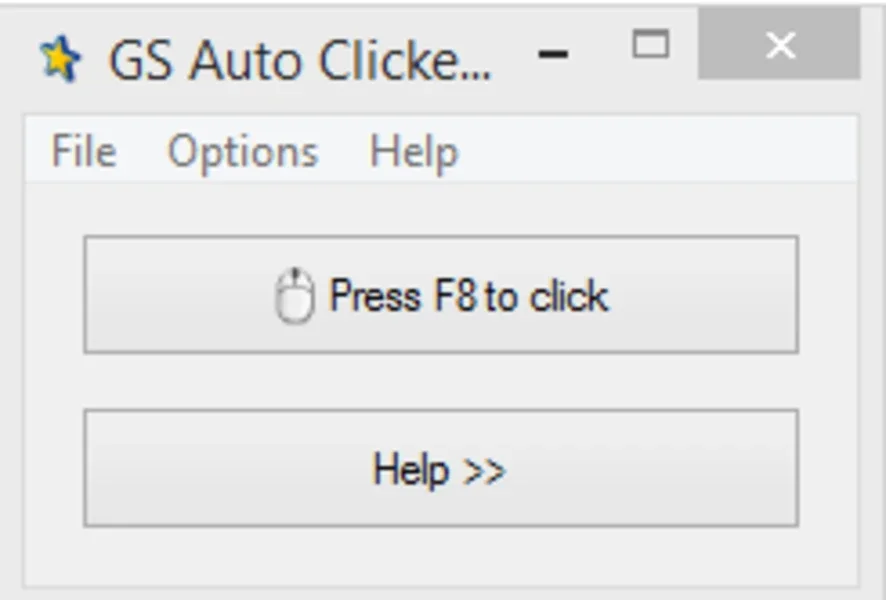
GS Auto Clicker simulates repeated mouse clicks on Windows. You set the click mode, pick the button, and let it run. Single and double click modes both exist, and the left, right, and middle buttons are all handled. It can generate more than 1,000 clicks per second.
What the tool does around a run:
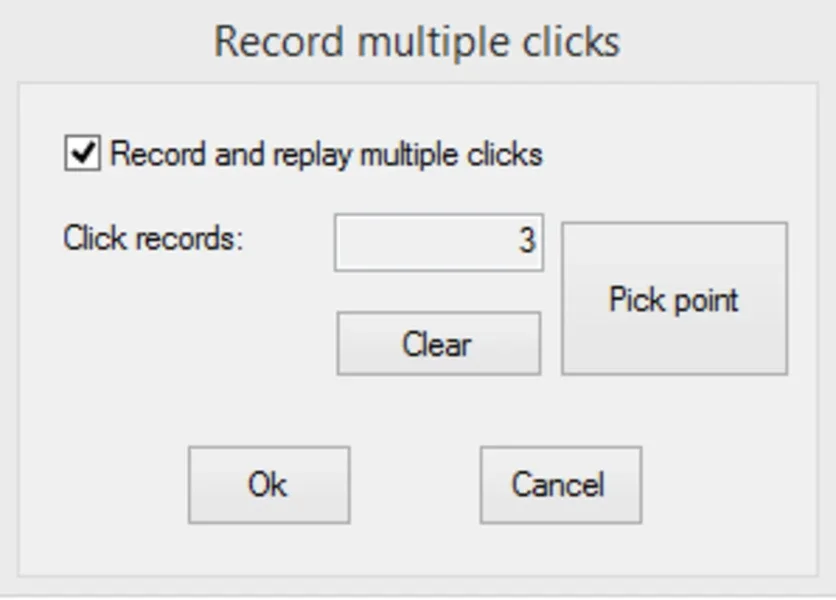
- Records click sequences and replays them later
- Performs a selected action after a run: lock, log off, standby, or shutdown
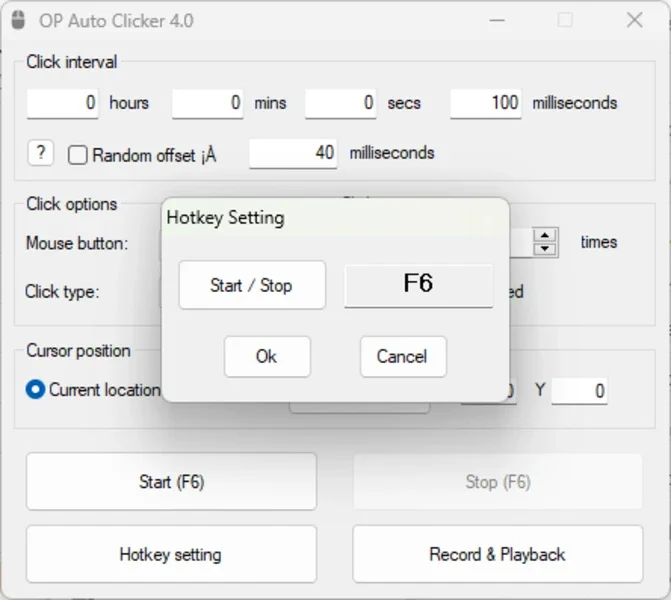
- Starts and stops on F8 by default, with the hotkey changeable
Setting a finite repeat count is the right call when system actions are involved. The interface is minimal and setup is direct, and there are no extra background services or large runtime components to install. The installer is usually smaller than 1 MB. It is aimed at players of click-heavy games, office staff repeating UI actions, and QA testers who need predictable input.
Some security scanners report it as a false positive because it simulates input, so verify the file from a trusted download source and check it before deploying in sensitive environments. Other drawbacks are a dated interface and those false positives. The developer is GoldenSoft, and the tool ships without bundled adware or upsells.
Download files
7c90795c9b28fac978386626f5a54033dc9cba46ef6a3f742fc7d52b394590f2
No digital signaturee4a3b0ce536c0996082311077ac65a096d9e6bbf404c6e6a155ecefb32e864c5
Signed by AMSTION LIMITED · valid until Apr 18, 20258d6f2b28503680d8705818e417293d9e0027da62aa9492389217ba84cb8b6497
Signed by Yang Cai · valid until Apr 7, 2014System requirements
Available on:
Minimum OS:
Windows Windows 11 or later
Additional information
Developer
Latest release
Size
Category
File type
SHA-256
7c90795c9b28fac978386626f5a54033dc9cba46ef6a3f742fc7d52b394590f2