TranscribeGeek 1.1.2 for Windows
Local speech-to-text for Windows, no account, no data uploaded
Screenshots
Description
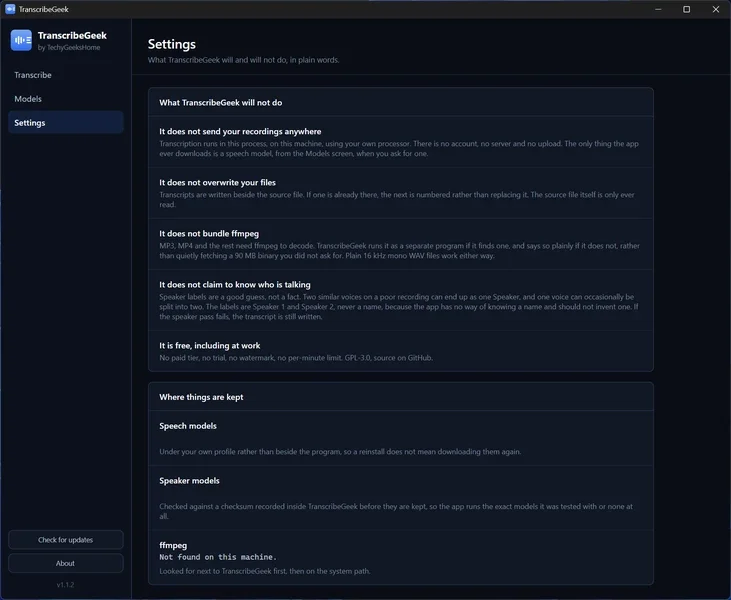
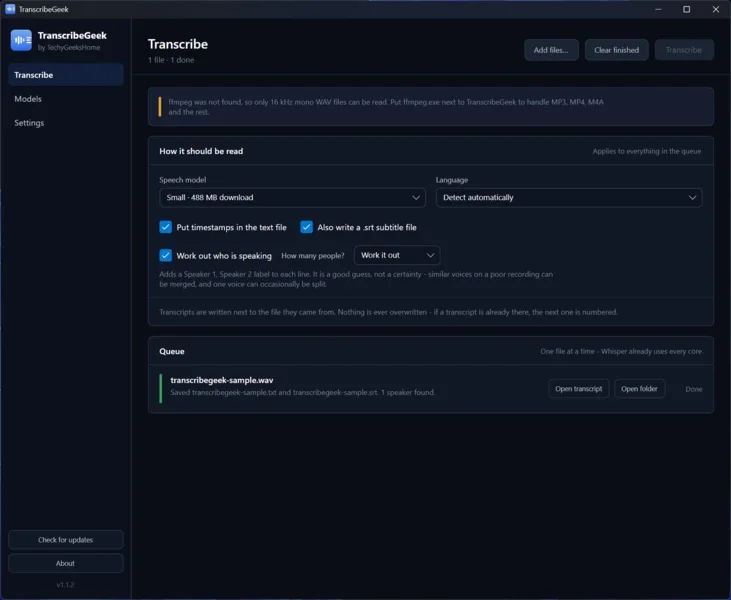
TranscribeGeek is a speech-to-text tool for Windows that works entirely on your own machine. Recordings are converted locally, in process, using your processor; nothing is uploaded and the recording stays on the computer it is on. It handles twenty-two languages and can detect the language automatically. When it writes out the text, it identifies speakers and labels each line as Speaker 1, Speaker 2, and so on. Timestamps in the transcript are optional. A SubRip subtitle file is written alongside the transcript, and the transcript sits next to the source file.
You need no account, and there is no per-minute charge regardless of file length. The program shows no adverts, includes no telemetry, and has no bundled offers. It runs on 64-bit Windows 10 or Windows 11.
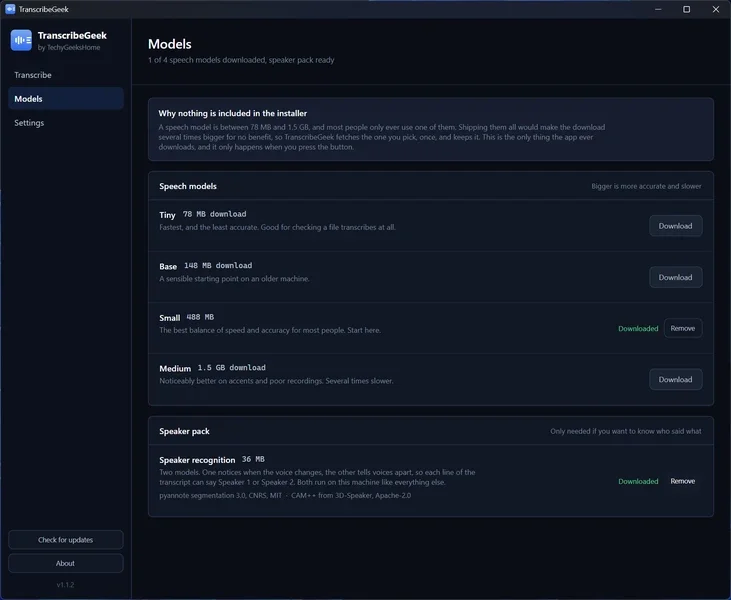
One download exists: a speech model, which you fetch from the Models screen when you ask for one.
Download files
2480debb256f141ac3060689859573914f88c6eb049261ae4db92d14a3e0de84
No digital signatureSystem requirements
Available on:
Additional information
Developer
Latest release
Size
File type
SHA-256
2480debb256f141ac3060689859573914f88c6eb049261ae4db92d14a3e0de84