
TrayStatus 5.2.1.0 for Windows
Shows keyboard and system status in the tray
Screenshots
Description
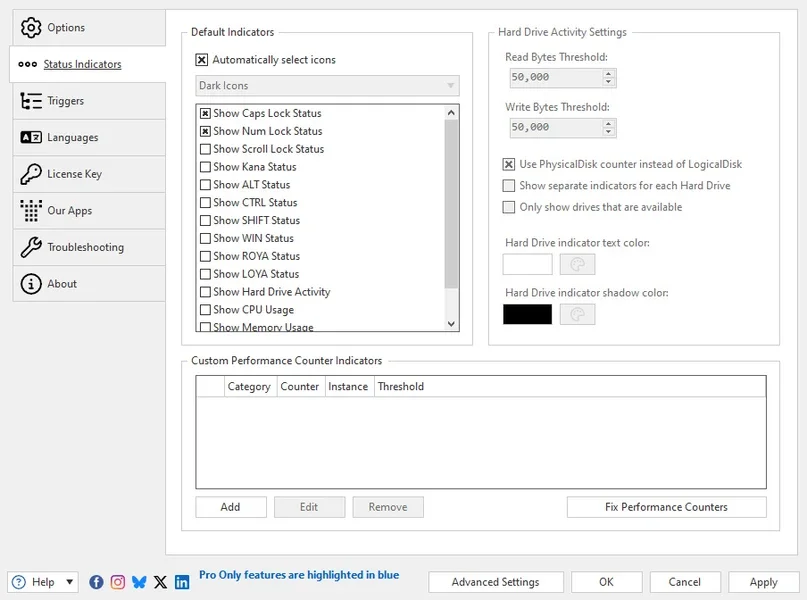
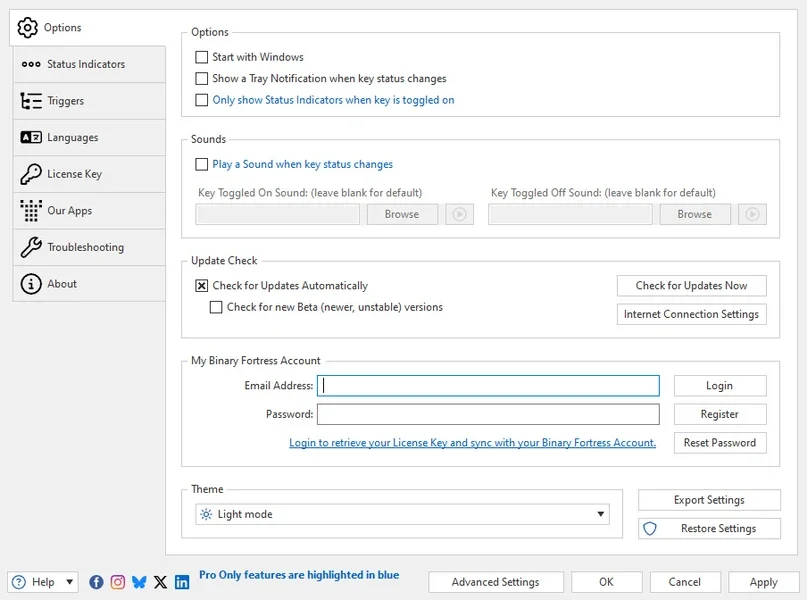
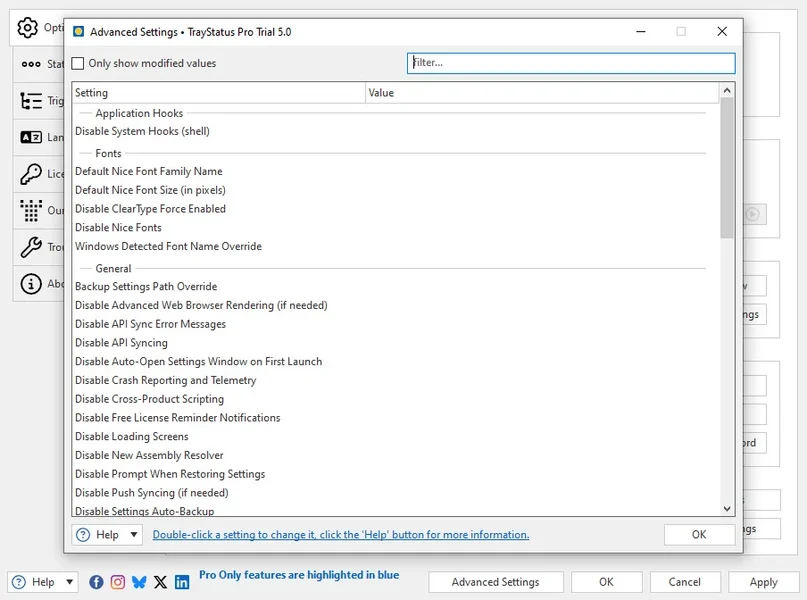
TrayStatus adds extra information to the Windows system tray. The displayed information can be customized. It shows the status of keys including Caps Lock, Num Lock, Scroll Lock, Alt and Ctrl.
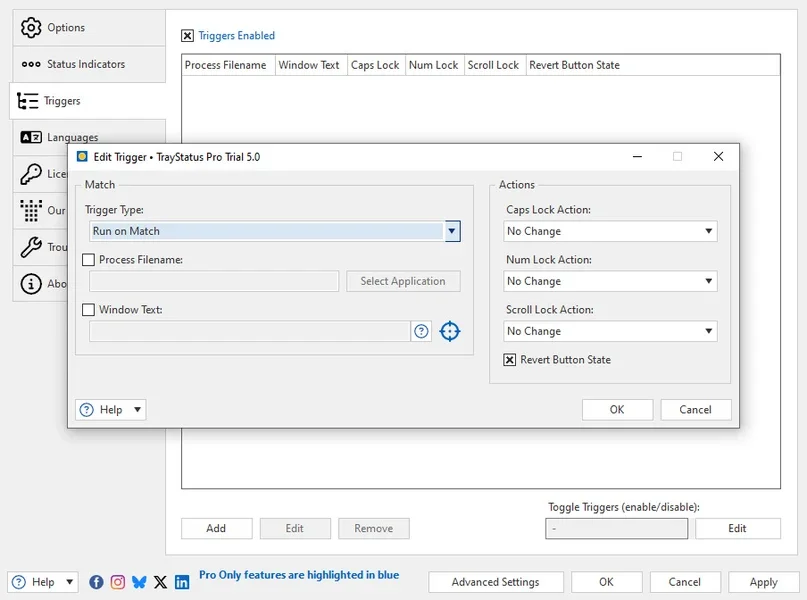
The program has Free and Pro versions. The Free edition cannot display CPU Usage, Memory Usage, Custom Performance Indicators or Audio Player Status in the system tray, and it cannot create triggers. All Pro versions allow setting automatic triggers. A first-time install includes a trial of the Pro version that lasts 30 days. Continuing to use Pro features after that requires buying a license. Pro licenses are full licenses with no subscription, and a Pro license can be used for as long as the user wants. The program can be deactivated at any time.
It is available for Windows.
Download files
465c98242268865564665dd8b8531dfed9f475283d25e893a12eb6ac62fb5ddf
Signed by Binary Fortress Software Ltd. · valid until Jul 25, 2026d84cce76423c82be7c9f80a52016720e6da9ca1b26591d3548c85614184e579b
Signed by Binary Fortress Software Ltd. · valid until Jul 23, 2026af460fbac26b9737fcc487d1d1819470f284b87334b2ddd1c41704c33b077306
857ad453b478e7b4613cca7ab18d6f18e153df49f985ef888500451b27e7addf
f9f997b725fe5ba002f907ff5d18318f254b95f7590c584ef0b85751b751c4c4
System requirements
Available on:
Minimum OS:
Windows Windows 11 or later
Additional information
Developer
Latest release
Size
Category
File type
SHA-256
465c98242268865564665dd8b8531dfed9f475283d25e893a12eb6ac62fb5ddf





