

Tunatic 1.0.1b for Windows
Identifies the song playing nearby or on your PC
You are on macOS — this is the Windows version. See the macOS version
Screenshots

Description
Tunatic identifies the song playing nearby or on your computer. It records a short sample, builds a searchable signature from it and sends a query to a remote index, then shows the artist and title a few seconds later. The program is a freeware desktop identifier for Windows and Mac OS X, made by Sylvain Demongeot.
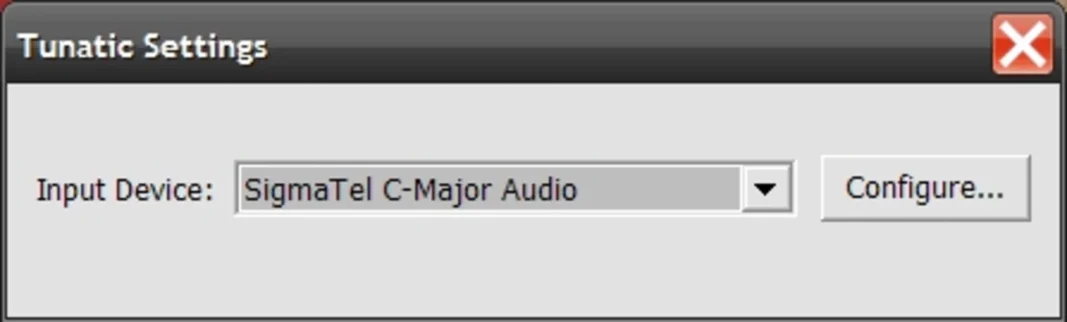
Input comes from standard audio sources. When the system exposes a recording device labelled "Stereo Mix" or "What U Hear", it can take playback straight from the machine, so a player or browser can be identified without an external microphone. Once audio is available, identification is a single step and results appear quickly. The matching engine is tuned for accurate hits on well-known and popular tracks. Matches come from an index that grows through community contributions; a companion tool called Tunalyzer supported it historically. Because every query goes online to the central index, availability and coverage depend on server response and on what the database holds. Obscure, very recent or niche material may not match if its fingerprints are absent. After a hit, the window links out to lyric searches and online stores. The installer is very small, the window is compact and there is almost nothing to configure. The program is light on system resources, so older desktops and low-spec machines can run it.
Windows support covers 2000, XP, Vista and 7. It suits radio listeners, music fans and casual users who want a small desktop identifier, and it works well for one-off lookups on older hardware rather than as an always-on service.
Download files
e663b92cacbe514a39eafb2412f1e72429a8fdb39f3756949907fb9b5a33d6dc
No digital signatureSystem requirements
Available on:
Additional information
Developer
Latest release
Size
Category
File type
SHA-256
e663b92cacbe514a39eafb2412f1e72429a8fdb39f3756949907fb9b5a33d6dc