
SHA-256 listed
Open source
A penguin typing game that drills keyboard positions and speed
You are on macOS — this is the Windows version. See the macOS version
7+
Age rating
Screenshots
Description
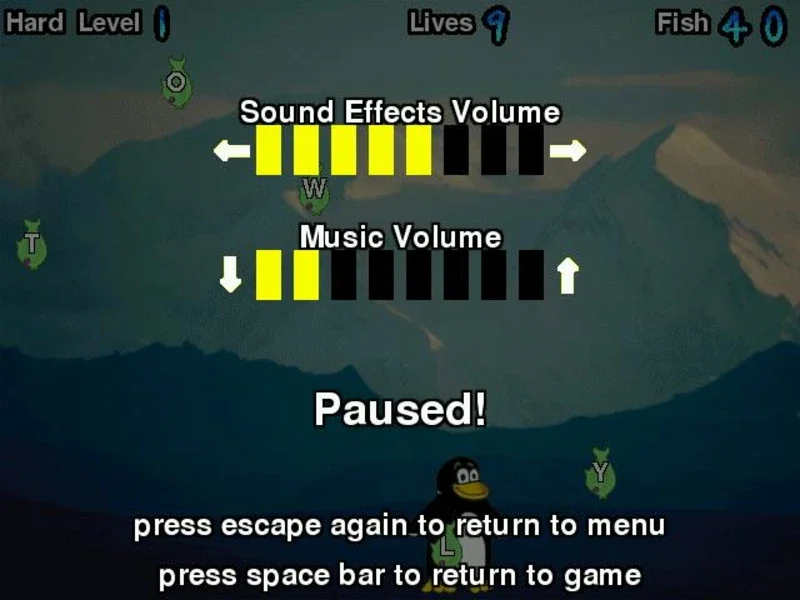
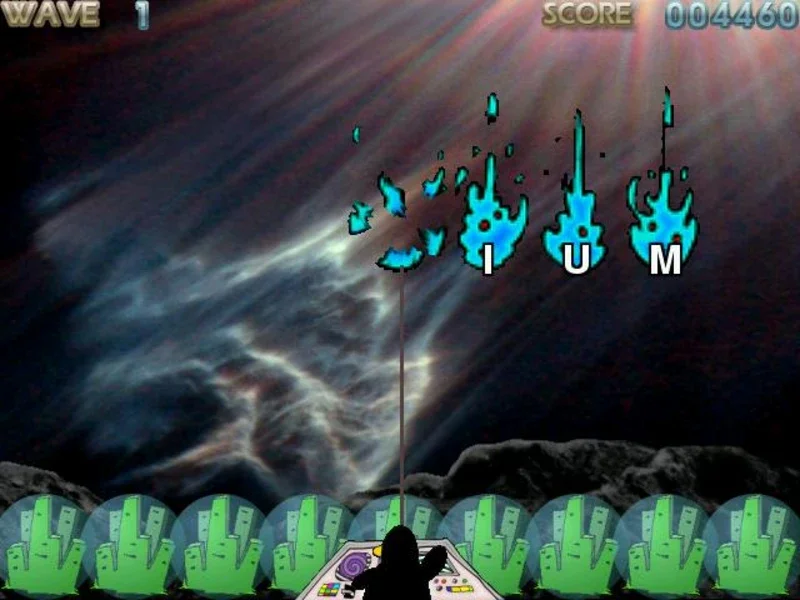
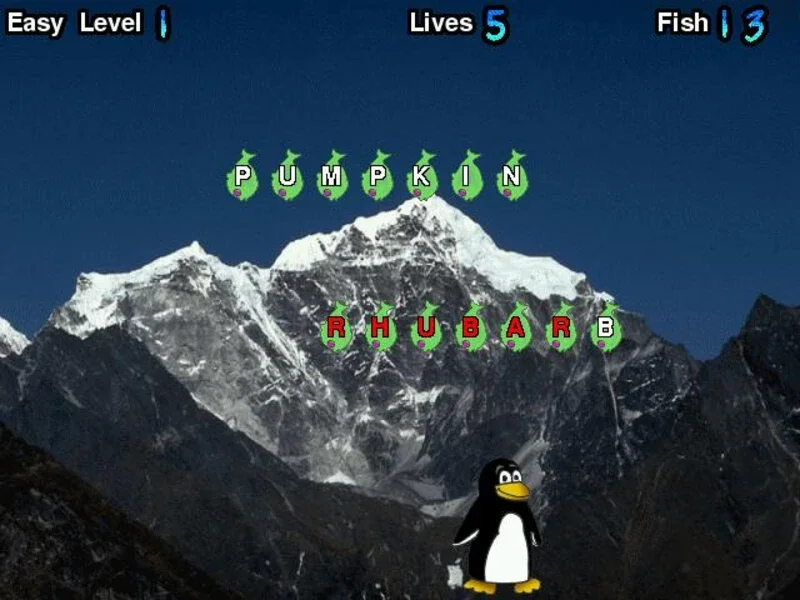
Tux Typing has you move a penguin by responding to letters shown on screen. Letters follow patterns designed to help you remember keyboard positions. It is a typing game for Windows. The aim is to improve typing accuracy and speed, with the goal of typing without looking at the keyboard.
The patterns matter more than the penguin. Each letter you answer lands where the keyboard puts it, so the drill builds a map of the keys in your fingers rather than in your eyes.
Speed comes later. Accuracy first, then the habit of not glancing down.
Download files
File1.8.1EXE
Version1.8.1
ReleasedApr 14, 2011
Size14.3 MB
SHA-256
Get
9b699bae29ba56aa12e2033780768b7c5756e728523de984896992bc73ec65a5
No digital signatureFiletux-typing-1.5.17.exeEXE
Version1.5.17
ReleasedJan 16, 2009
Size8.7 MB
SHA-256
Get
46fa648d0908dfcacae1a55340cda925a5985327839652d34dad9e2b33387c99
System requirements
Available on:
Minimum OS:
Windows Windows Vista or later
Additional information
Developer
Latest release
1.8.1 · Apr 14, 2011
Size
14.3 MB
File type
EXE
SHA-256
9b699bae29ba56aa12e2033780768b7c5756e728523de984896992bc73ec65a5
Digital signature
No digital signature