
Tweak UI 2.10.0.0 for Windows
SHA-256 listed
Extra settings for Windows and Explorer, installed from an INF file
All ages
Age rating
Screenshots
Description
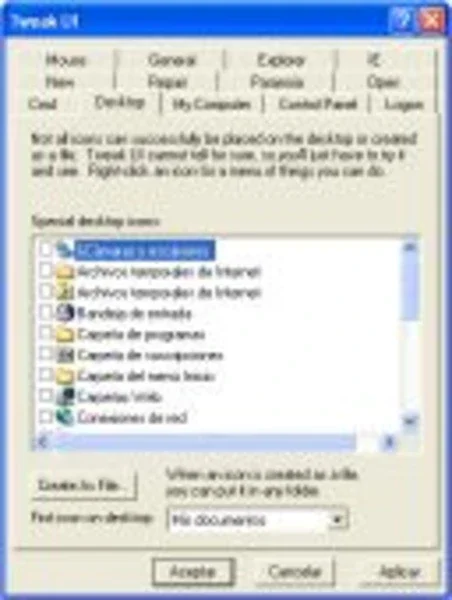
Tweak UI changes settings in Windows that the normal dialogs don't reach: menus, speed, animation, automatic Windows login, and the objects shown on My Computer. It has options for configuring the Explorer browser as well. The program is a collection of additional options for Windows and Explorer, and its maker calls these power toys.
To install it, unzip the downloaded file, right-click tweakui.inf, and choose Install from the popup menu. A new Control Panel icon named Tweak UI appears afterward.
Download files
File2.10.0.0EXE
Version2.10.0.0
ReleasedOct 22, 2007
Size146.7 KB
SHA-256
Get
6bd4a6c48e0460650096c0ed0749ee88cd44914317f7f63157d7c613d3d2c90a
Signed by Microsoft Corporation · valid until Nov 25, 2003File2.10EXE
Version2.10
ReleasedMar 29, 2007
Size146.7 KB
SHA-256
Get
6bd4a6c48e0460650096c0ed0749ee88cd44914317f7f63157d7c613d3d2c90a
Signed by Microsoft Corporation · valid until Nov 25, 2003System requirements
Available on:
Additional information
Developer
Latest release
2.10.0.0 · Oct 22, 2007
Size
146.7 KB
Category
File type
EXE
SHA-256
6bd4a6c48e0460650096c0ed0749ee88cd44914317f7f63157d7c613d3d2c90a
Digital signature
Signed by Microsoft Corporation · valid until Nov 25, 2003





