
UkeySoft USB Encryption 10.1.0 for Windows
SHA-256 listed
Creates a password-protected encrypted area on a USB drive
All ages
Age rating
Screenshots

Description
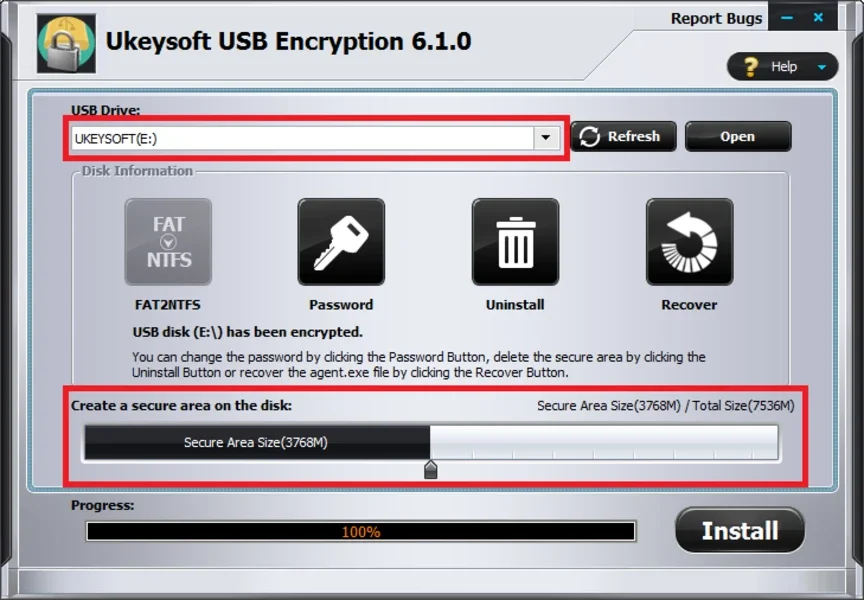
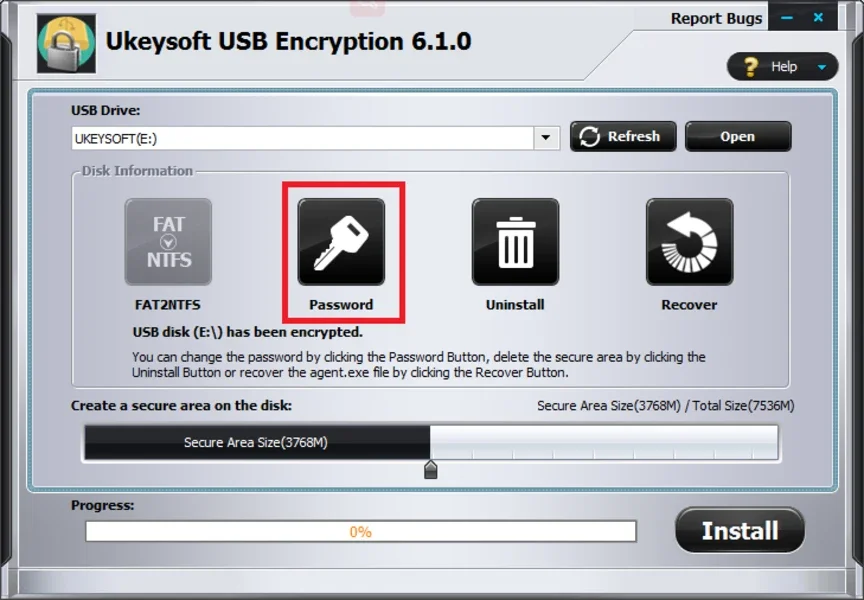
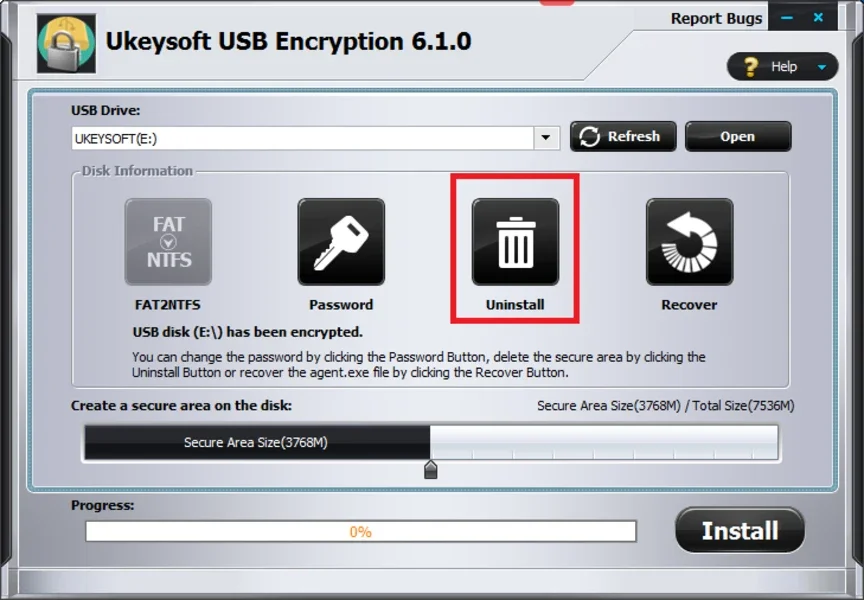
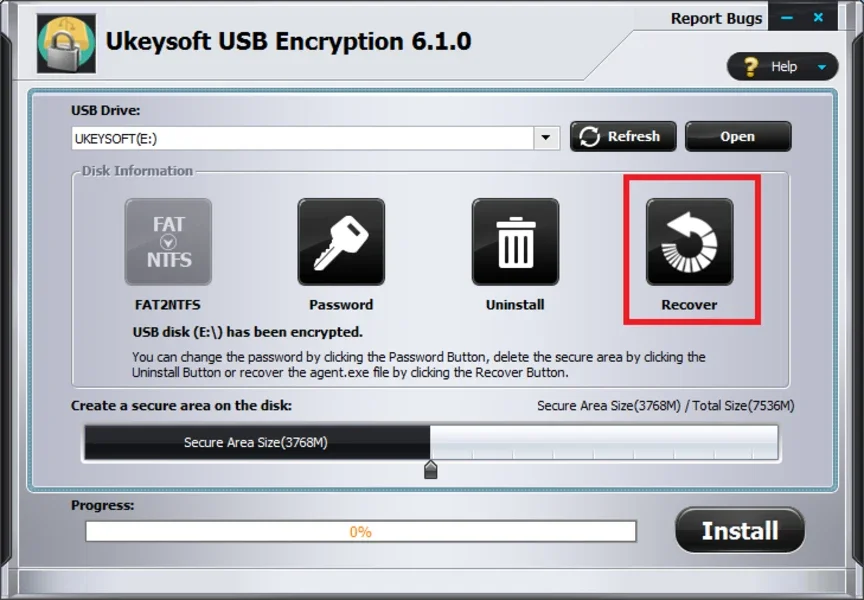
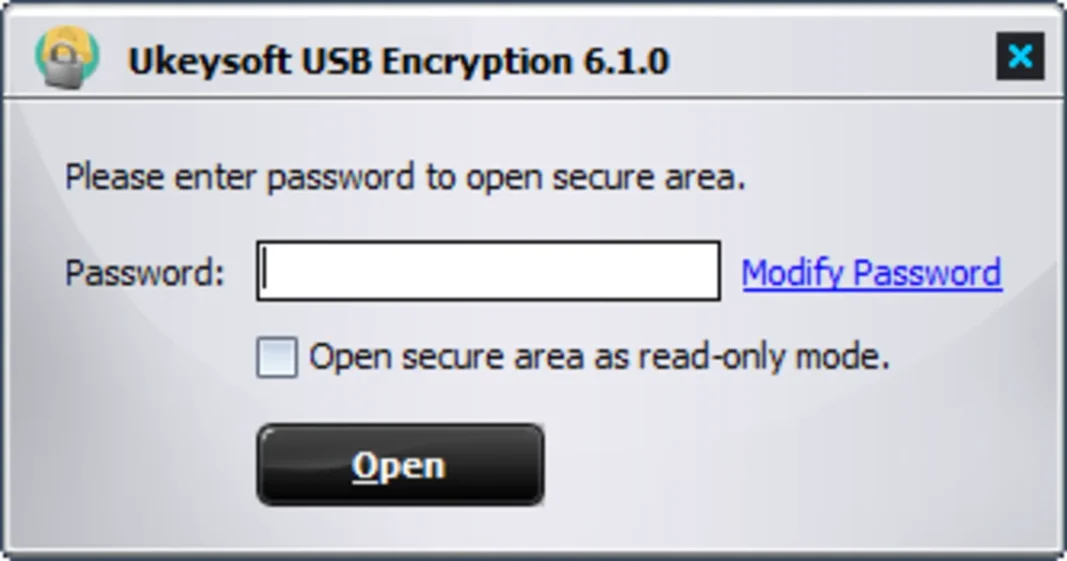
UkeySoft USB Encryption splits a USB drive into two areas, one of them a secure area protected by a user name and password. You plug the stick into a USB port, pick the drive, set how large the secure area should be, then click Install to create it. The last step is choosing the user name and password for that area; click OK and it is done.
The program password protects USB flash drives and memory sticks, and it encrypts them as well. It protects all kinds of data stored on them, and it guards flash drives against viruses and malware infections.
Download files
File10.1.0EXE
Version10.1.0
ReleasedFeb 10, 2025
Size12.2 MB
SHA-256
Get
26d6ee9a08148852af3dc7222f18d37314bc188a4a3f6ebf75d564a585518e59
Signed by Guang Dong Ji Tong Zhi Neng Ke Ji You Xian Gong Si · valid until Aug 20, 2023Fileukeysoft-usb-encryption-6.1.0.exeEXE
Version6.1.0
ReleasedApr 9, 2021
Size9.0 MB
SHA-256
Get
9f6fdeaa1ab7cf6818c1a683484355ade595cd394cb05140cb11099b075a5fb7
System requirements
Available on:
Additional information
Developer
Latest release
10.1.0 · Feb 10, 2025
Size
12.2 MB
File type
EXE
SHA-256
26d6ee9a08148852af3dc7222f18d37314bc188a4a3f6ebf75d564a585518e59
Digital signature
Signed by Guang Dong Ji Tong Zhi Neng Ke Ji You Xian Gong Si · valid until Aug 20, 2023