
Screenshots
Description
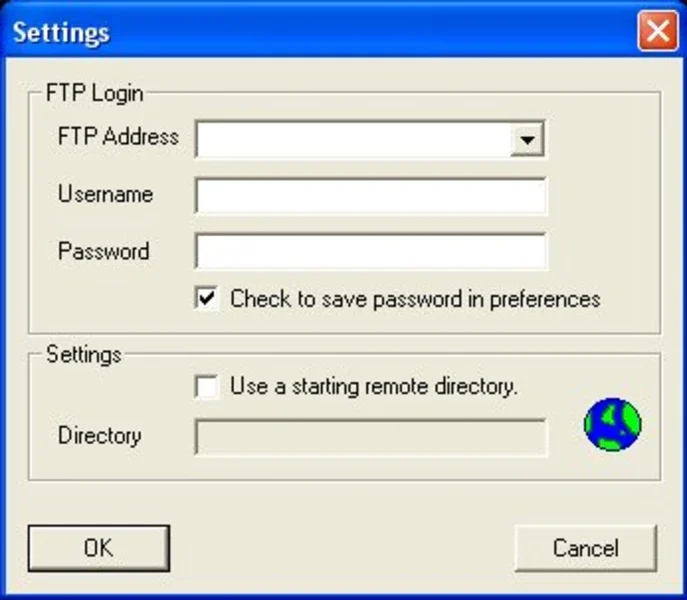
Uploader! uploads files to an FTP server. You start by entering the destination FTP server address, the username and the access password.
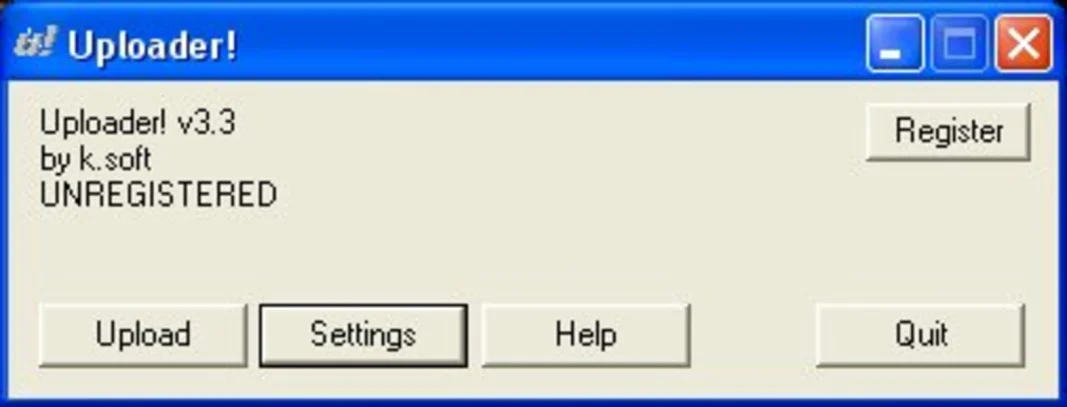
With those parameters configured, you select the files you want to upload. The interface is extremely simple, so the whole job stays in one window: server details in, files picked, upload started. Nothing else sits between you and the transfer.
The program runs on Windows and is free to use.
Download files
File3.3EXE
Version3.3
ReleasedJul 31, 2006
Size458.4 KB
SHA-256
Get
aff409a5bd732d1c07be2927e95eb1ab6ebdf491b2cdaebb804871f7b026ea42
No digital signatureSystem requirements
Available on:
Additional information
Developer
Latest release
3.3 · Jul 31, 2006
Size
458.4 KB
File type
EXE
SHA-256
aff409a5bd732d1c07be2927e95eb1ab6ebdf491b2cdaebb804871f7b026ea42
Digital signature
No digital signature