
v2rayN 7.25.6 for Windows
Configures secure, unrestricted browsing on Windows
Screenshots
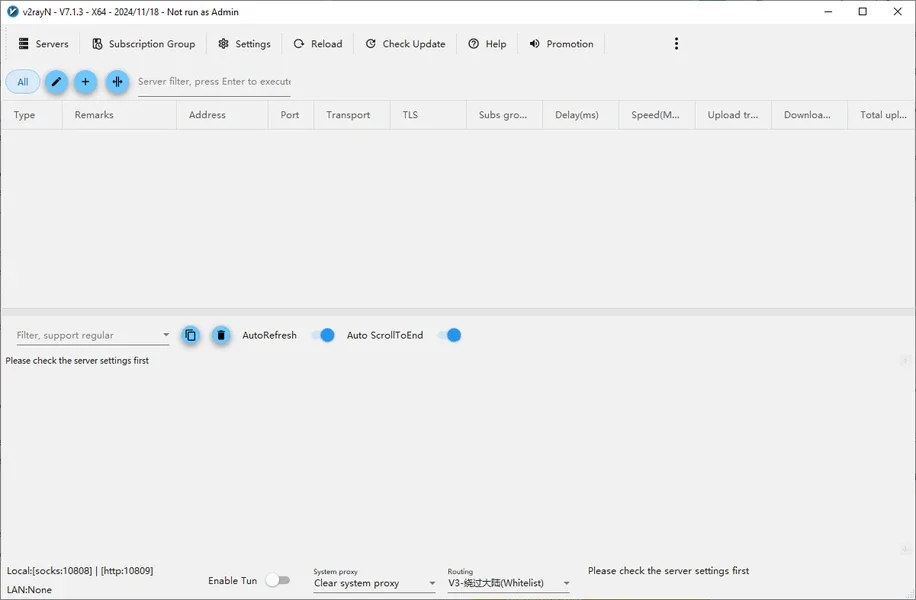
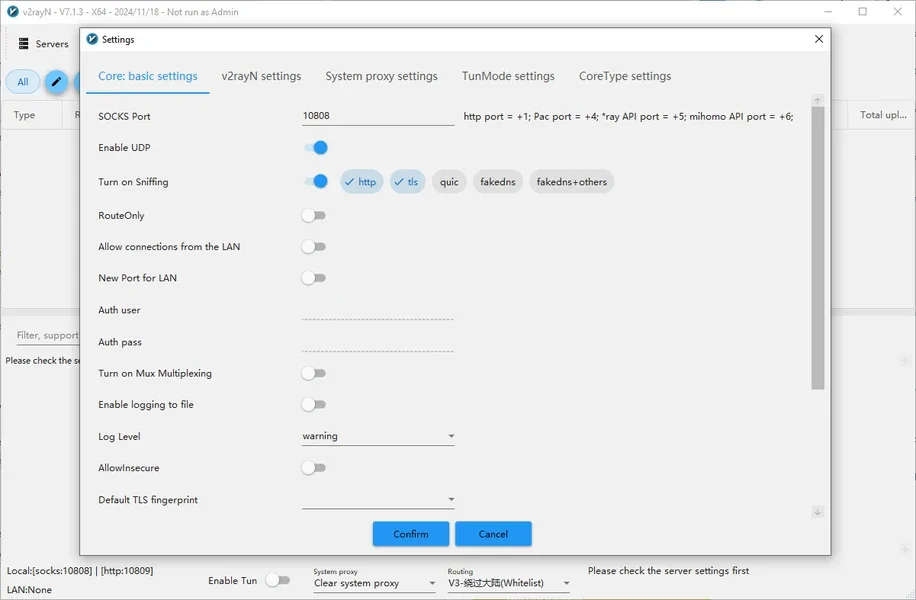
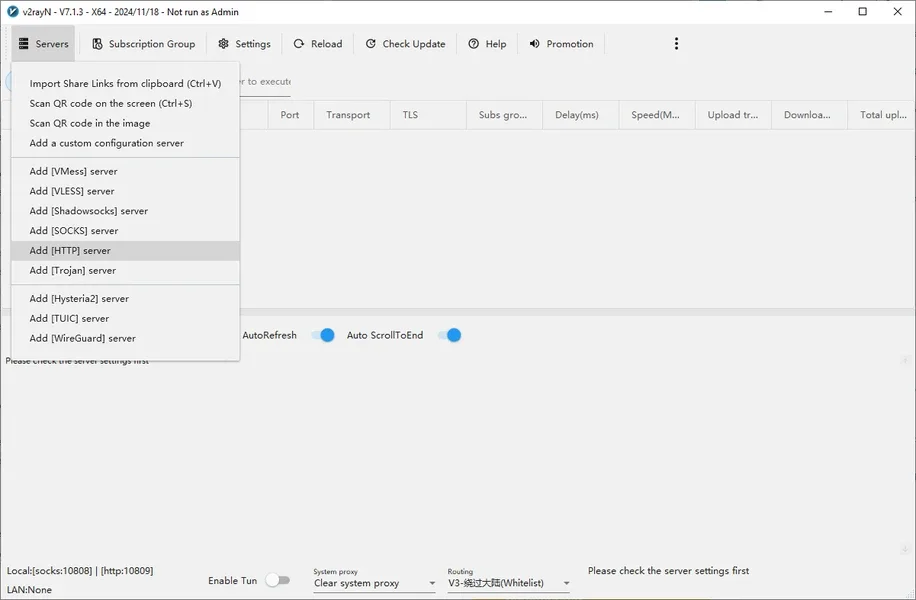
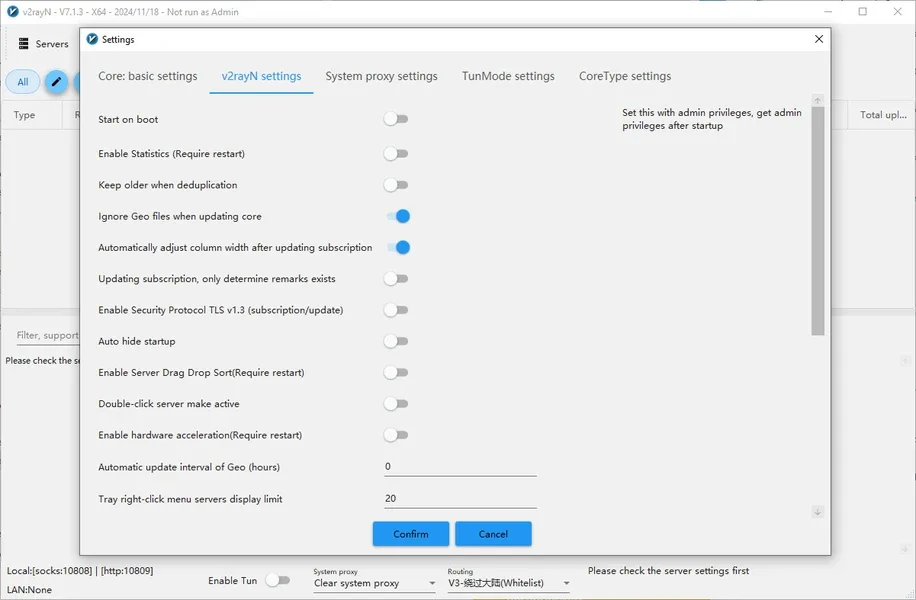
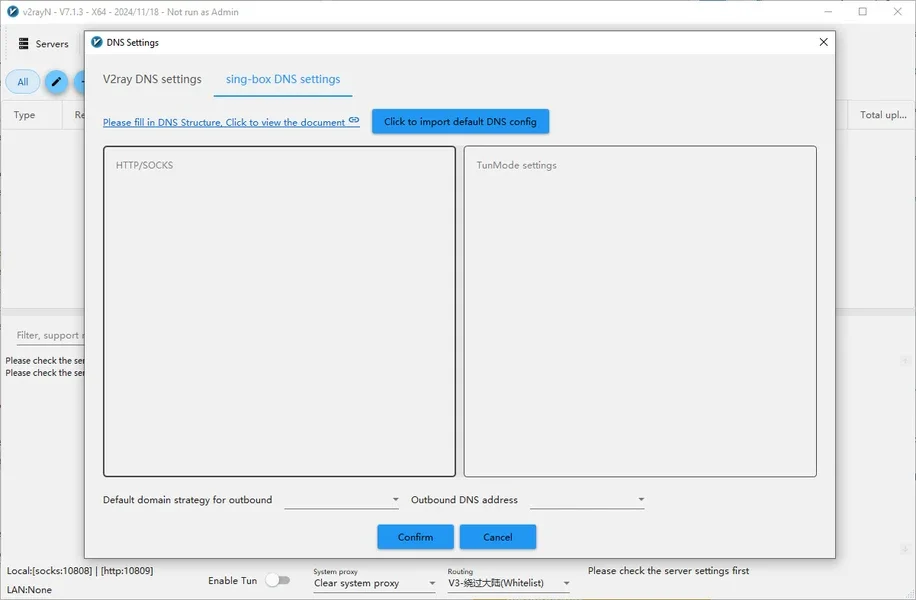
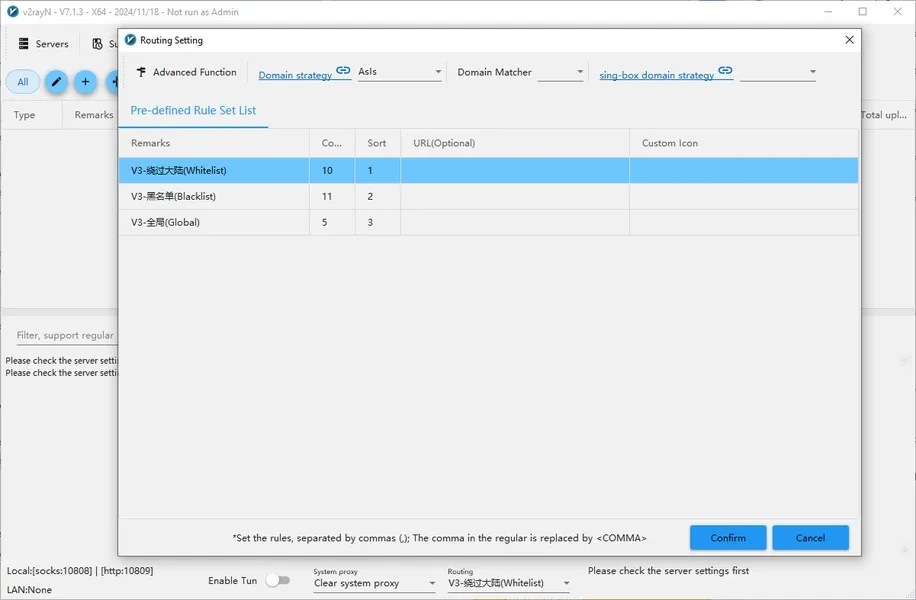
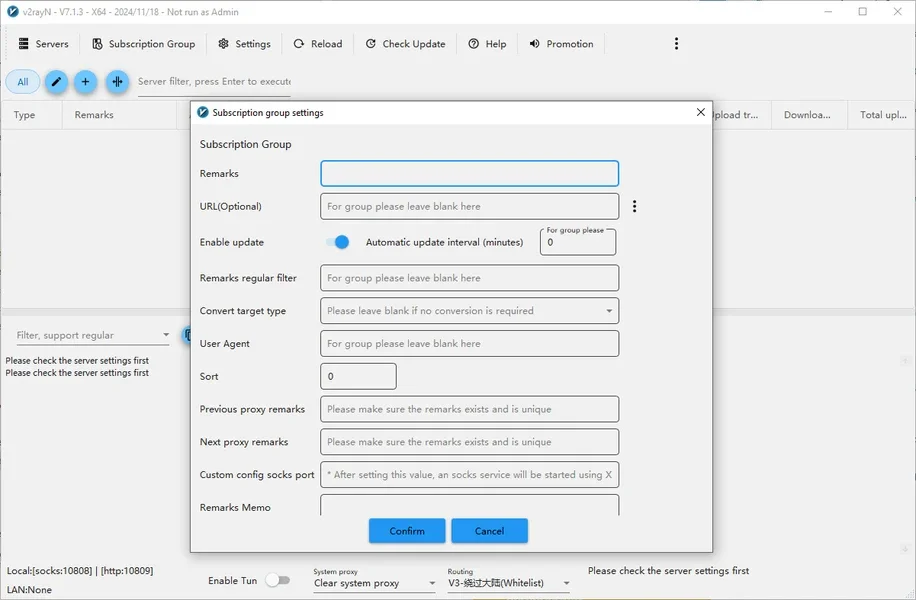
Description
v2rayN is a graphical front end for Project X and Xray-core, used on Windows to set up a network connection that gets around restrictions. It supports protocols such as VMess, TLS, TCP, and HTTP. Browsing data is encrypted, and the connection also allows anonymous browsing, so the sites you visit cannot be seen by others. Depending on the server you use, regionally restricted content may be reachable.
Setup takes some time. You add a server, choose a .json VPN configuration file, then click Set system proxy. The program has many configuration and customization options, and it needs more work than one-click VPN tools. Written tutorials and videos online cover the setup.
The program is free and its source is published under GPL 3.0.
Download files
9b94718c2a214a246b04dec84b9a27f1f0ced8489c2dd25eb80a0fbb806bd13f
e699ddc7f02d060dee2b0005d3879d82db1c36961b866d1ed0f9f93f16390a6b
84a3b7d249db0c87951566f3fa4af520d97115469a404e1d3d506096f6186685
fc7a9120b97edf460b7b40bcb094a7acc50f4890324ace199fd1205937b74321
20fc30526fe5a0164ae7b9a1f8b807bf724e87759ad0fb642bd008276a4239e7
System requirements
Available on:
Additional information
Developer
Latest release
Size
Category
File type
SHA-256
9b94718c2a214a246b04dec84b9a27f1f0ced8489c2dd25eb80a0fbb806bd13f