
VB Doodle 5.0 for Windows
Draws on a frozen screen capture so you can mark up what's showing
Screenshots
Description
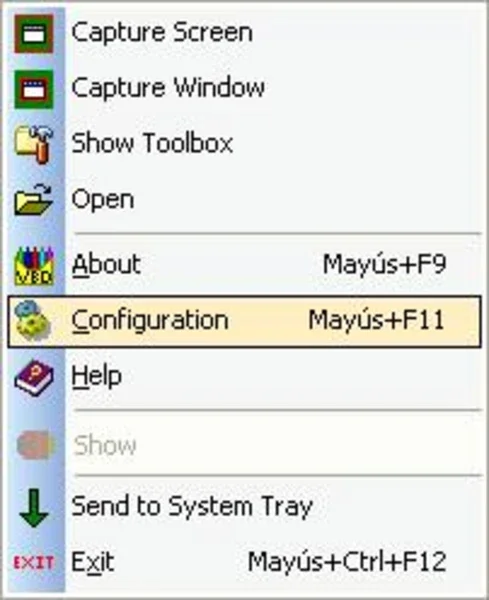
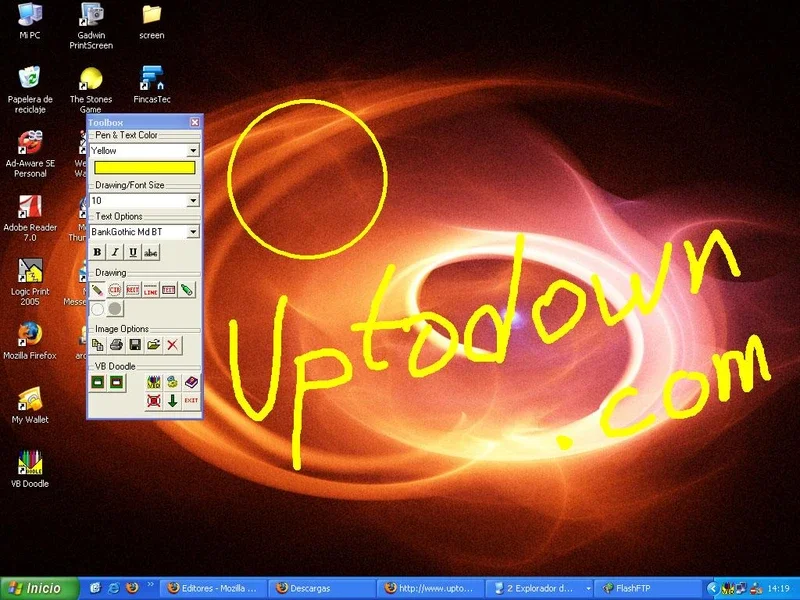
VB Doodle lets you draw on your desktop. Pick the capture screen or window option and the screen freezes so you can write on it with the marker. From there you draw whatever you need on top of the still image.
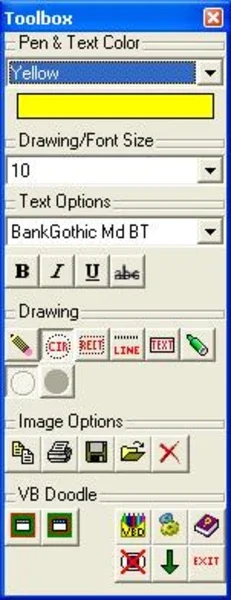
Several drawing tools are included: different pencils, thicknesses and font types. You can add fixed shapes such as circles or squares, and change the color of what you draw at any time. That covers most of what marking up a screen involves. The tools are meant to help people who make manuals or tutorials explain how a program works or which options to select, since a drawn arrow or circle points at the control faster than a paragraph does.
When the image is finished, you save it to the clipboard and paste it wherever it is going. Drawing on the desktop is the program's only function.
Download files
System requirements
Available on:
Minimum OS:
Windows Windows NT or later
Additional information
Developer
Latest release
Size
Category
File type
SHA-256
93a9903ad7375fdacfc769c534df504e472d71dbe9e1676f738c0d2164ca4967