Vectr 0.1.16 for Windows
SHA-256 listed
Create and edit vector images, with a login required for saving
You are on macOS — this is the Windows version. See the macOS version
All ages
Age rating
Screenshots
Description
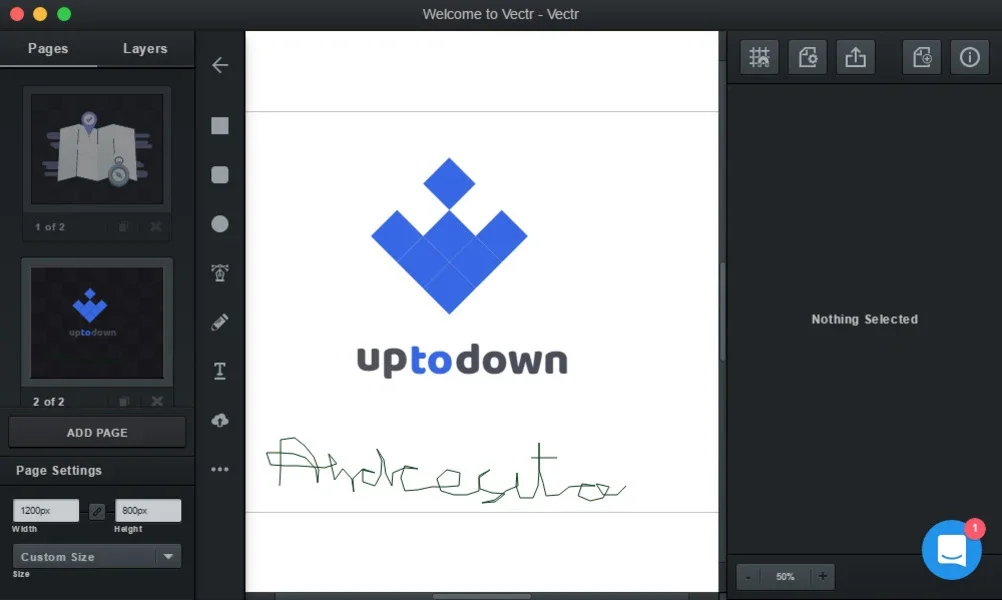
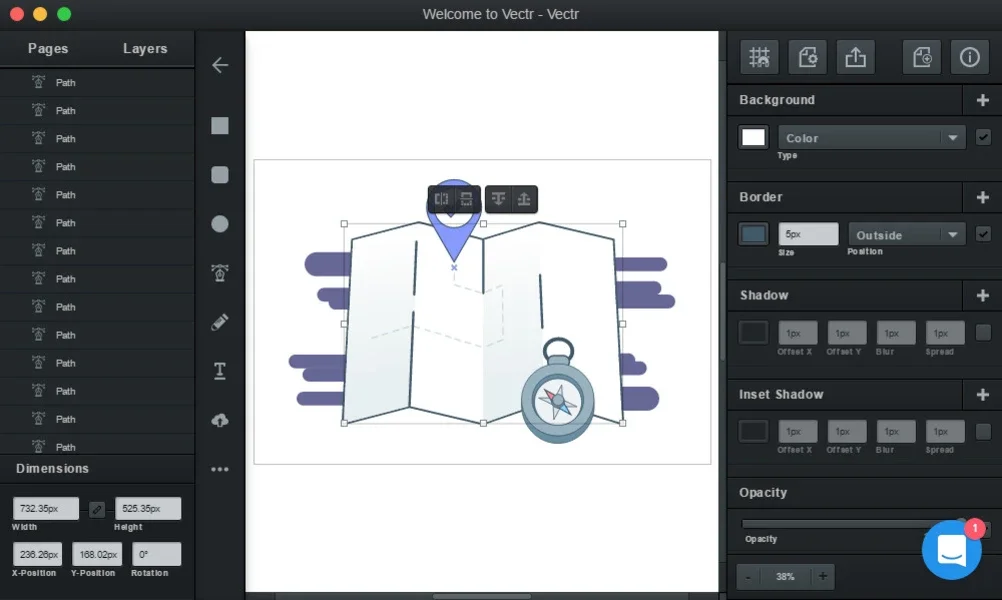
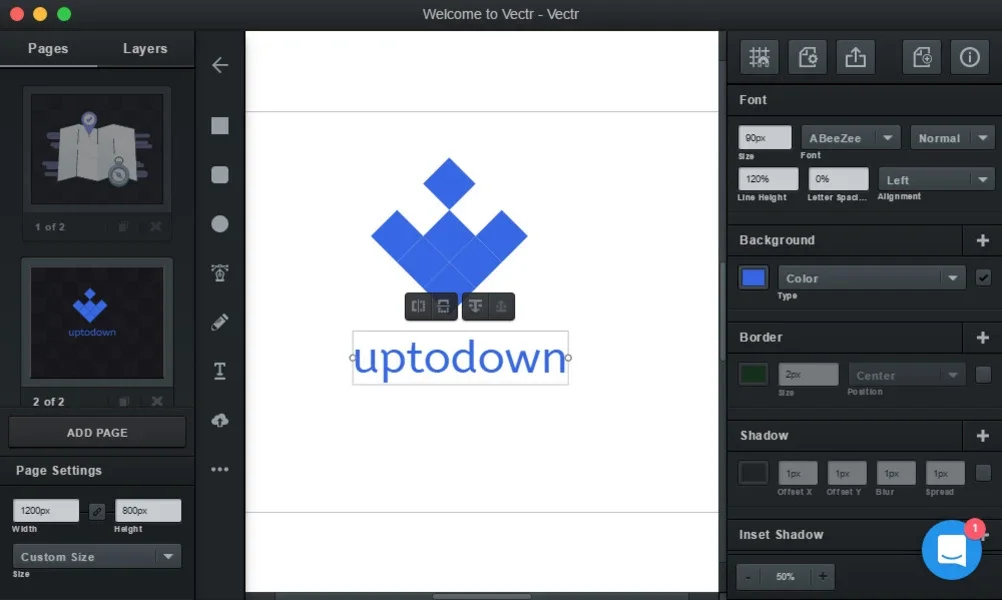
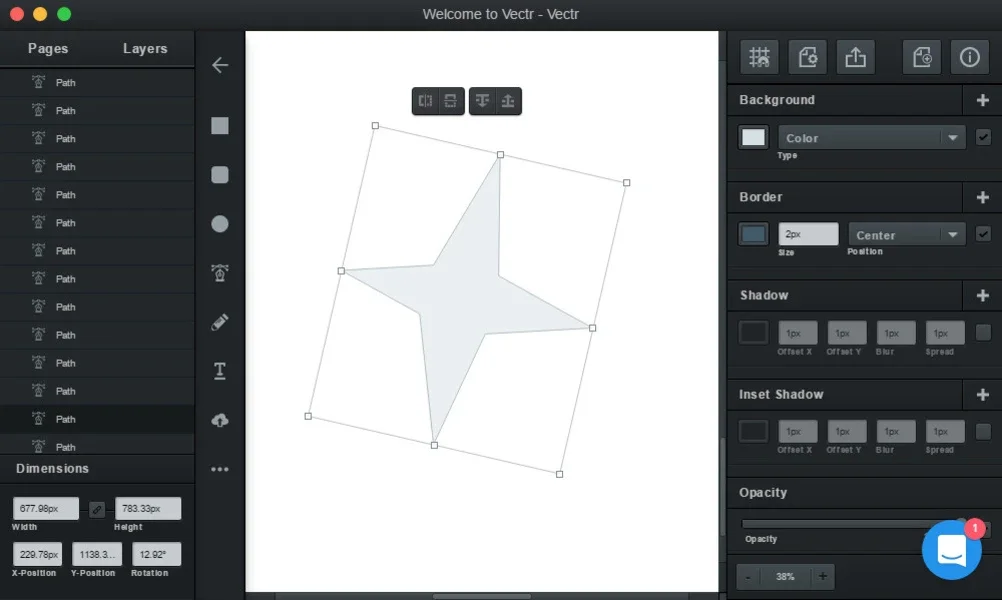
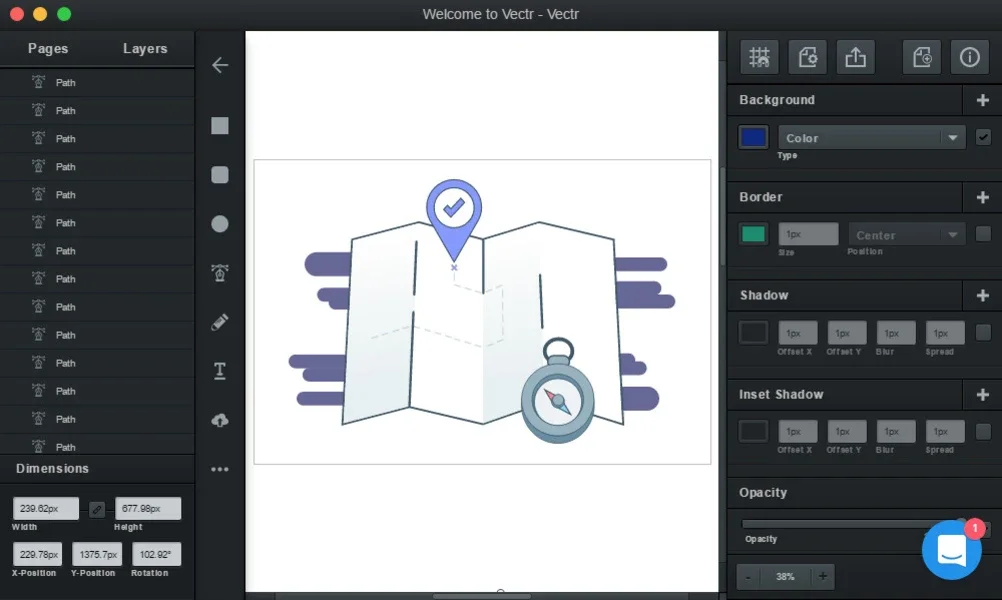
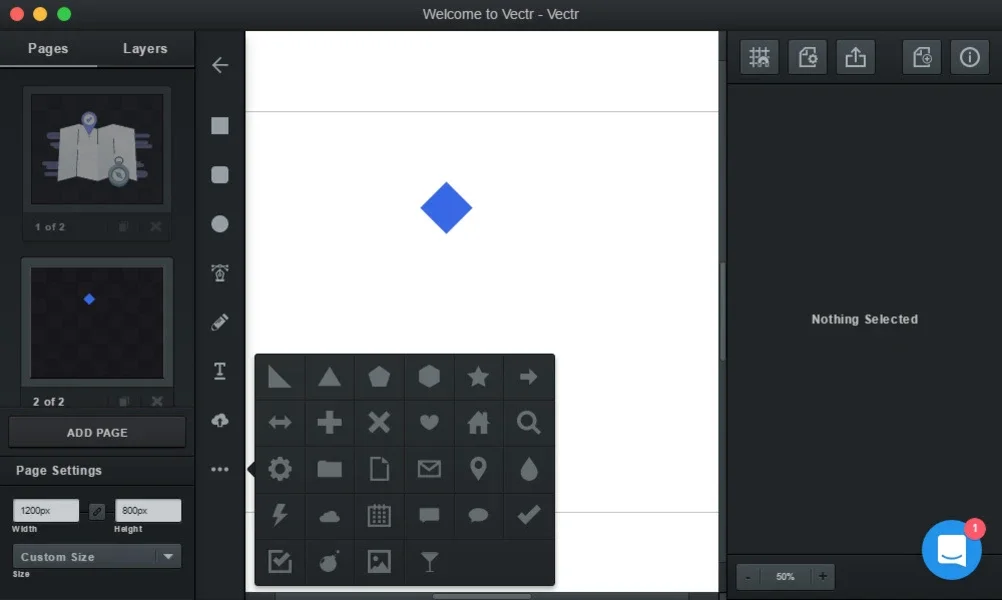
You start by creating a Vectr user account. New elements come from the toolbar, and the left side of the interface lists layers and pages. On the right are contextual tools. The layout is meant to get you working within minutes, and if you have used other image editing programs, most of the controls will look familiar.
Working as a guest
You can try the program as a guest without an account. However, guest work cannot be saved in the cloud. You can still save finished projects in PNG format to your hard drive. Signing up is quick with a Google or Facebook account.
Download files
File0.1.16 (64-bit)EXE · 64-bit
Version0.1.160.1.16 (64-bit)
ReleasedJun 16, 2017
Size33.4 MB
SHA-256
Get
05aa94687a8abda933625b492fa640e2f11c0433e4da43b0f463ae3d9ab39a58
Signed by Vectr Labs Inc. · valid until Sep 9, 2019Filevectr-0.1.15.exeEXE
Version0.1.15
ReleasedMay 3, 2017
Size54.8 MB
SHA-256
Get
6feb7045ffc5137ae9b7e4f7bded4f39555b08bee4161cf948f3ec707bca6202
Filevectr-0.1.14-64-bit.exeEXE · 64-bit
Version0.1.140.1.14 (64-bit)
ReleasedMar 14, 2017
Size53.7 MB
SHA-256
Get
6ffc6c6cd00b0aa86d14c9197b029c24a7385f961f6bcd5db90a9b47580865d0
Filevectr-1.6.exeEXE
Version1.6
ReleasedDec 27, 2016
Size53.4 MB
SHA-256
Get
246bc037c843f59198c7b3325a3275cbf315a6ba3afcf6984423235747271347
Filevectr-0.1.11.exeEXE
Version0.1.11
ReleasedDec 22, 2016
Size21.0 MB
SHA-256
Get
df739bfd381bb8bb5a47ea8ce11f2a62e103e6ab7174eea2af370aa9620d07ea
System requirements
Available on:
Architecture:
64-bit
Additional information
Developer
Latest release
0.1.16 · Jun 16, 2017
Size
33.4 MB
Category
File type
EXE
SHA-256
05aa94687a8abda933625b492fa640e2f11c0433e4da43b0f463ae3d9ab39a58
Digital signature
Signed by Vectr Labs Inc. · valid until Sep 9, 2019