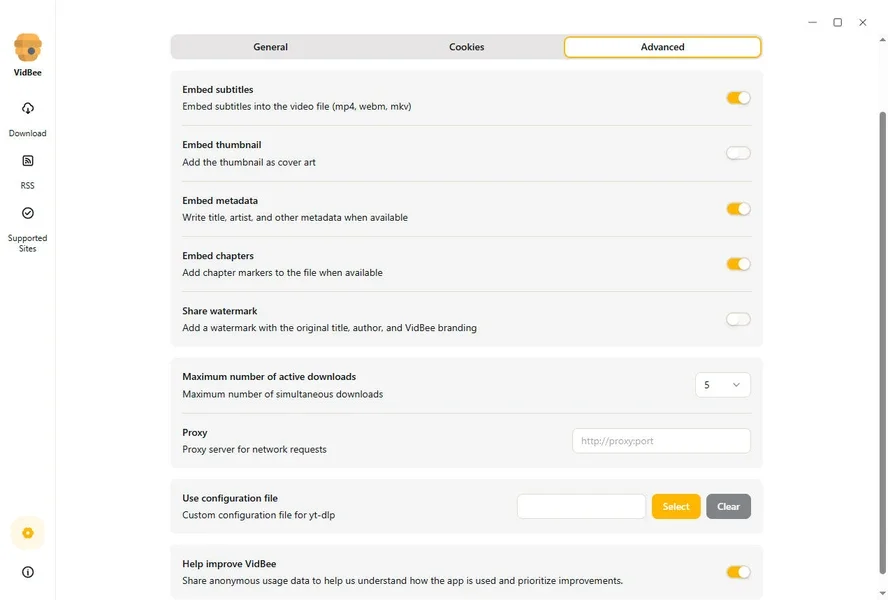

Paste a video URL, fetch it, and pick format, quality or audio only
You are on macOS — this is the Windows version. See the macOS version
Screenshots
Description
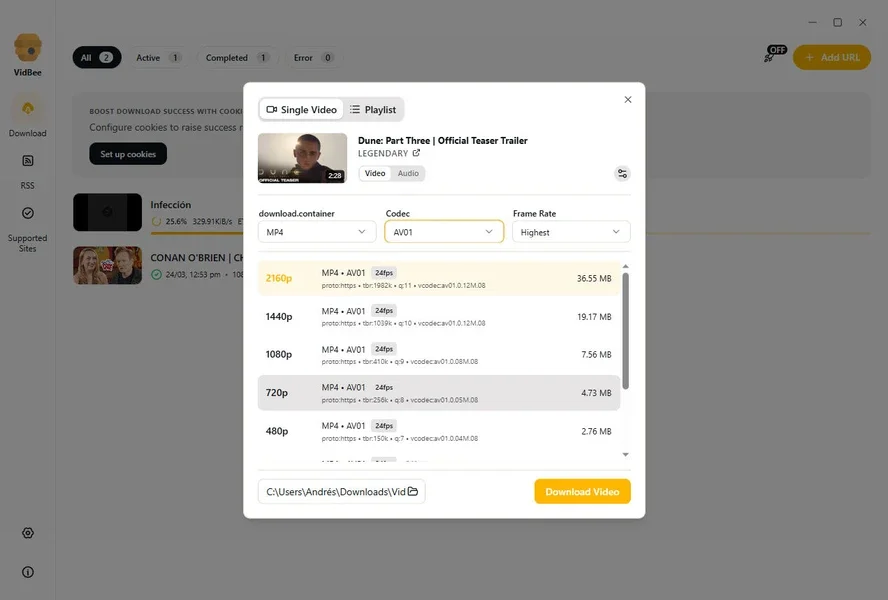
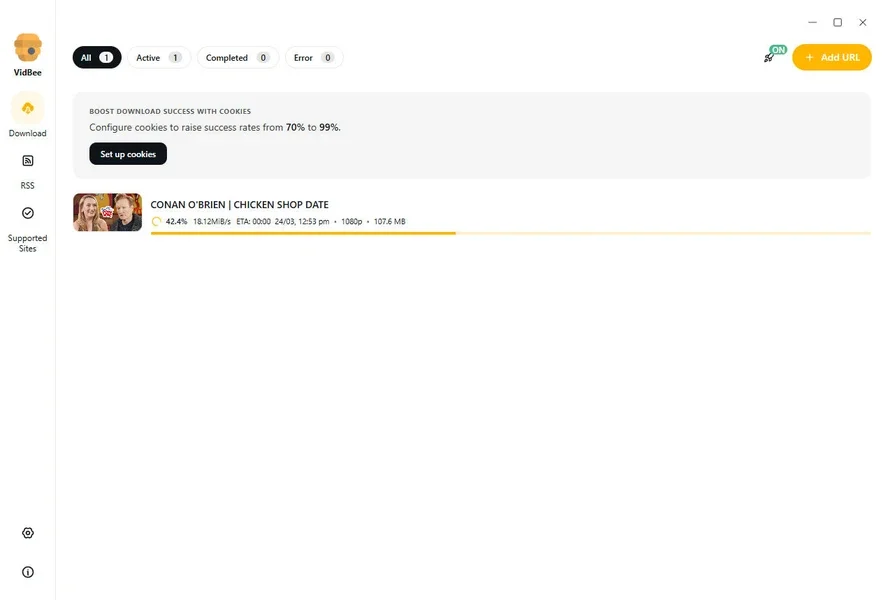
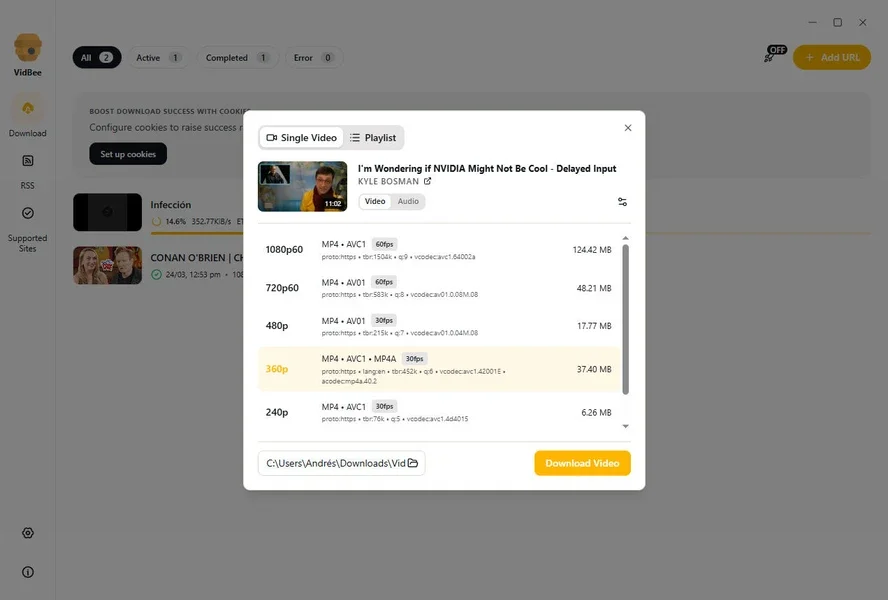
VidBee downloads video from sites that usually keep it in the browser. Copy the URL, click Add URL, then click Fetch, and a window opens with the available download options.
The list of supported sources runs past a thousand video portals and social networks. YouTube, TikTok, Instagram, Facebook and Twitter (X) are among them, and video hosted on the cloud works too. Logins are the awkward part. Portals that normally ask for a login or an identification can still be downloaded, but you have to set up cookies first, in the Configuration Options menu. With Firefox that setup is practically automatic. With other browsers you select the cookies file yourself. Once the options window appears, you choose the video or the audio alone, pick a quality when there is more than one, and set the output format. The interface is clean and easy to use.
The program takes almost 1.5 GB of hard drive space. It is free and open-source, under the MIT license. Version 2.2.3 is the current release.
Download files
7c3edc7be0278fcf4bf2f3f064011ff558ec4e01c14c3d208fc513a6a033b1b6
No digital signaturedbf152a147ba2a2bfb5cad835b0111df1b70065ebf80aaf49237f6bf39792e79
No digital signaturedb7f03d0a37bd0538b7cd802ad0b010828a2e222c7bfc75df0aefeaf1548818c
No digital signaturee432a9597fad1d7eb886f6b9ff5f8c73d67b1dd3780ae3da63c0b97fb24b4b5f
No digital signaturef4df95fb29ae791a0478c256a27c99e2de3eb4b57f0a0ee90ef63b67b1301ffb
No digital signatureSystem requirements
Available on:
Minimum OS:
Windows XP or later
Additional information
Developer
Latest release
Size
File type
SHA-256
7c3edc7be0278fcf4bf2f3f064011ff558ec4e01c14c3d208fc513a6a033b1b6