
VideOCR 1.5.1 for Windows
SHA-256 listed
Open source
Pulls burned-in subtitles off a video into an .SRT file
All ages
Age rating
Screenshots
Description
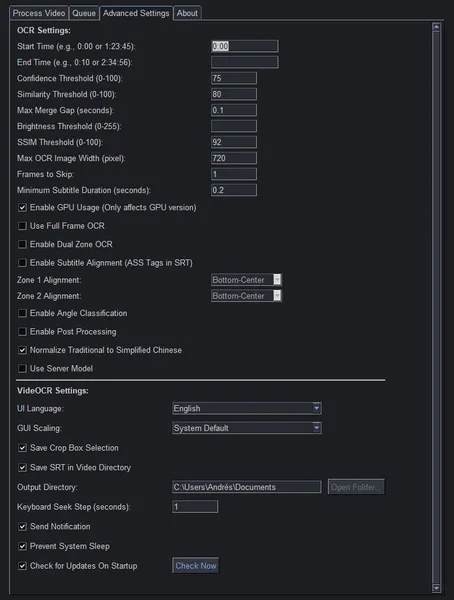
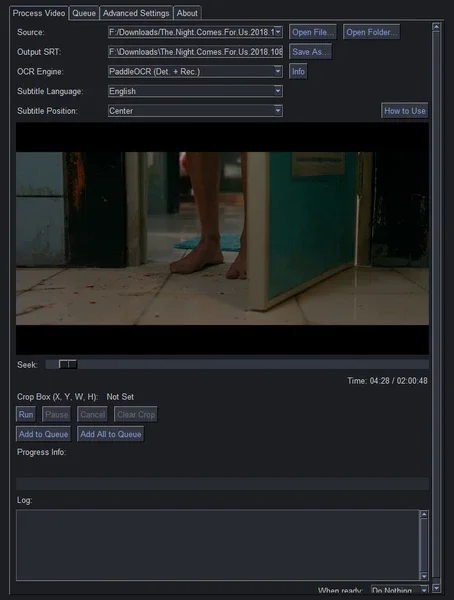
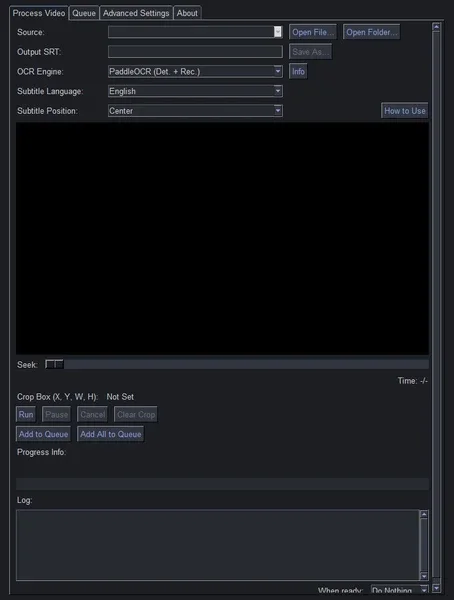
VideOCR is for subtitles that are baked into the picture and can't be switched off. It reads the text off the video image using Google Lens technology and produces an .SRT subtitle file. Pick the movie, select where the subtitles sit, and click Run. Processing can take several minutes before the file is ready.
Getting started and settings
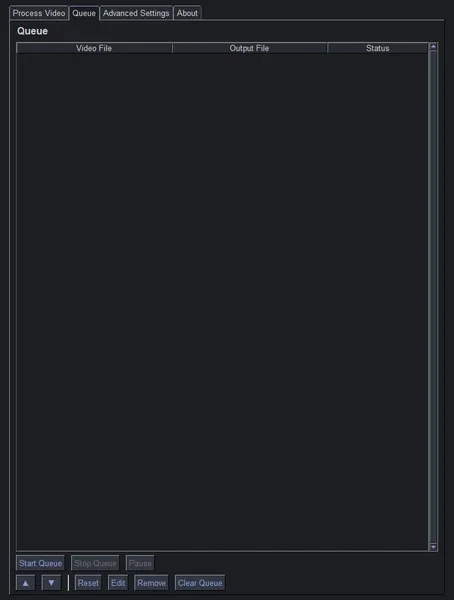
On first launch a How to Use button sits at the top; clicking it opens a small pop-up with brief instructions. An Advanced Settings tab holds options aimed mostly at advanced users. Hover the cursor over any option and a more detailed explanation of it appears.
- The finished subtitle file can be translated automatically and added back to the same movie.
- The app is niche and likely to be used rarely.
Download files
Filevideocr-1-5-1.exeEXE
Version1.5.1
ReleasedAug 4, 2026
Size473.5 MB
SHA-256
Get
8092b5b12d501838ef48440372c866fdf1c1e750561a3a484790321af2802a43
Signed by timminator · valid until Apr 27, 2027FileVideOCR_V1.4.2.exeEXE
Version1.4.2
ReleasedApr 6, 2026
Size463.7 MB
SHA-256
Get
26865551300c1112dd17b970d1e0867a3f6838d23c448c208e83ba1dbaa8d6d4
Signed by timminator · valid until Apr 21, 2026FileVideOCR__1.3.2.exeEXE
Version1.3.2
ReleasedUnknown
Size482.3 MB
SHA-256
Get
325fb55a865baa4bef467d2f85496a5c8f2cfef2ca66538cec0dc1a56ded49c1
Signed by timminator · valid until Apr 21, 2026System requirements
Available on:
Minimum OS:
Windows XP or later
Additional information
Developer
Latest release
1.5.1 · Aug 4, 2026
Size
473.5 MB
File type
EXE
SHA-256
8092b5b12d501838ef48440372c866fdf1c1e750561a3a484790321af2802a43
Digital signature
Signed by timminator · valid until Apr 27, 2027