
Screenshots
Description
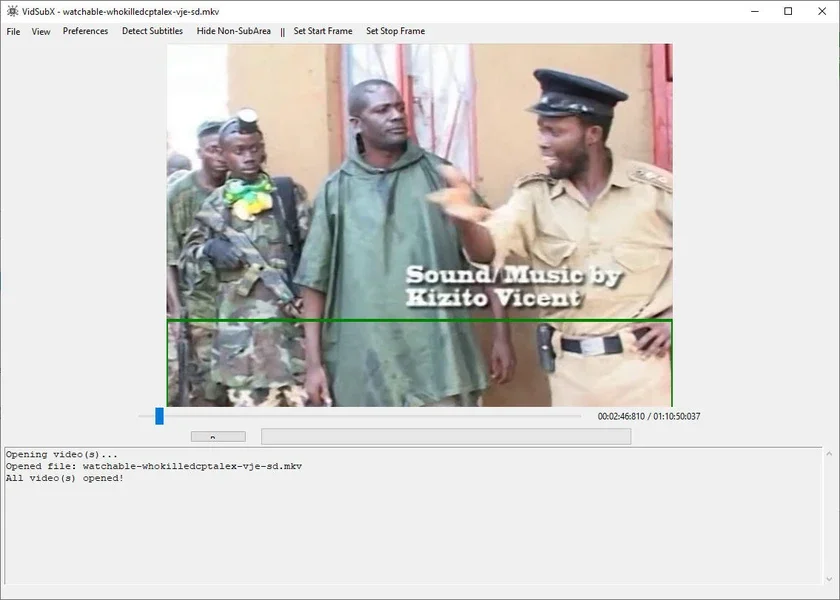
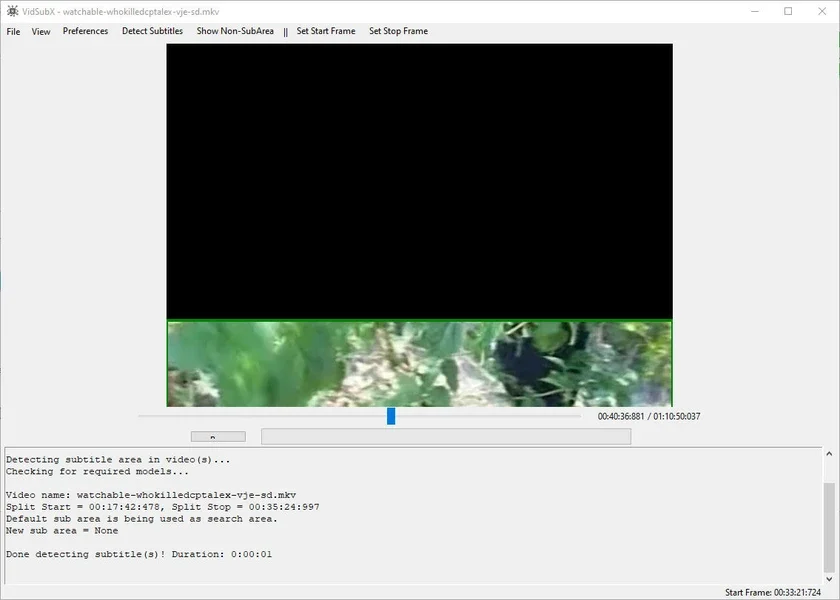
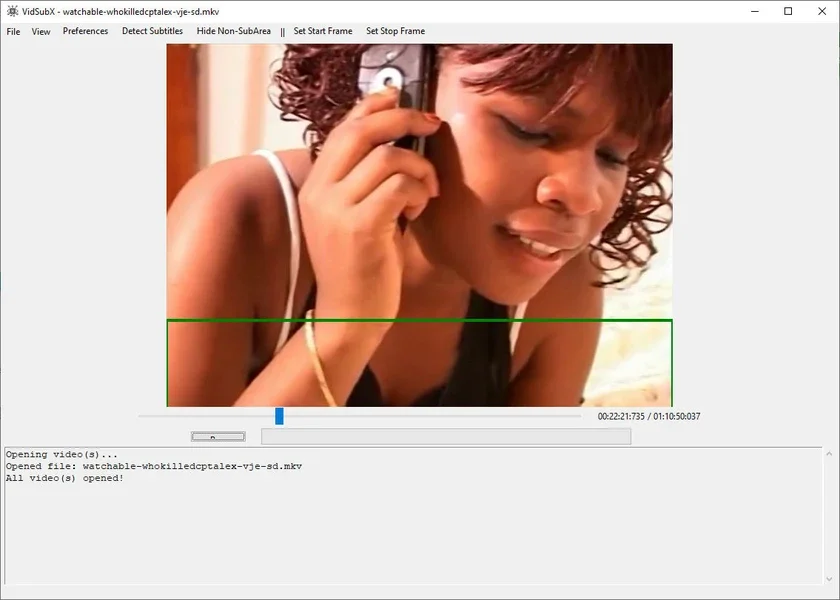
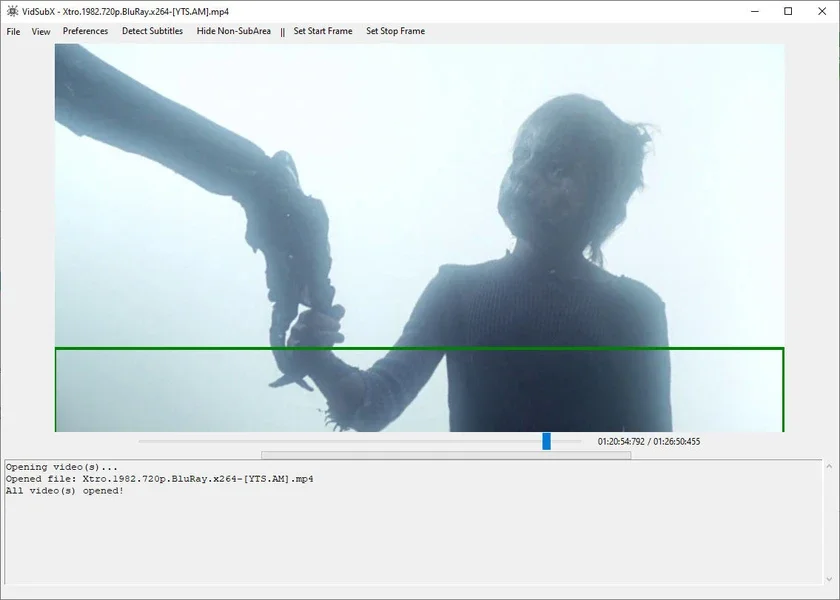
You pick a video file, then mark on the frame where the subtitles sit. VidSubX scans that area and pulls the text out as a subtitle file.
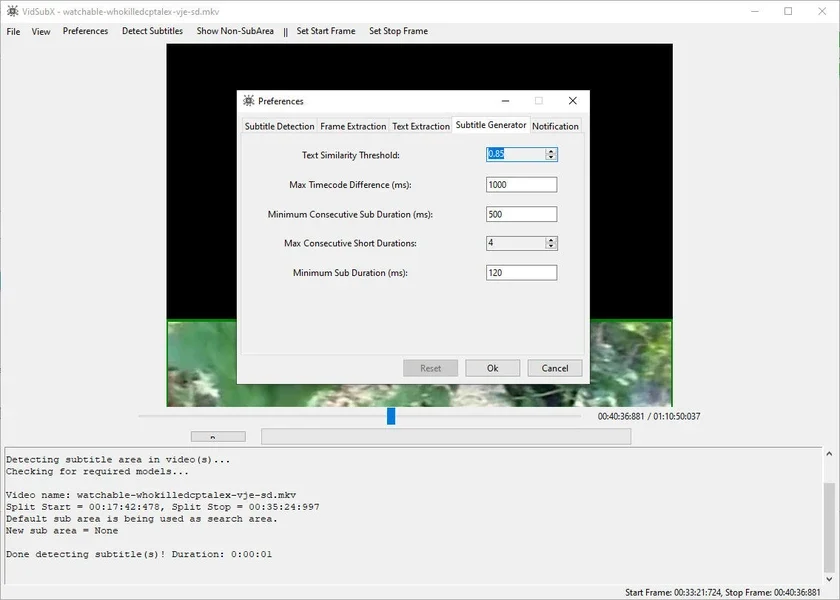
The detection zone is one of the settings you can change. You can also adjust how close subtitles are expected to sit to each other and how frames are extracted. Extraction takes several minutes depending on how long the movie runs. When a movie carries more than one subtitle track, every track is extracted, and each one is named after its language. Before the program writes a subtitle file, it shows you recommendations to review. Finished subtitles can be saved as .SRT. The interface is somewhat clunky.
The program is open source and runs on Windows. The current build is 2.2.1.
Download files
0c1757982d36481d38798636c98464654eaea58c3e2fce624a8a57936ca6cf46
No digital signatureSystem requirements
Available on:
Minimum OS:
Windows XP or later
Additional information
Developer
Latest release
Size
File type
SHA-256
0c1757982d36481d38798636c98464654eaea58c3e2fce624a8a57936ca6cf46