Virtual Cables 1.0.1 for Windows
Routes audio between Windows programs without physical cables
Screenshots
Description
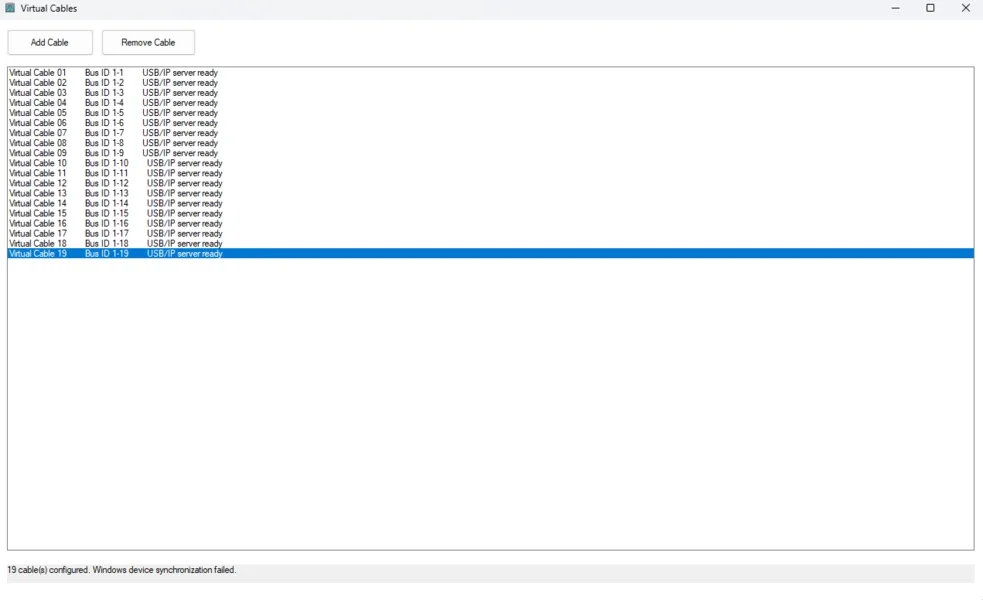
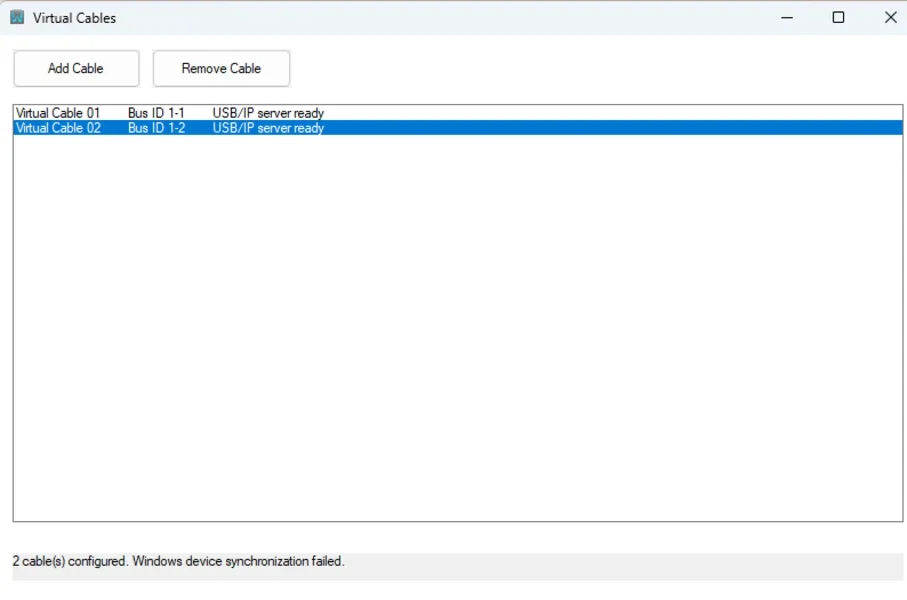
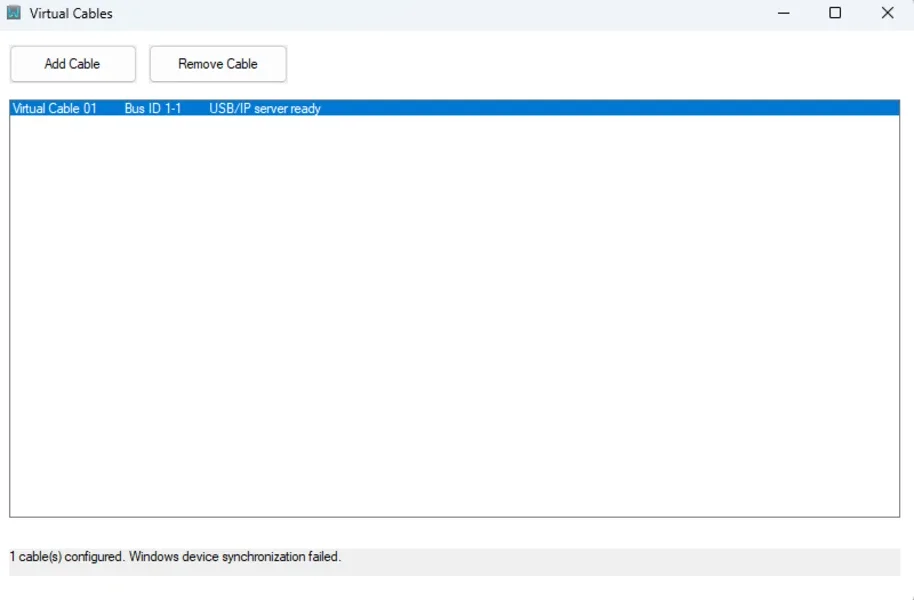
Virtual Cables is a Windows program for routing audio between applications. Open one app, set a cable's playback side as its output, then set that same cable's recording side as the input in a second app. Audio passes from one to the other inside the computer.
The point is to avoid physical loopback cables, external sound cards, and other audio hardware. Each cable appears in Windows as its own playback device and its own recording device, and each works independently, so several streams can move at once. You can create up to 32 cables, start with only the ones you need, and add more later. Sources can be media players, games, web browsers, music apps, or microphone-processing programs. Destinations include recording, streaming, conferencing, broadcasting, and voice-chat software. The interface handles creating, managing, starting, and removing cables. Everything stays local to the machine. The virtual devices run at a fixed 16-bit, 48 kHz format.
It is built for Windows 10 and Windows 11.
Download files
bcecbc85c2c10883afdd4bd3def256a435669a29fca9c32ea66b20bc6c97f607
Signed by Microsoft Corporation · valid until Jul 25, 2026bcecbc85c2c10883afdd4bd3def256a435669a29fca9c32ea66b20bc6c97f607
Signed by Microsoft Corporation · valid until Jul 25, 2026System requirements
Available on:
Minimum OS:
Windows Windows 11 or later
Additional information
Developer
Latest release
Size
Category
File type
SHA-256
bcecbc85c2c10883afdd4bd3def256a435669a29fca9c32ea66b20bc6c97f607