
Virtual Displays 1.0.0 for Windows
Adds virtual monitors to a PC without extra hardware
Screenshots
Description
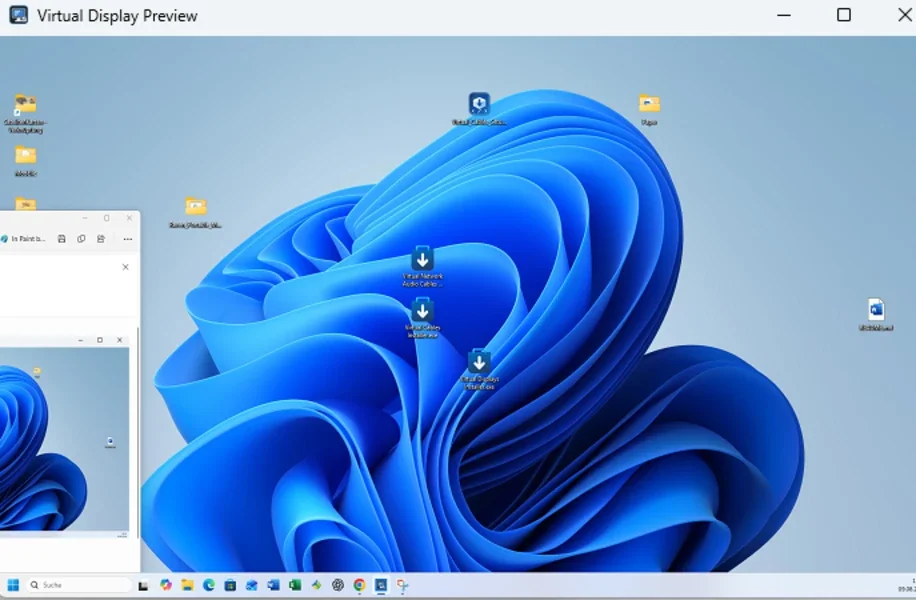
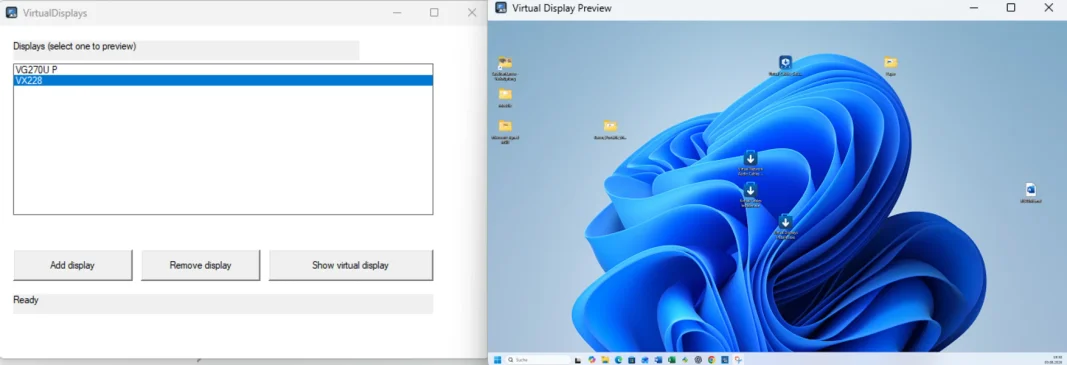
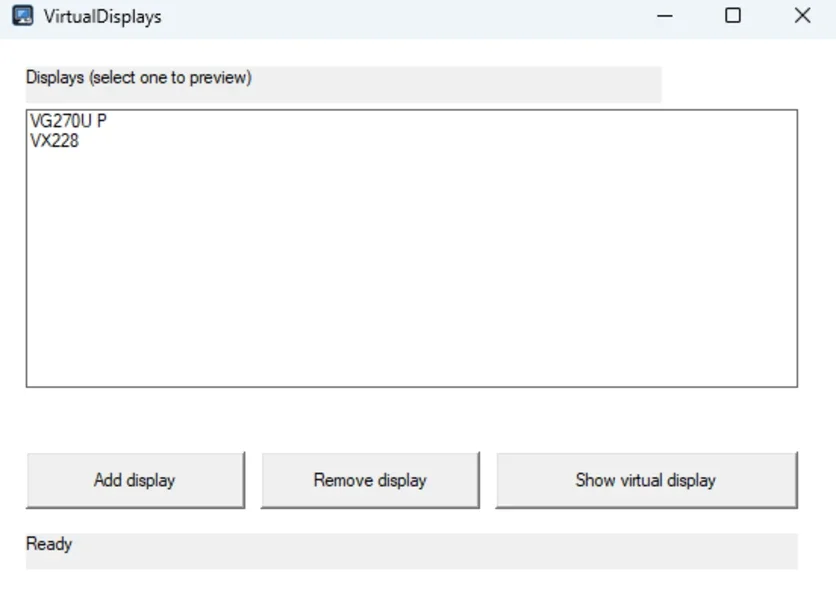
Virtual Displays is a Windows utility for adding virtual monitors. It creates and manages extra screens without any physical display attached, and Windows lists them as additional displays.
Each virtual screen acts like a monitor the system can see. It extends the desktop past the physical displays, which gives more desktop workspace and lets you spread applications across multiple screens. Software that insists on an active secondary display will run, and applications can be tested in multi-monitor setups. The same screens fit screen recording and capture workflows, remote desktop environments, streaming, automation, development, demonstrations and multi-monitor productivity arrangements. Display configurations can change without buying new monitors. Creating a display and managing it afterwards is handled through a small, lightweight interface.
It is meant for people who need flexible display configurations without extra hardware.
Download files
dae362d022c8370e897626d8f17356b6105b88190114bd1899c834690bfad712
Signed by Microsoft Corporation · valid until Jul 25, 2026dae362d022c8370e897626d8f17356b6105b88190114bd1899c834690bfad712
Signed by Microsoft Corporation · valid until Jul 25, 2026System requirements
Available on:
Additional information
Developer
Latest release
Size
Category
File type
SHA-256
dae362d022c8370e897626d8f17356b6105b88190114bd1899c834690bfad712