
VisiPics 1.31 for Windows
Finds duplicate photos on a hard drive
Screenshots
Description
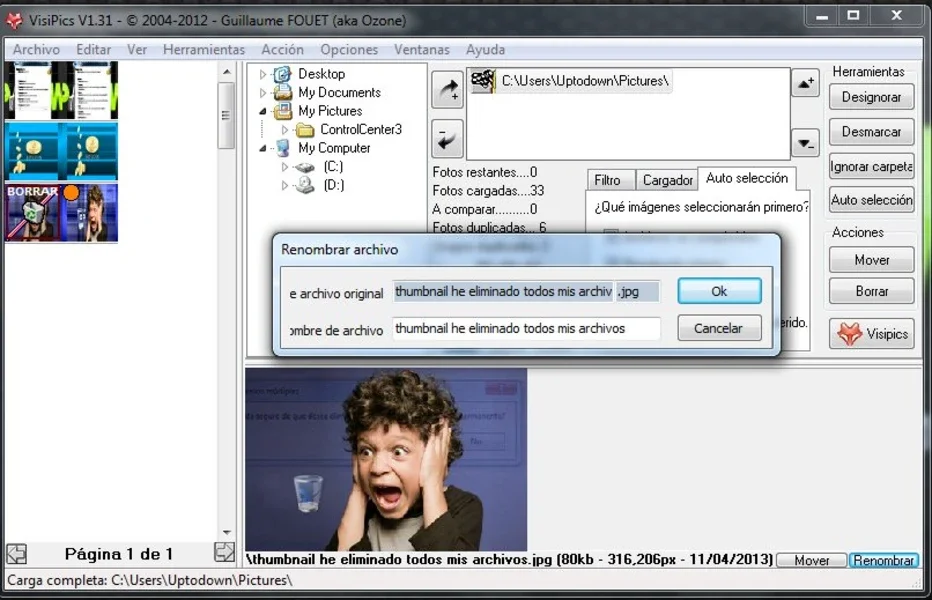
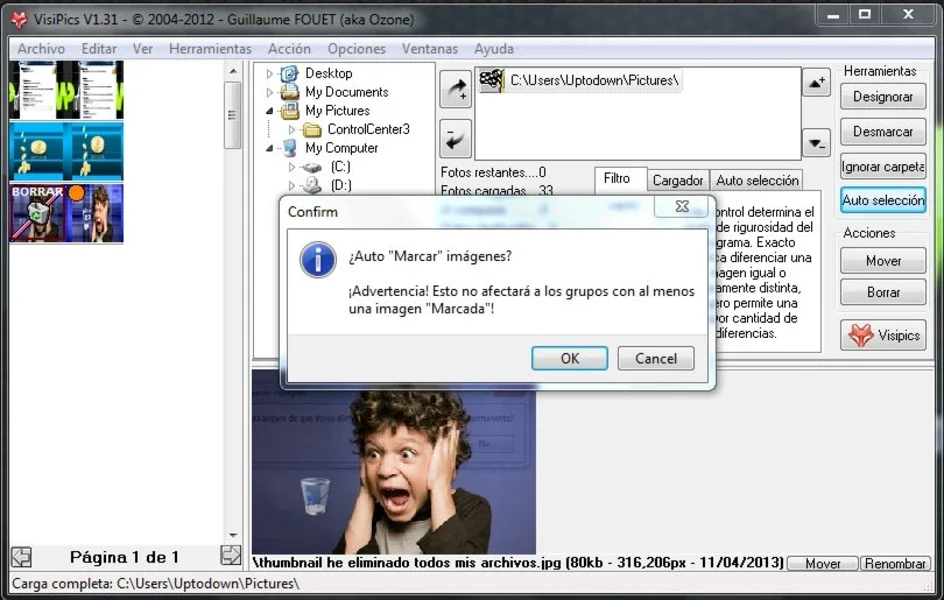
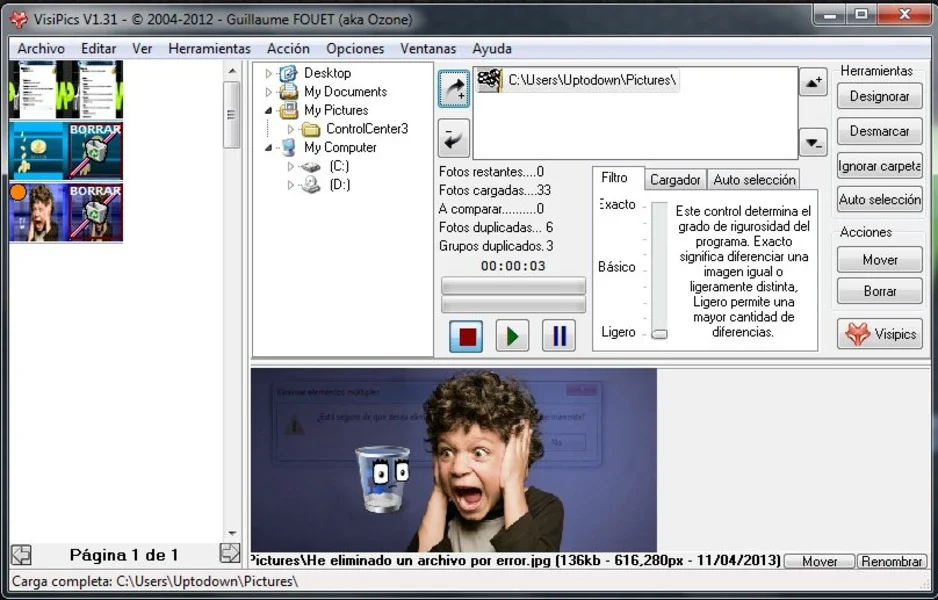
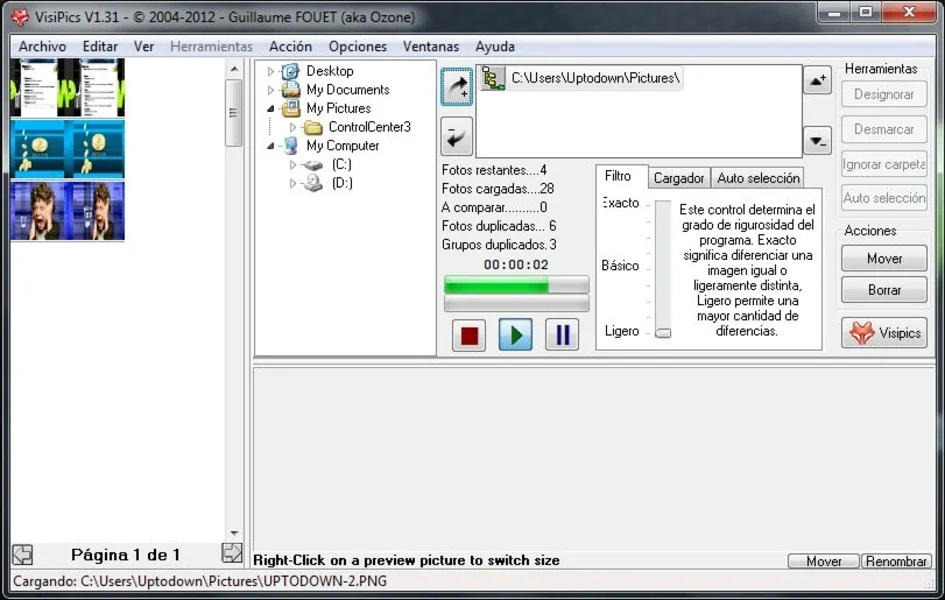
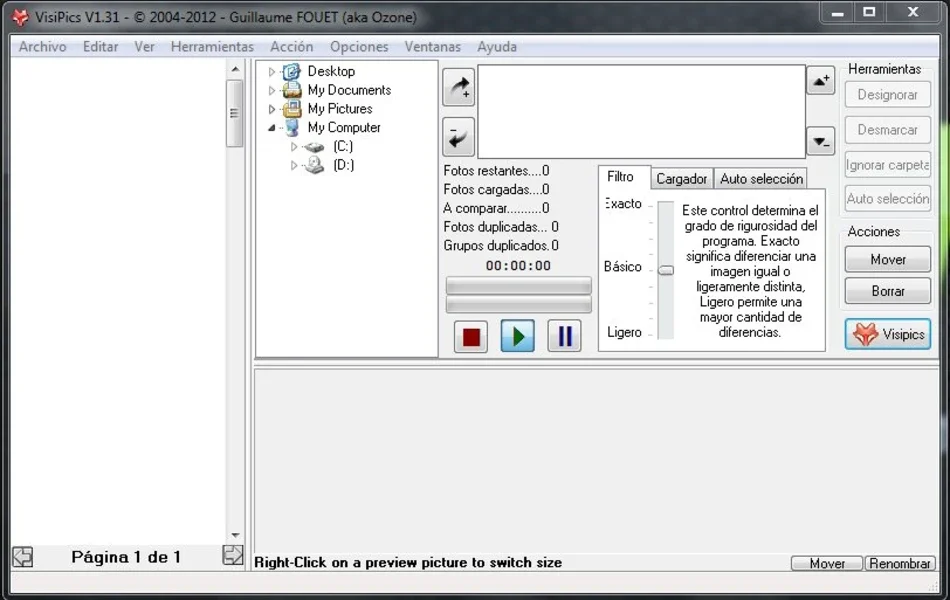
Point VisiPics at one or more folders, and it catalogs the photos inside and looks for duplicates. Choose the folders yourself; the program searches only what you pick. An automatic setting tags any image that has a duplicate.
Five filters adjust how closely two images have to match, so you can go after identical files or images that are only more or less the same. Detected duplicates appear in a sidebar with file information: file name, format and size. When two copies differ, you decide which one to keep; it may be the higher resolution version, which happens with images downloaded from the internet or received by e-mail. Deletion does not wait for the scan to finish, so you can remove duplicates while VisiPics keeps scanning.
It runs on Windows. The current version is 1.31.
Download files
c8f927015c6fcdbba3863b4e65c8b4c18670923d85f11e91118be0ae6cacce01
No digital signatureSystem requirements
Available on:
Minimum OS:
Windows 1.5 or later
Additional information
Developer
Latest release
Size
Category
File type
SHA-256
c8f927015c6fcdbba3863b4e65c8b4c18670923d85f11e91118be0ae6cacce01