
Voicebox 0.5.0 for Windows
Clones a voice from a clip and generates speech locally
You are on macOS — this is the Windows version. See the macOS version
Screenshots
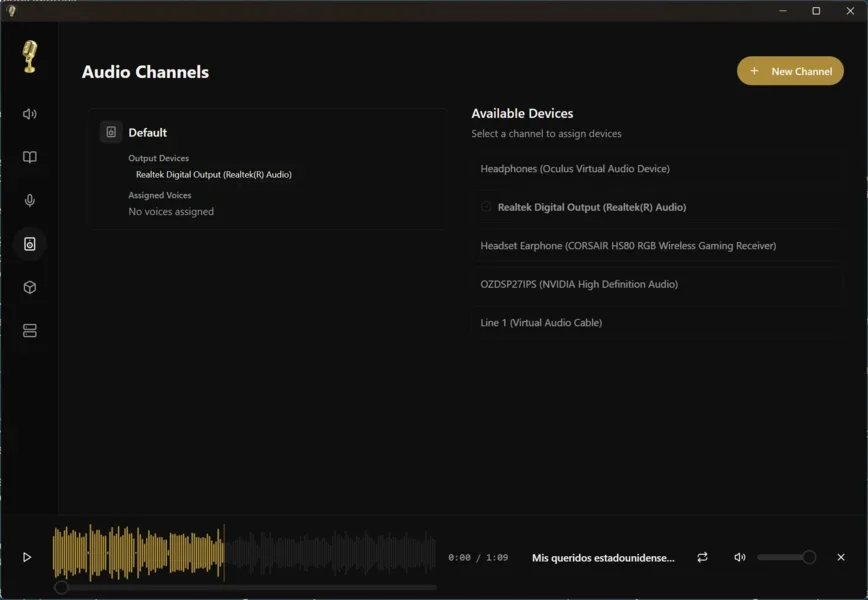
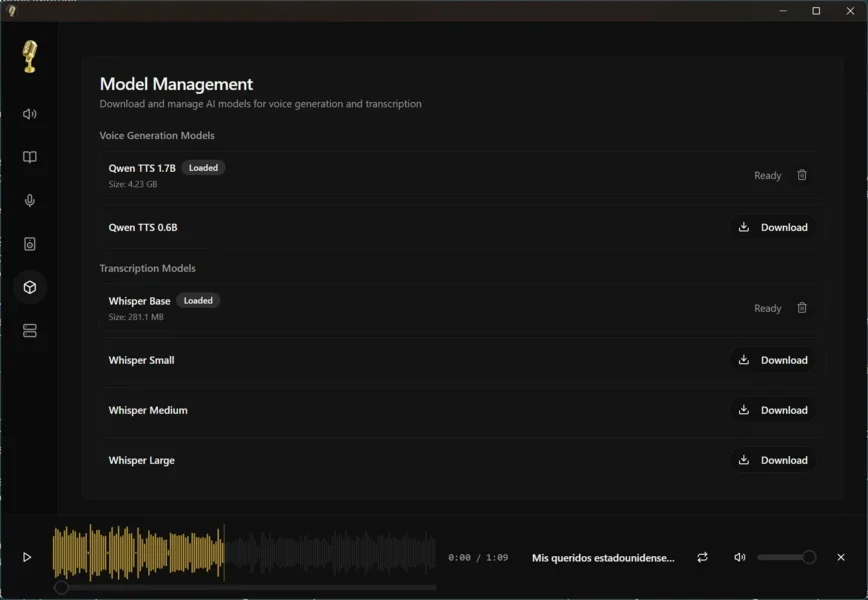
Description
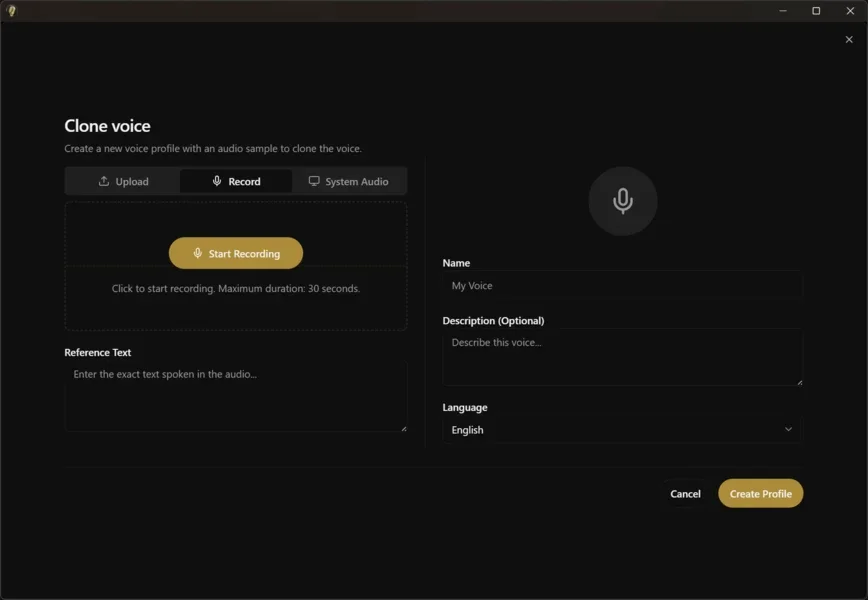
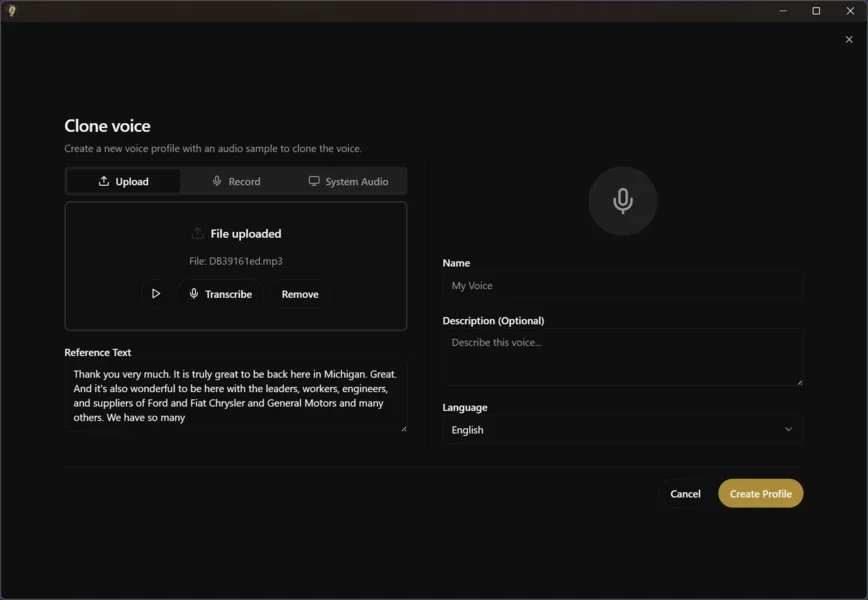
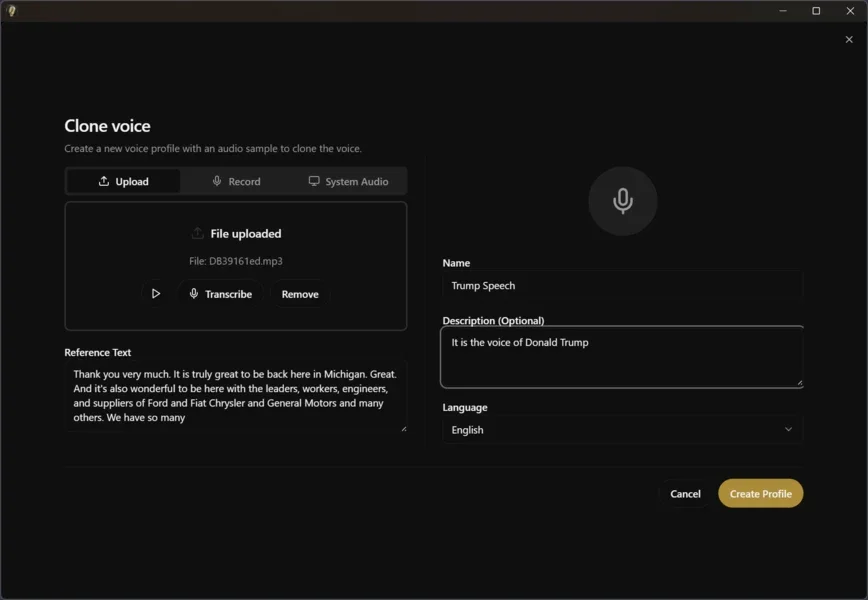
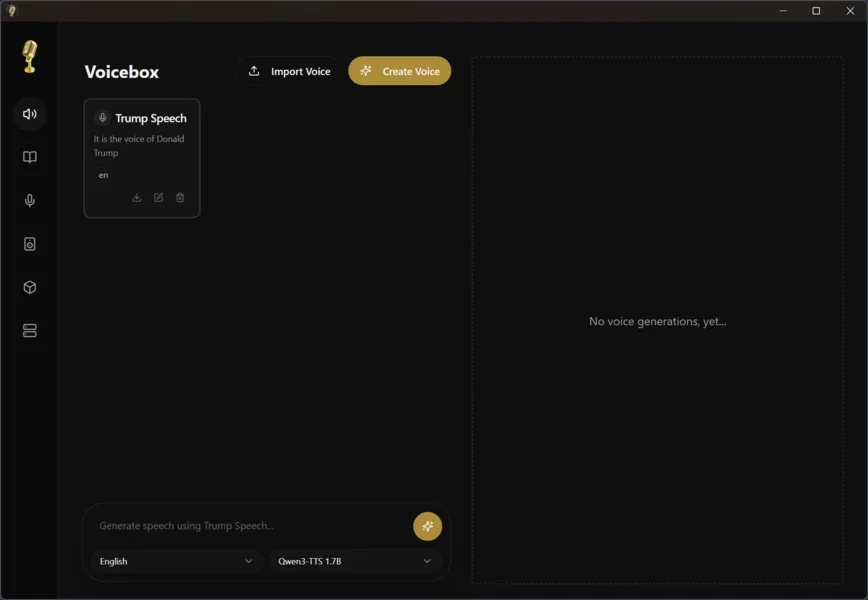
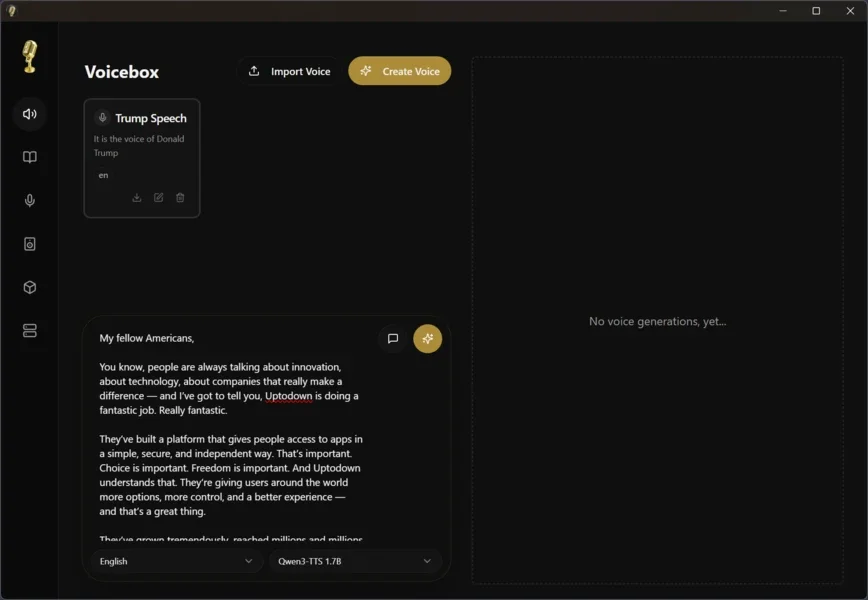
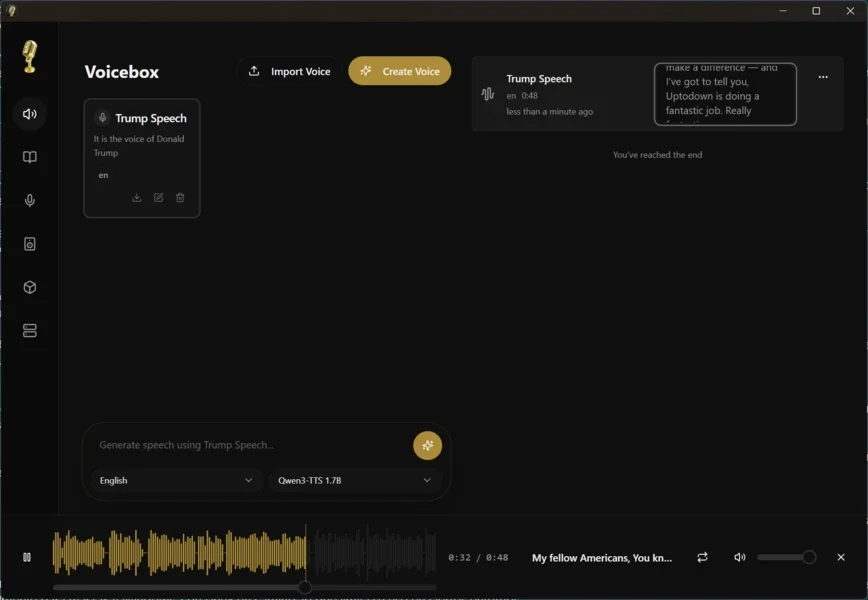
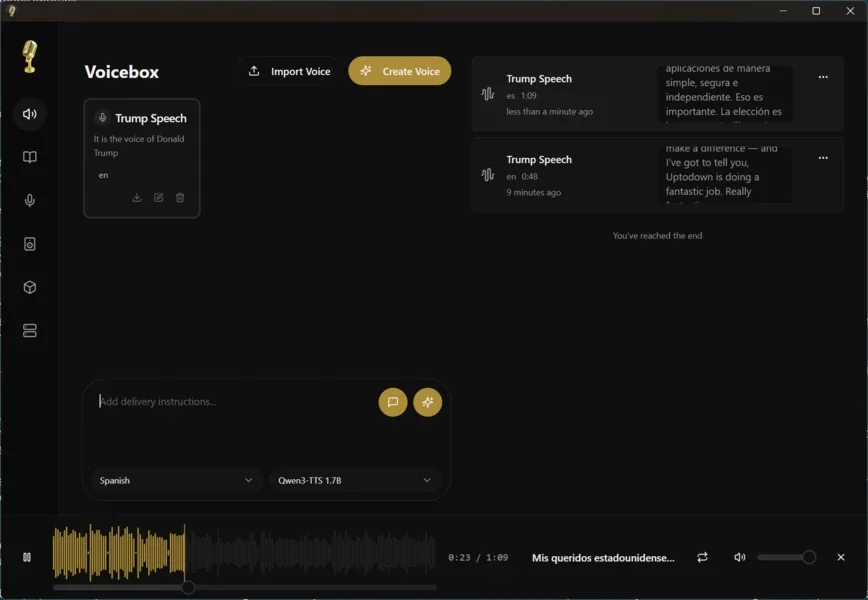
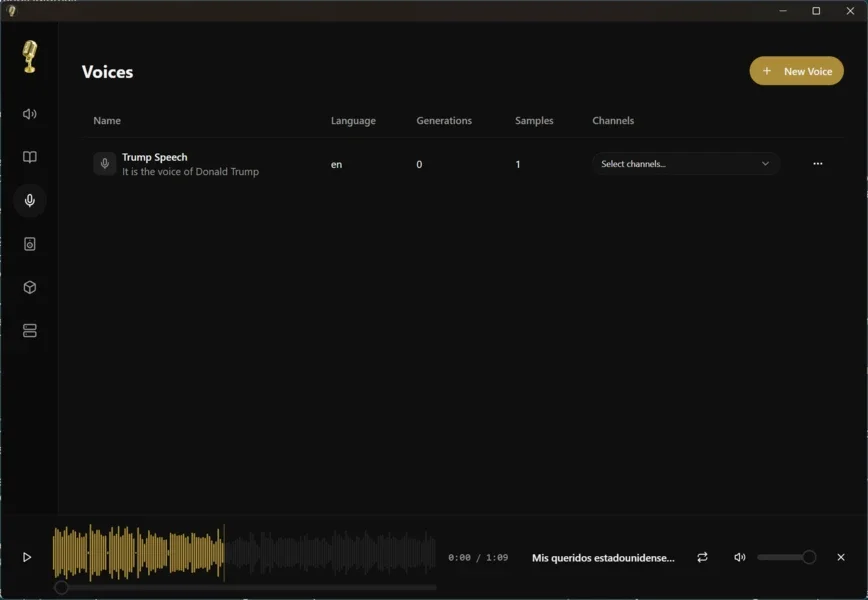
Voicebox clones a voice from a reference clip of a few seconds, up to 30 seconds at most, and the clone reproduces its tone, timbre, and accent. You type the text you want spoken and the app generates the audio. The voice profile is saved, so you can generate from it again without retraining, and you can export a profile and send it to another person to use on their PC.
Working with reference audio
You upload a voice file or record from the microphone. System audio capture records sound from the PC, such as a game or a call, and that recording can serve as reference for cloning or as source material for an audio scene. Every reference needs a transcript, either typed in or produced by the built-in transcription, which uses Whisper. Whisper also aligns the text with the generated voice. Text sits on a timeline where you can edit it to hear how pronunciation changes, fix errors, adjust pauses, or rework dialogue while keeping the same cloned voice.
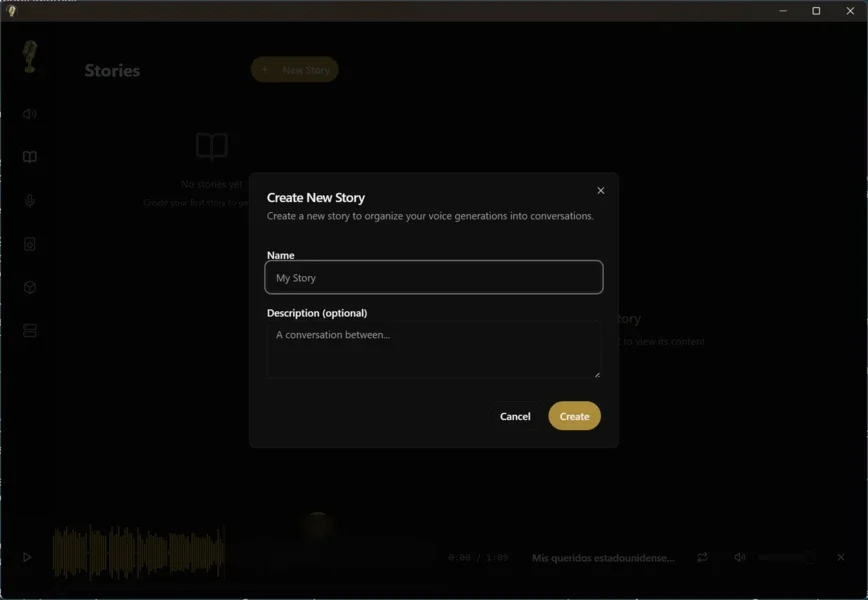
A story generation section takes a description of what should happen in the story and produces it with voices. The Qwen3-TTS model sits under the hood, and the app itself is built with Tauri, Rust, and Python. Everything runs on your own equipment, so speed depends on the GPU or CPU and on how the model is configured. Generation can take several minutes on a slower PC. Lighter models work for generation, though more complex ones give better results.
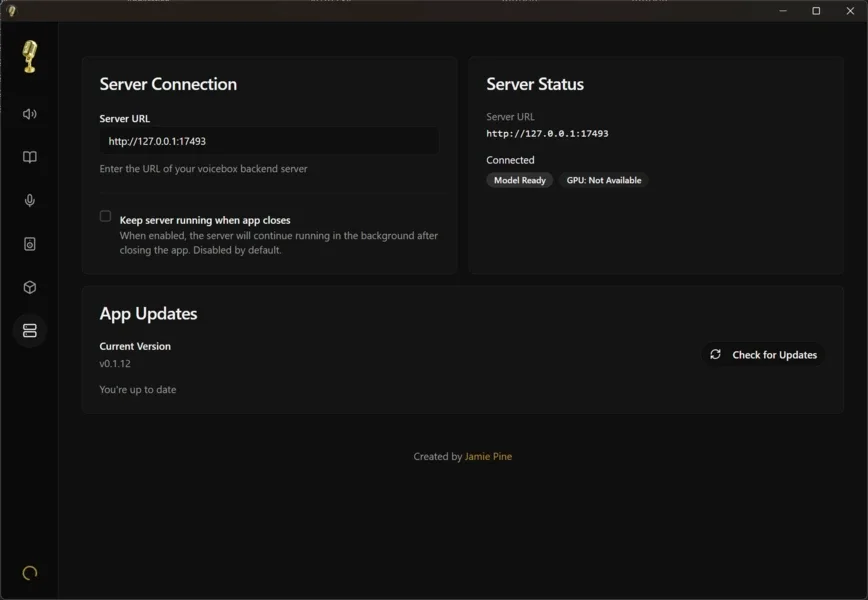
A local server starts with one click, and an API sits behind it: send text, pick a voice profile, receive audio back in a standard format. That makes automated narrations, dialogues, and voice notifications possible without cloud services. Uses include translating texts into other languages while keeping the user's tone of voice, homemade dubs, and dubbing video games. There are no tokens or paid subscriptions. The app is relatively lightweight compared with Electron-based solutions. Adding more audio and advanced voice adjustments for more realistic sound are not in yet.
Download files
eaf5410e77946f3a76388270112bfc72925dc9d4c305b891ba600b583bc8b3b8
No digital signature0f60b0c807f7e98b864302780db8fe7f21b74eb756dae836a6b73580ee349f24
No digital signatureab8ebdfb888b907fd0715962dde46a314b4f435316e429bb3e4fec4aa8cc5573
No digital signature0e039f9ef42a5a2ccfe5f714b303c2b1e600ed5af2c45335a56b2bf380200a4f
No digital signature43f43da83c84d7dedf4a343ded596ba8cb9f80ad01a32bc1b2420fc732f932a1
No digital signatureSystem requirements
Available on:
Minimum OS:
Windows XP or later
Additional information
Developer
Latest release
Size
Category
File type
SHA-256
eaf5410e77946f3a76388270112bfc72925dc9d4c305b891ba600b583bc8b3b8