Screenshots
Description
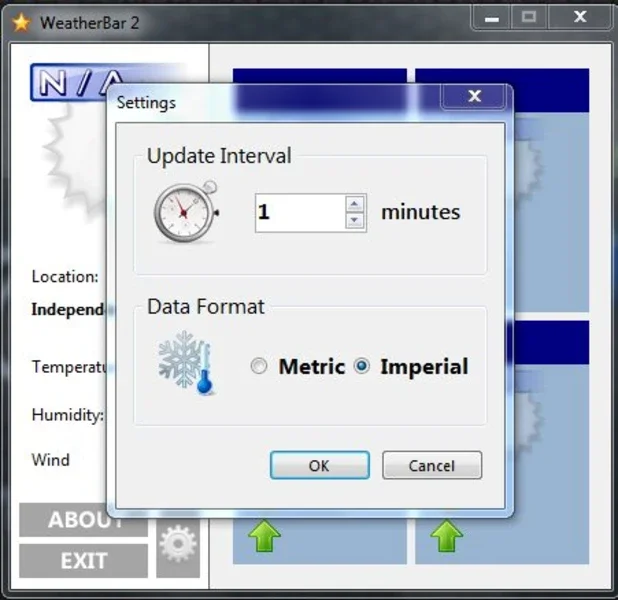
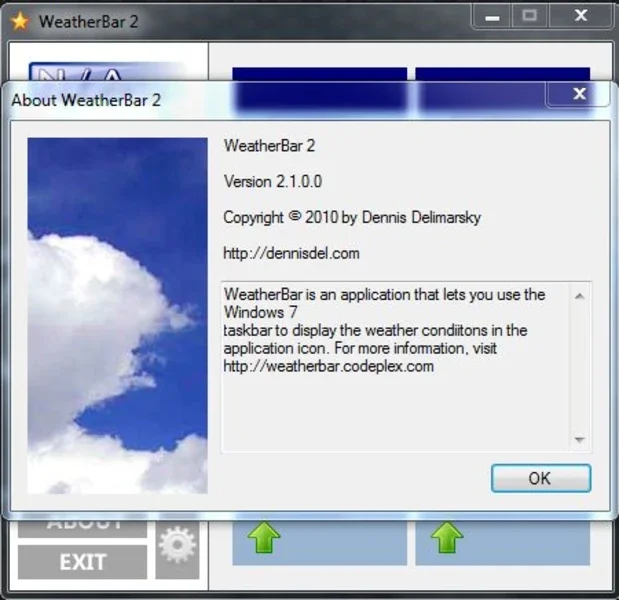
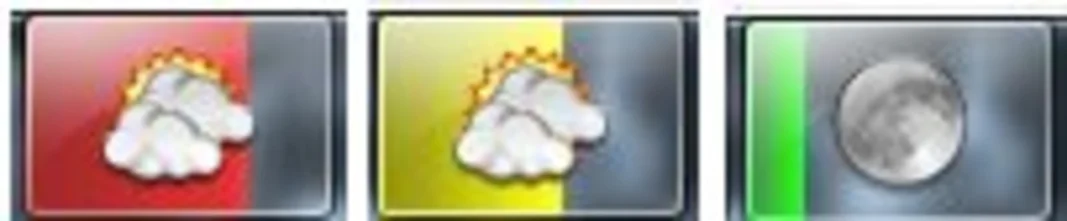
Weatherbar puts the current weather and humidity on a taskbar icon. The icon sits in the Windows taskbar, so the readings stay in view while you work.
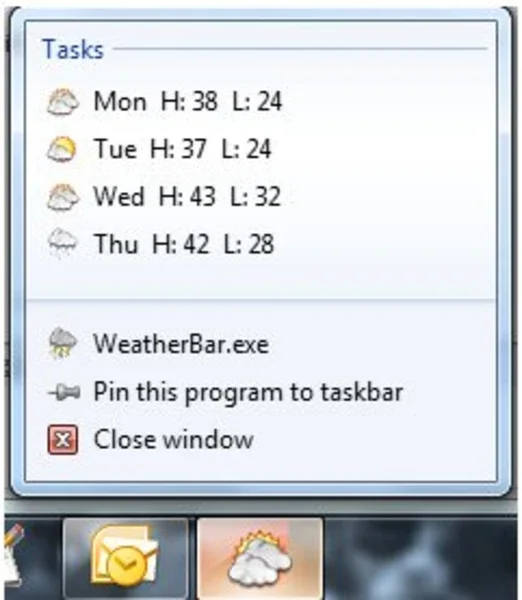
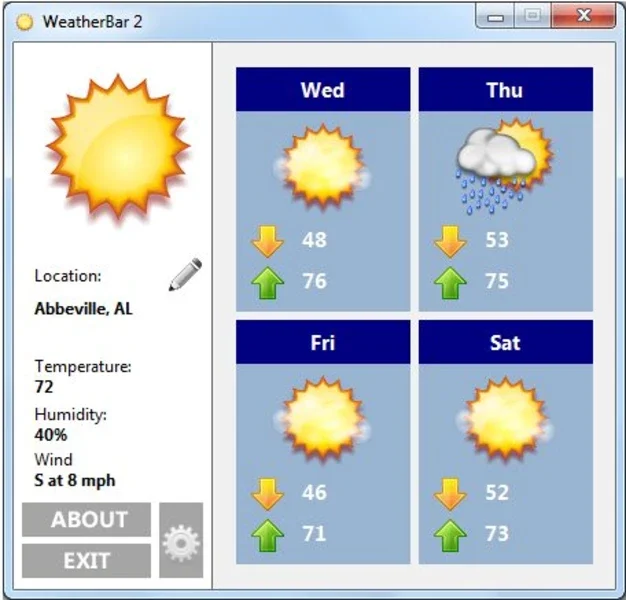
To set it up, type your city name and pick it from the list. From then on the app shows the weather at any time of day. On startup it also lays out sky, temperature and wind forecasts for the next four days. If you want a quick look ahead, right-click the icon and a short forecast appears for the coming days. You do not have to open the app to read it. The taskbar icon stays the day-to-day view; the forecast panel is there when you need a few days at a glance.
It runs on Windows. Version 2.1 is the current release.
Download files
File2.1ZIP
Version2.1
ReleasedJul 16, 2013
Size4.0 MB
SHA-256
Get
2f4029694a7ec53cfe7b6d03d796dac3ca451ce205d3f259f35dcd6ef5726f19
System requirements
Available on:
Minimum OS:
Windows 1.6 or later
Additional information
Developer
Latest release
2.1 · Jul 16, 2013
Size
4.0 MB
File type
ZIP
SHA-256
2f4029694a7ec53cfe7b6d03d796dac3ca451ce205d3f259f35dcd6ef5726f19