Win32 Disk Imager 1.0.0 for Windows
Writes IMG files to SD cards and USB drives, and reads them back
Screenshots
Description
Win32 Disk Imager writes image files to removable storage like SD cards and USB drives. That is the task it is built around: copying a disk image accurately, without extra complexity.
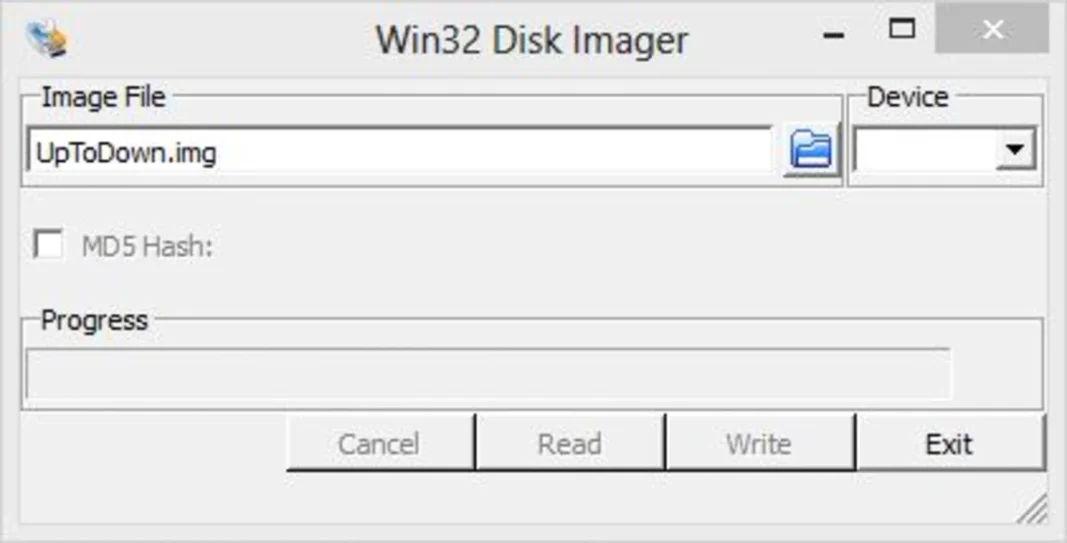
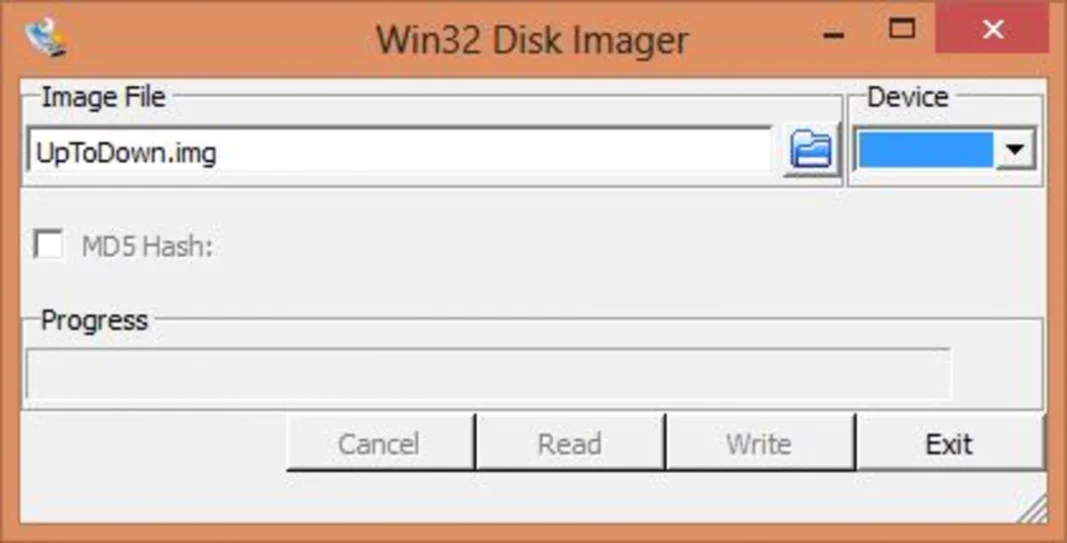
The window is small and holds only the essential controls. Pick a file, pick a drive, write. It also reads in the other direction, turning a disk into an image file, which is how it makes backups. Writing is usually quick and holds up well; how quick depends mostly on the speed of the card or drive. Expect it to behave the same way across most Windows systems. It leans lightly on system resources, so older computers handle it without strain. The design is deliberately minimal and favors function over appearance, and the program was made mainly for simplicity and reliability. It has no built-in explanations or warnings, which can feel intimidating the first time. The workflow itself is short enough to grasp after a few goes.
People often reach for it when setting up Raspberry Pi boards, installing bootable operating systems, and provisioning embedded devices. It works with a broad spread of removable storage.
The software is under GPL 2.0 and free to use. Its current version is 1.0.0.
Download files
a51c9fc75c9caa44df03502838f229a70d484963f54675c241799093a59d8874
No digital signature9f7dc0b4485a8304266e55ca186c8b6739d7fbfd0f167a9433860f7929a70392
89772d70ded70bda92a2c1e2b1a890b302353eb93abfc225d4ce96465dbdb0ea
4db7e19081a26ca0aef0471010666ab9e9155b0619572fcbdc390f96094d6ccd
System requirements
Available on:
Minimum OS:
Windows XP or later
Additional information
Developer
Latest release
Size
File type
SHA-256
a51c9fc75c9caa44df03502838f229a70d484963f54675c241799093a59d8874