
Windows 11 Installation Assistant 1.4.19041.7779 for Windows
Upgrades a Windows 10 PC to Windows 11 after a requirements check
Screenshots
Description
Windows 11 Installation Assistant moves a Windows 10 computer onto Windows 11. It is Microsoft's official upgrade tool, and it works along the same lines as Windows Update, which is the other built-in route to the new version. The program runs only from Windows 10.
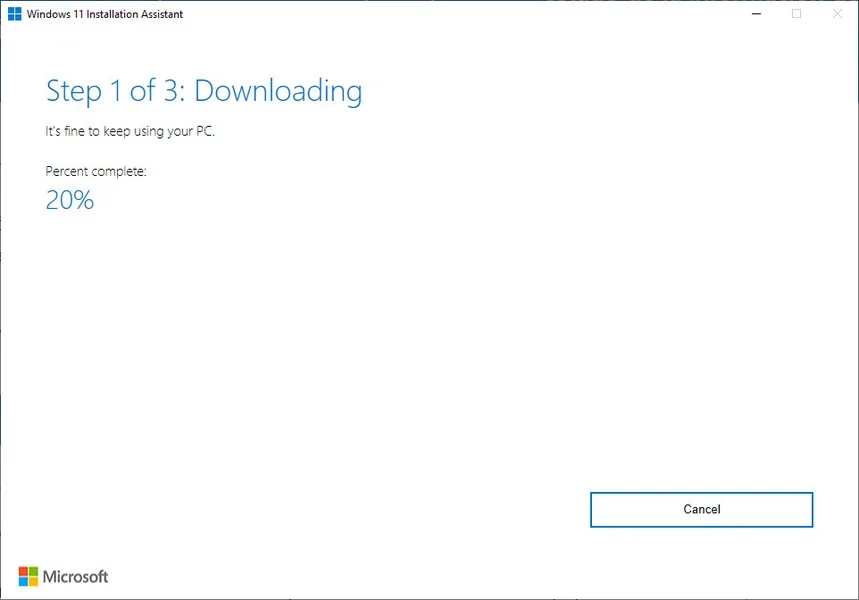
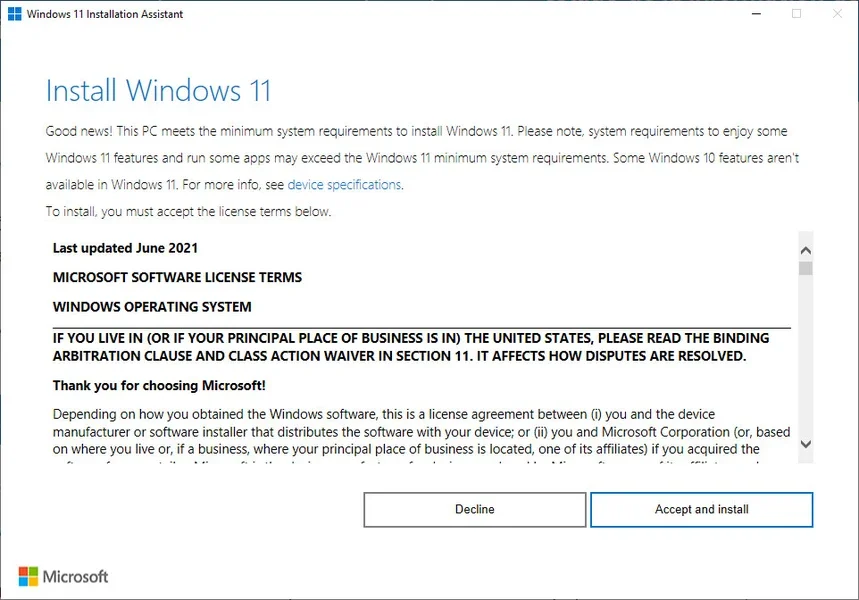
The computer has to meet the Windows 11 minimum requirements first: TPM 2.0 enabled, enough free disk space, adequate RAM. The official installer shows the terms of use, and clicking Accept and Install begins the whole installation, downloading the files it needs along the way. From there the machine restarts a couple of times on its own, with nothing to click in between. The edition follows the one you have, so a Home install gives you Windows 11 Home.
If the requirements aren't met but you want Windows 11 anyway, the route is a forced installation from scratch using the ISO image. Switching from Home to Pro is a separate job that needs the Media Creation Tool. It is free, from Microsoft, and the current version is 1.4.19041.7779.
Download files
a54d847bc7da71e7e291ba321c80cf6e2f0345b20e399f11670378912d0db14a
Signed by Microsoft Corporation · valid until Mar 3, 2027837f97852c2e8f4242cde4dbf863ed0db117082d2eebfb7c3f1f37f9b6e89758
188698d10b1f7b9710061ec95e0aec55a0cb2239e622fa4f7fdd5d360d00a007
03a9b3163071ecb41e20b95eb664c3165b9fcaba89f5e5433484d65e8cfa0380
c5c5fb530d0eea0d717c70aac04679d2d6fabcfefeb9f9845ad03f3daebb4b45
System requirements
Available on:
Additional information
Developer
Latest release
Size
Category
File type
SHA-256
a54d847bc7da71e7e291ba321c80cf6e2f0345b20e399f11670378912d0db14a





