
Windows Desktop Search 3.0 Beta 2 for Windows
Indexes your files once, then searches them from the task bar as you type
Screenshots
Description
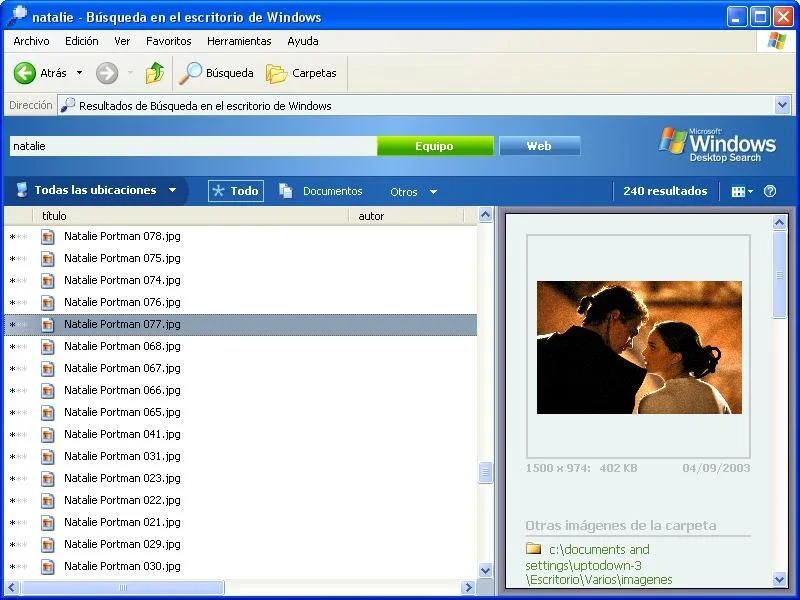
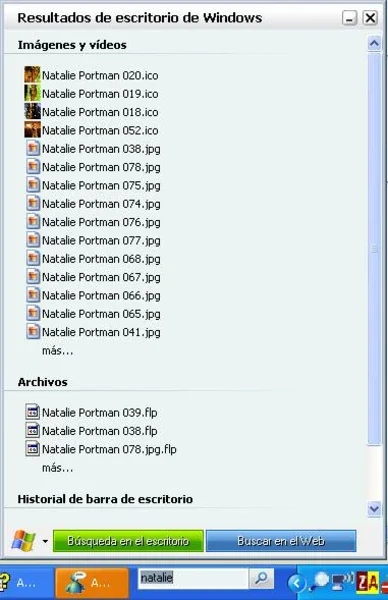
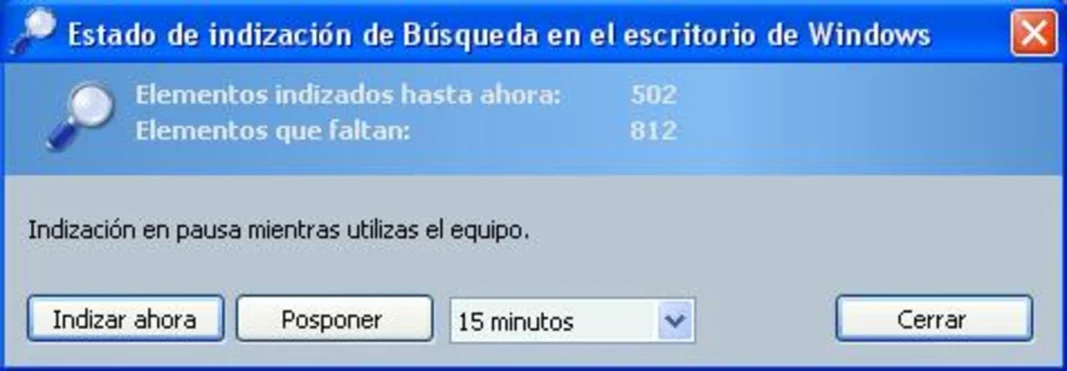
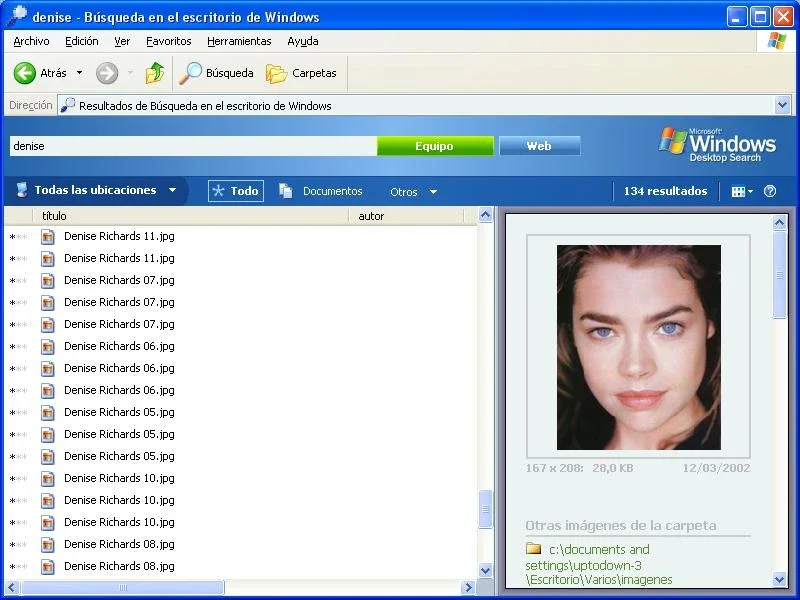
Windows Desktop Search puts a search field in the task bar, so you can look for a file without opening a window. The first time it is launched it indexes all the files on the computer. Searches after that return results instantly rather than after a wait. It was designed as a replacement for the standard Windows search tool, and it runs on Windows.
Results refresh as you type more characters into the field, so a half-typed word already narrows things down. The query language takes advanced search parameters, and it combines terms: AND finds files containing two terms, OR indicates either of two terms, and NOT excludes a term. That gives you something closer to a query than a single word in a box.
The index is built once, on that first launch, and the task bar field is where every search starts.
Download files
21875169522d654ff67b228a9494a0ef5339a7d027142bfdefc52f238f53a93c
Signed by Microsoft Corporation · valid until Oct 4, 2007System requirements
Available on:
Additional information
Developer
Latest release
Size
Category
File type
SHA-256
21875169522d654ff67b228a9494a0ef5339a7d027142bfdefc52f238f53a93c





