
Windows Package Manager (WinGet) 2026.917.151.0 for Windows
Installs, updates, and configures Windows programs from the command line
Screenshots
Description
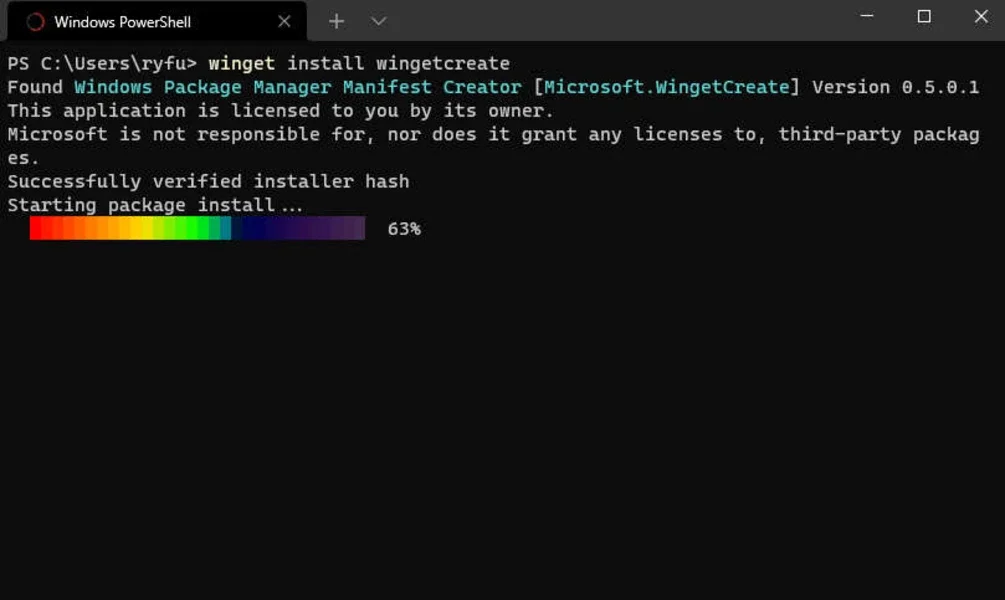
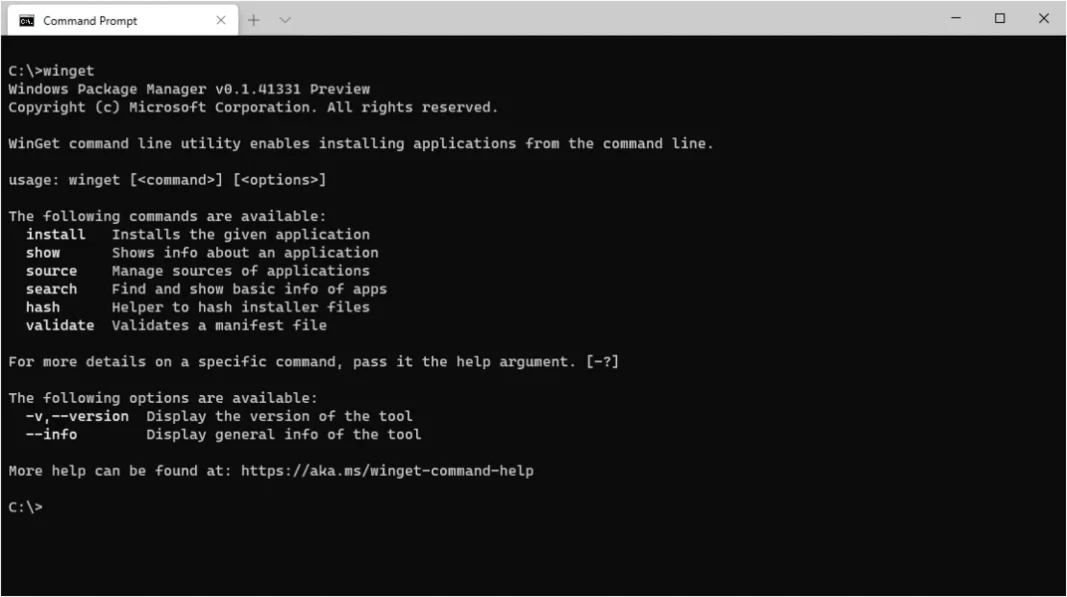
You install programs by typing a command. Windows Package Manager (WinGet) pulls the package and runs the installer from a command list you pick from, so there is no browsing to a download page. Microsoft built it for Windows 10 and Windows 11.
The install command takes care of setup, and the uninstall command removes a program again. Beyond a single install, it automates installing, updating, and configuring third-party programs that may not be in the Microsoft Store. It also distributes installation packages and apps, and it can install software directly from the Microsoft Store. Installers come in EXE, MSI, and MSIX format. Two commands work on the tool itself: settings shows WinGet's own options, and validate checks the files. Validation leans on Microsoft SmartScreen technology to confirm a file's integrity, which is meant to lower the risk that an outside app slips something harmful onto the machine.
It is free and open-source under the MIT license.
Download files
65dea9c01ce08ee7b763366b27c0e651f97db857c11ca9b9c301826c10092f2e
Signed by Microsoft Corporation · valid until Sep 20, 20264ea2208f1648462bdc8c211811bbc8b2db1174a4172fb53fdbc52459fe09367e
Signed by Microsoft Corporation · valid until Apr 12, 2026425b5c844497732ba136817732c5edc0d281725ce58a23bdc9dbd388d2a24bdd
301c3a2875b59b00011824ac76f07e9818a0536dac7c35a8618deeca085c6d8f
2cbce7a30331d29f1acc8e71524c22ed6e73d478dcf409b8e8eec4821bea43a5
System requirements
Available on:
Additional information
Developer
Latest release
Size
Category
File type
SHA-256
65dea9c01ce08ee7b763366b27c0e651f97db857c11ca9b9c301826c10092f2e





