Windows Sound Recorder 2021.2607.1.0 for Windows
Records audio from any connected mic and plays it back at six speeds
Screenshots
Description
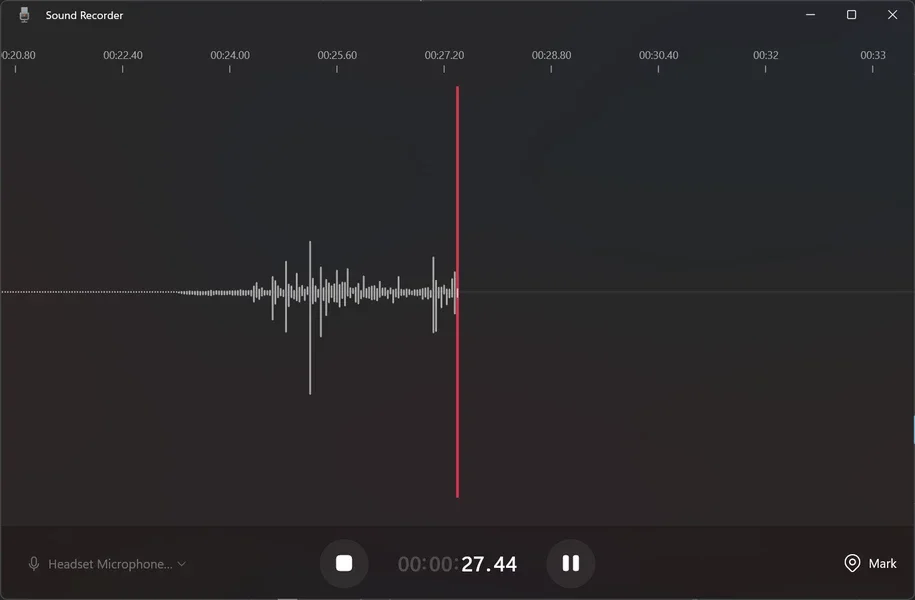
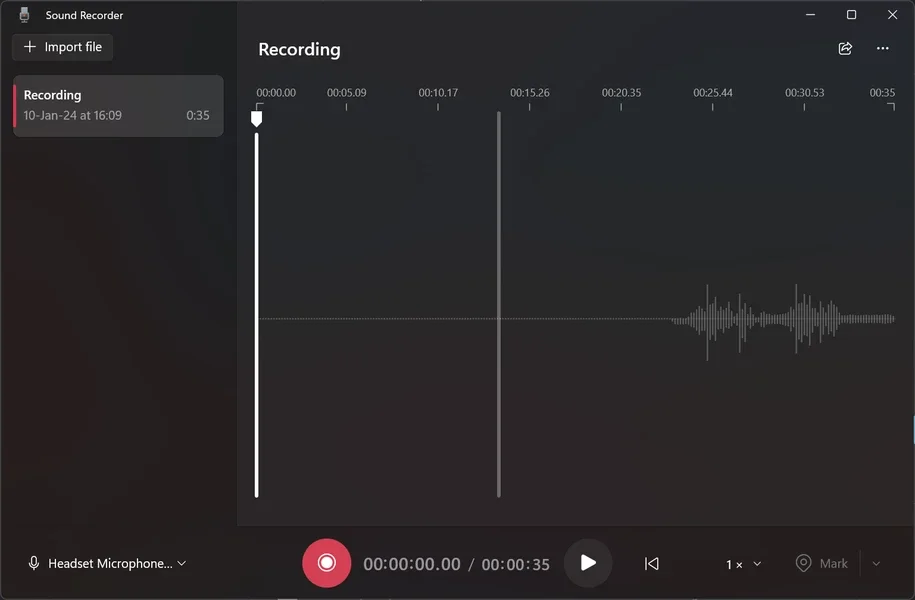
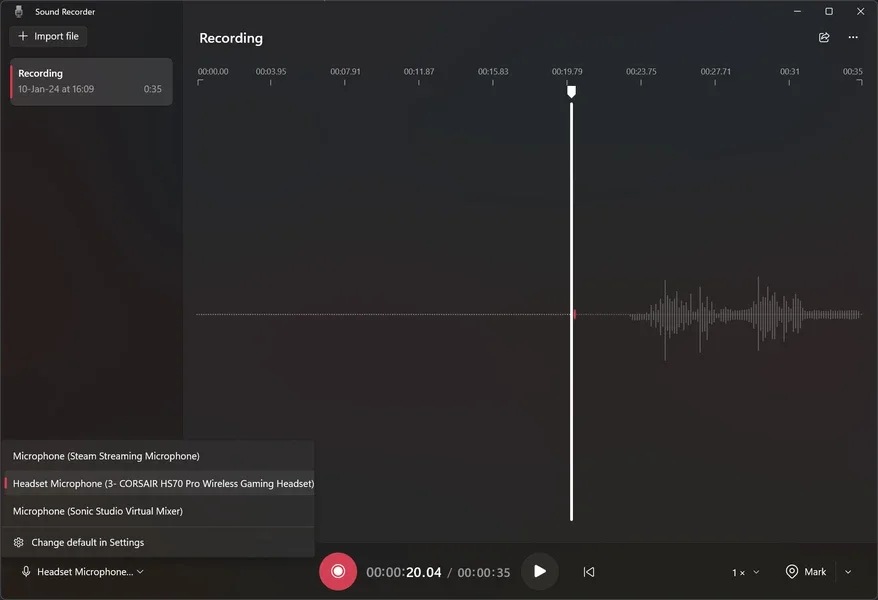
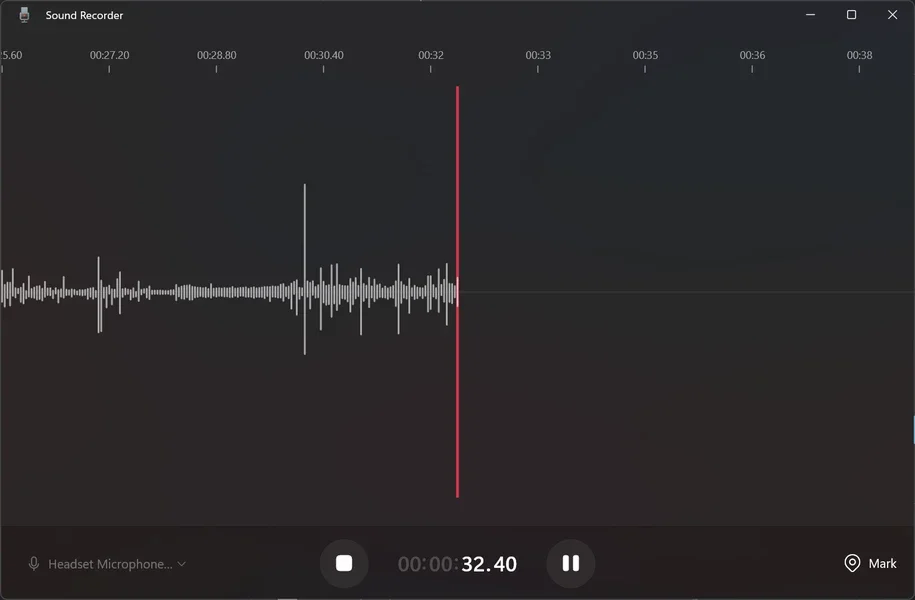
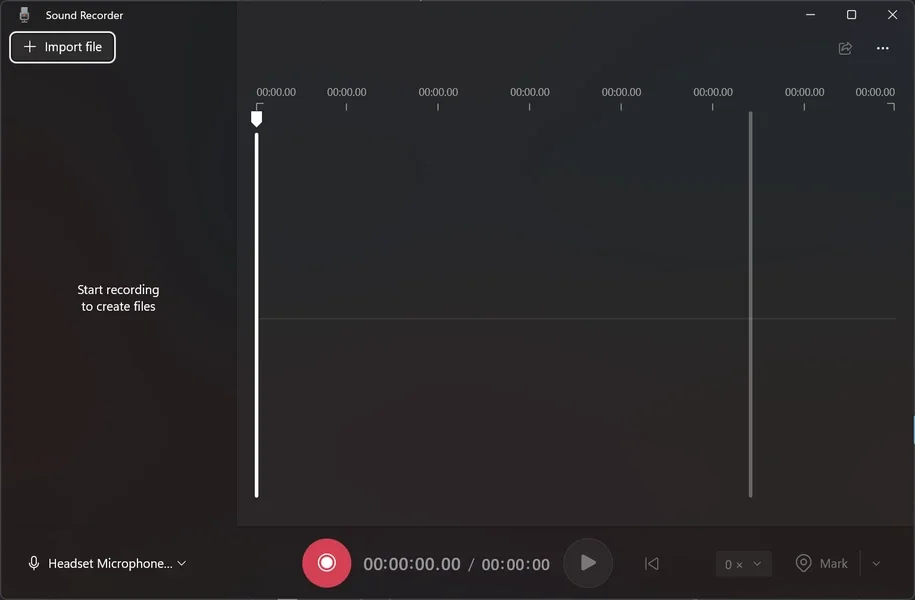
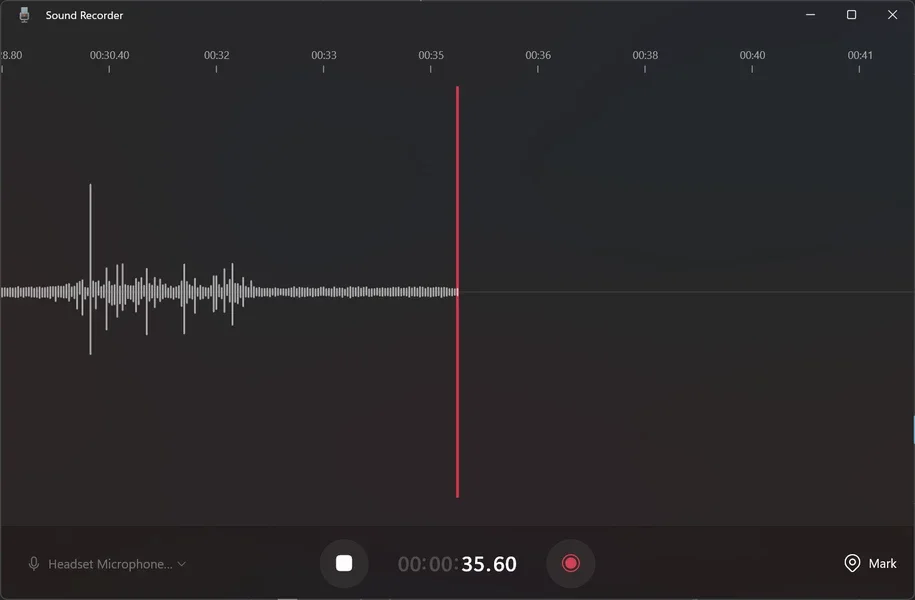
Windows Sound Recorder records audio through the PC's microphone, which covers lectures, classes and audio notes. When it opens, it detects all connected recording devices, microphones and wireless headphones among them. The sound waves it draws rise and fall with the gain of the captured sound.
Playback and speed
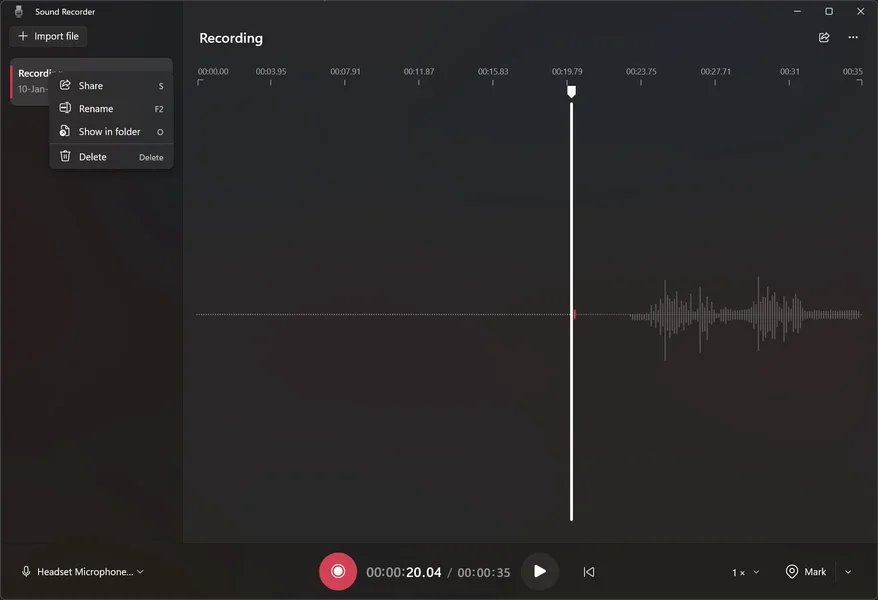
Recordings play back inside the same app, where you can pause, resume or stop them completely. Speed runs from a quarter of normal up through half, normal, one and a half times, double, and on to quadruple. You can add markers during playback. The recordings sit in a list on the left of the screen and can be renamed there.
Formats and quality
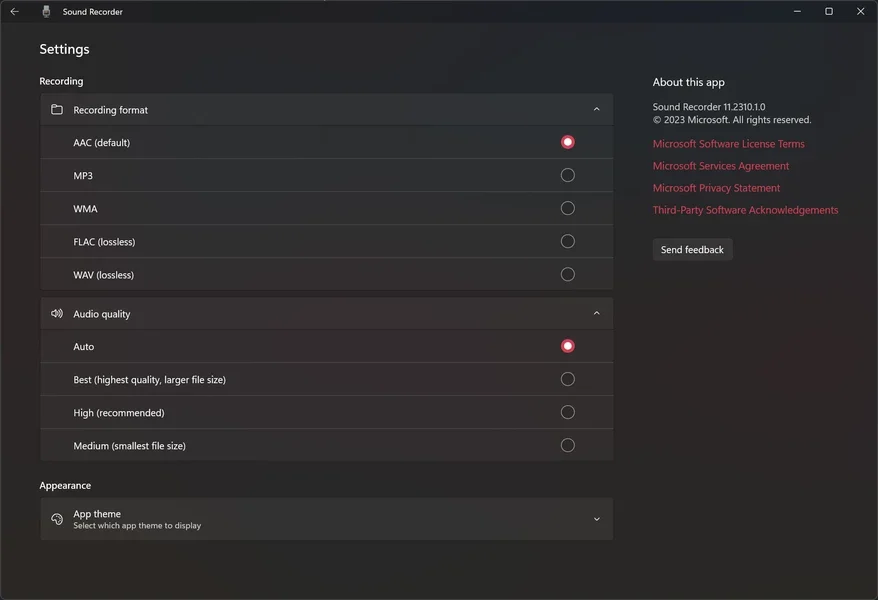
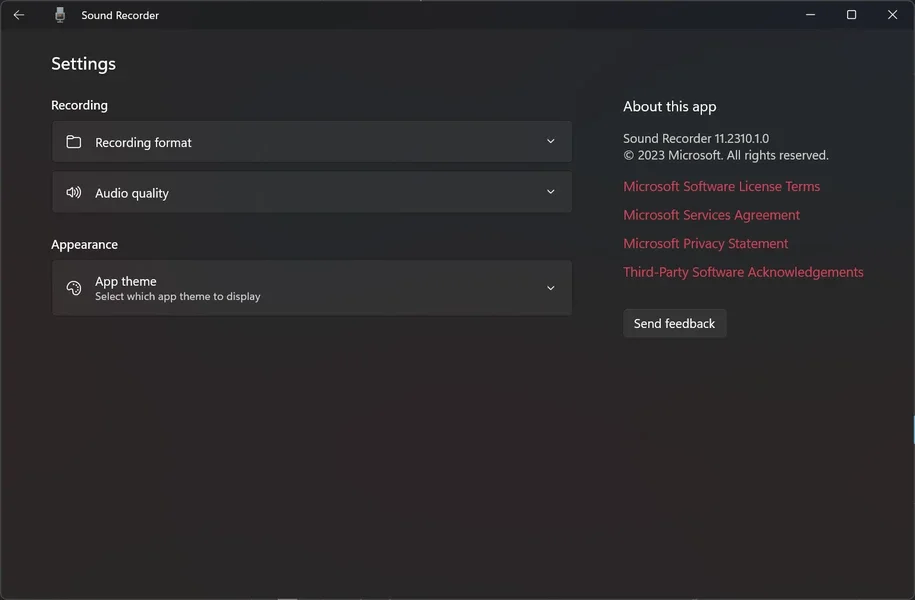
AAC is the default recording format and compresses better than MP3. Settings also list MP3, WMA, FLAC and WAV. FLAC and WAV record without quality loss but produce larger files. Sound quality can be set to best, high or medium, and the app defaults to a level matching the input audio quality.
Download files
5d6c0b09498de1ee7b32fb42140c0408aaf477c9a9e7dcf04e4d74c1b72b6eab
Signed by Microsoft Corporation · valid until Aug 8, 2026de4869311fe8fef735fef0b6e6389ed84077340f48b0ef4b7242e2357c4052fe
Signed by Microsoft Corporation · valid until Jul 4, 2026de001e6fc6067f0a4b2d80848c6057e44138d14f1700e9dff5421d864383f562
Signed by Microsoft Corporation · valid until Jun 5, 20269c41e435e0a57f347d3395aec2902558b0f6b681081a9725333d7543ab4047f0
601836e1c1be23cb1925b19094e0e70120d8976fd9458026928743c8c635adff
System requirements
Available on:
Additional information
Developer
Latest release
Size
Category
File type
SHA-256
5d6c0b09498de1ee7b32fb42140c0408aaf477c9a9e7dcf04e4d74c1b72b6eab