
Winslop 26.06.02 for Windows
Picks off Windows 11 clutter, feature by feature, from a small unzipped exe
Screenshots
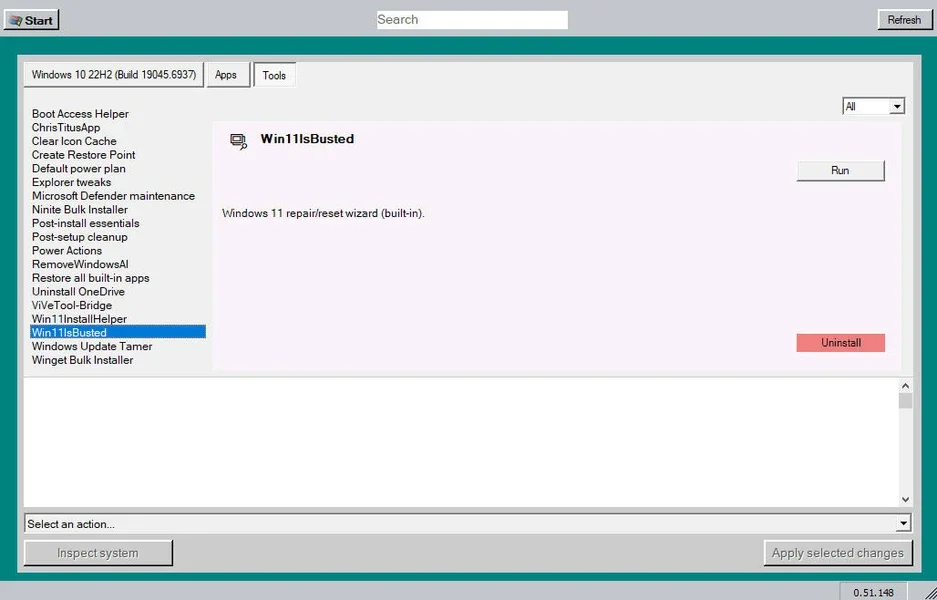
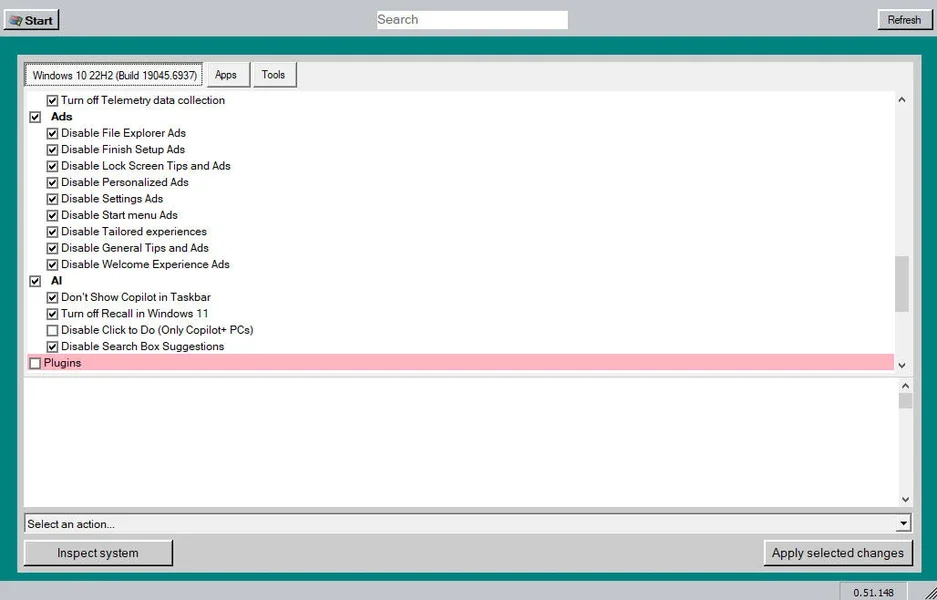
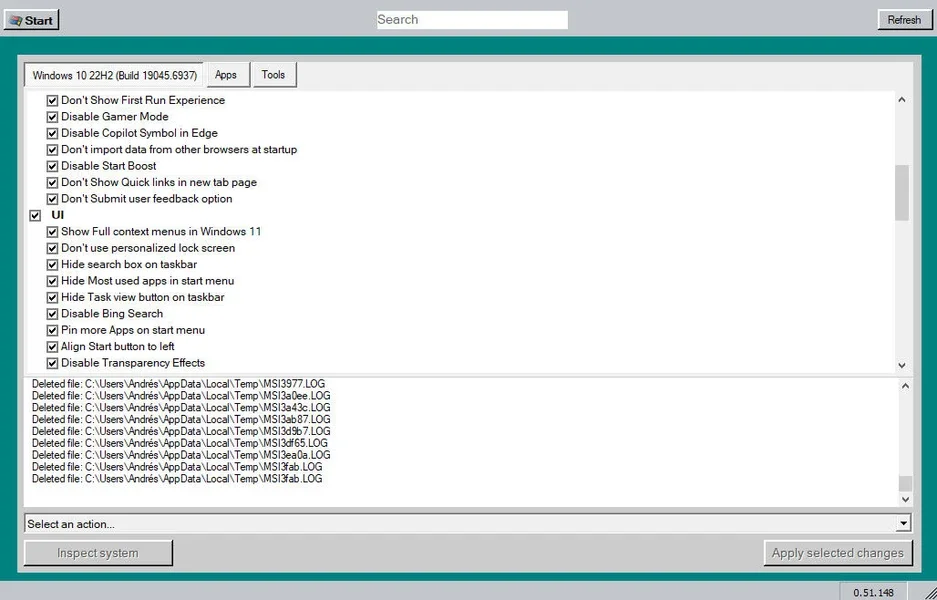
Description
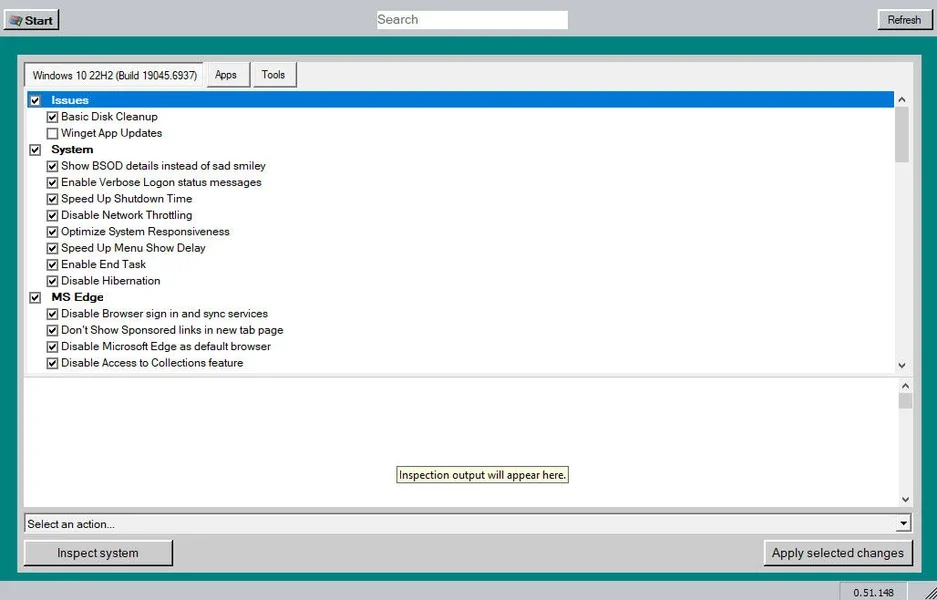
Winslop strips clutter and useless features out of Windows 11. You unzip the compressed file into any folder and double-click the executable; there is no installation step. The whole program is just over 200 KB.
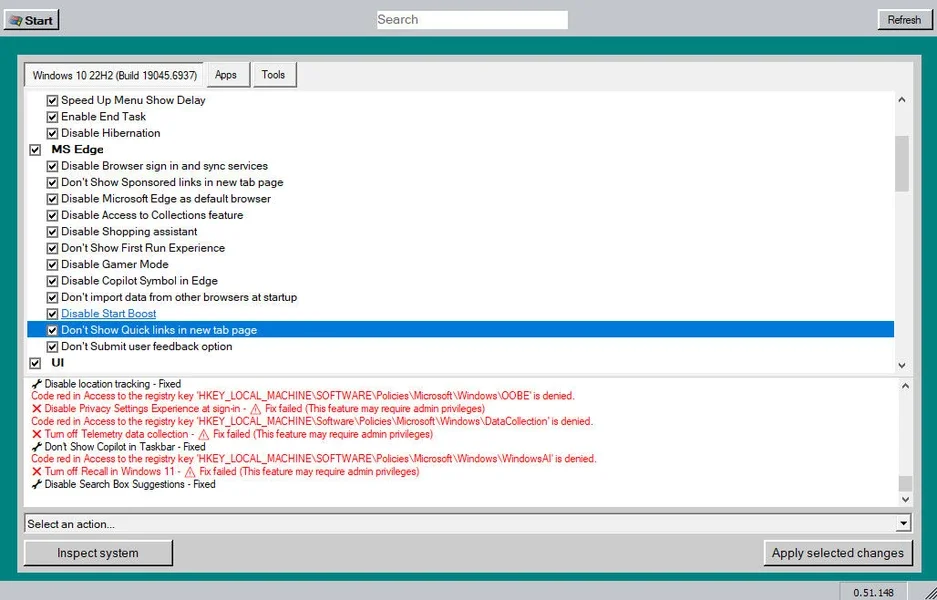
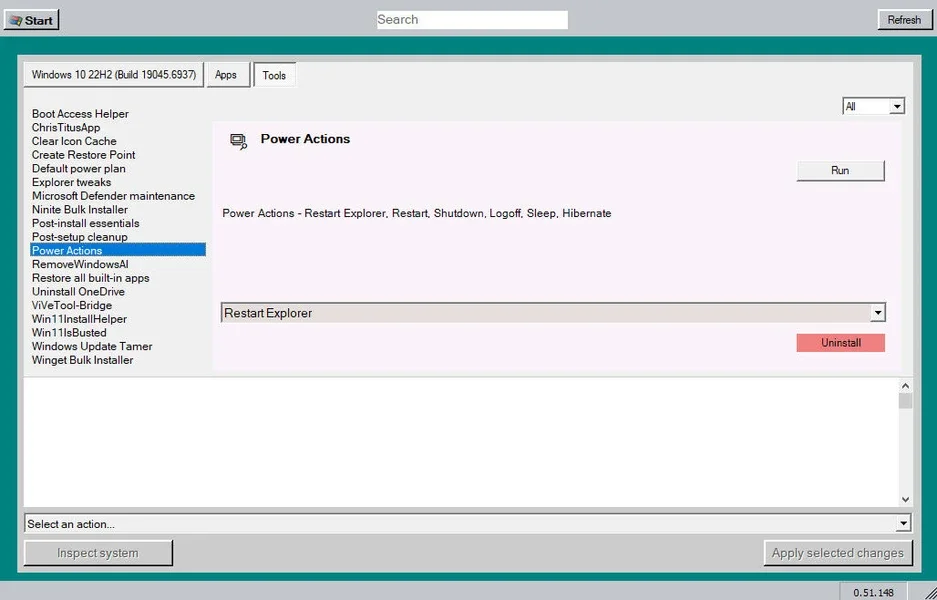
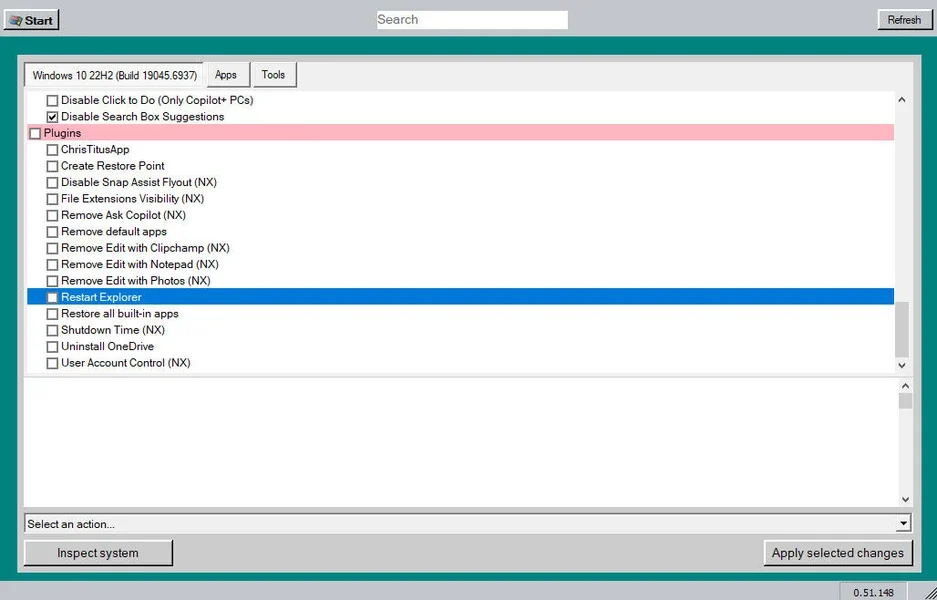
The interface looks like Windows 95, and from it you tick which elements to disable or fix. That covers the new features Windows 11 has added through its updates, which the program disables or fixes as far as it can. Where something cannot be removed outright, it minimizes the impact instead. Much of what it targets is Windows slop, a good share of it coming from AI and related tools, along with the cluttered interfaces and useless features the system carries. The work is aimed squarely at Windows 11, not earlier releases. Builtbybel made it by taking CrapFixer, his own earlier tool, and cutting it down to Windows 11 issues alone.
It is meant for Windows 11 users dealing with intrusive and useless features, and for anyone who wants the annoying new additions gone. No installation, no background component: unzip and run.
Download files
a84049ef5a09363deb955a6561adc370ba2673bb0ce917cb7cdb7fad8f170a24
767717646b43787ac19f698fbc1086d91f7c69fae7a470cd4ef78f31d4a4166f
ec3f09be17e97014da94dd9576c4525b3419ad2670405a0b5294e28bd41e43a7
d7c7c34c6e23cdeb20a65b225a15ea7fe05ef4d6c450d19a24082ff8de8df2ec
8bbdb187d7eb25da2e5db21658d071008bee015a10884a878b4a3fba44cc0db1
System requirements
Available on:
Additional information
Developer
Latest release
Size
Category
File type
SHA-256
a84049ef5a09363deb955a6561adc370ba2673bb0ce917cb7cdb7fad8f170a24





