
Xpadder 5.7 for Windows
Maps keyboard and mouse input onto game controllers for PC games
Screenshots
Description
Xpadder is a paid PC utility made by developer Jonathan Firth. It maps keyboard and mouse functions onto gamepads.
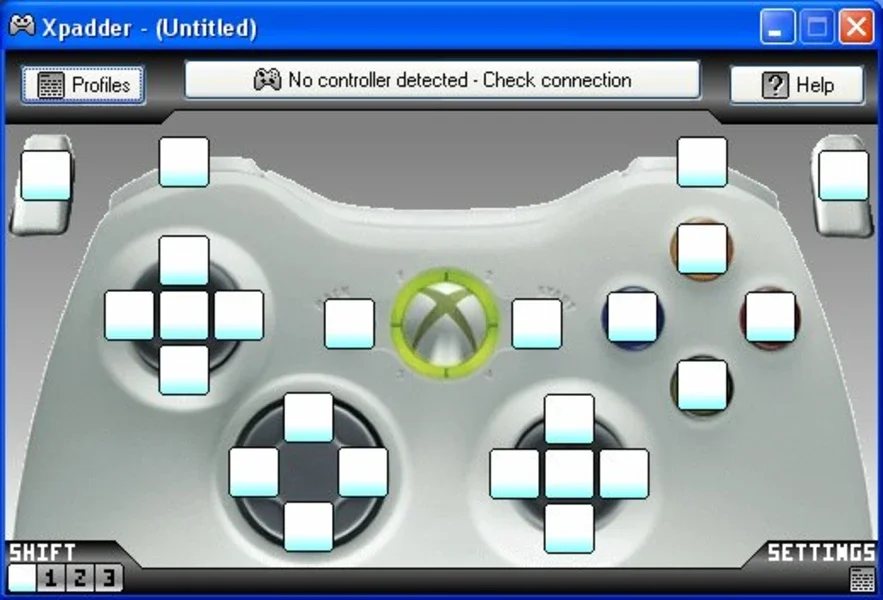
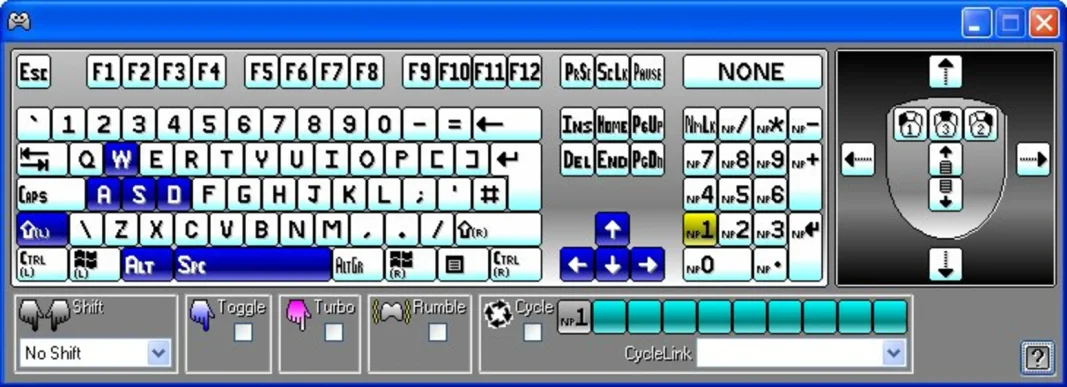
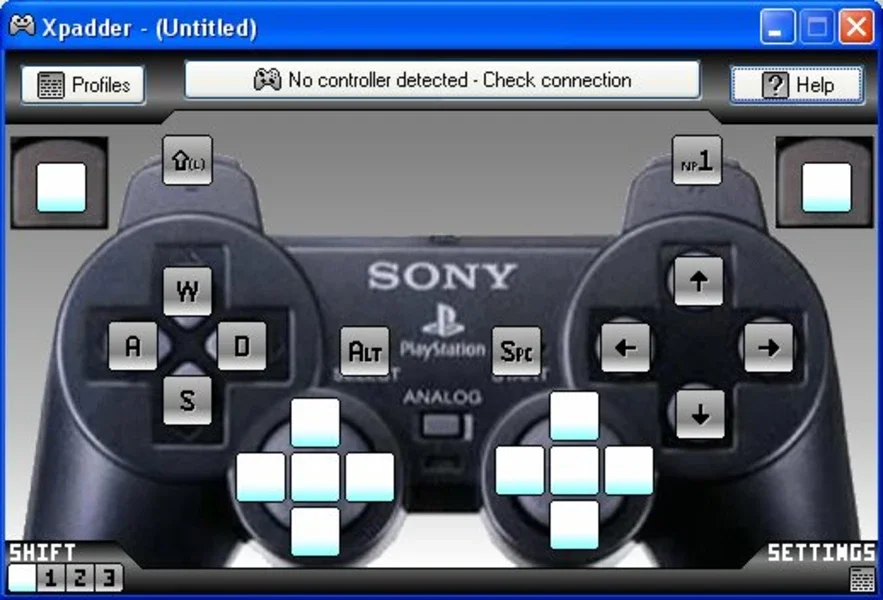
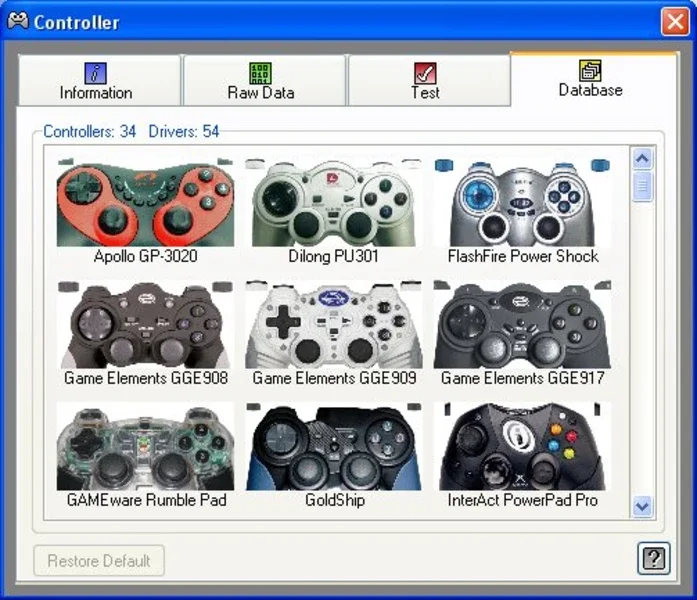
Setup starts by clicking the joypad icon, which opens a context menu from the gamepad picture. A new window opens with fine-tuning options for gamepad support. The notepad icon next to it creates a new profile for mapping the full keyboard and mouse onto a joystick. Clicking the note image opens a dropdown menu with a 'Paste' option, and pasted data loads automatically into the interface. A downloaded file is loaded via the 'Open' option under the notepad icon, so files from the internet can load in to map the controller. Emulated information from websites can be copied and pasted in. A controller model image can be pasted into the image area of the window. Clicking 'New' beside the blank controller icon creates a layout. The bottom of the screen has tabs: Image, Sticks, DPad, Buttons, and Triggers. Marking the first 'Enable' box in the Sticks tab synchronizes the controller with the PC, and the DPad segment can also be enabled. Other controls are configured by dragging and dropping the circle onto different parts of the controller. A shaded circle on the page can be moved around the gamepad image. The Triggers tab associates the controller's outer buttons with the software. Commands are mapped in the Buttons tab by pressing a gamepad button and adding it to the chart. Users can assign a button, a keypress, or a combination input, and a mapped key can be moved around the chart. Mapped buttons can be clicked to delete or rename. A calibration process asks the user to push the stick in different directions, and the process is repeated on the other side by selecting the second 'Enable' box. Xpadder gives force feedback after the prompts are followed. The controller must be linked to the PC. It can link an Xbox One controller to a PC and tie the sticks to keyboard and mouse buttons. Keyboard and mouse movements can be mapped to Xbox 360 controllers. It supports older PlayStation gamepads such as PlayStation 2 and PlayStation 3, works with a PlayStation 4 controller to play PC games, and supports many third-party controllers with 20 or more button inputs. Multiple profiles can be made and switched on the fly, though profile management does not save automatically. Users can create and upload controller images and game profiles. Keyboard and mouse emulation can take a lot of time. The save icon sits to the right of the notepad.
The program is lightweight and uses little storage space.
Download files
a32405250c54acc0ab140ac84362c76b1628f6411a89d4f7b63ff5e2411305c5
8409720a82ac53eea6fcacb0ace9abd46de92ae4b8675053c3a7ba9952040234
6702b4905ad088b89c9fc56a6419eea0ba331523cdb1733bc21e5813bcef0672
b74fea1dab691eaac80022f797fca7797484161cdd95f2816e596de7d43b9dc2
System requirements
Available on:
Minimum OS:
Windows Windows Vista or later
Additional information
Developer
Latest release
Size
Category
File type
SHA-256
a32405250c54acc0ab140ac84362c76b1628f6411a89d4f7b63ff5e2411305c5