
Screenshots
Description
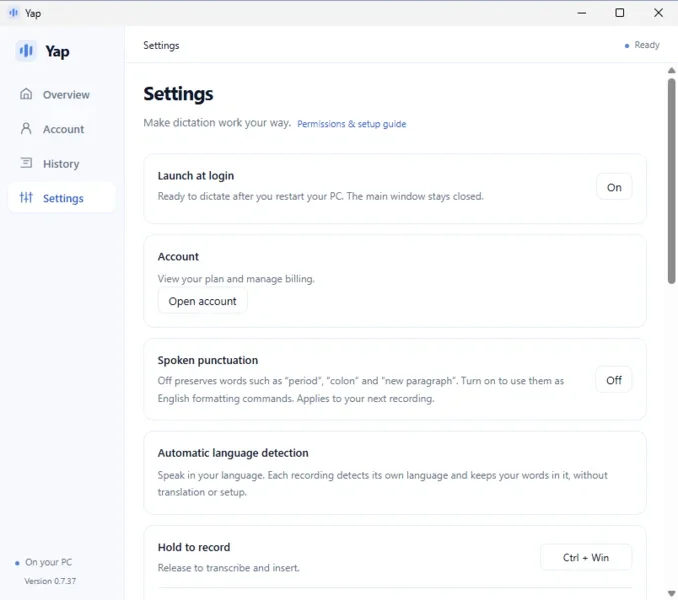
Put the cursor where you want the words, hold Ctrl + Win, speak, and release. Yap types what you said into whatever application has focus. Hold Space with those keys and dictation stays hands-free, so you can talk without holding anything down.
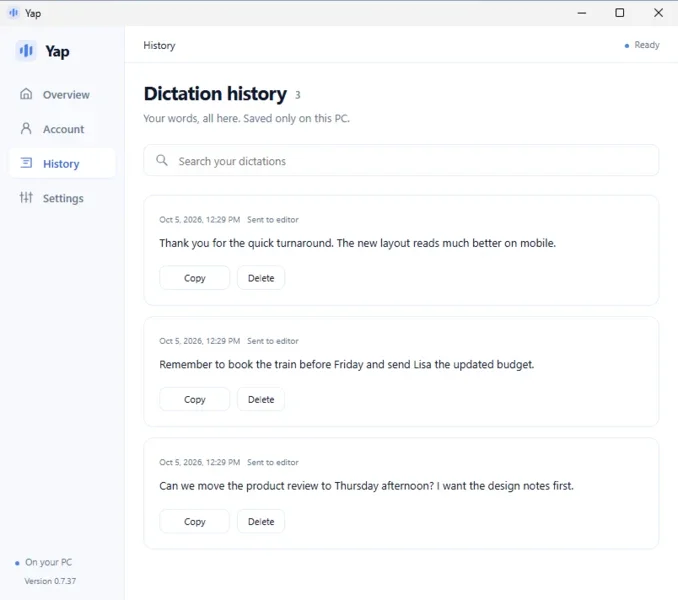
Recognition runs on the PC itself through NVIDIA's Parakeet model. Nothing you say is uploaded or saved. The model is about 0.7 GB and downloads once the first time you use it. It handles 25 languages, picked out from each recording. Finished text goes into a private History. Typing halts safely in three situations: you move to a different app, a menu comes up, or the cursor lands where a password goes.
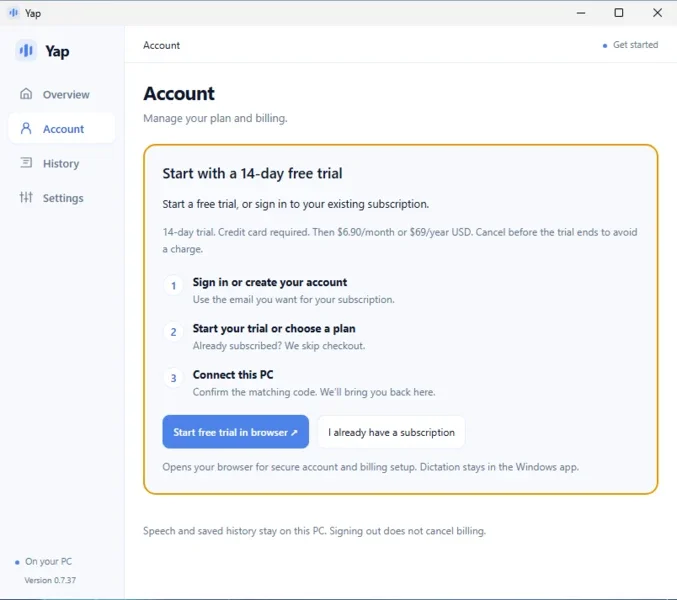
The free trial lasts 14 days and asks for a card. After that a subscription is USD 6.90 a month or USD 69 a year, billed by Yap on its website. The same subscription covers Apple Silicon Macs. Support answers at hello@yapapp.cc.
Download files
ee3ca7564a8b0780632d5f02609720b24aed24bdcb601a0af71a676f60437432
No digital signaturebe3ebeed03c33975f0ce1a3a3ae1a9c44321d00abaf76466d803856972deabc4
No digital signatureSystem requirements
Available on:
Minimum OS:
Windows XP or later
Additional information
Developer
Latest release
Size
File type
SHA-256
ee3ca7564a8b0780632d5f02609720b24aed24bdcb601a0af71a676f60437432