

Screenshots
Description
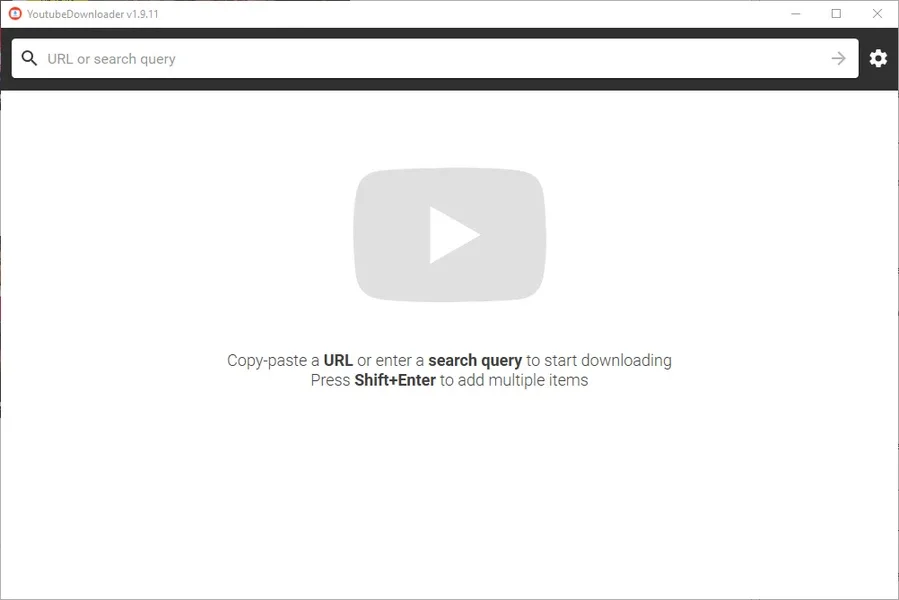
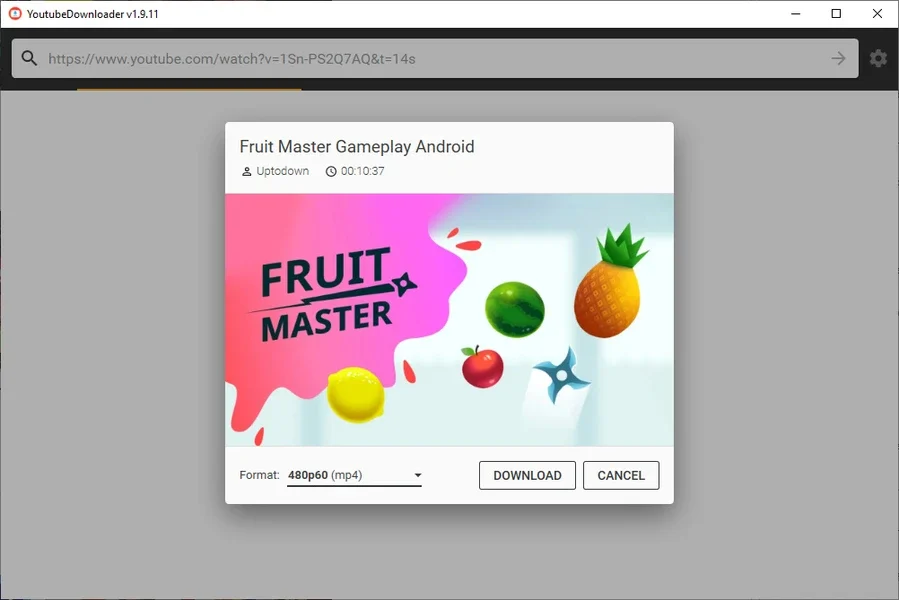
YoutubeDownloader is a Windows tool that downloads videos from YouTube. It does not require installation: you unzip the compressed file into a folder and double-click the executable, and it takes up 120 MB of hard drive space. The main window is simple and has a search box.
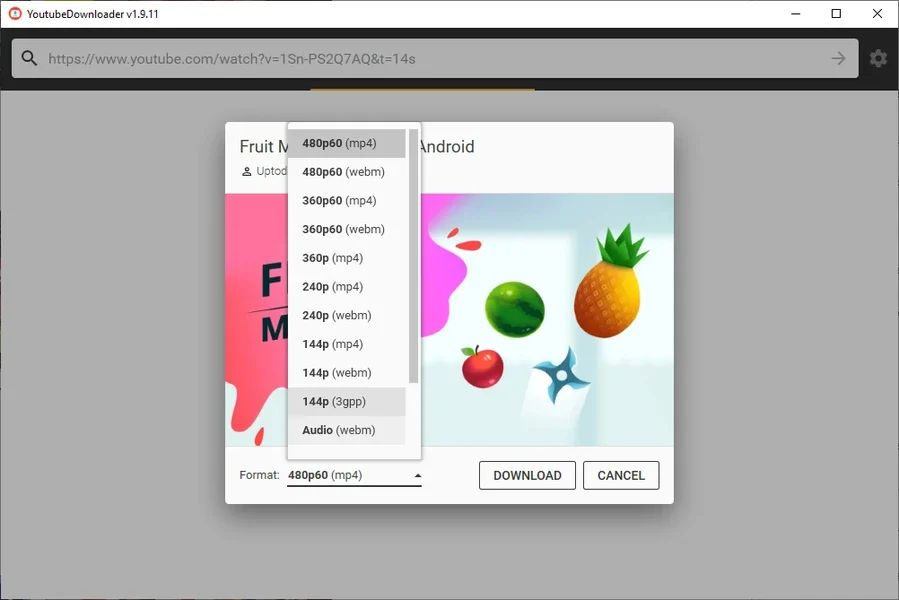
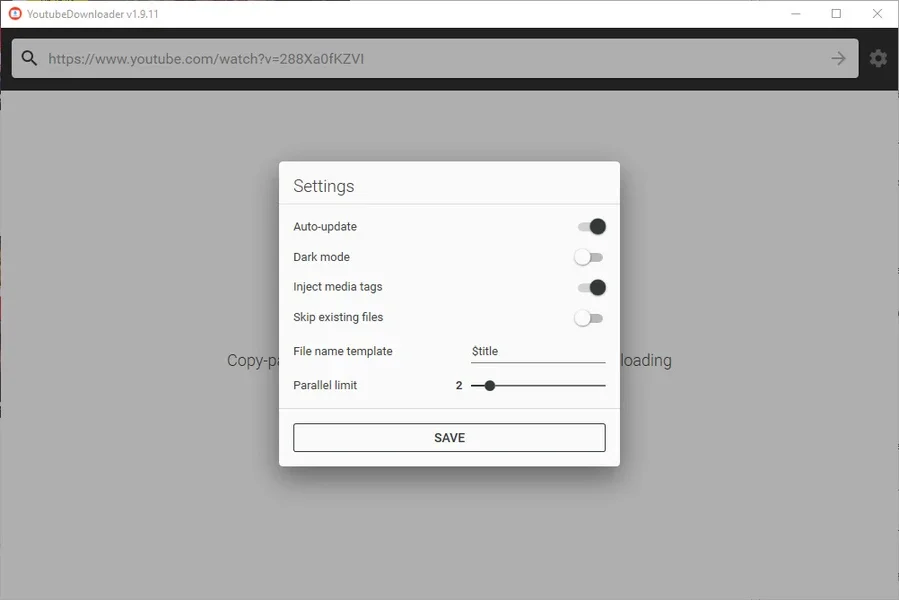
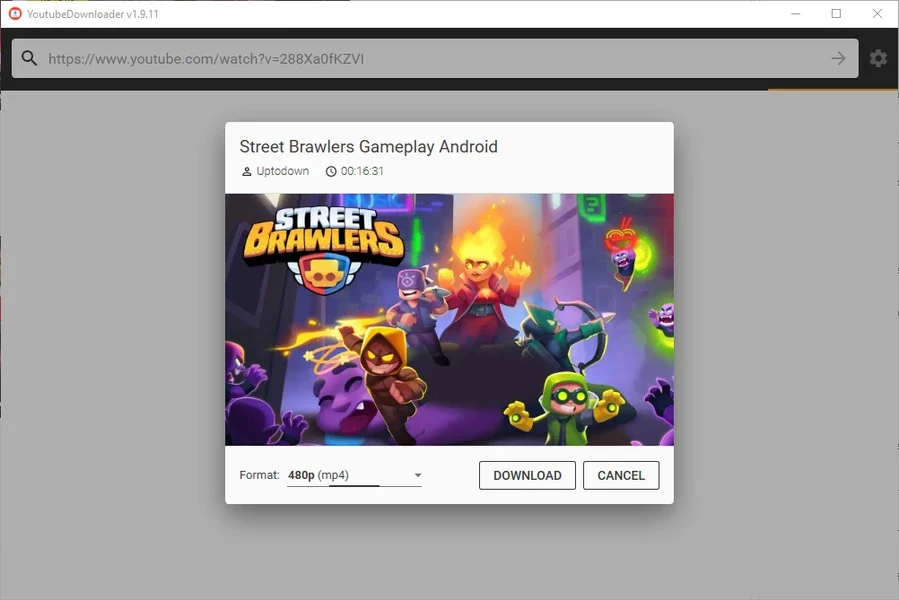
The fastest method is copying the link from the browser and pasting it into the search box. You paste the URL of a video, playlist, or channel, and the app shows the video's thumbnail. Downloading a channel or playlist uses the same process as a single video: paste the URL. Then you pick the format and quality for the download. Output formats include webm, mp4, and 3gpp, and several different resolutions can be selected. Before downloading, you can choose which videos to download and which to skip, and an option skips videos already downloaded when going through playlists. The default simultaneous download limit is two, and you can set the exact number of simultaneous downloads; up to 10 videos can be downloaded at once if the Internet connection is fast enough. Downloaded videos are saved to a folder on the PC.
The program can update itself automatically. A configuration menu lets you customize the program. There are no ads.
Download files
5a74c9318e926543e18f0106aa16517258b2628e05670d347ee435c47d60aeb1
a6b89e9269d9bc98ef70bcc0661f389555b376c92e019cdc74002e58a680ee3c
23f2bf0956a238776af272913e8816e9fa7f297ae497b19d8c80b7b5c5131632
9e328b306e42d41544c0adf0fb908d987e8d8f28a980ead214e201c0957e4033
7768a499ca07591c28982d7f3cd2dd8dbe811783a3a6fcb6303e2a019aa2c019
System requirements
Available on:
Additional information
Developer
Latest release
Size
File type
SHA-256
5a74c9318e926543e18f0106aa16517258b2628e05670d347ee435c47d60aeb1