
ytDownloader 4.2.0 for Windows
Downloads video and audio from over a hundred sites
Screenshots
Description
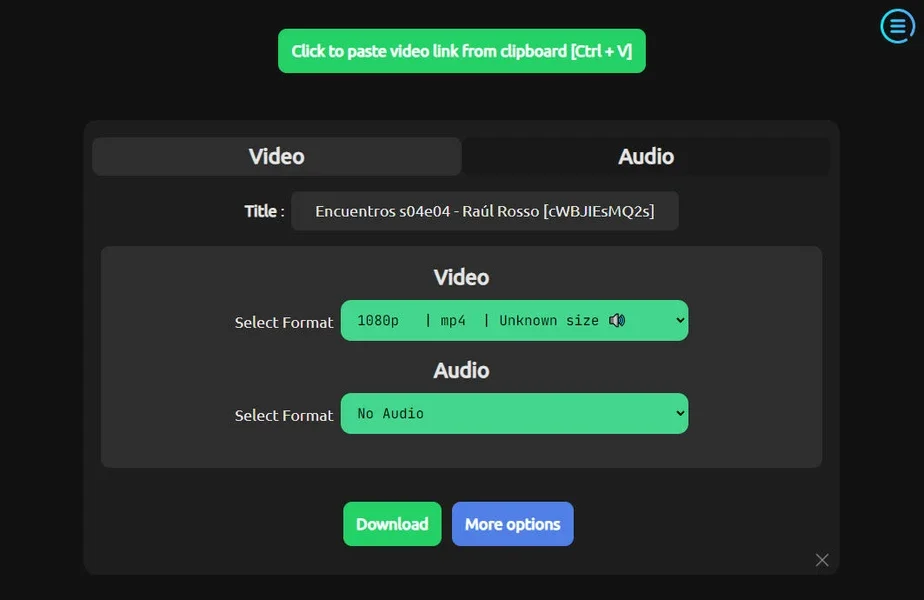
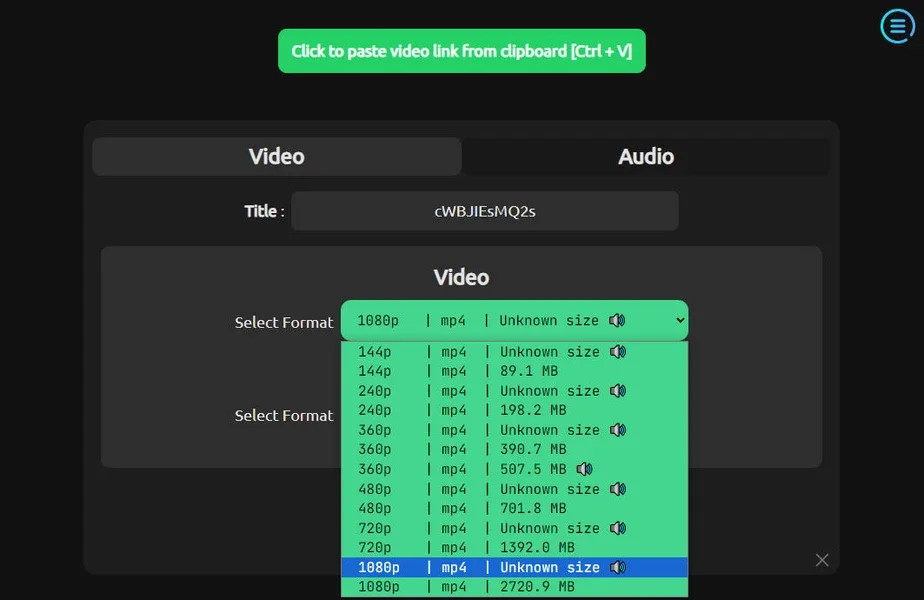
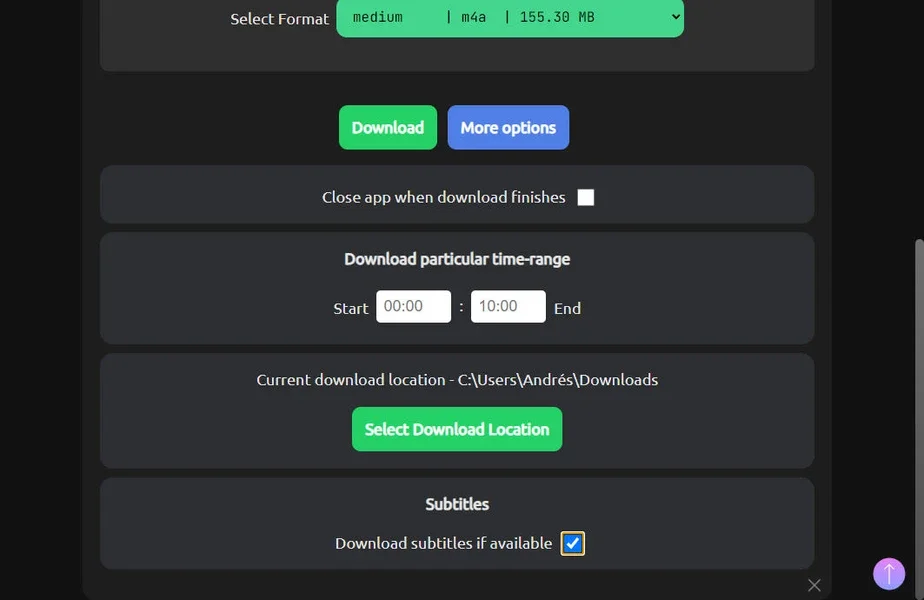
ytDownloader starts a download from a copied link with the green button at the top of its interface. Paste a URL, pick video or audio only, choose format and quality, and the file lands in a folder on your PC. Processing takes seconds or minutes depending on the length of the video.
Formats and subtitles
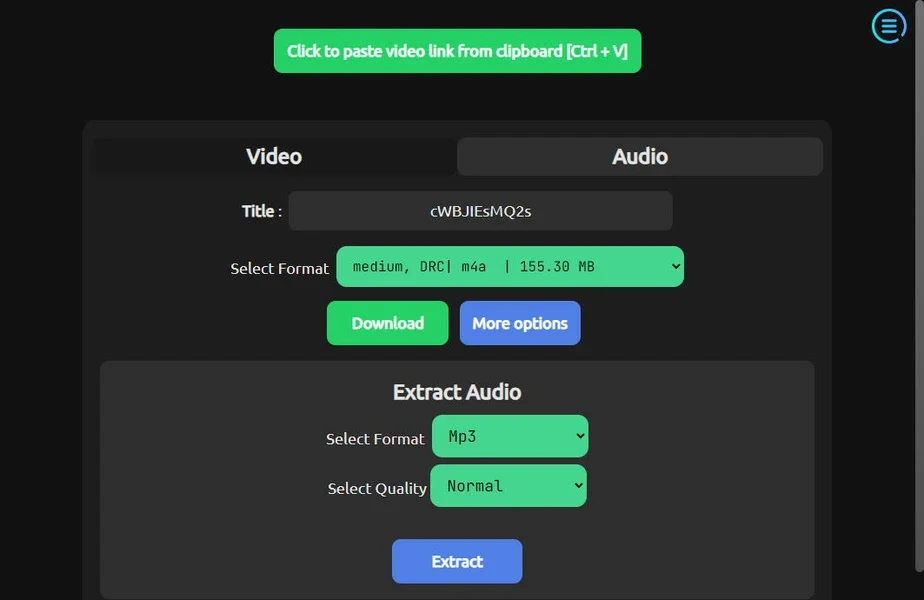
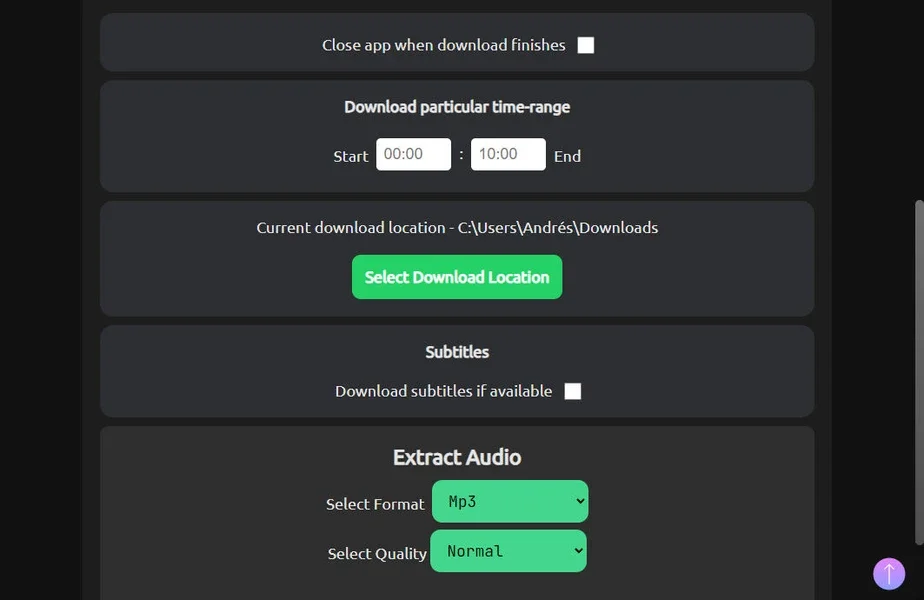
Audio downloads default to MP3, with FLAC, OGG, WAV and others also selectable. Subtitles can be downloaded when they are available. Once a file has been processed, its name, destination folder and format can still be changed. The program can download videos and songs from almost any page with multimedia content, including YouTube, Facebook, Instagram and TikTok, and hundreds of other video portals. Entire playlists can be pulled down from certain portals.
Settings
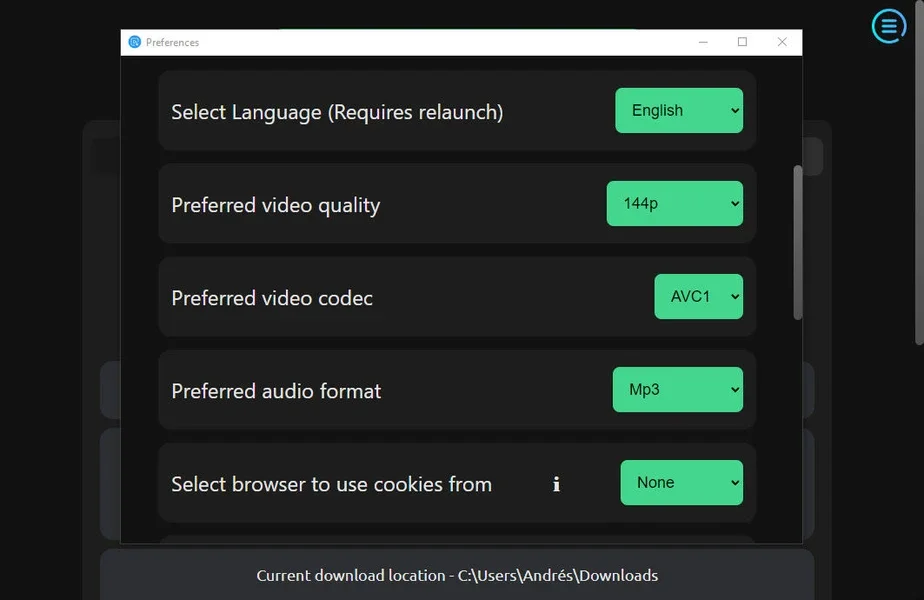
- The preferred video codec, default video quality and audio format can be chosen.
- The maximum number of simultaneous downloads can be set.
- Videos can be trimmed to save a clip of a chosen length.
- A proxy can be used for downloads.
The settings menu covers the rest. It runs on Windows.
Download files
f82aa0f3fda454cd51c11341a531dc39271d19cb15c1a56a7ddd6ffffde80c31
No digital signatured66bd18488000c9c53e02a641d27c70463df35677eefc6ccbd66661bd8f6b898
No digital signature7093805651b6b1b8b0f520b5ead379c1f17019796d08235428f4dbe6bb6a36dd
No digital signature2fd28dc2f42fa7eff9f10884f59de7c1d54f81960267fcfdc1085bcb828737d8
No digital signatured97d8c1af4bfa36c5f5163f275d0c31f0d5677b29ff47f8d2fd74686001ef490
No digital signatureSystem requirements
Available on:
Additional information
Developer
Latest release
Size
File type
SHA-256
f82aa0f3fda454cd51c11341a531dc39271d19cb15c1a56a7ddd6ffffde80c31