
ZENDER 1.6.0.4 for Windows
Plays internet radio stations from around the world on Windows
Screenshots
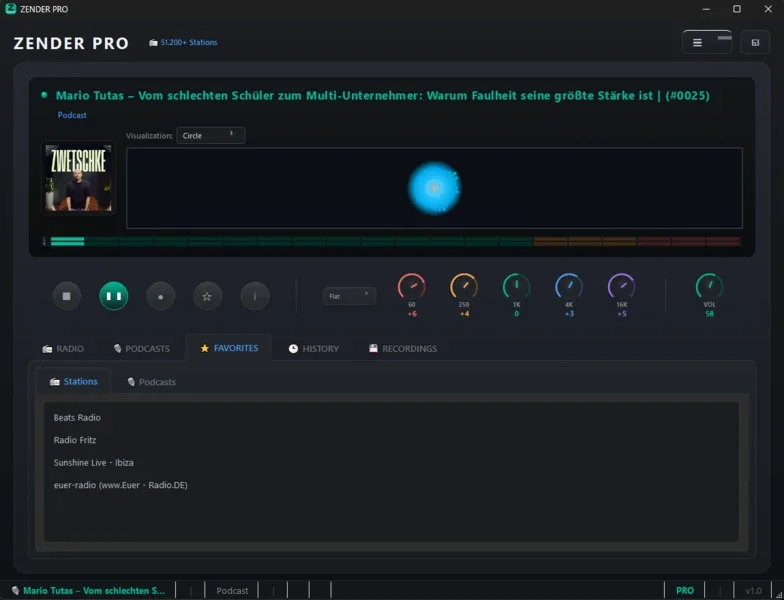
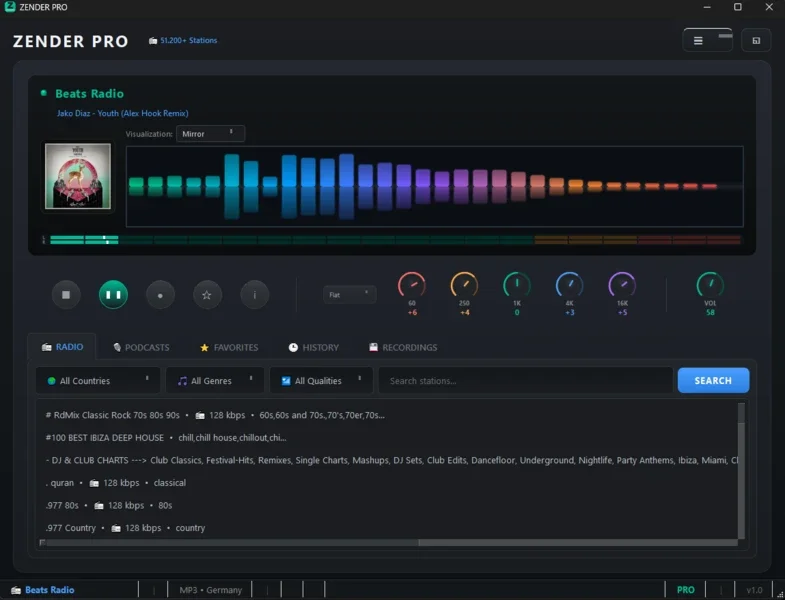
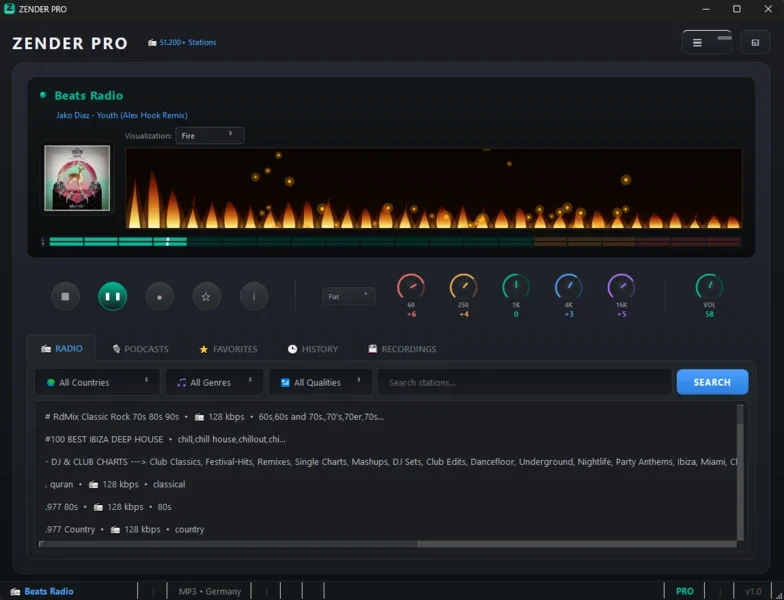
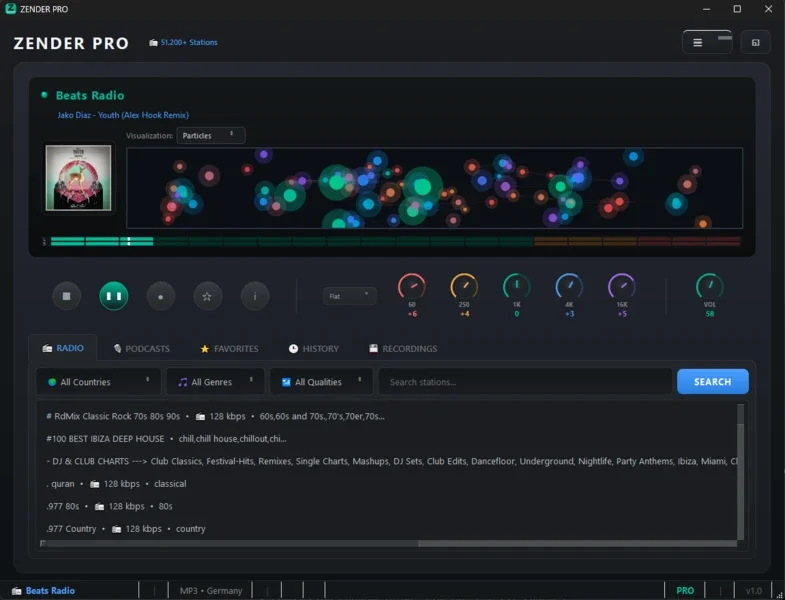
Description
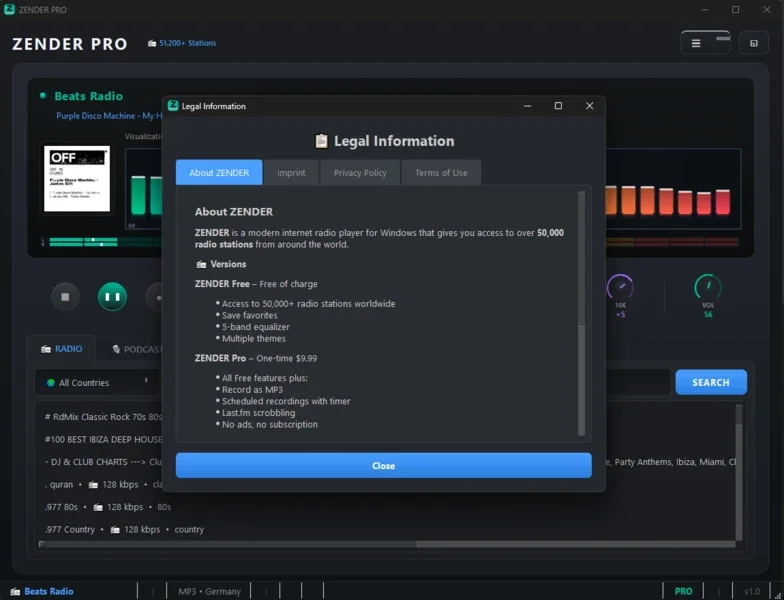
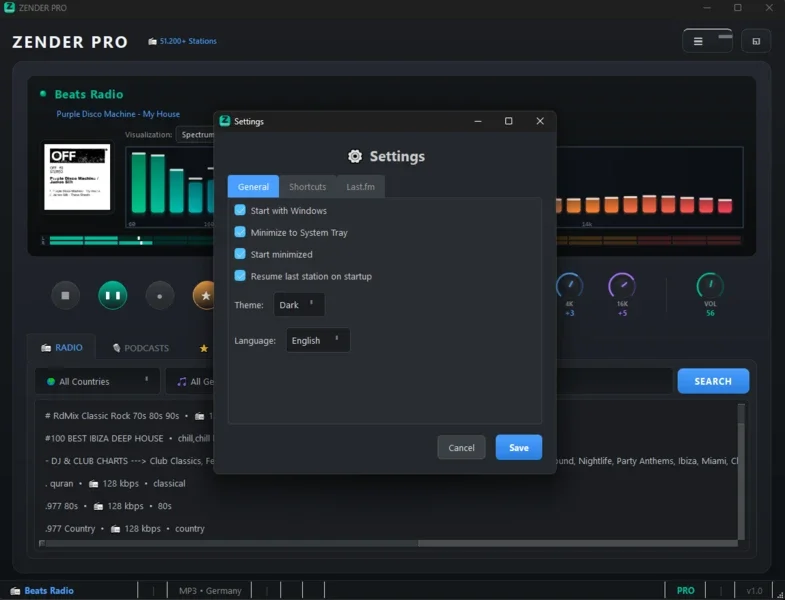
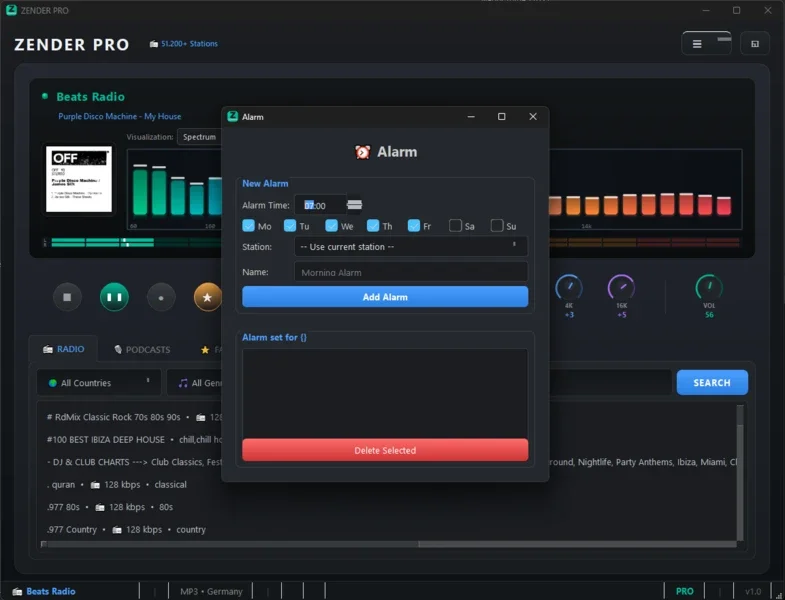
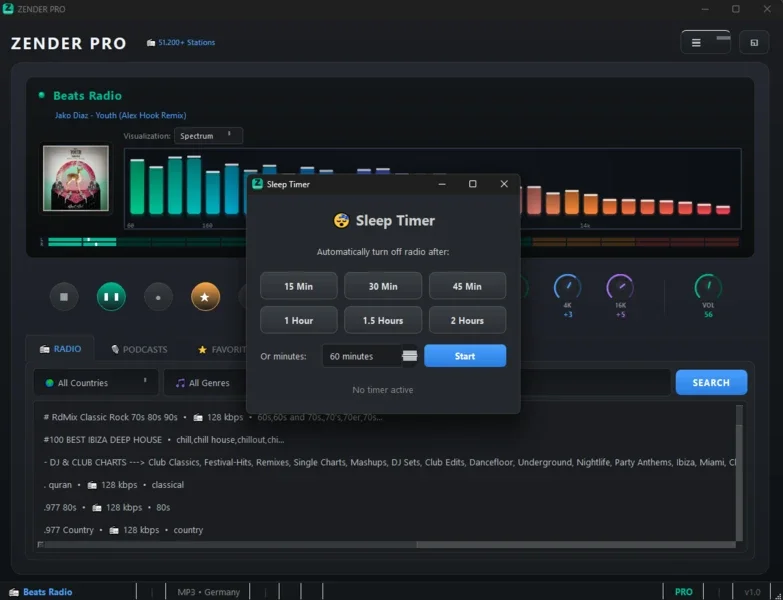
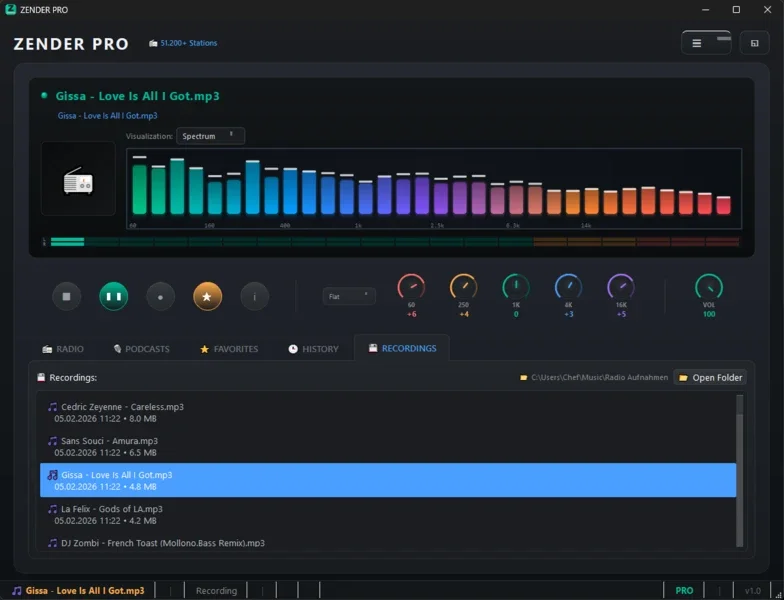
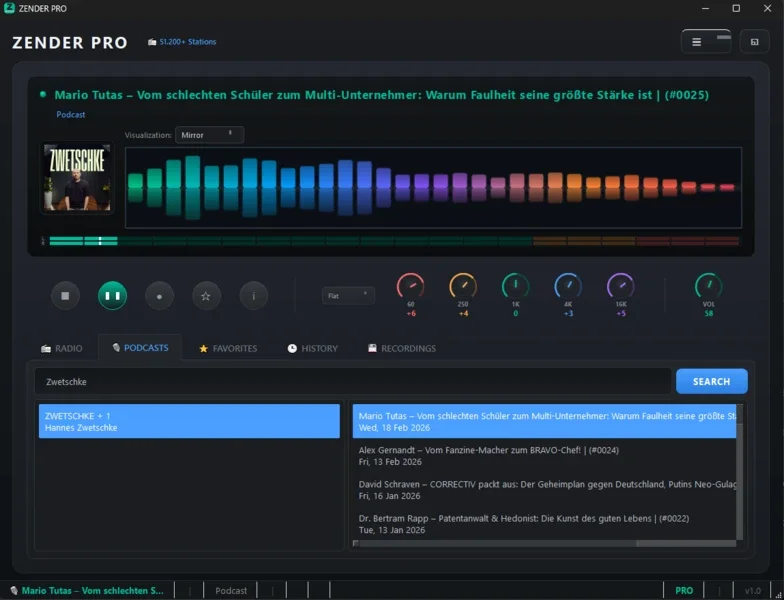
ZENDER plays internet radio on Windows. Pick a station with one click and playback starts; browsing works by genre or country, and a search function finds stations by name. The database holds more than 50,000 stations across all countries and genres, including news, sports, and local regional stations, and it is updated regularly. Favorites are saved with one click and are there whenever you come back.
Running it on your machine
The app needs Windows 10 or 11 in 64-bit and an active internet connection. A 1 GHz processor is the floor, and while 512 MB of RAM will do, 2 GB is recommended. Keep 100 MB of storage free for the install. It also sits on the Microsoft Store. Nothing is asked of you at sign-up: no registration, account, or email address. No personal data is collected and no tracking is used, which keeps it GDPR compliant. There are no banners, pop-ups, or audio ads.
Download files
b6858dd8300c1fe8537222aeea1a103d4e99db6cba4d33247d4e35292d025806
Signed by Maik Blume · valid until Feb 23, 20291a0092b5be417f936a1ef6013b89980c35a32284c7a9a5a3f54c23d966696849
Signed by Maik Blume · valid until Feb 23, 2029System requirements
Available on:
Minimum OS:
Windows 10 or later
Additional information
Developer
Latest release
Size
Category
File type
SHA-256
b6858dd8300c1fe8537222aeea1a103d4e99db6cba4d33247d4e35292d025806