1Tap Cleaner (clear cache)
AZSoft Technology Inc.Contains ads · In-app purchases
- EveryoneAge rating
- ToolsCategory
- Nov 22, 2026Updated
- FreePrice
Links to the official Google Play listing of com.a0soft.gphone.acc.free. Last checked on Nov 23, 2026.

Screenshots
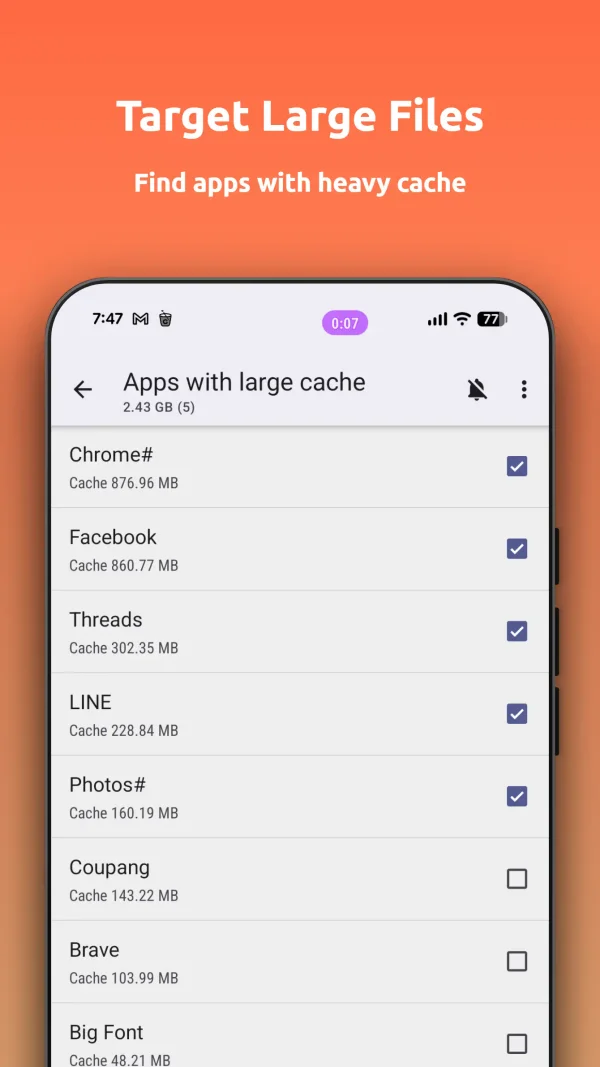
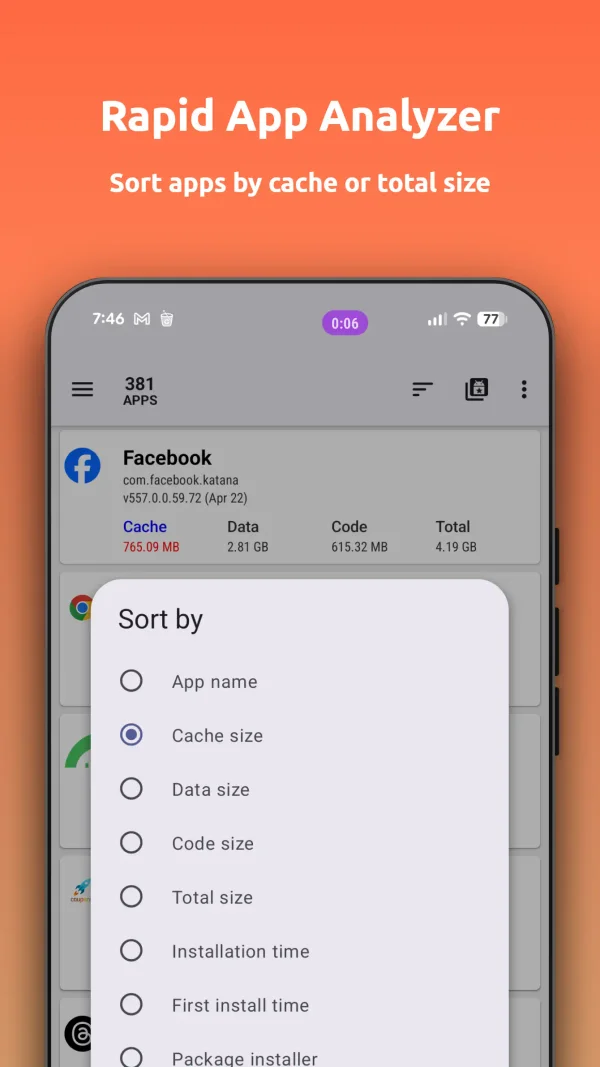
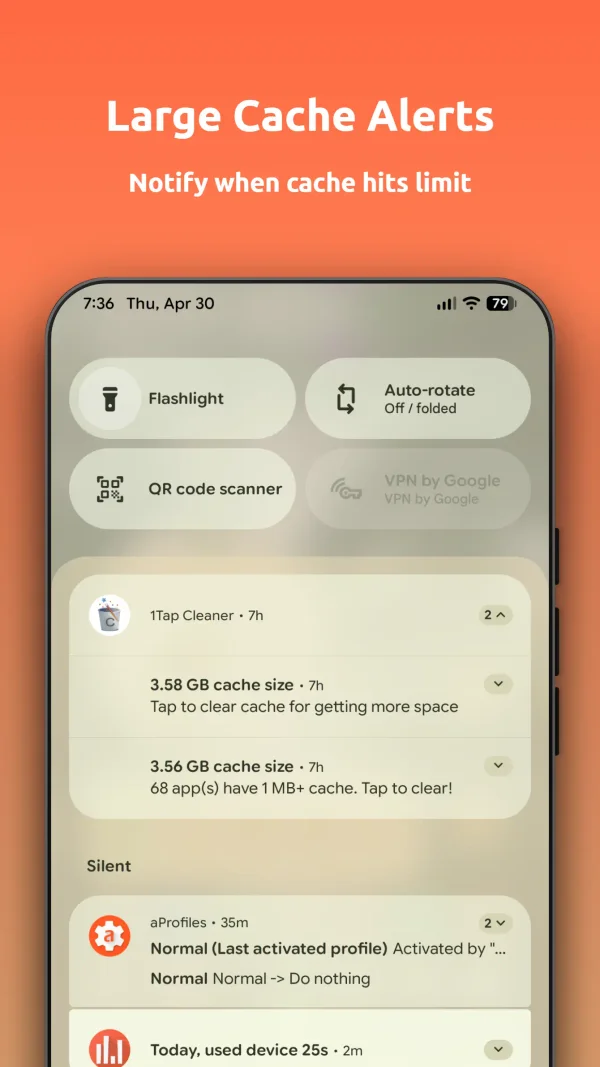

About this app
Clear cache, search histories, and defaults
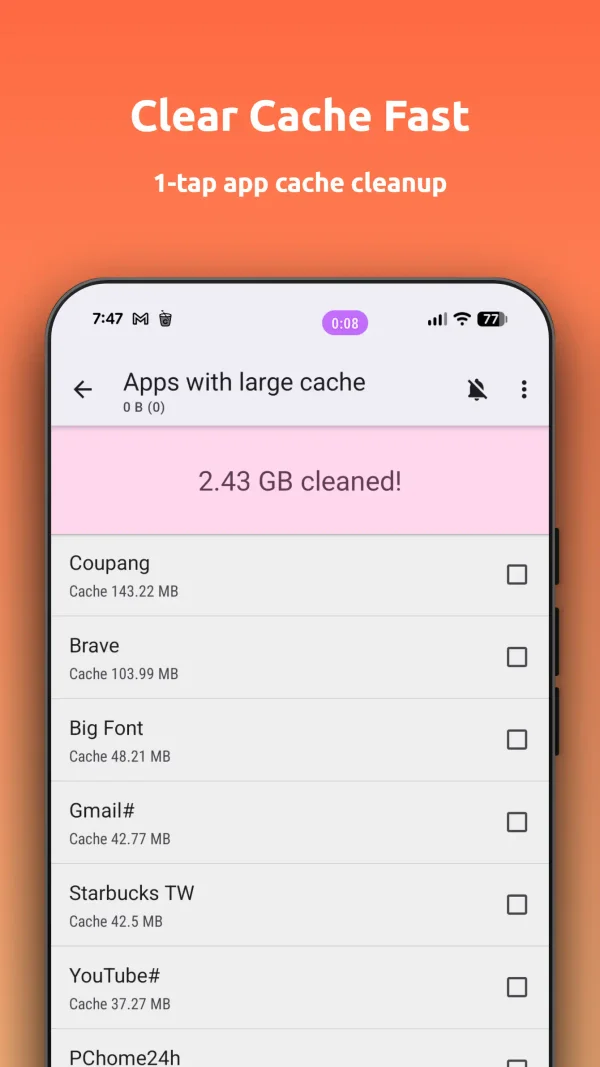
1-Tap to clean all cache files, defaults settings, and SD card.
Are you running out of application storage?
You now can get more available storage space by clearing apps created cache/data files.
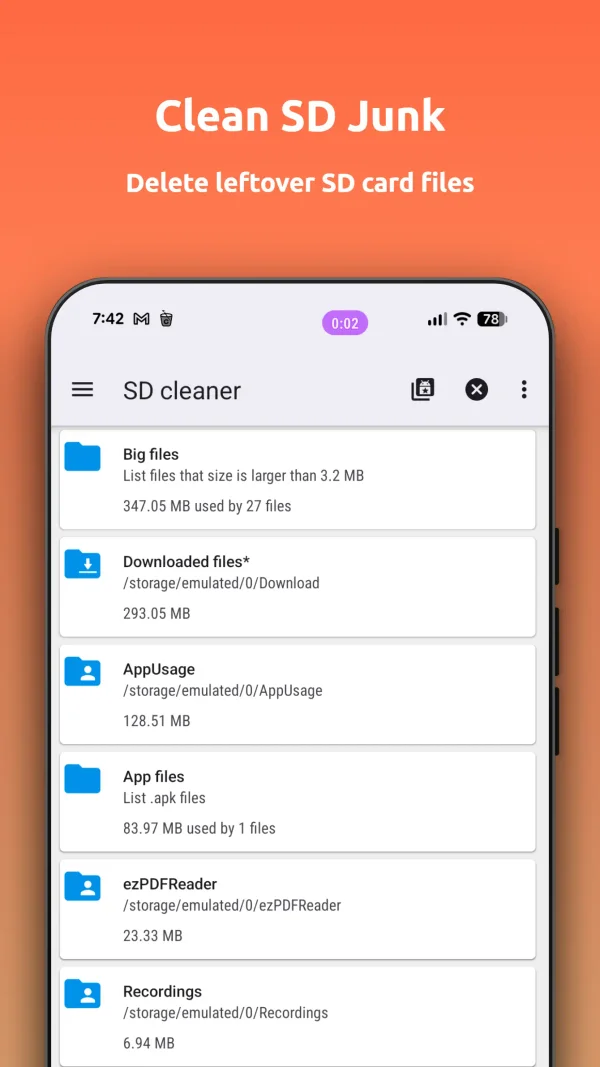
There are some cleaners included in this app. Cache Cleaner helps you to get more free space for the internal phone storage by clearing apps cached files, data files. If you have selected to launch apps by default for some actions. Defaults Cleaner helps you to clear the default settings. SD Cleaner helps to delete junk files from the SD card.
Features:
★ 1-tap to clear all cached files
★ list all default apps and clear selected defaults
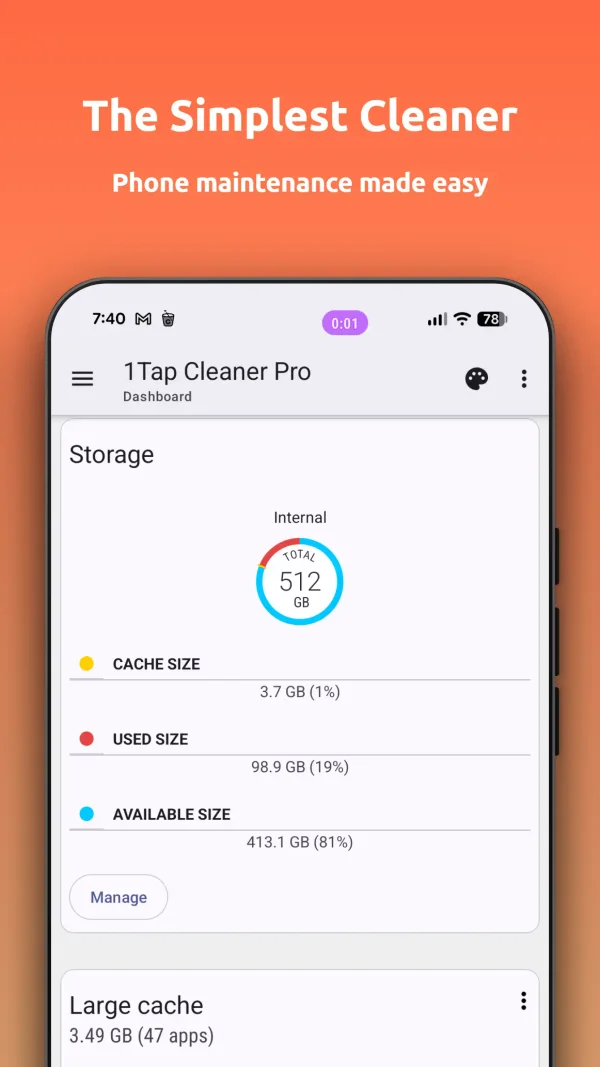
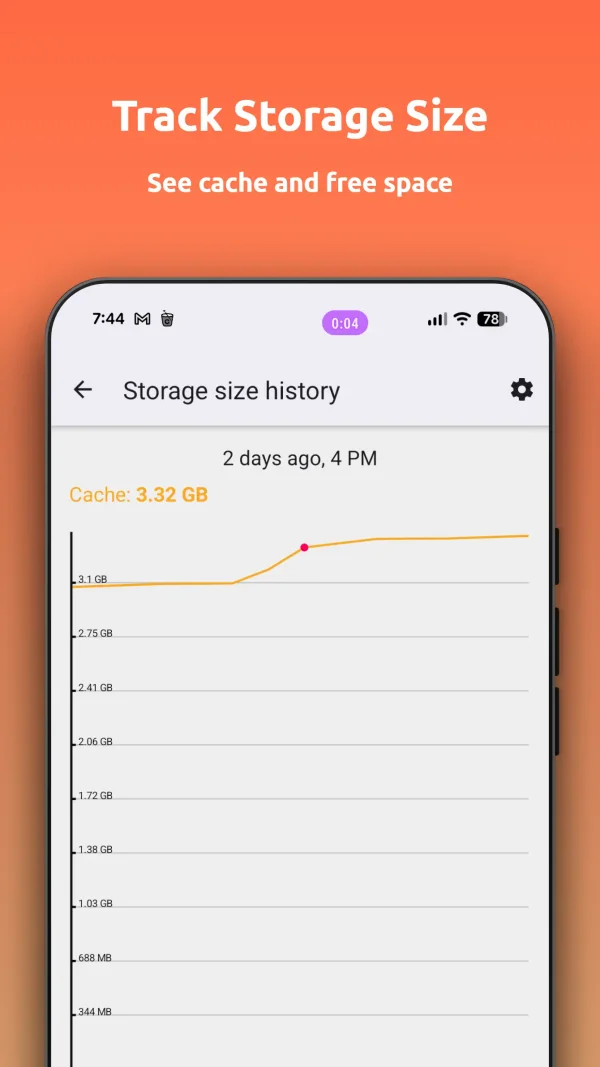
★ home screen widget shows cache and available size
★ clear cache or history for a specified application
★ notify if apps used cache size large than your specified value
★ list applications by either cache, data, code, total size, or app name
★ show application details page
Required permissions:
* READ_HISTORY_BOOKMARKS, WRITE_HISTORY_BOOKMARKS: show and clear browser navigation history records
* INTERNET: for sending the crash report
* GET_PACKAGE_SIZE, PACKAGE_USAGE_STATS: get the size information of apps
* BIND_ACCESSIBILITY_SERVICE: this app uses Accessibility services to automate the function (e.g. clear cache), optional. It helps those who have difficulty in tapping and complete the task easier
* WRITE_SETTINGS: prevent the screen rotation during the automatic function
* SYSTEM_ALERT_WINDOW: draw a wait screen above other apps during the automatic function
For the user's manual, FAQ, please tap MENU > Settings > About for details.
You have to install this app on the phone storage if you want to use the widget function. It's required by Android.
We have been selected as a Google I/O 2011 Developer Sandbox partner, for its innovative design and advanced technology.
Credits:
Arabic - Hazem Hamdi
Czech - Michal Fiurášek
Danish - Christian Stangegaard Kappelgaard
Dutch - Niko Strijbol, Vincenzo Messina
French - Philippe LEROY
German - Michael Vollmer
Japanese - nnnn
Hebrew - אלישיב סבח
Hindi - Adarsh Jha
Hungarian - RootRulez
Indonesian - Khairul Agasta
Italian - Luca Snoriguzzi
Korean - 장승훈
Polish - Grzegorz Jabłoński
Romanian - Stelian Balinca
Portuguese - Wagner Santos
Russian - Идрис a.k.a. Мансур (Ghost-Unit)
Serbian - Dusan Trojanovic
Slovak - Patrik Žec
Slovenian - Matevž Kersnik
Spanish - Alfredo Ramos (Abaddon Ormuz)
Swedish - Hampus Westin
Tagalog - Angelo Laus
Turkish - Kutay KuFTi
Ukrainian - Владислав Іванишин
Vietnamese - Nguyễn Trung Hậu
Let me know if you are interested in translating this app into your native language. Thanks.
Data safety
What AZSoft Technology Inc. declares on Google Play about the data this app collects and shares.
- No data shared with third partiesLearn more about how developers declare sharing
- This app may collect these data typesLocation, App activity and 2 others
- Data is encrypted in transit
- Data can’t be deleted
What’s new
Nov 22, 2026
v5.31
★ Fixed: cache clearing failed on Samsung (One UI 9.5) and Motorola (Android 17) devices when using a right-to-left language
★ Bugs fixed and optimizations
v5.20~v5.28
★ Fixed UI issues for right-to-left languages
★ Fixed: failed to clear the cache on LineageOs with Android 17 devices
v5.27
★ Fixed: failed to clear the cache on some Android 17 devices
Developer contact
- Websiteandroid.a0soft.com
- Emaila0soft+CacheCleanerFree@gmail.com
- Privacy policyandroid.a0soft.com
- Address300114台湾新竹市東區 澤藩路128號3樓
Information
- Offered by
- AZSoft Technology Inc.
- Category
- Tools
- Updated
- Nov 22, 2026
- Released
- Apr 6, 2011
- Age rating
- Everyone
- Price
- Free
- In-app purchases
- $4.19 per item
- Package name
- com.a0soft.gphone.acc.free
Similar apps
-
 Digital Wellbeing
Tools
-
 MiraClean - File Manager
Productivity
-
 Cleaner Antivirus VPN Cleaner
Tools
-
 Avast Cleanup – Phone Cleaner
Tools
-
 Phone Cleaner– Storage Cleaner
Tools
-
 Uninstaller
Tools
-
 Deleted Photo & Video Recovery
Tools
-
 Device Care
Tools
-
 CCleaner – Phone Cleaner
Tools
-
 Storage Analyzer: Disk Cleaner
Productivity
-
 Antivirus AI - Mobile Security
Tools
-
 ASTRO File Manager & Cleaner
Tools