Always On AMOLED
FirehawkContains ads · In-app purchases
- EveryoneAge rating
- PersonalizationCategory
- Oct 15, 2026Updated
- FreePrice
Links to the official Google Play listing of com.tomer.alwayson. Last checked on Nov 20, 2026.

Screenshots
About this app
Get an always on display on your device!
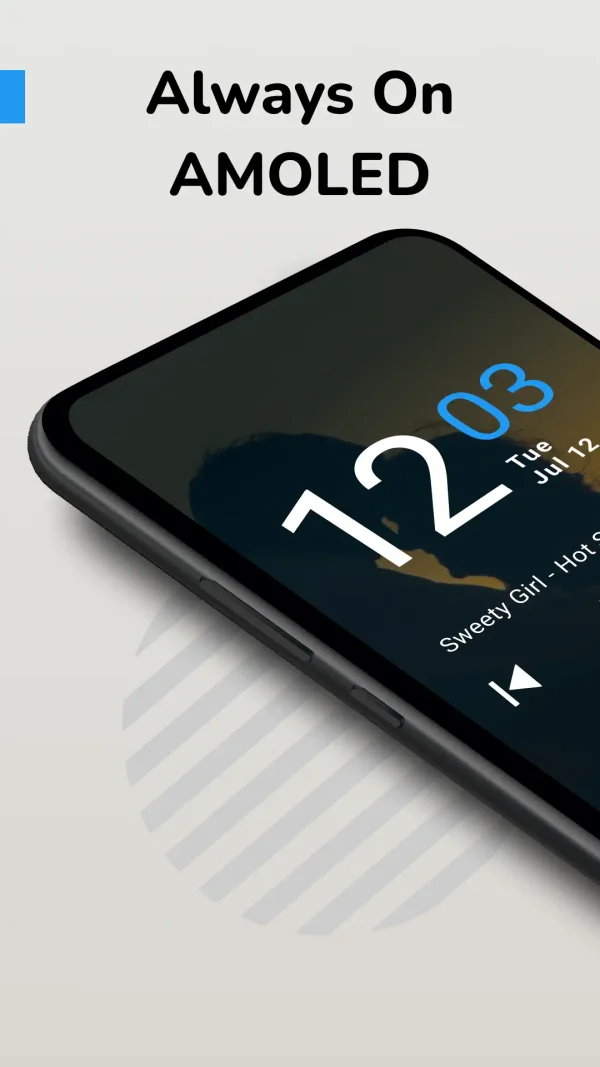
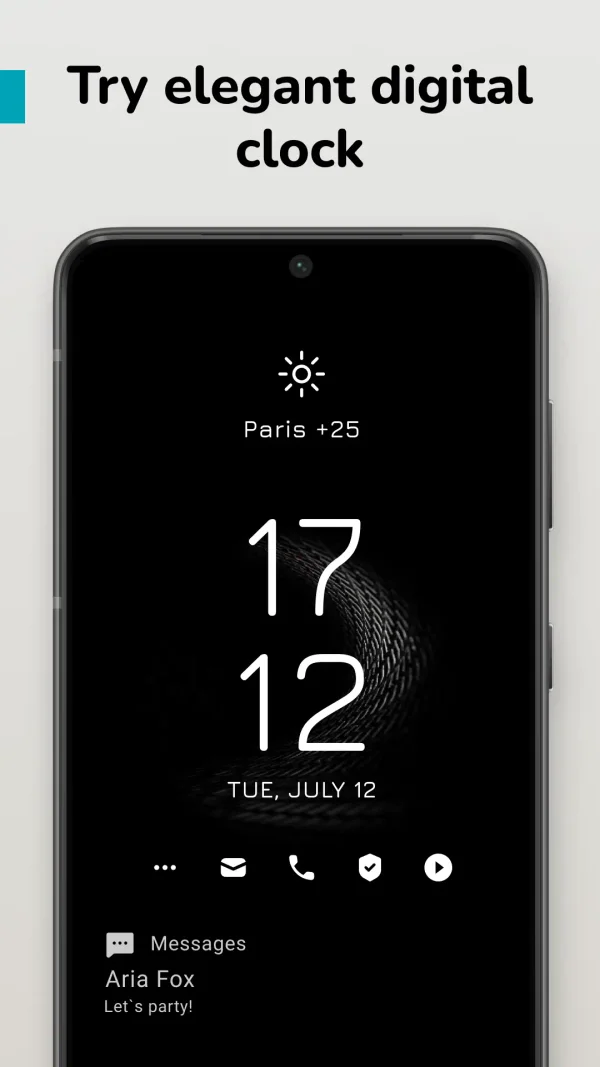
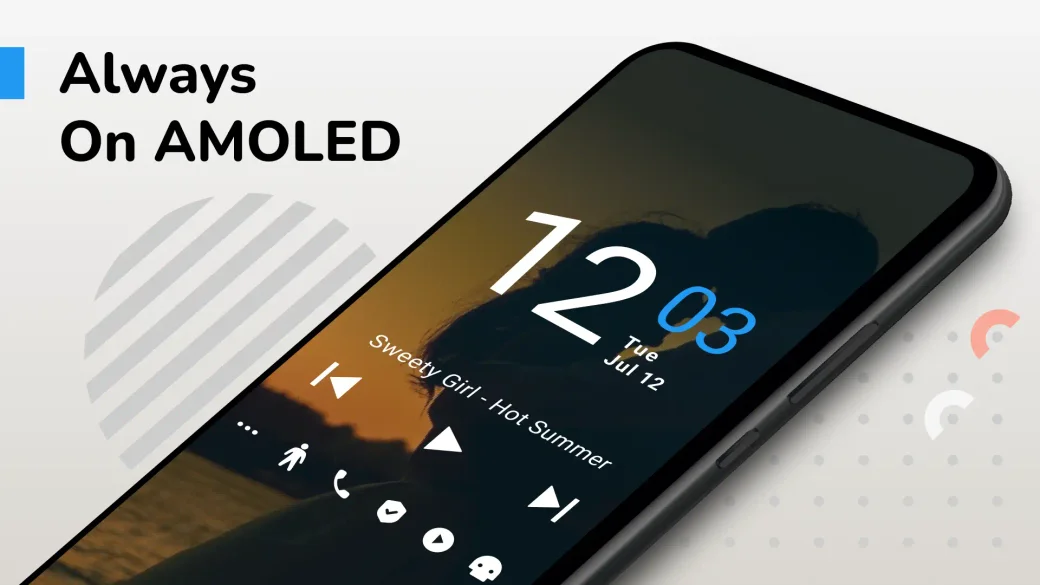
Always On Display (AOD) and Always on Amoled app can transform your ordinary lock screen into an interactive, informative, and stylish lock screen.
The original and best are always on display for everyone. Get an always on display for your phone or tablet. Keep your screen lock on all the time.
Your clock lock app screen is not just about functionality; it's about making your device truly yours. Change your Lock Screen Clock Style, pick from mesmerizing AMOLED Display Wallpapers, and much more! 💯👌
👉👉👉 Ready to revolutionize your device's display? Download our app now and enter the smart, stylish, and convenient Always On Display Clocks world.
This is made possible thanks to the AMOLED display app. Most of the screen stays black except for a few pixels.
★★★ Notable FEATURES ★★★
📱 Always On screen lock, always on display app, screen saver;
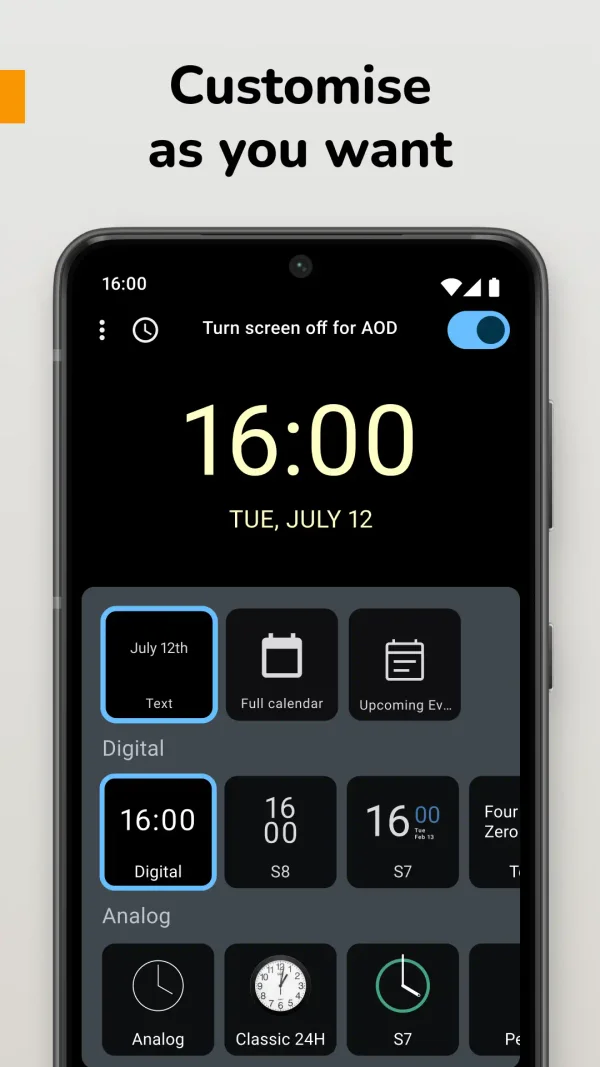
🎨 Customization - Tons of customization options, fonts, clock styles, and much more;
🔒 Pocket mode - lock the device when you leave it in your pocket to save battery;
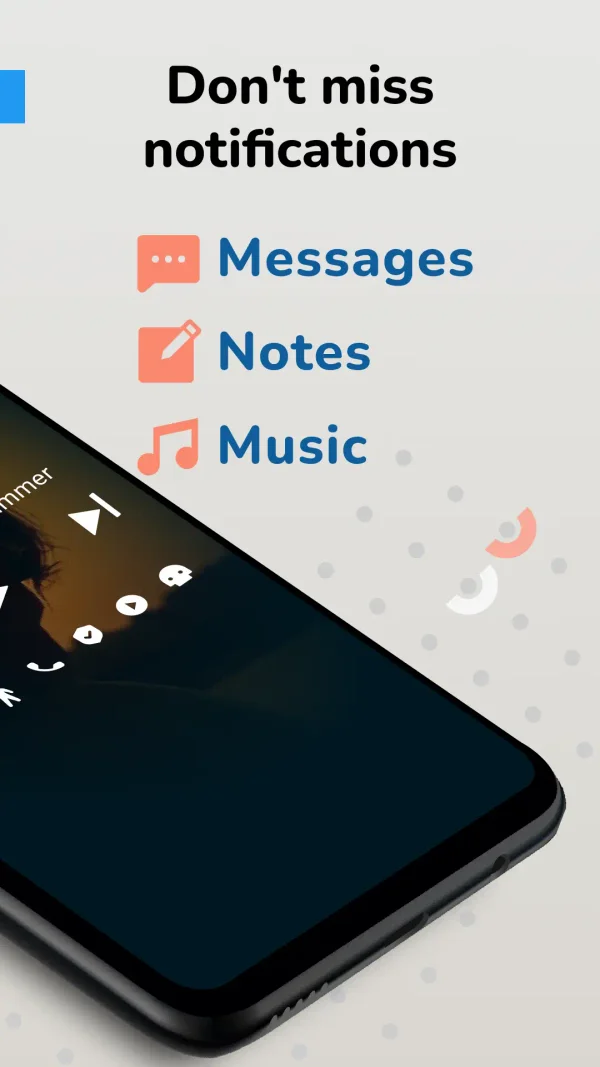
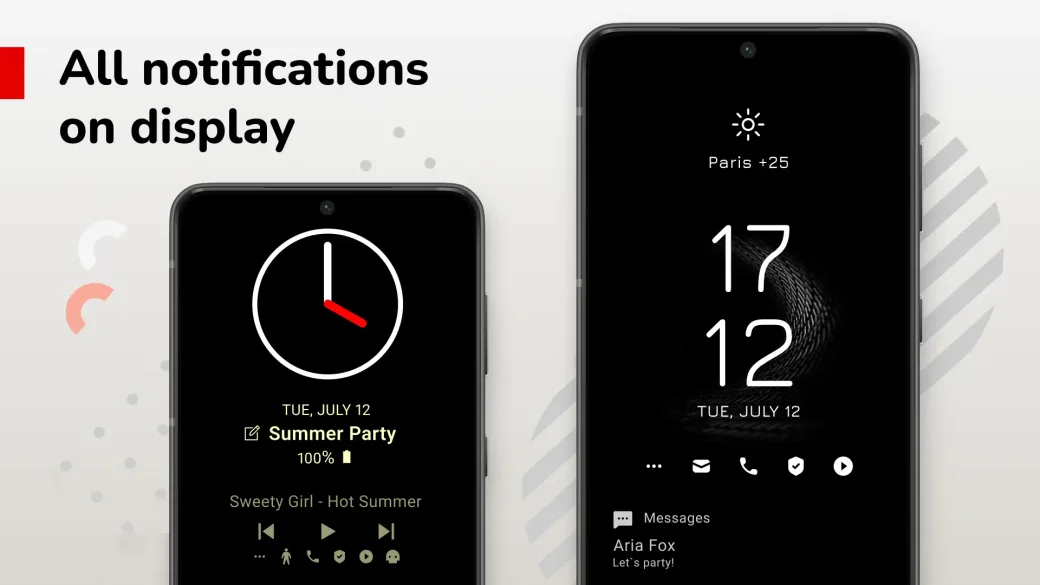
📩 Notifications - view notifications without touching your device;
⏰ New: Now featuring Raise to Wake;
🖼️ New: Backgrounds and AMOLED Display Wallpapers;
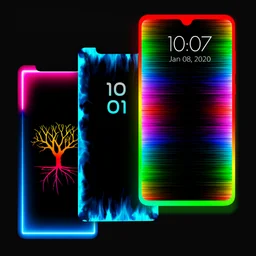
💡 New: Edge glow for new notifications;
📒 New: Quick note-taking! Quickly scribble or write from the always on display clock;
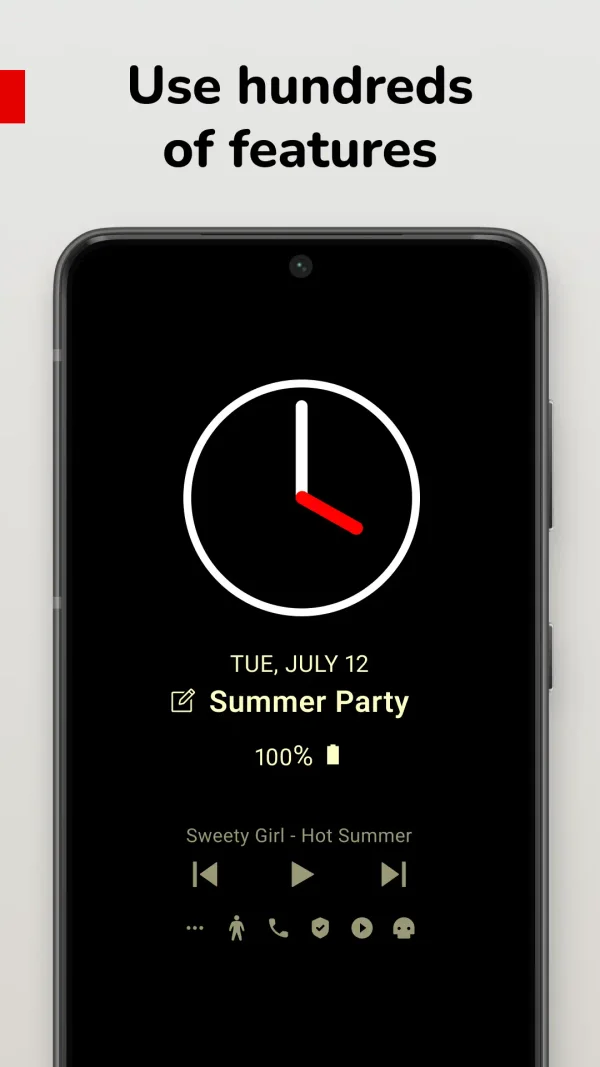
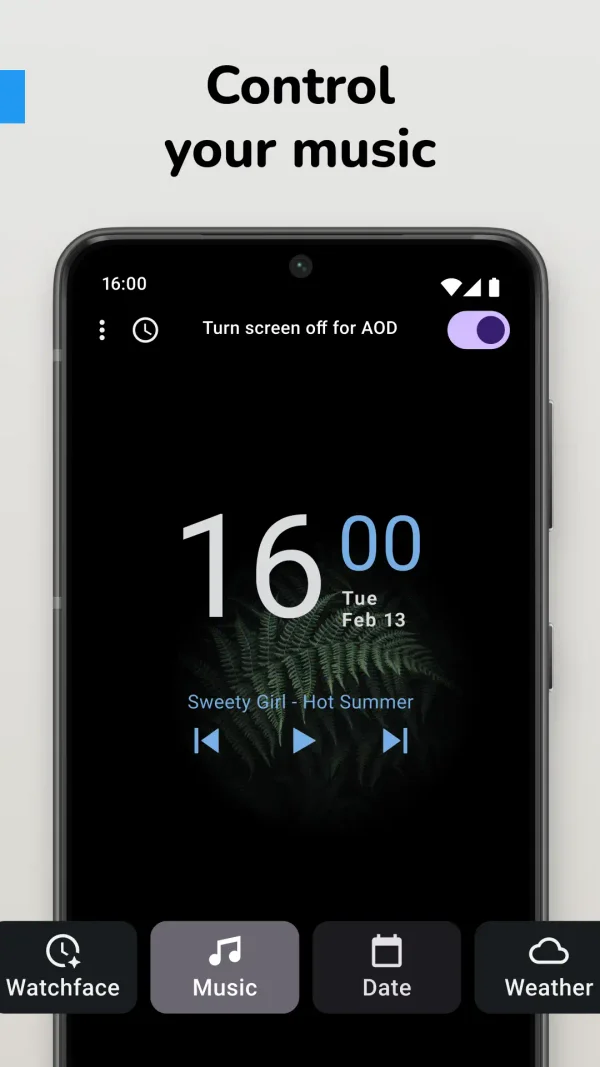
🎵 Music - control your music quickly and easily;
🌙 Auto night mode - dim the screen automatically in a dark environment;
🔋 Greenify integration - start Greenify automatically when locking the screen to save battery.
Customize your device with an array of AMOLED Display Wallpapers and Lock Screen Clock Style Changes. Tailor your screen lock to reflect your unique style, making every interaction with your device a delight.
✅ Automatic rules - preserve battery using predefined rules;
✅ Auto movement - avoid AMOLED burn-in;
✅ View the weather at a glimpse;
✅ Custom watch faces - Digital S7 style, Classic 24H, Analog S7 style, Analog Pebble style and more;
✅ Always On Memo - write a reminder and make it show up on your screen all the time;
✅ Double tap to wake + Swipe up to wake + Volume keys to wake + Back button to wake;
✅ Force orientation - set your preferred screen orientation, screen saver;
✅ Can be used as a night clock;
✅ Tasker integration - Start/Stop the always on display clock (AOD), granting you infinite possibilities;
✅ Force doze - AMOLED display app.
⬇️ Download now and transform your device's AMOLED Display app into a hub of elegance, utility, and innovation. Say goodbye to the ordinary and embrace a lock screen that's always on. Your device deserves the best Always On Display App – get it today! 🌟
Users can have information about time, date, notifications, and more without touching the phone. Just by looking at it.
Whether it's day or night, our Always On Display Amoled Clock adapts to your environment. With the Always On AMOLED feature, you'll have a clear display.
Customizing your Display Clock on Screen is just a swipe away. Our user-friendly interface allows for quick and easy Lock Screen Clock Style Changes.
Permissions.
Camera permission.
The app needs camera permission to toggle the flashlight
Phone permission.
The app needs phone permission to recognize incoming calls, dismiss the always on screen, and show the incoming call screen.
Modify system settings permission.
The app needs permission to modify system settings to change the brightness of the lock screen.
** Note: For Xiaomi devices, you will need to access the Security App -> Permissions -> Permissions -> Always On AMOLED -> Display pop-up window permission and Show on Lock screen.
📱 Always On Display, Always On AMOLED! 📱
The original and best are always on display for everyone. Get an always on display for your phone or tablet. Keep your screen lock on all the time.
Your clock lock app screen is not just about functionality; it's about making your device truly yours. Change your Lock Screen Clock Style, pick from mesmerizing AMOLED Display Wallpapers, and much more! 💯👌
👉👉👉 Ready to revolutionize your device's display? Download our app now and enter the smart, stylish, and convenient Always On Display Clocks world.
🌟 An Always On Display for every device! 🌟
This is made possible thanks to the AMOLED display app. Most of the screen stays black except for a few pixels.
★★★ Notable FEATURES ★★★
📱 Always On screen lock, always on display app, screen saver;
🎨 Customization - Tons of customization options, fonts, clock styles, and much more;
🔒 Pocket mode - lock the device when you leave it in your pocket to save battery;
📩 Notifications - view notifications without touching your device;
⏰ New: Now featuring Raise to Wake;
🖼️ New: Backgrounds and AMOLED Display Wallpapers;
💡 New: Edge glow for new notifications;
📒 New: Quick note-taking! Quickly scribble or write from the always on display clock;
🎵 Music - control your music quickly and easily;
🌙 Auto night mode - dim the screen automatically in a dark environment;
🔋 Greenify integration - start Greenify automatically when locking the screen to save battery.
Customize your device with an array of AMOLED Display Wallpapers and Lock Screen Clock Style Changes. Tailor your screen lock to reflect your unique style, making every interaction with your device a delight.
🚀 Transform with Always On AMOLED! 🚀
✅ Automatic rules - preserve battery using predefined rules;
✅ Auto movement - avoid AMOLED burn-in;
✅ View the weather at a glimpse;
✅ Custom watch faces - Digital S7 style, Classic 24H, Analog S7 style, Analog Pebble style and more;
✅ Always On Memo - write a reminder and make it show up on your screen all the time;
✅ Double tap to wake + Swipe up to wake + Volume keys to wake + Back button to wake;
✅ Force orientation - set your preferred screen orientation, screen saver;
✅ Can be used as a night clock;
✅ Tasker integration - Start/Stop the always on display clock (AOD), granting you infinite possibilities;
✅ Force doze - AMOLED display app.
⬇️ Download now and transform your device's AMOLED Display app into a hub of elegance, utility, and innovation. Say goodbye to the ordinary and embrace a lock screen that's always on. Your device deserves the best Always On Display App – get it today! 🌟
Users can have information about time, date, notifications, and more without touching the phone. Just by looking at it.
🕒 Display Clock on Screen! 🕒
Whether it's day or night, our Always On Display Amoled Clock adapts to your environment. With the Always On AMOLED feature, you'll have a clear display.
Customizing your Display Clock on Screen is just a swipe away. Our user-friendly interface allows for quick and easy Lock Screen Clock Style Changes.
🌌🌌🌌 Amoled Display, AOD Perfection! 🌌🌌🌌
Permissions.
Camera permission.
The app needs camera permission to toggle the flashlight
Phone permission.
The app needs phone permission to recognize incoming calls, dismiss the always on screen, and show the incoming call screen.
Modify system settings permission.
The app needs permission to modify system settings to change the brightness of the lock screen.
** Note: For Xiaomi devices, you will need to access the Security App -> Permissions -> Permissions -> Always On AMOLED -> Display pop-up window permission and Show on Lock screen.
Data safety
What Firehawk declares on Google Play about the data this app collects and shares.
- This app may share these data types with third partiesDevice or other IDs
- No data collectedLearn more about how developers declare collection
- Data is encrypted in transit
- Data can’t be deleted
What’s new
Version 3.2.0.1 · Oct 15, 2026
⭐ General performance improvements for a smoother experience
⬆️ General code maintenance and cleanup
🐛 Minor fixes based on user feedback
Developer contact
- Websitefirehawk.ai
- Emailsupport.alwaysonamoled@firehawk.ai
- Privacy policyfirehawk.ai
- Address18/7 Yechezkel TEL AVIV-JAFFA, 6259524 Israel
Information
- Offered by
- Firehawk
- Category
- Personalization
- Version
- 3.2.0.1
- Updated
- Oct 15, 2026
- Released
- Jun 9, 2016
- Requires
- Android 6.0 or later
- Age rating
- Everyone
- Price
- Free
- In-app purchases
- $0.99 - $99.99 per item
- Package name
- com.tomer.alwayson
Similar apps
-
 Muviz Edge: AOD & Edge Lights
Personalization
-
 Digital Clock Widget
Tools
-
 Minimal Widgets
Personalization
-
 Smart Watch - Clock Wallpaper
Personalization
-
 Clock Phone 16, Alarm & Timer
Tools
-
 Flip Clock: World Clock
Productivity
-
 Strip Hi-tech Launcher 2025
Personalization
-
 Square Home Launcher - Tile UI
Personalization
-
 Cool Mi Launcher - CC Launcher
Personalization
-
 EDGE Lighting -LED Borderlight
Personalization
-
 DNA Launcher ‧ Home Screen
Personalization
-
 Edge Lighting - Borderlight
Personalization