Flip Clock: World Clock
wsscIn-app purchases
- EveryoneAge rating
- ProductivityCategory
- Nov 3, 2026Updated
- FreePrice
Links to the official Google Play listing of com.wssc.simpleclock. Last checked on Nov 20, 2026.

Screenshots
About this app
Flip Clock, Pomodoro timer, World Clock, Floating Clock, Weather Clock
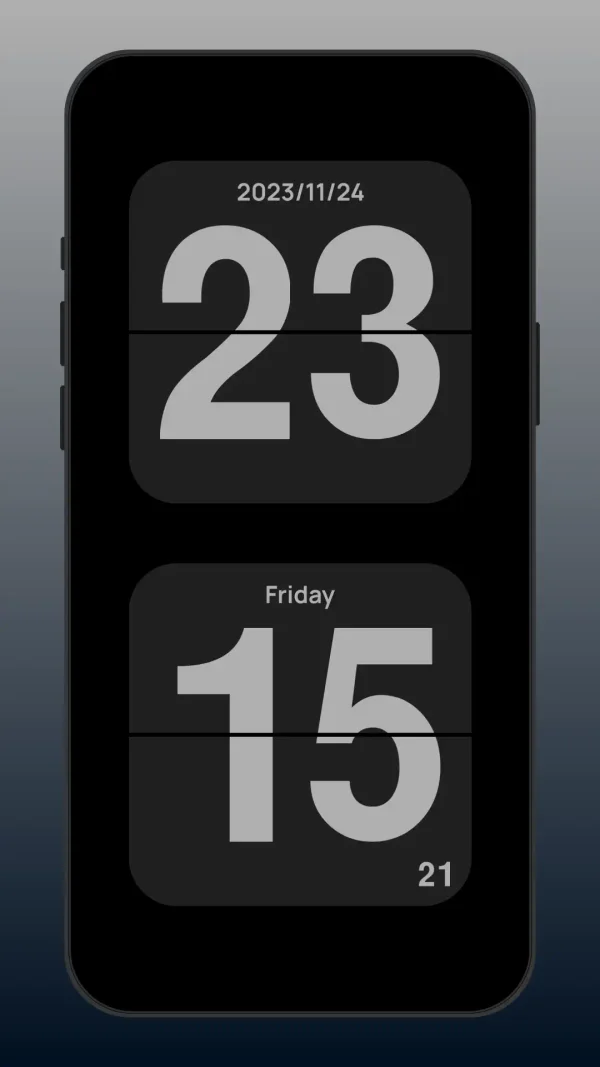
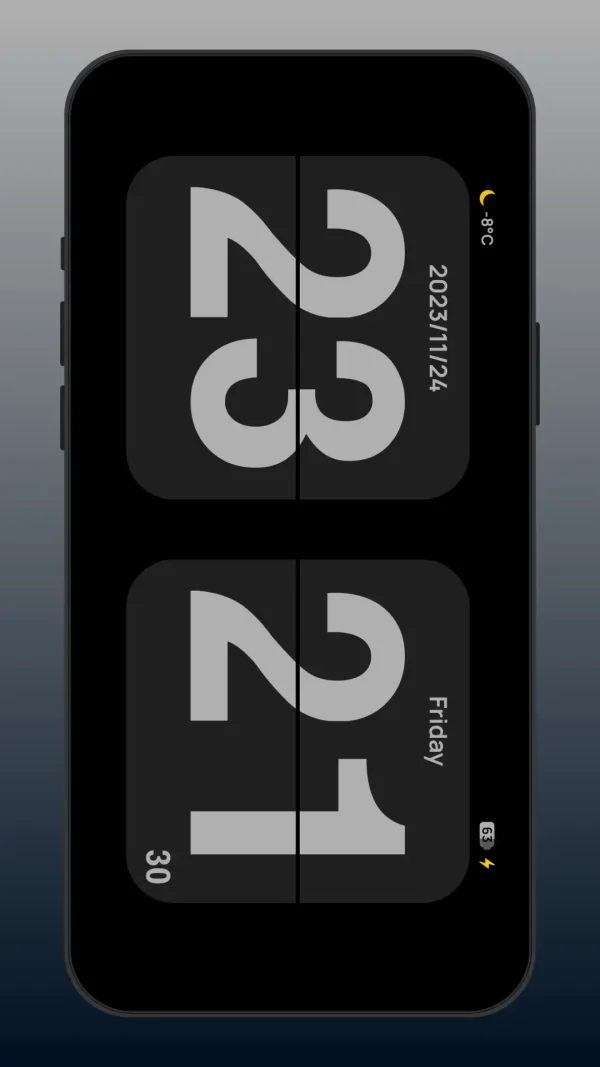
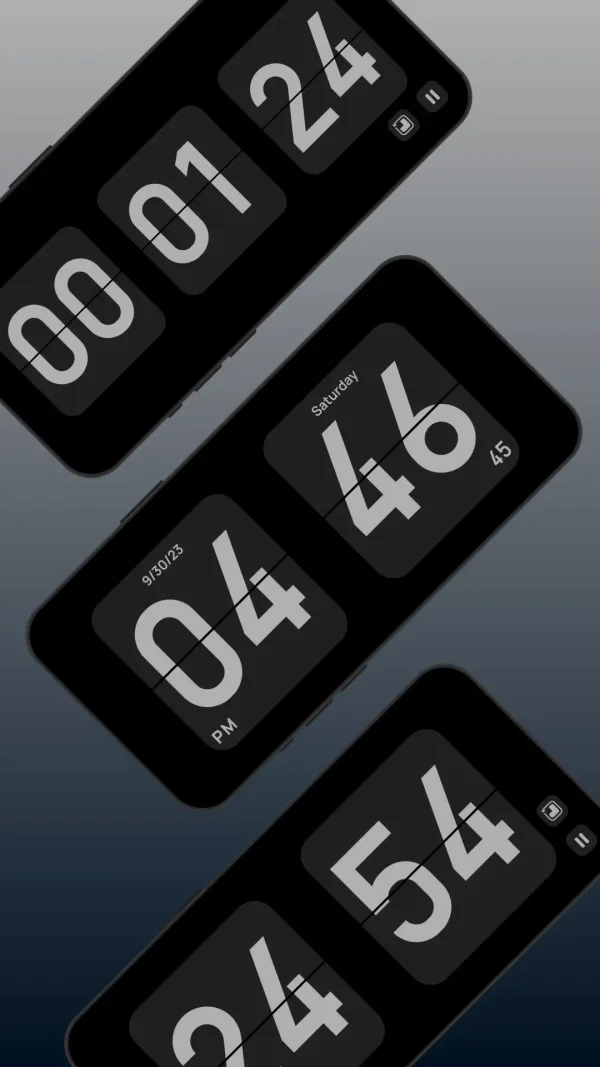
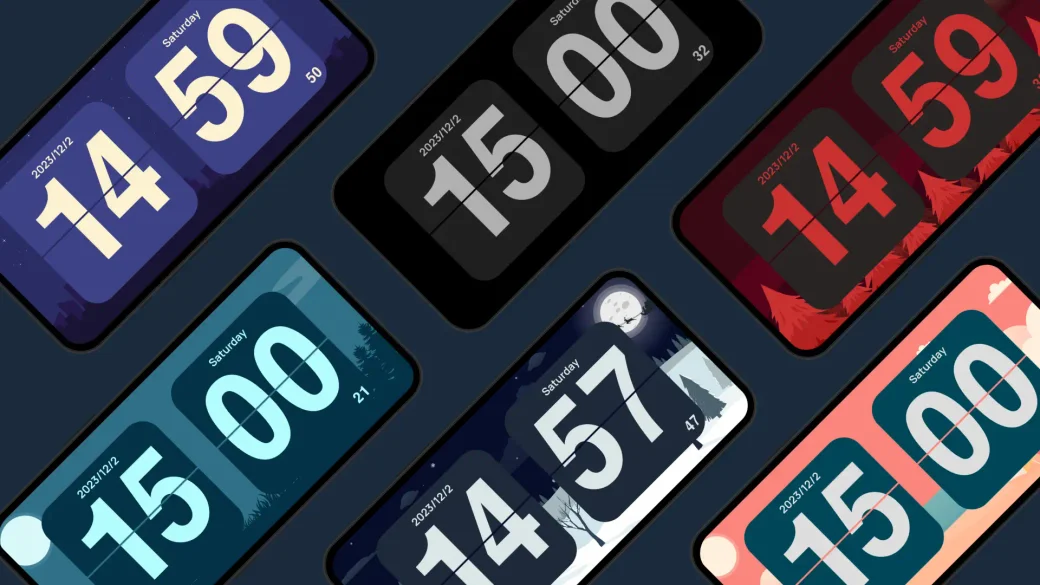
👉 Flip Clock is a simple full-screen clock with a minimalist and practical page-turn animation to display time changes. You can also use your phone as a time display. The simple design makes it easy to view time changes from any angle.
👉 Pomodoro Clock can be used as a study timer to effectively help you focus on studying, reading and working within a scientific time.
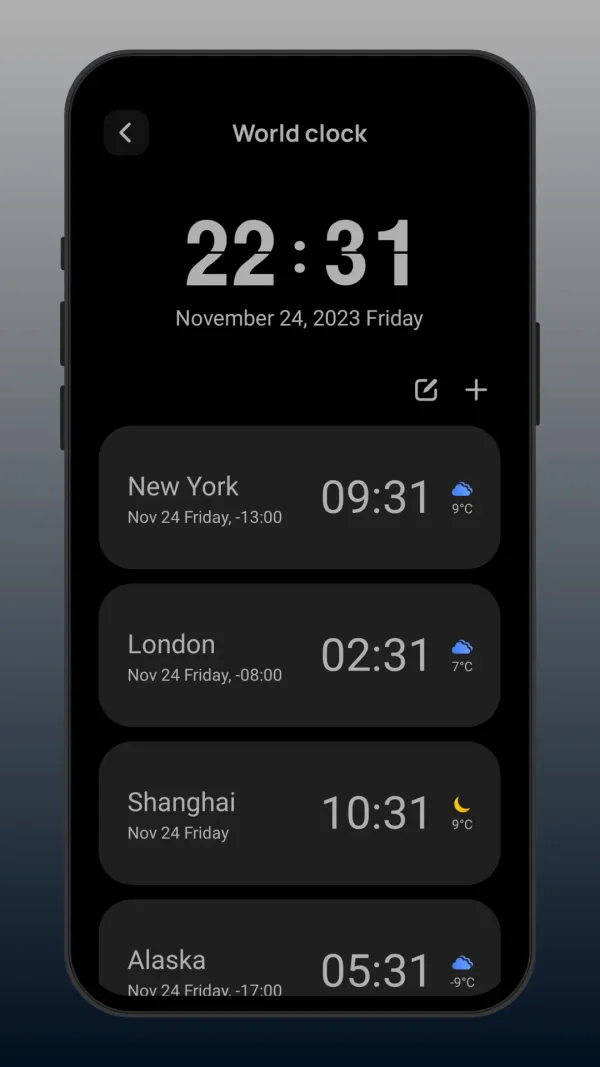
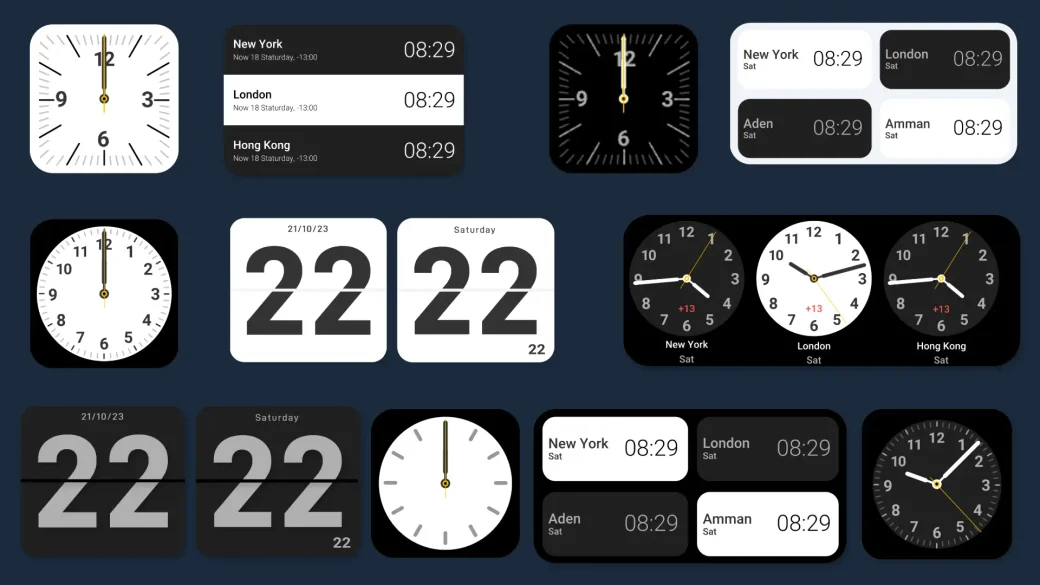
👉 World Clock helps you check the time and weather info of cities around the world, and you can also add the World Clock widget to the screen desktop
👉 Flip Clock also allows you to see the weather in your current location. You can also add a clock widget to your desktop to see the current time along with it.
👉 If you need a timer, flip clock, pomodoro timer, weather info, floating clock, this app is a very good choice.
Feature:👇 👇
• Full-screen flip-page animation with minimalist design
• Pomodoro clock helps learn timing;
• Supports both landscape and portrait orientations
• Customize time and date display according to your preference
• Choose between 12-hour and 24-hour modes with ease
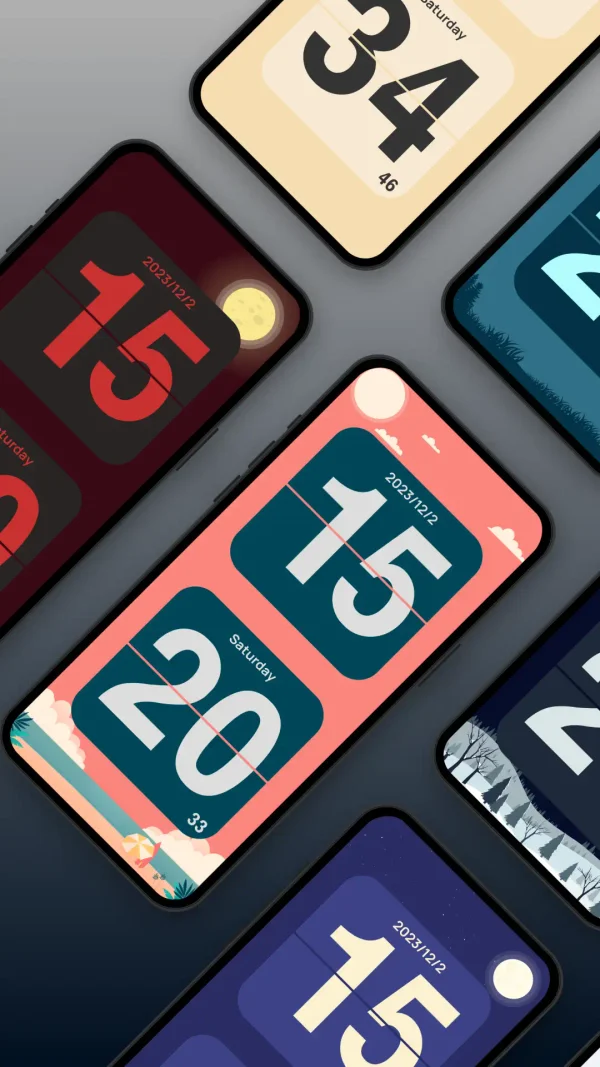
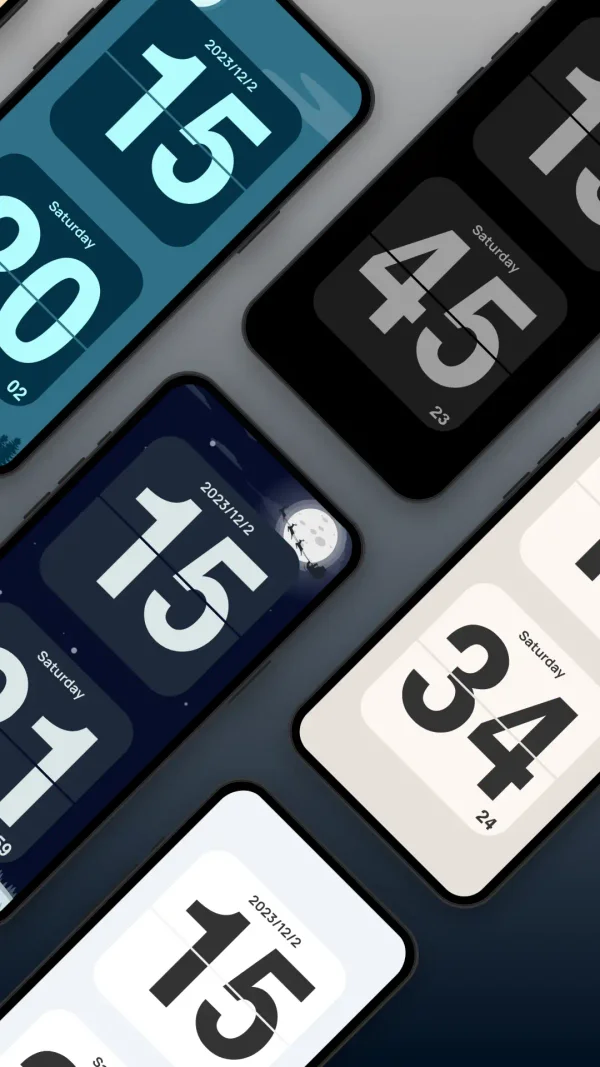
• Switch freely between multiple themes
• Enjoy an ad-free experience with no permission requests required.
• pomodoro timer clock will help you focus better
• Use multiple fonts at will;
• The floating clock displays the page-turning clock in a floating window;
• Support viewing current location weather info;
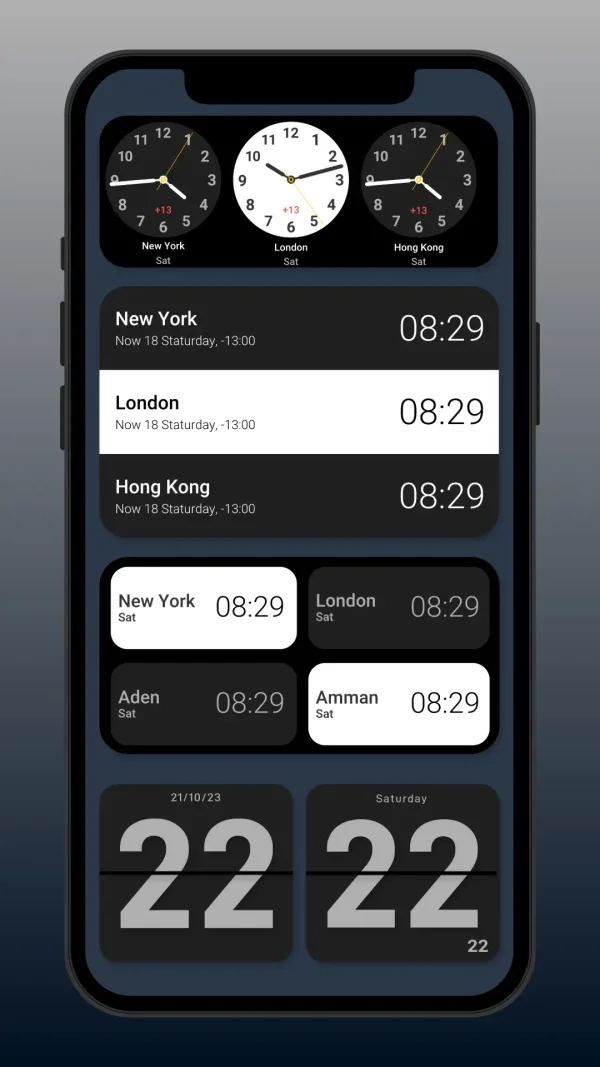
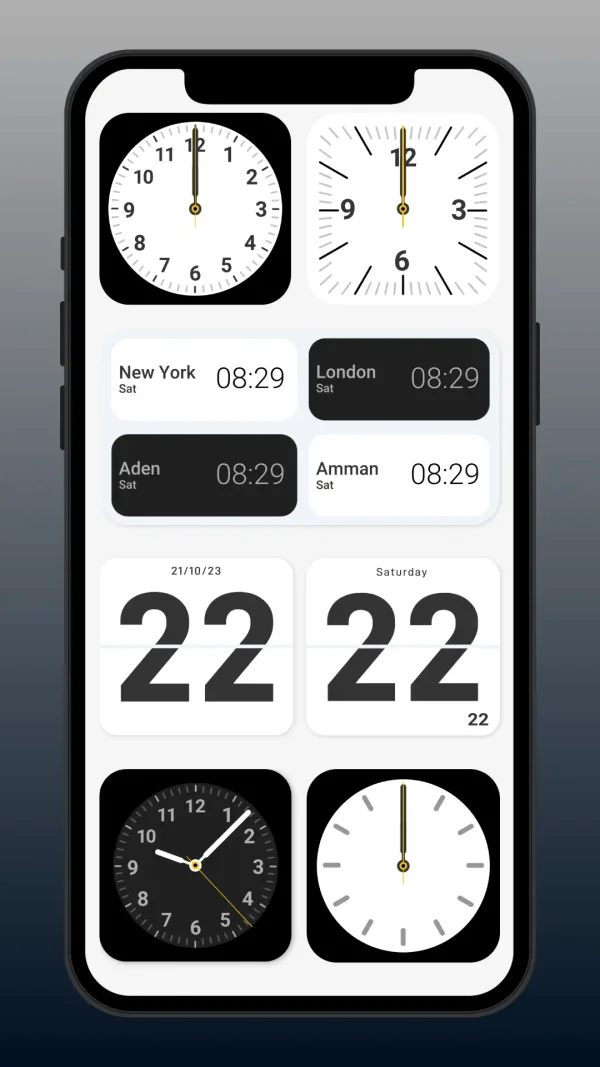
• Widget functions can be added to the screen;
• Support checking the time by searching the city;
• Timer precise timing within a specific time period.
• World clock, view time and weather info for multiple cities, time zones.
• Clock widget, various styles of clock widget and world clock widget
How to use: 👇 👇
Swipe left or right to switch functions;
Swipe up to enter settings;
Data safety
What wssc declares on Google Play about the data this app collects and shares.
- This app may share these data types with third partiesApp info and performance and Device or other IDs
- No data collectedLearn more about how developers declare collection
- Data is encrypted in transit
- Data can’t be deleted
What’s new
Version 1.5.5.9 · Nov 3, 2026
• Minor UI improvements
• Improved translations and localization
• Added system font support for flip clock widget
• Added screen orientation options for the screen saver
• Added clock selection by UTC offset
• Improved user experience and fixed bugs
Developer contact
- Emailwssc2dev@gmail.com
- Privacy policydoc-hosting.flycricket.io
- Address庙坝镇五桂村22号 电话 联系 19196881529 大竹县, 达州市, 四川省 China 635102
Information
- Offered by
- wssc
- Category
- Productivity
- Version
- 1.5.5.9
- Updated
- Nov 3, 2026
- Released
- Aug 15, 2023
- Requires
- Android 7.0 or later
- Age rating
- Everyone
- Price
- Free
- In-app purchases
- $2.99 - $12.99 per item
- Package name
- com.wssc.simpleclock
Similar apps
-
 Simple Alarm Clock
Tools
-
 Zepp
Sports
-
 AccuBattery
Tools
-
 Da Fit
Sports
-
 Hi-tech Circuit Launcher
Personalization
-
 Good Lock
Tools
-
 Simple Alarm Clock
Productivity
-
 Multi Timer: Timer + Stopwatch
Tools
-
 Clock Phone 16, Alarm & Timer
Tools
-
 Pomodoro Focus Timer: Balance
Productivity
-
 TIME TIMER for ANDROID
Education
-
 YourHour : Screen Time Control
Productivity