AppLock Master
SepberContains ads · In-app purchases
- EveryoneAge rating
- ToolsCategory
- Feb 19, 2024Updated
- FreePrice
Links to the official Google Play listing of com.ammy.applock. Last checked on Nov 20, 2026.
Screenshots
About this app
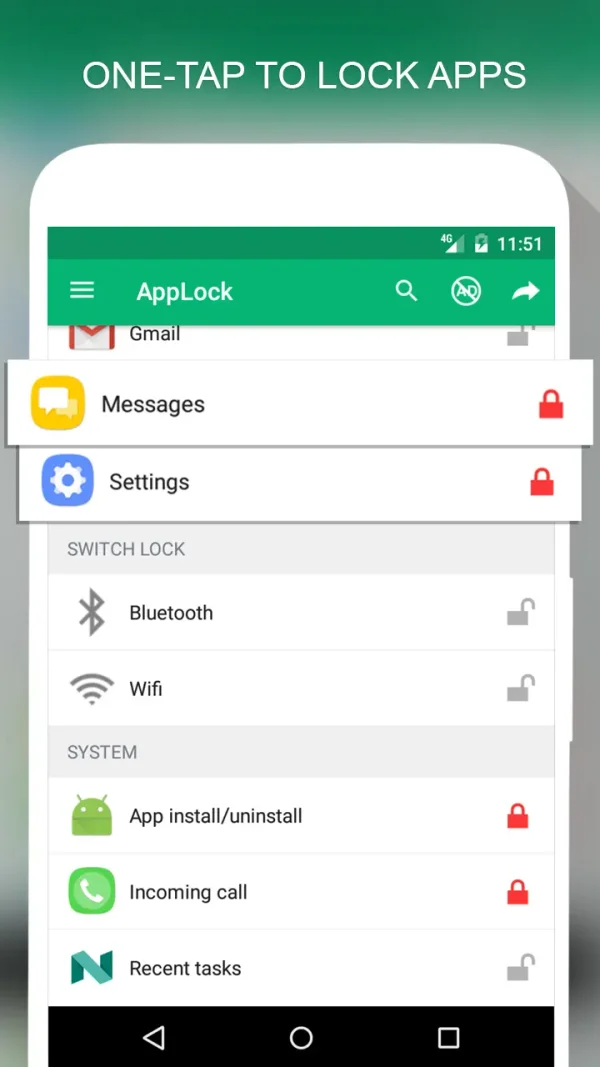
Lock app, supports fingerprint (Android 6.0).
⭐️ ⭐️ ⭐️ ⭐️ ⭐️ The best free App Lock ⭐️ ⭐️ ⭐️ ⭐️ ⭐️
Feature
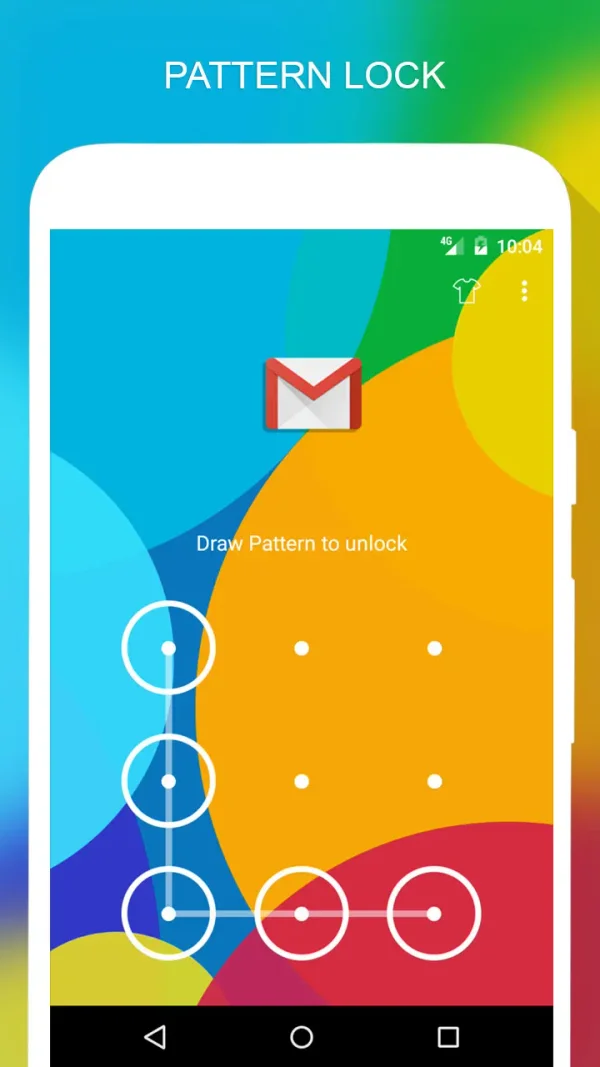
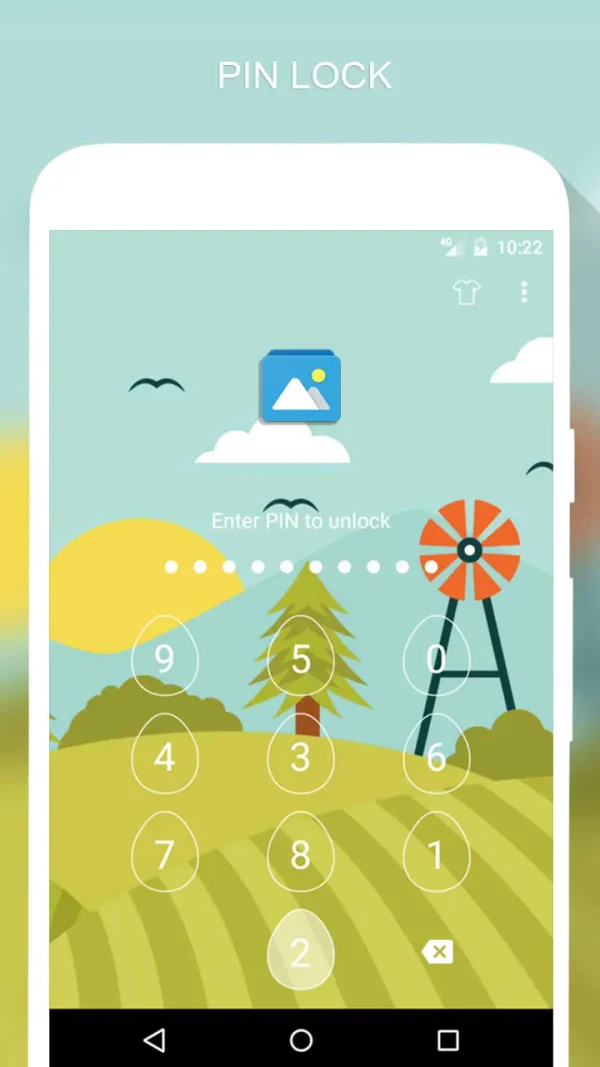
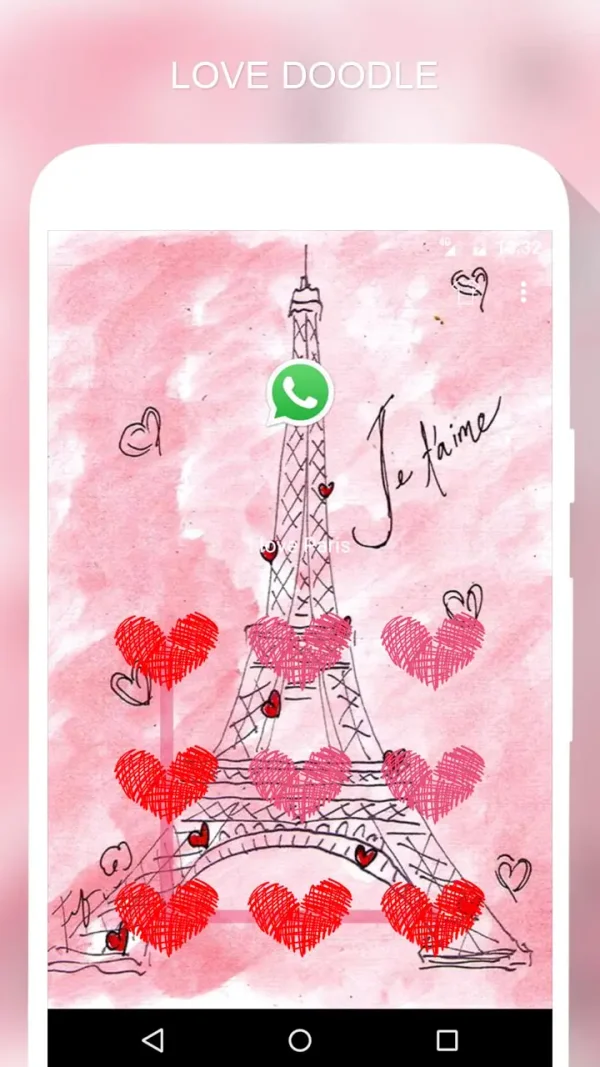
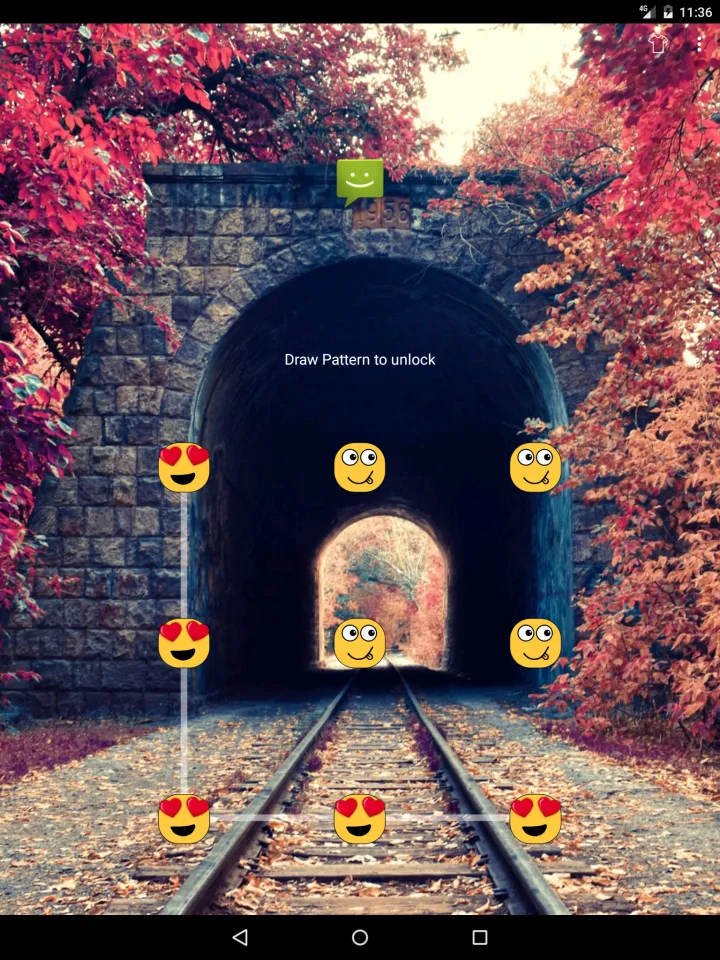
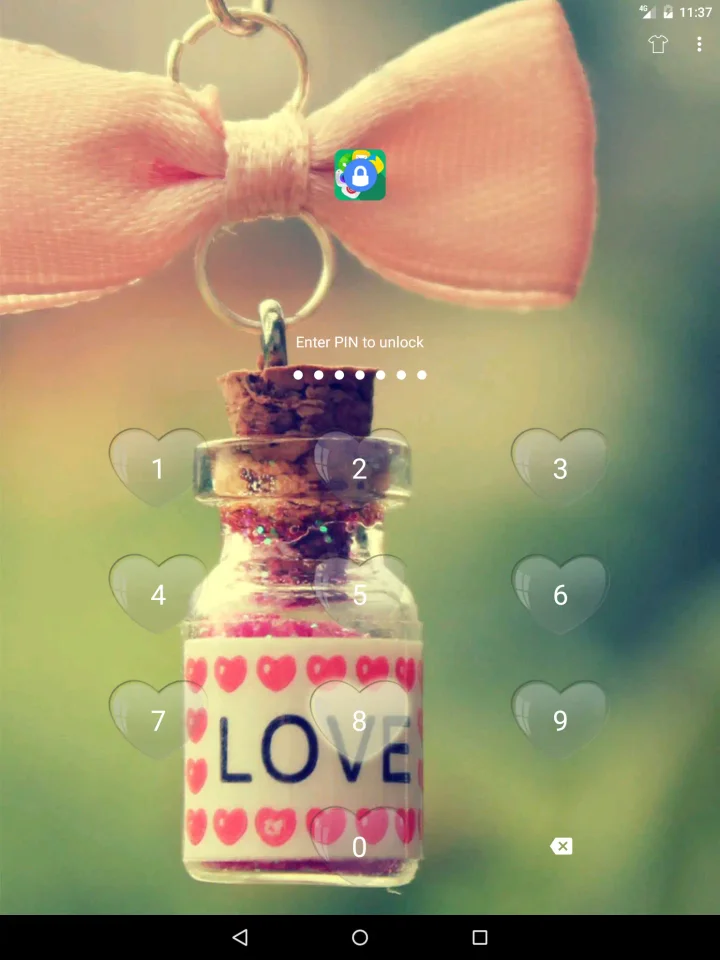
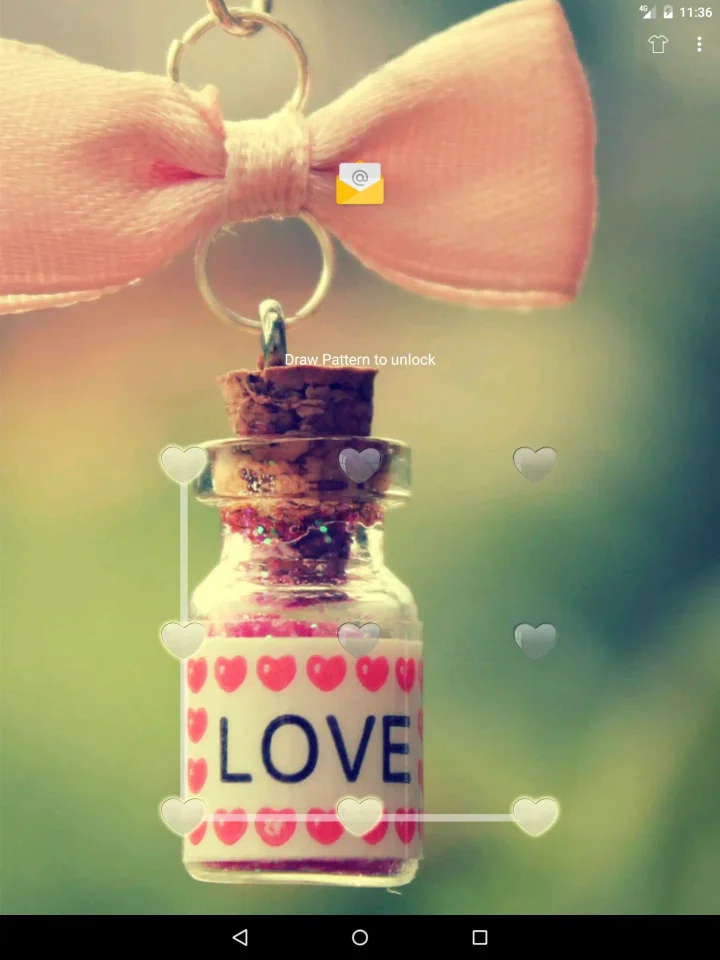
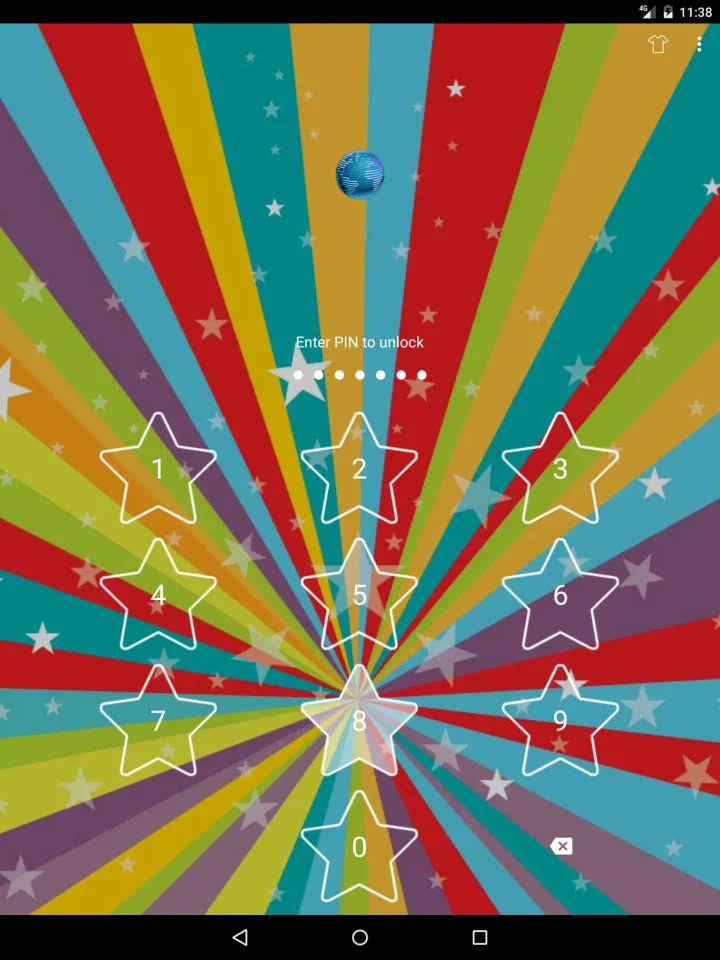
🔒 Lock apps with PIN, Pattern
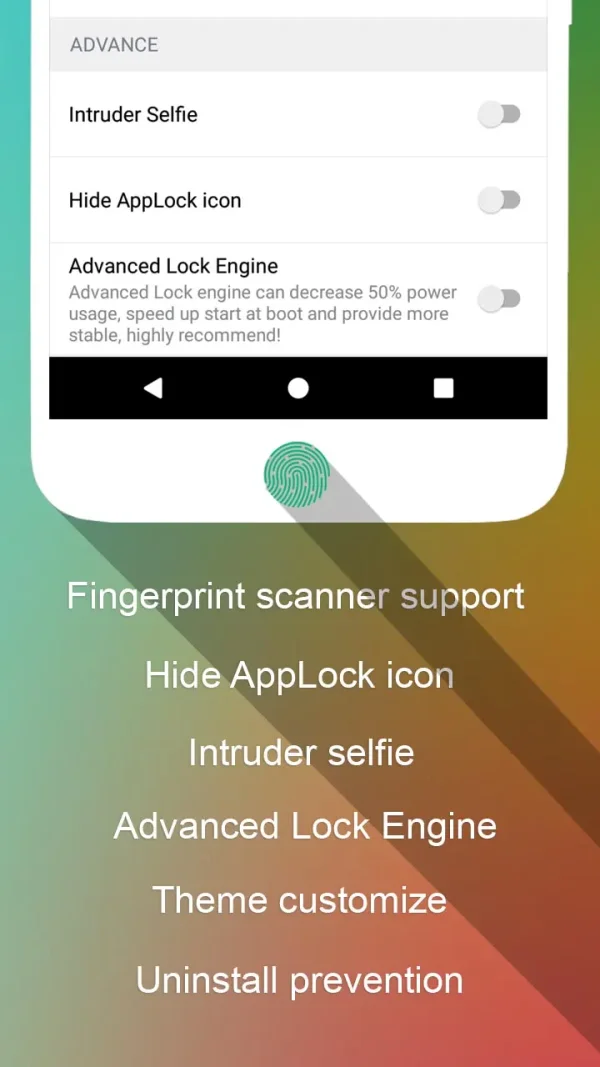
# Fingerprint (Only for Samsung devices with fingerprint sensor and Android 6.0 devices with fingerprint sensor)
# Random keyboard
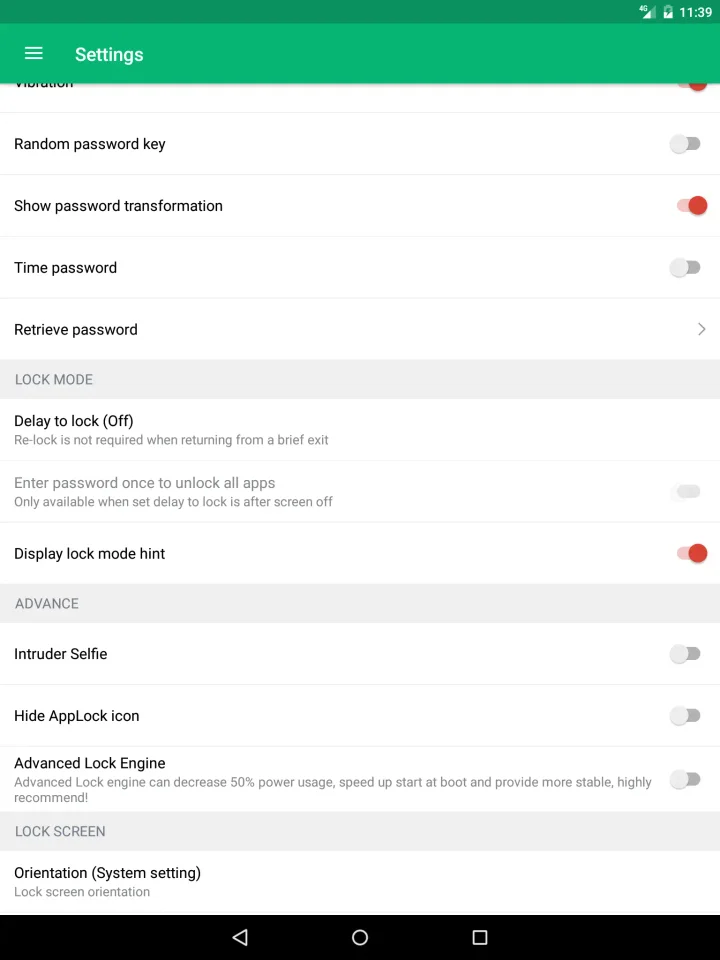
# Time Password
# Show Password transformation
# Invisible Pattern
# Pattern size
🔒 Lock Incoming call, Recent tasks, Switch lock ( Wi-Fi , Bluetooth), Install/Uninstall and 3rd party apps.
🔒 Temporary unlock. You don't need to unlock apps every time
# Delay lock at time
# Lock your app at the device screen off
# Enter password once to unlock all
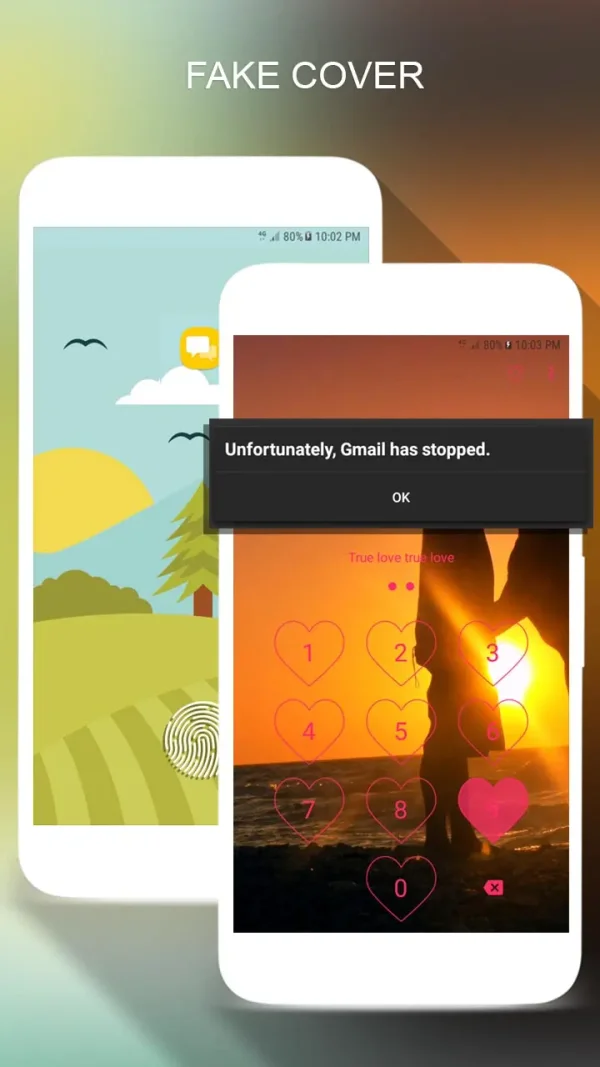
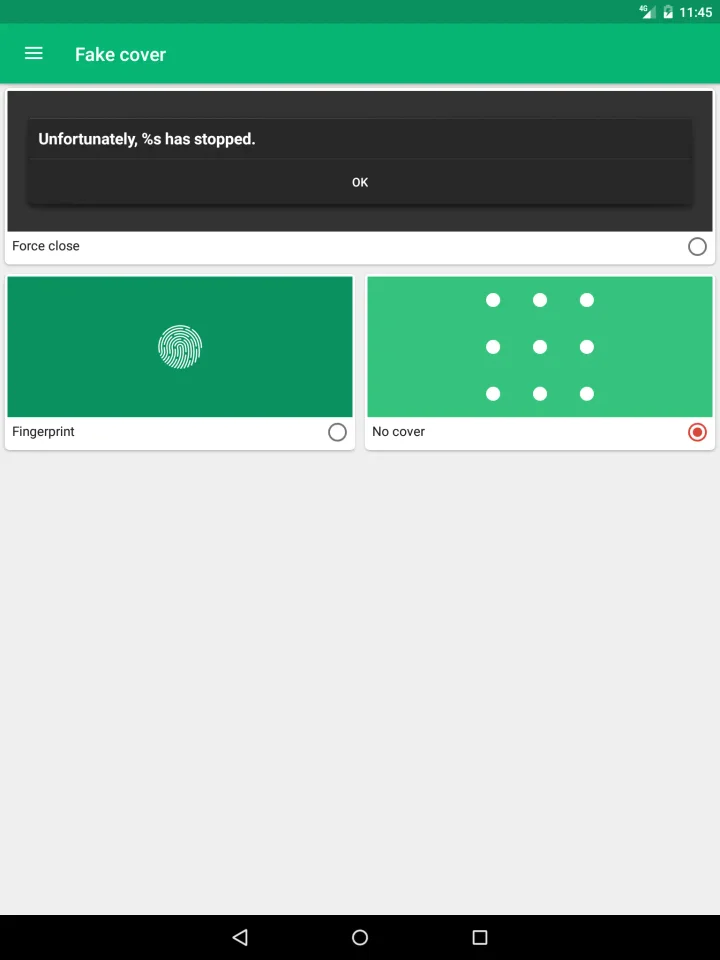
🔒 Cover (Disguise your App Lock screen to prevent from breaking into your password. fake Fingerprint scanner and fake Force close dialog will hide the real lock screen)
🔒 Lock screen orientation (System settings, Auto-rotate, Portrait, Landscape)
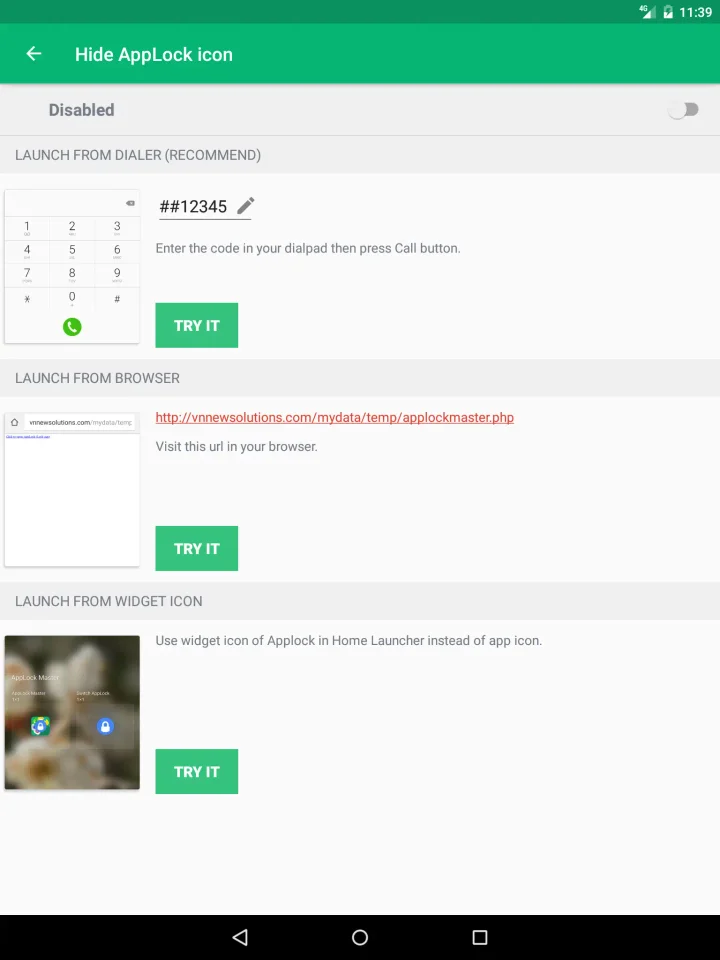
🔒 Hide AppLock Master icon
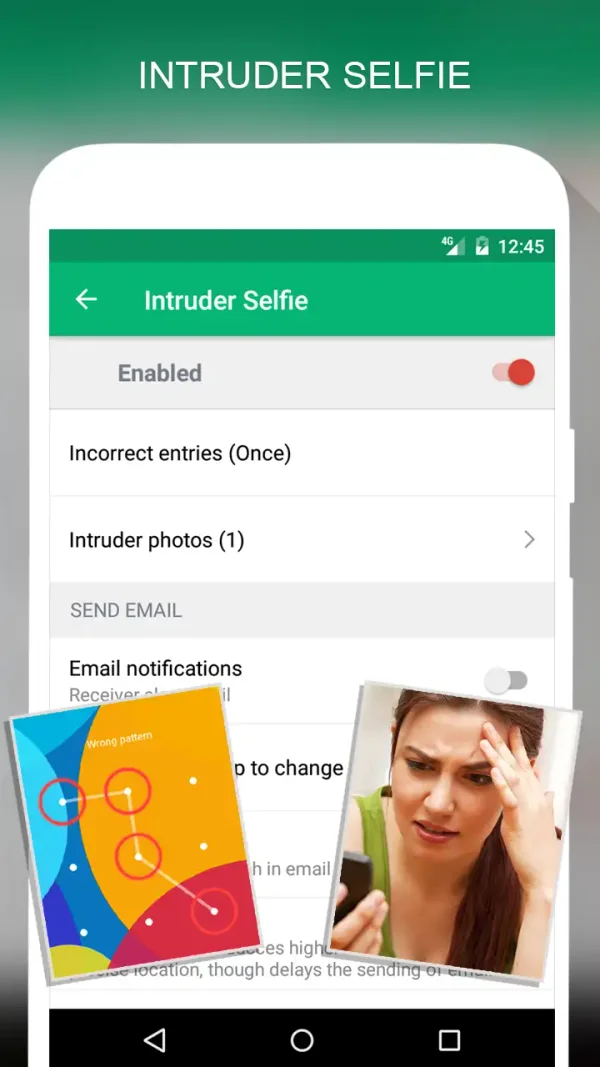
🔒 Intruder selfie
# Take a photo of who tried to unlock your device
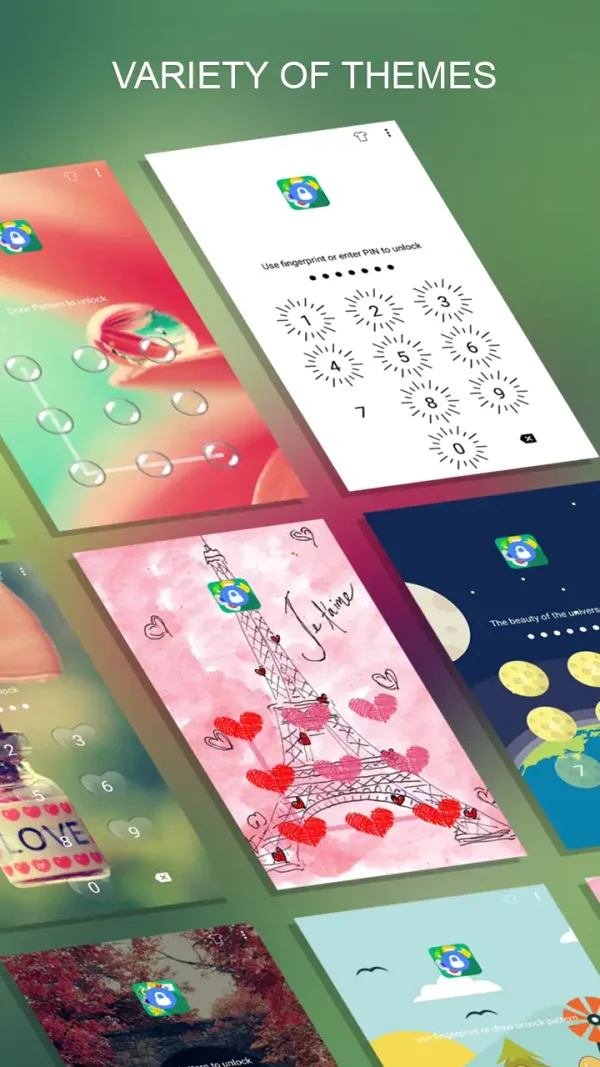
🔒 Theme, background
# Background (Choose from gallery, System wallpaper, Transparent, Blur)
# Theme
# Theme customize (Show theme icon, show app name, hint message)
🔒 Animation lock screen
# Animation type (Fade, Zoom, Slide left, Slide right, Slide up, Slide down)
----------------FAQ----------------
1. How to open AppLock Master after hide AppLock Master icon
- You can using 2 way below to open AppLock Master again
+ Visit web https://apps.sepber.com/AppLockMaster/Support/applock_master_open.php
+ Drag out widget icon of AppLock Master and click to open
2. How to uninstall AppLock?
After you turn on uninstall prevention, nobody can uninstall AppLock without password. If you want to uninstall it, please turn off uninstall prevention first.
3. How to use time PIN?
- Device's time will combine with your PIN at end.
Ex: If the time is 19:02, ***1902 would be your PIN (*** is your PIN)
AppLock uses the Device Administrator permission. (only used to prevent AppLock being uninstalled and stopped)
Any issues or suggest for AppLock Master, welcome to send email to us!
Email: support@sepber.com
Facebook: https://facebook.com/sepber.fanpage
Data safety
What Sepber declares on Google Play about the data this app collects and shares.
- This app may share these data types with third partiesLocation, App activity and 2 others
- This app may collect these data typesPhotos and videos
- Data is encrypted in transit
- Data can’t be deleted
What’s new
Version 33.0.3 · Feb 19, 2024
Minor bugs fixed
Developer contact
- Websitesepber.com
- Emailsupport@sepber.com
- Privacy policydocs.sepber.com
- AddressTổ Dân Phố Số 1, Phú Mỹ, Mỹ Đình 2, Nam Từ Liêm, Hà Nội Hà Nội 100000 Vietnam
Information
- Offered by
- Sepber
- Category
- Tools
- Version
- 33.0.3
- Updated
- Feb 19, 2024
- Released
- Nov 23, 2016
- Requires
- Android 4.1 or later
- Age rating
- Everyone
- Price
- Free
- In-app purchases
- $1.49 - $9.49 per item
- Package name
- com.ammy.applock
Similar apps
-
 AppLock
Tools
-
 App Lock - Applock Fingerprint
Productivity
-
 Calculator Hide Photo, Video
Tools
-
 Applock Pro - App Lock & Guard
Productivity
-
 App Locker - Lock App
Personalization
-
 App Lock: Fingerprint, Pattern
Productivity
-
 Calculator Lock - Hide Photos
Tools
-
 Applock - lock apps - pin lock
Tools
-
 Hide Photo Vault &Videos
Tools
-
 Touch Lock Screen Touch Photo
Personalization
-
 Newlook Launcher - Galaxy Star
Personalization
-
 My Folder : Safe Secure Hidden
Tools