CamScanner- scanner, PDF maker
INTSIG PTEContains ads · In-app purchases
- EveryoneAge rating
- ProductivityCategory
- Nov 20, 2026Updated
- FreePrice
Links to the official Google Play listing of com.intsig.camscanner. Last checked on Nov 21, 2026.

Screenshots


About this app
Scan paperwork into PDF/JPG, generate your own e-signature and send fax or email
*Scan docs into clear & sharp image/PDF, to email, fax, print or save to cloud
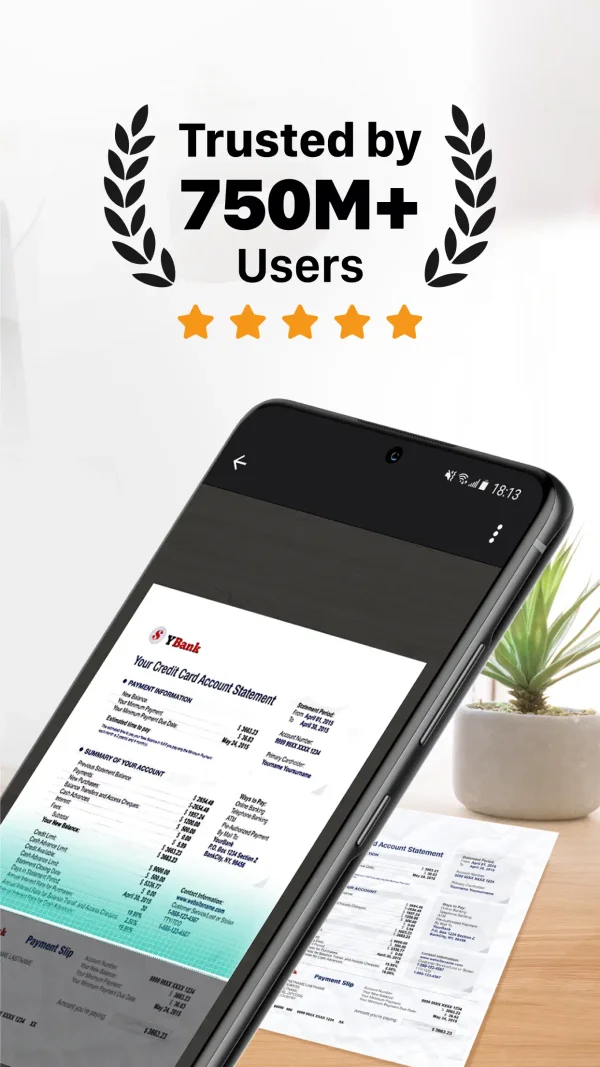
* The choice for 400 million users all over the world
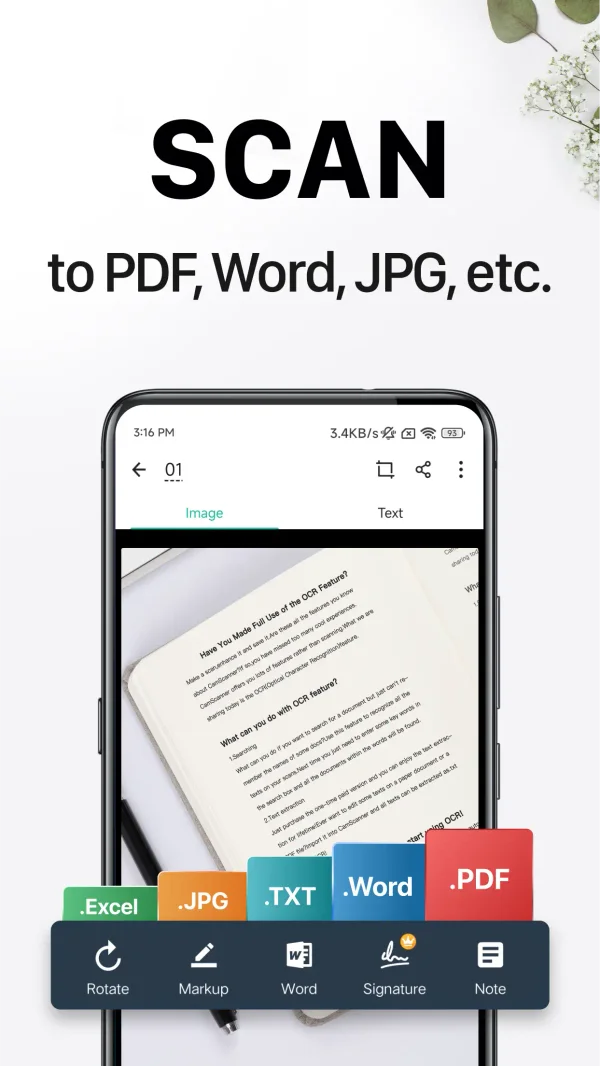
CamScanner is a scanner app that helps users scan, edit, store, and sync contents across smartphones, iPads, tablets and computers. Extract texts with OCR and convert PDF to Word, Excel, etc.
*Optimize Scan Quality
Smart cropping and auto enhancing make the texts and graphics look clear and sharp.
*E-signature
Sign contracts and share to your counter party. It is widely used among real estate agents and in government form filling.
*Advanced Editing
Making annotations or adding customized watermark on docs are made available for you.
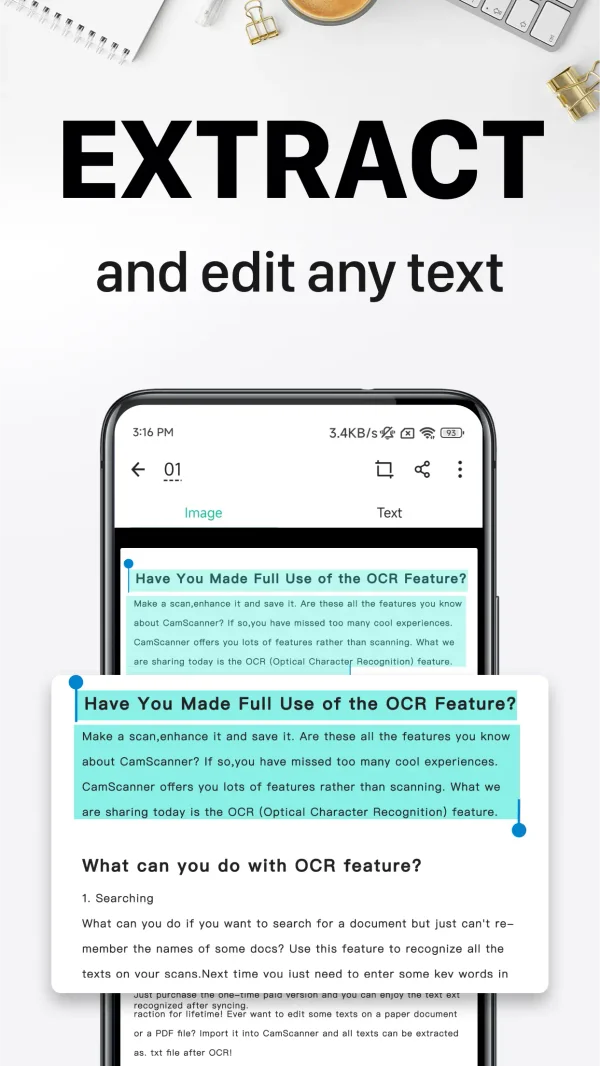
*Extract Texts from Image
OCR (optical character recognition) feature extracts texts from single page for further editing or sharing. (Paid app only)
*Share PDF/JPEG Files
Easily share documents in PDF or JPEG format with others via social media, email attachment or sending the doc link.
*AirPrint & Fax Documents
Instantly print out docs in CamScanner with nearby printer via AirPrint; directly fax docs to over 30 countries from the app.
*Collaboration
Invite friends or colleagues to view and comment on your scans in a group. (Registrants only)
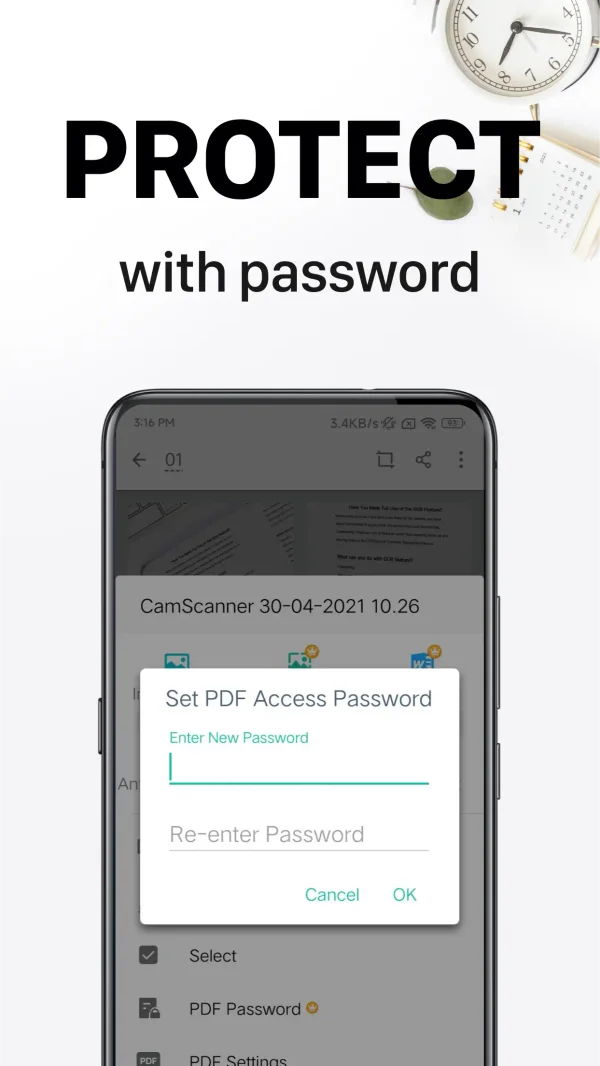
*Secure Important Docs
Set passcode for viewing important docs; meanwhile, when sending doc link, you can set password to protect it.
*Sync across Platforms
Sign up to sync documents on the go. Just sign in to any smartphone, tablet or computer (visit CamScanner website) you own and you can view, edit and share any document.
Premium Subscription Service:
1. Edit OCR results and notes of the doc, exporting as .txt file
2. Create Doc Collage for multiple pages
3. + 10G cloud space
4. + 40 extra collaborators
5. Send doc link with password protection and expiration date
6. Auto upload docs to Box, Google Drive, Dropbox, Evernote, One Drive and etc.
7. Batch download PDF files through web application of CS
8. Import PDF to Camscanner for editing
9. Scan academic questions to make practice tests for study
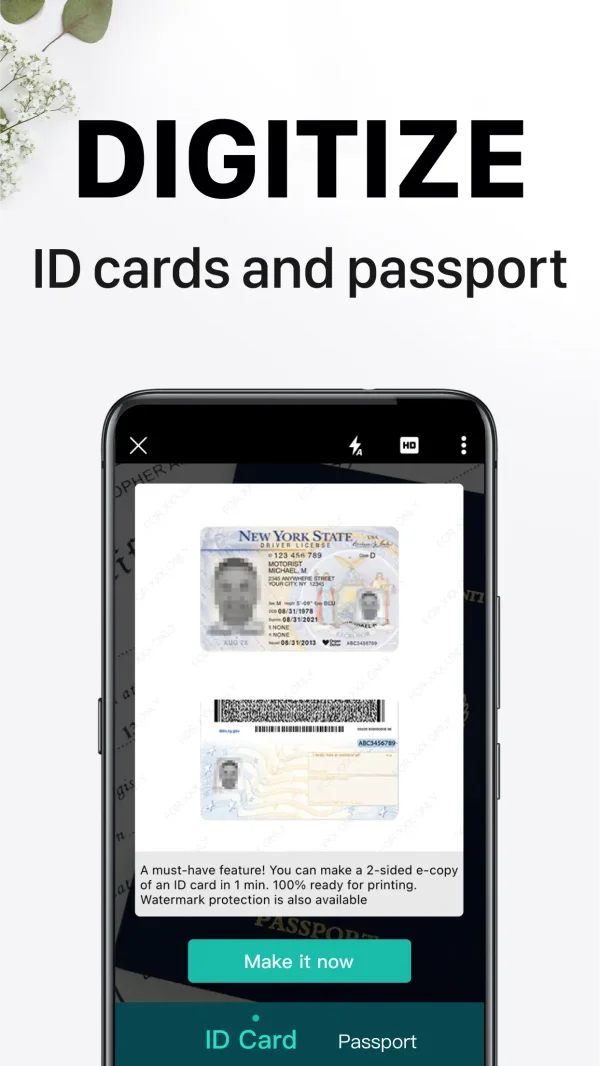
10. High Standard ID Scan
and More...
• Payment will be charged to Google Play Account at confirmation of purchase.
• Account will be charged for renewal within 24-hours prior to the end of the current subscription period.
• Subscriptions may be managed by the user and auto-renewal may be turned off by going to the user's Account Settings after purchase.
• Any unused portion of a free trial period will be forfeited when the user purchases a subscription to that publication.
CamScanner users scan and manage
* Bill, Invoice, Contract, Tax Roll, Business Card…
* Whiteboard, Memo, Script, Letter…
* Blackboard, Note, PPT, Book, Article…
* Credential, Certificate, Identity Document, Painting…
3rd Party Cloud Storage Services Supported:
-Box, Google Drive, Evernote, Dropbox, OneDrive
We’d love to hear your feedback: android_support@camscanner.com
Follow us on Twitter: @CamScanner
Like us on Facebook: CamScanner
Follow us on Google+: CamScanner
Data safety
What INTSIG PTE declares on Google Play about the data this app collects and shares.
- This app may share these data types with third partiesDevice or other IDs
- This app may collect these data typesPersonal info, Financial info and 4 others
- Data is encrypted in transit
- You can request that data be deleted
What’s new
Version 7.29.0.2611080000 · Nov 20, 2026
· Working with PDFs is now easier with text editing, page rotation, filters, smart erase, and more.
Developer contact
- Websitecamscanner.com
- Emailandroid_support@camscanner.com
- Privacy policyopen.camscanner.com
- Address151 CHIN SWEE ROAD #14-01 MANHATTAN HOUSE Singapore 169876
Information
- Offered by
- INTSIG PTE
- Category
- Productivity
- Version
- 7.29.0.2611080000
- Updated
- Nov 20, 2026
- Released
- Oct 30, 2010
- Requires
- Android 5.0 or later
- Age rating
- Everyone
- Price
- Free
- In-app purchases
- $0.49 - $399.99 per item
- Package name
- com.intsig.camscanner
Similar apps
-
 ACE Scanner - PDF Scanner App
Productivity
-
 Acrobat Reader: PDF Converter
Productivity
-
 QR Scanner: Barcode Scanner
Productivity
-
 Facebook
Social
-
 ChatGPT
Productivity
-
 WhatsApp
Communication
-
 Microsoft Teams
Business
-
 Zoom Workplace
Business
-
 WPS Office-PDF, Word, Sheet
Productivity
-
 PDF Reader - PDF Editor
Productivity
-
 Microsoft Outlook
Productivity
-
 WhatsApp Business
Communication