Microsoft Outlook
Microsoft CorporationContains ads · In-app purchases
- EveryoneAge rating
- ProductivityCategory
- Nov 18, 2026Updated
- FreePrice
Links to the official Google Play listing of com.microsoft.office.outlook. Last checked on Nov 21, 2026.

Screenshots
About this app
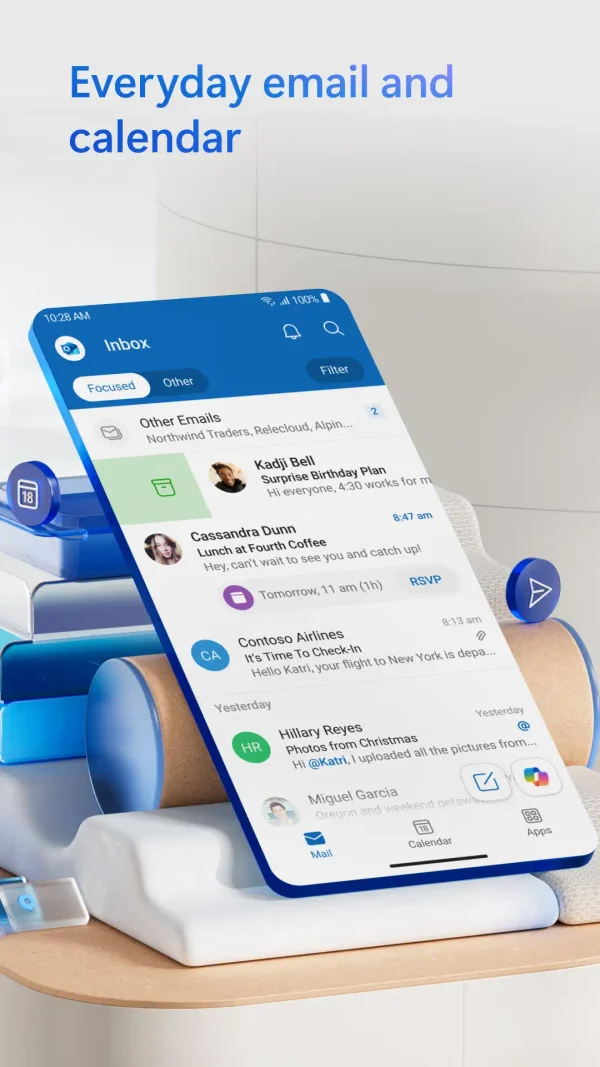
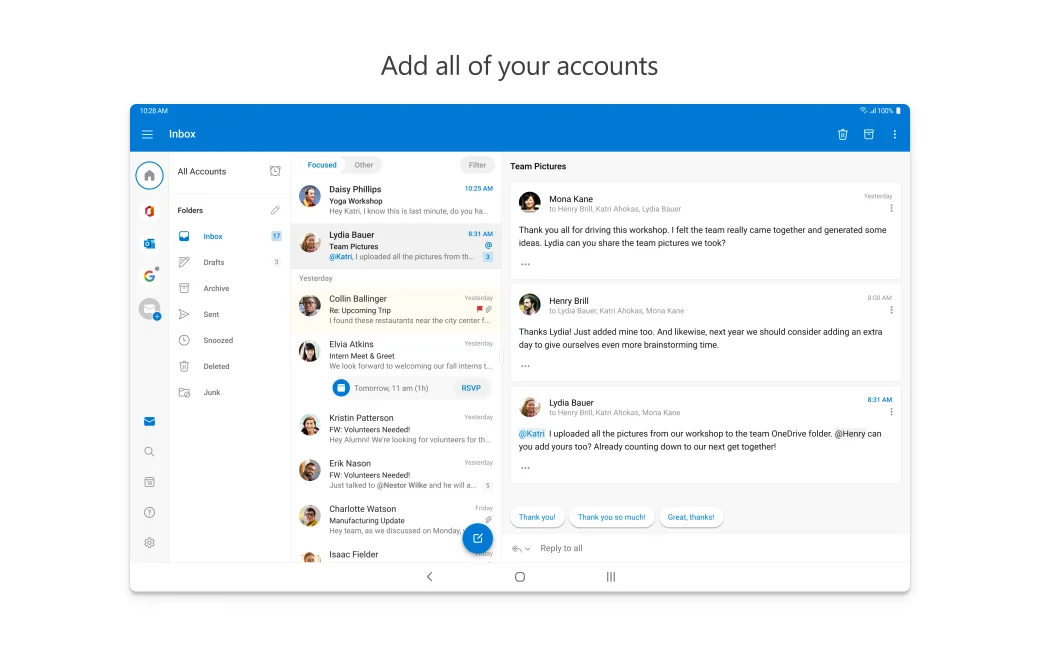
Microsoft Outlook is your personal organiser for your emails, calendar & files.
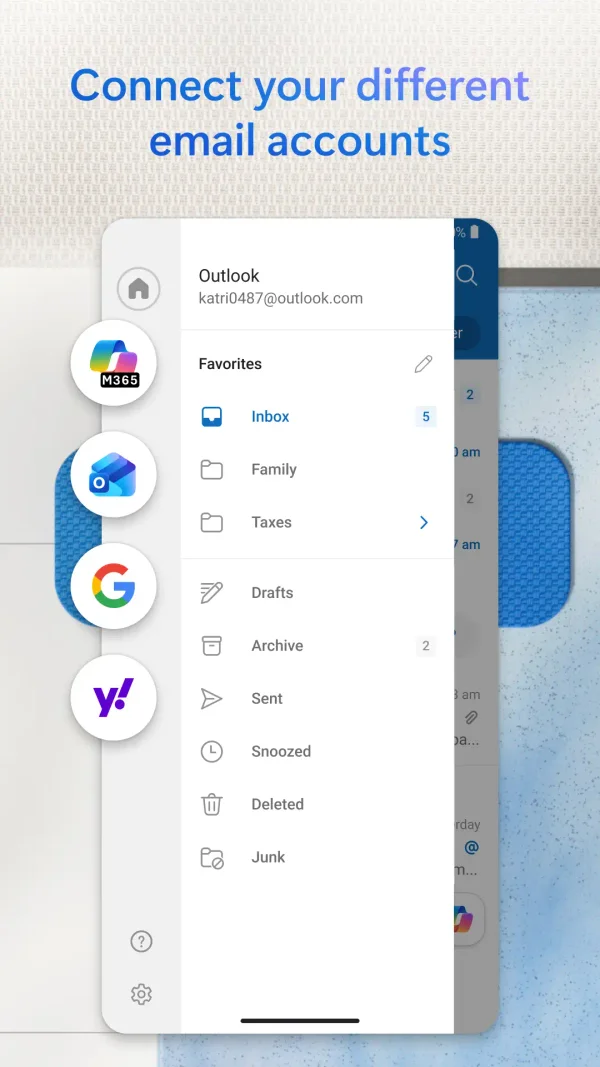
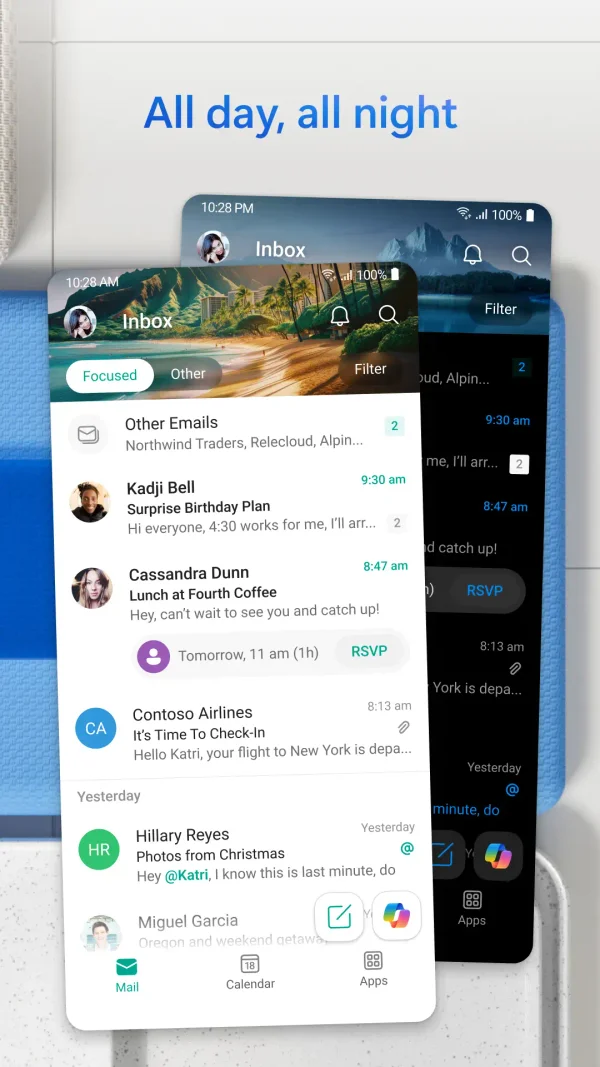
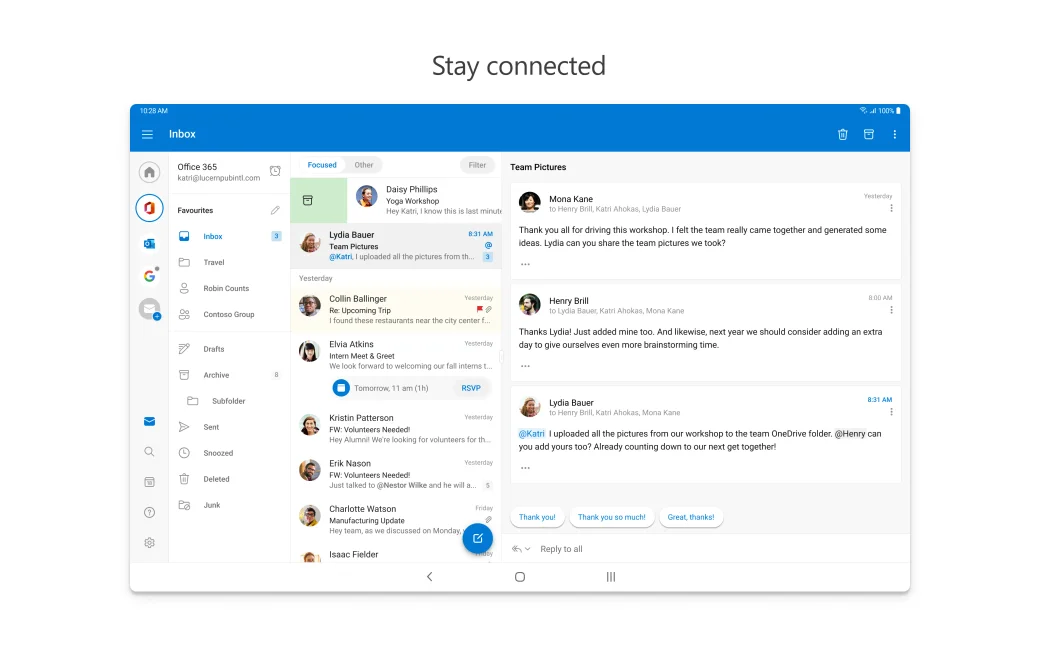
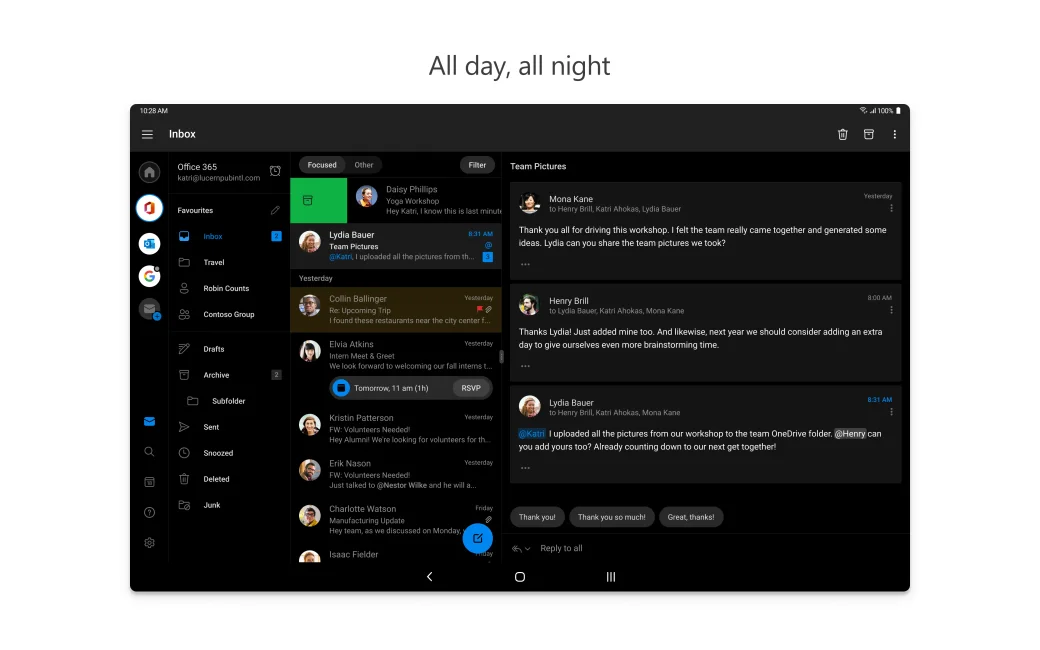
Stay organised with a unified inbox, intelligent filtering and multiple calendars at a glance. Outlook is free for personal use and supports Microsoft Exchange, Microsoft 365, Outlook.com, Gmail, Yahoo Mail, iCloud, IMAP and POP3.
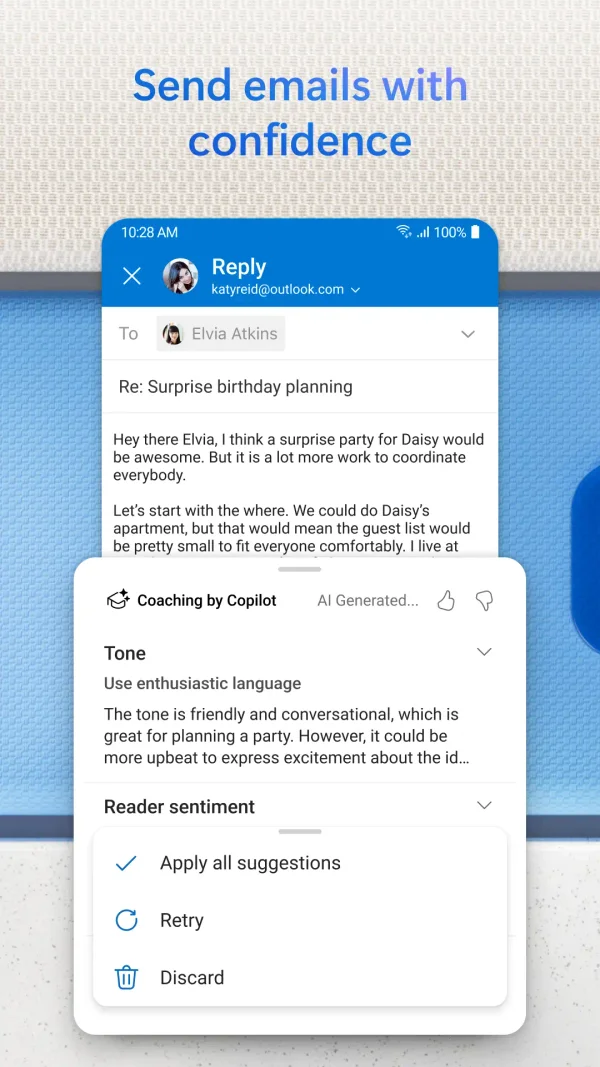
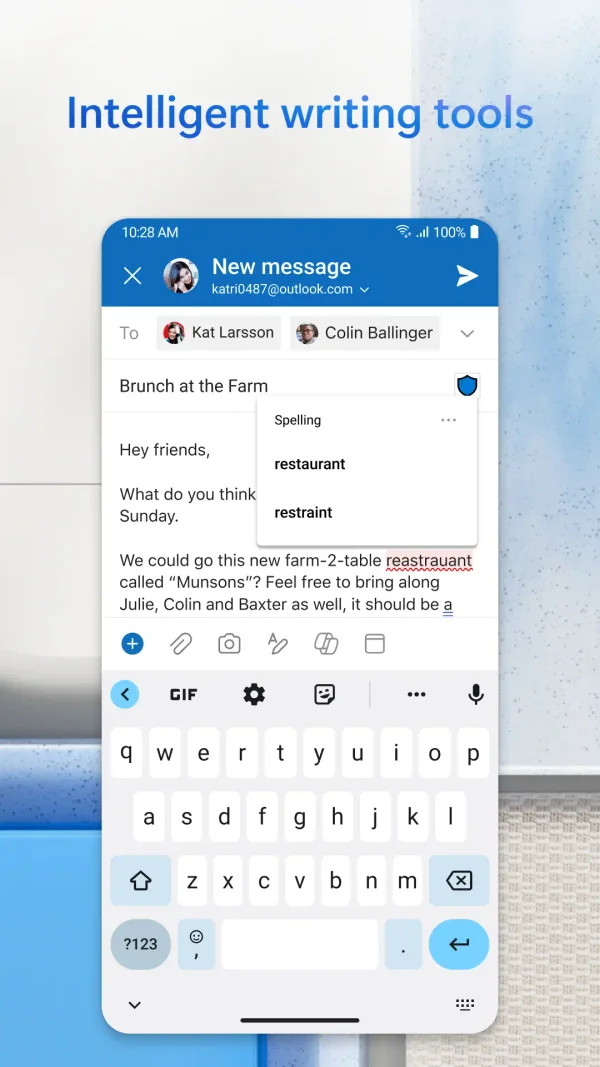
Write polished emails with built in tools for grammar, spelling and real time typing suggestions. Attach files from OneDrive, your device, or other cloud storage, and open Word, Excel and PowerPoint files directly from your inbox.
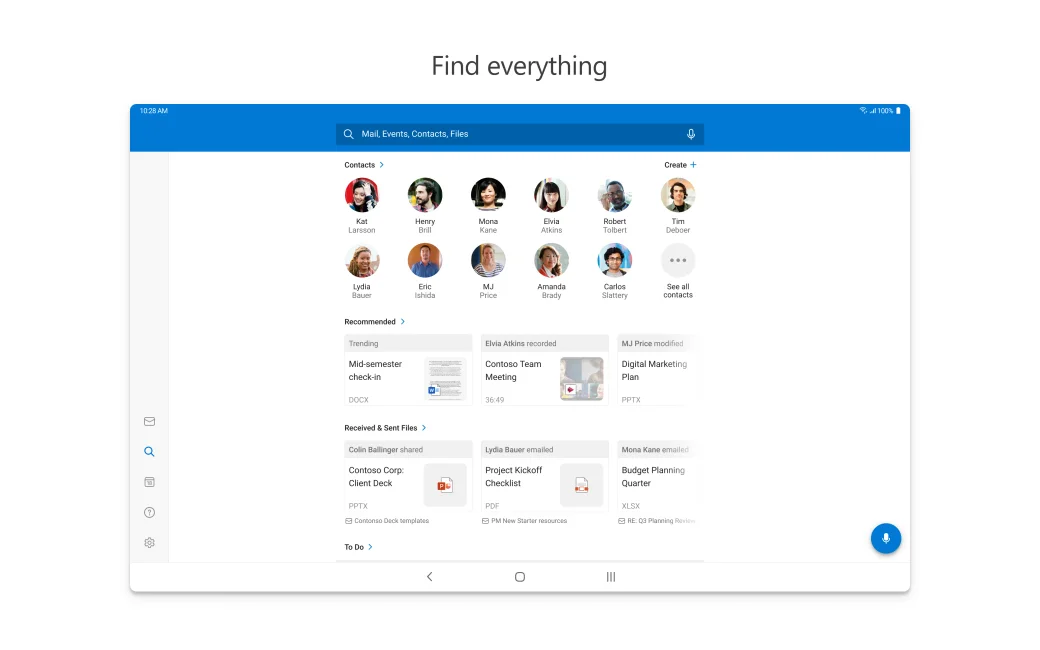
Cut through clutter with swipe gestures to delete, archive, snooze or move messages. Pin important emails, flag messages for follow up and find anything fast using simple tap or voice search.
Stay protected from phishing, spam and other threats with enterprise grade security. Join Teams, Zoom or other video meetings directly from Outlook – anywhere you go.
Microsoft Outlook Includes:
Inbox, Contacts and Files
• Manage Gmail, Yahoo Mail, iCloud and more in one place
• Access recent attachments and connect to Word, Excel, PowerPoint and OneNote
• Organise email with filters, folders and spam protection
Planning and Calendar Management
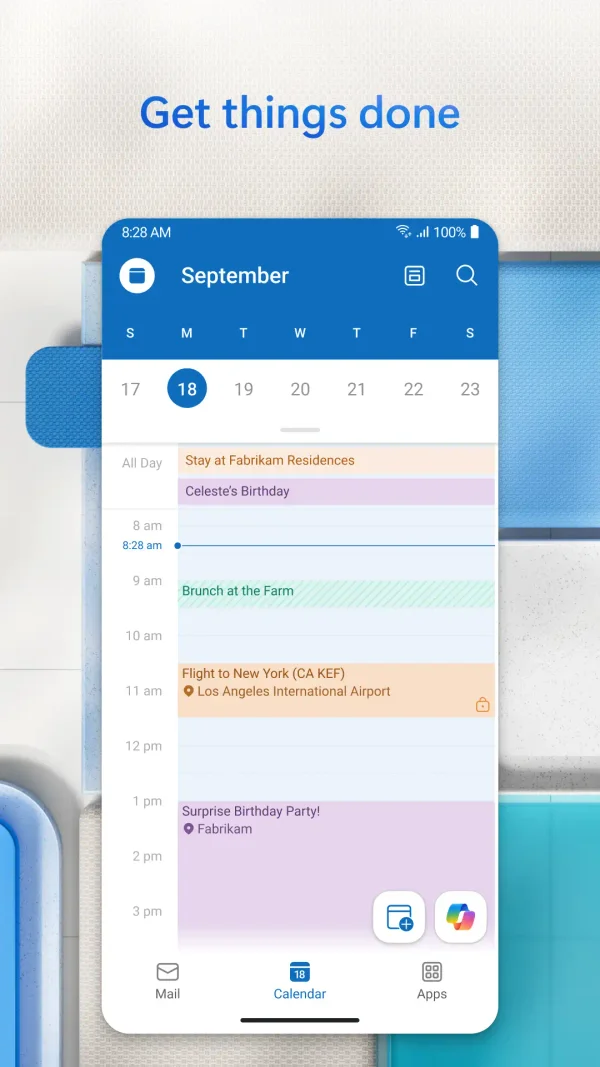
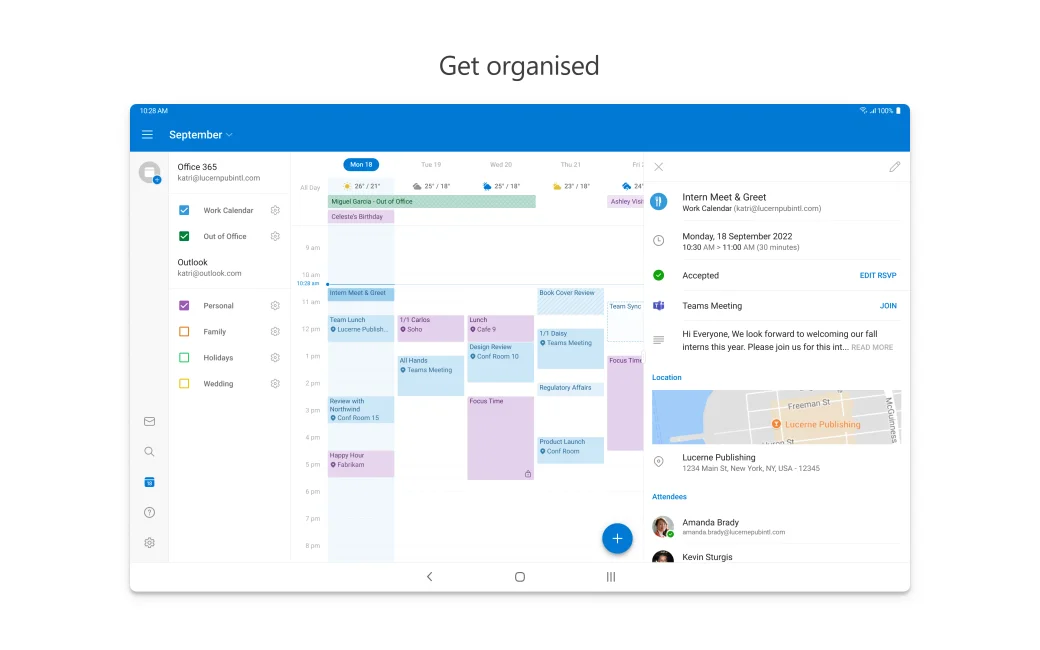
• View multiple calendars side by side
• Join online meetings from Teams and Zoom
• RSVP to invites and add notes
• Keep your week organised with tasks and reminders
Productivity and Task Tools
• Group conversations by thread
• Use voice to find emails, events, people and files
• Suggested replies help you respond quickly
• Play My Emails to listen hands free
• Travel and delivery updates added to your calendar automatically
Security and Privacy
• Enterprise grade protection for your inbox and files
• Built in defences against phishing, viruses and spam
• Email encryption for sensitive messages (Microsoft 365 required)
AI Assistance with Copilot*
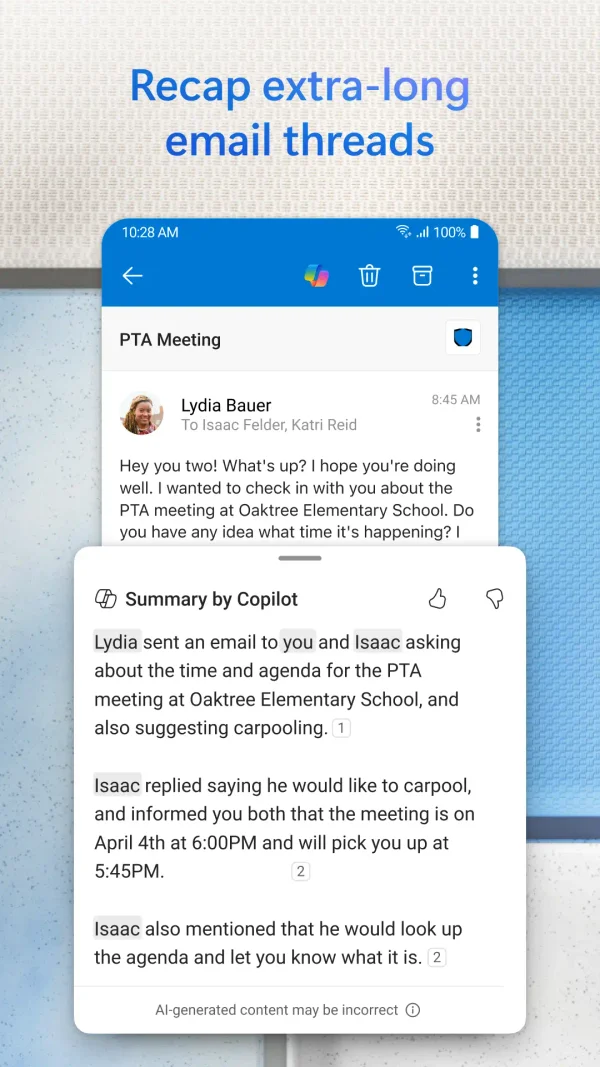
• Summarise long email threads into key points
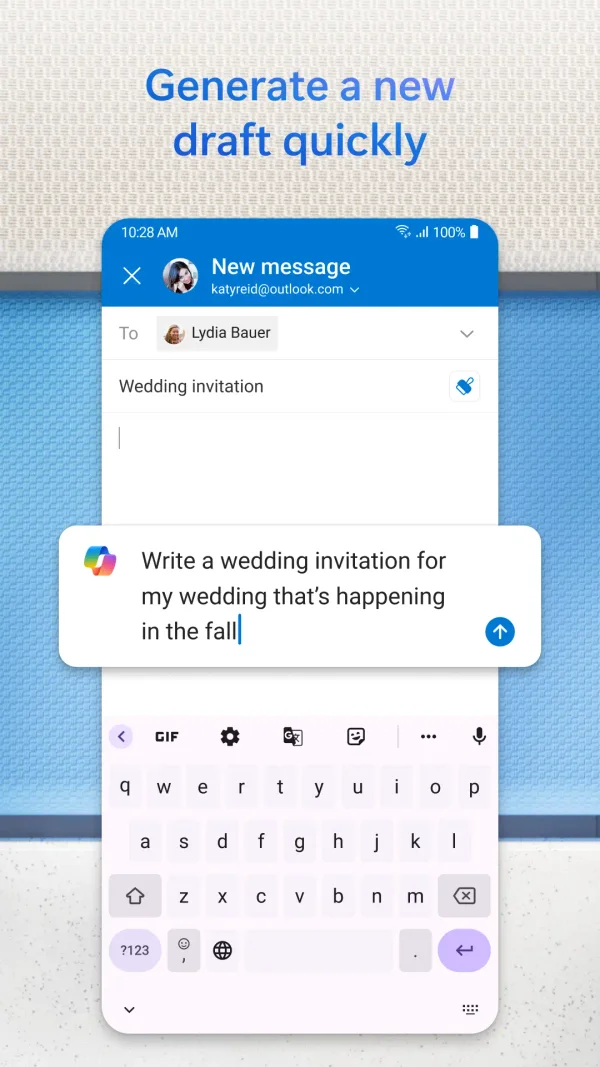
• Draft polished responses with suggested tone and clarity
• Get smart scheduling recommendations and reminders
*Unlock premium Outlook and Microsoft 365 experiences with a qualifying subscription on phone, tablet, PC and Mac.
Compatibility
• Microsoft Exchange
• Microsoft 365
• Outlook.com, Hotmail.com, MSN.com, Live.com
• Gmail
• Yahoo Mail
• iCloud
• IMAP & POP3
Use the Wear OS companion app to see emails and events at a glance.
Consumer Health Data Privacy Policy: https://go.microsoft.com/fwlink/?linkid=2259814
Data safety
What Microsoft Corporation declares on Google Play about the data this app collects and shares.
- This app may share these data types with third partiesDevice or other IDs
- This app may collect these data typesPersonal info, Messages and 8 others
- Data is encrypted in transit
- You can request that data be deleted
What’s new
Version 5.2645.1 · Nov 18, 2026
Copilot helps you prepare for your meeting in minutes by summarizing key documents, tasks, and past meetings.
Developer contact
- Websiteoutlook.live.com
- Emailnoreply@microsoft.com
- Privacy policymicrosoft.com
- Address1 Microsoft Way Redmond, WA 98052 United States
Information
- Offered by
- Microsoft Corporation
- Category
- Productivity
- Version
- 5.2645.1
- Updated
- Nov 18, 2026
- Released
- Jan 29, 2015
- Age rating
- Everyone
- Price
- Free
- In-app purchases
- $1.99 - $12.99 per item
- Package name
- com.microsoft.office.outlook
Similar apps
-
 Gmail
Communication
-
 Google Photos
Photography
-
 Microsoft OneDrive
Productivity
-
 Google Drive
Productivity
-
 Microsoft Launcher
Personalization
-
 Google Messages
Communication
-
 Acrobat Reader: PDF Converter
Productivity
-
 Microsoft Edge
Communication
-
 Email - Fast & Secure Mail
Productivity
-
 Personal Safety
Tools
-
 Microsoft Copilot
Productivity
-
 Samsung Email
Productivity