Microsoft Teams
Microsoft CorporationIn-app purchases
- EveryoneAge rating
- BusinessCategory
- Nov 20, 2026Updated
- FreePrice
Links to the official Google Play listing of com.microsoft.teams. Last checked on Nov 21, 2026.

Screenshots
About this app
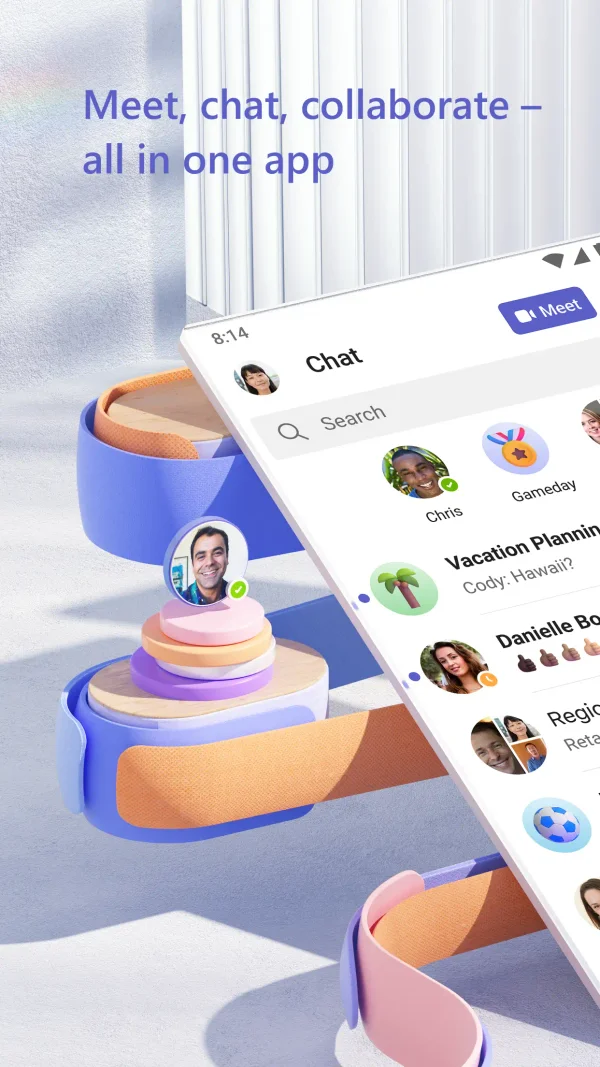
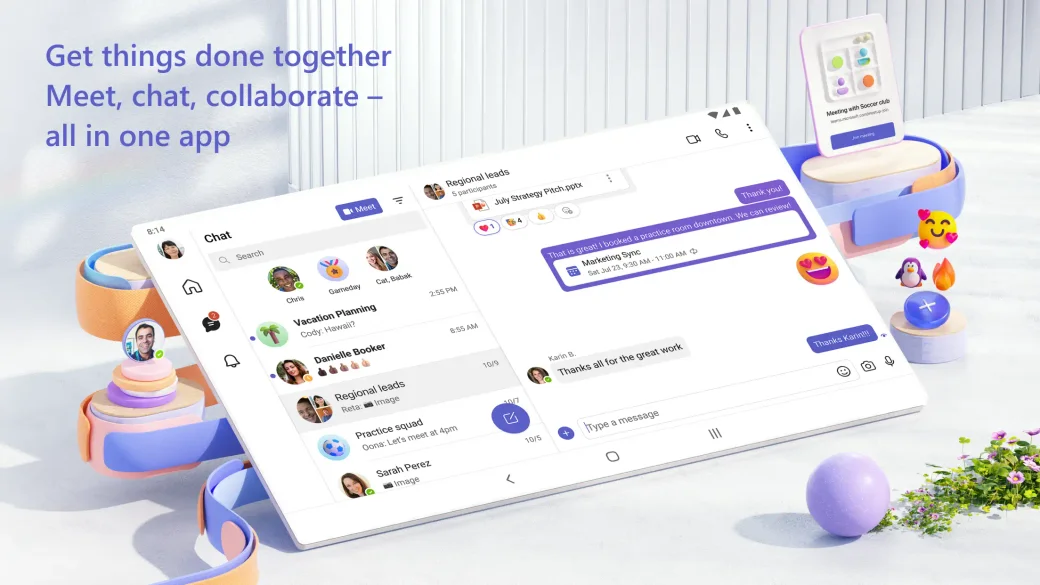
Chat, meet, and collaborate to achieve more together, all in one place on Teams
Whether you’re connecting with your community for an upcoming activity or working with teammates on a project, Microsoft Teams helps bring people together so that they can get things done. It’s the only app that has communities, events, chats, channels, meetings, storage, tasks, and calendars in one place—so you can easily connect and manage access to information. Get your community, family, friends, or work mates together to accomplish tasks, share ideas, and make plans. Join audio and video calls in a secure setting, collaborate in documents, and store files and photos with built-in cloud storage. You can do it all in Microsoft Teams.
Easily connect with anyone:
• Skype is now part of Teams. Continue where you left off with your chats, calls and contacts in Microsoft Teams Free.
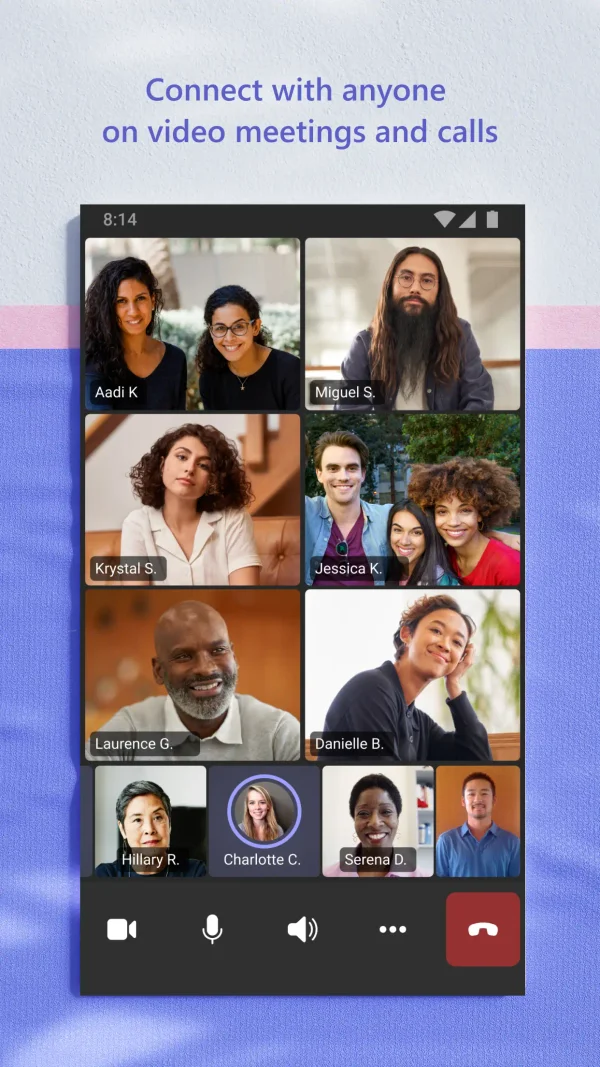
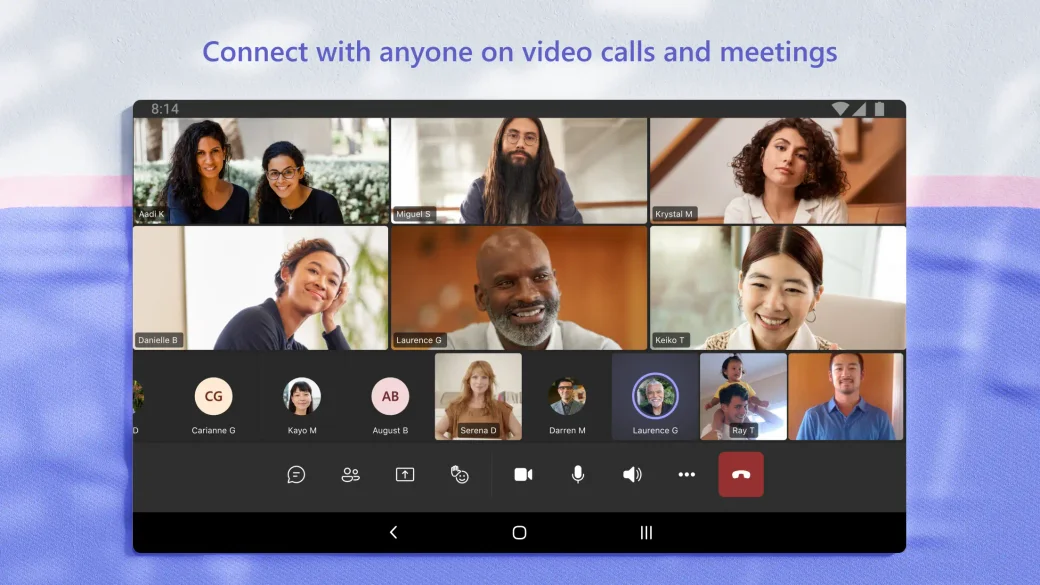
• Meet securely with communities, teammates, family, or friends.
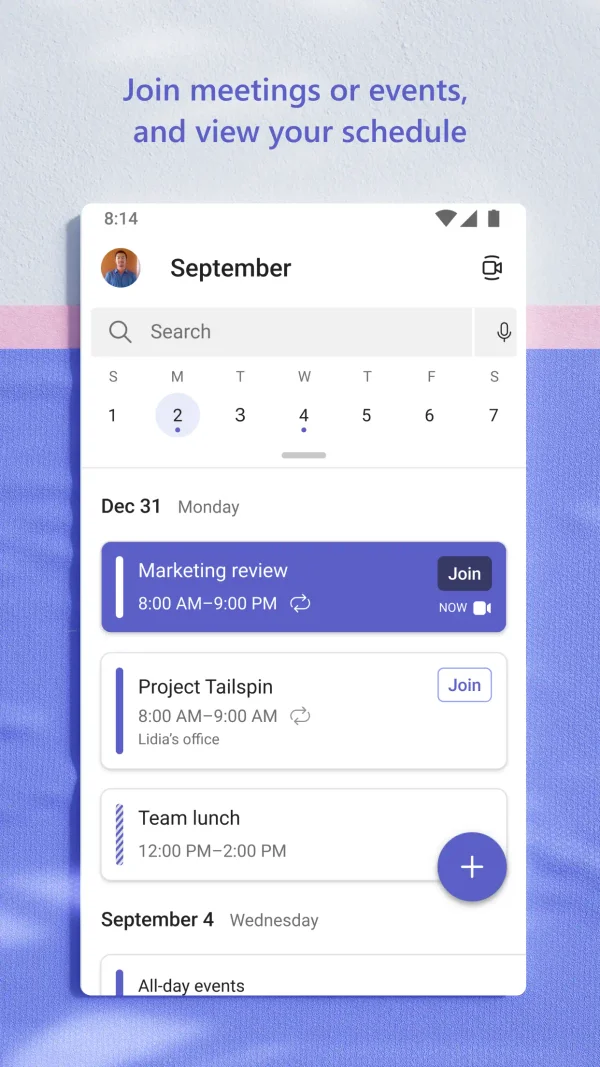
• Set up a meeting within seconds and invite anyone by sharing a link or calendar invite.
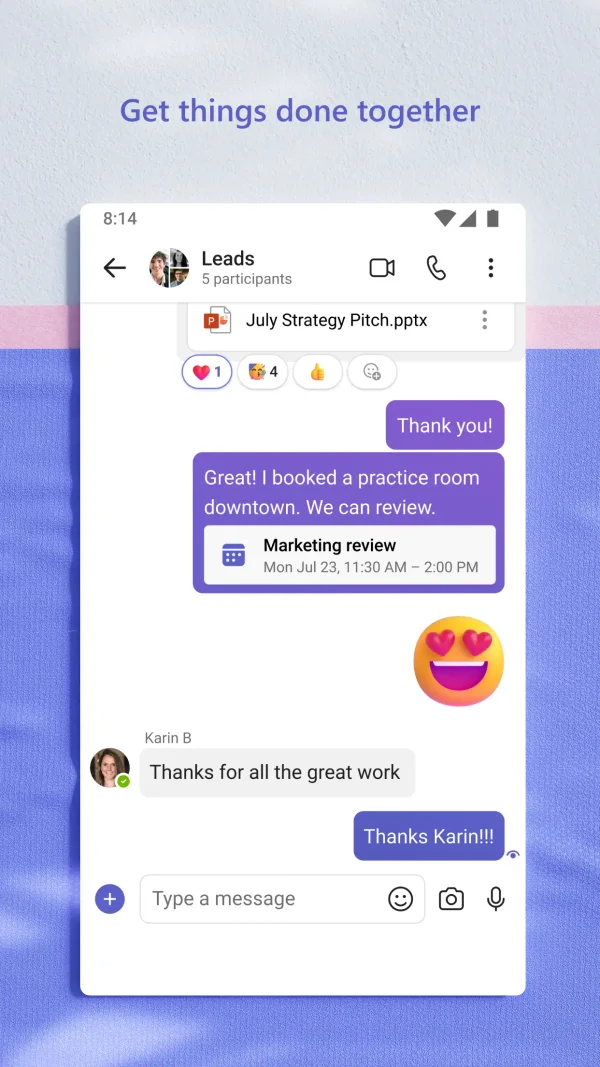
• Chat 1-1 or to your entire community, @mention people in chats to get their attention.
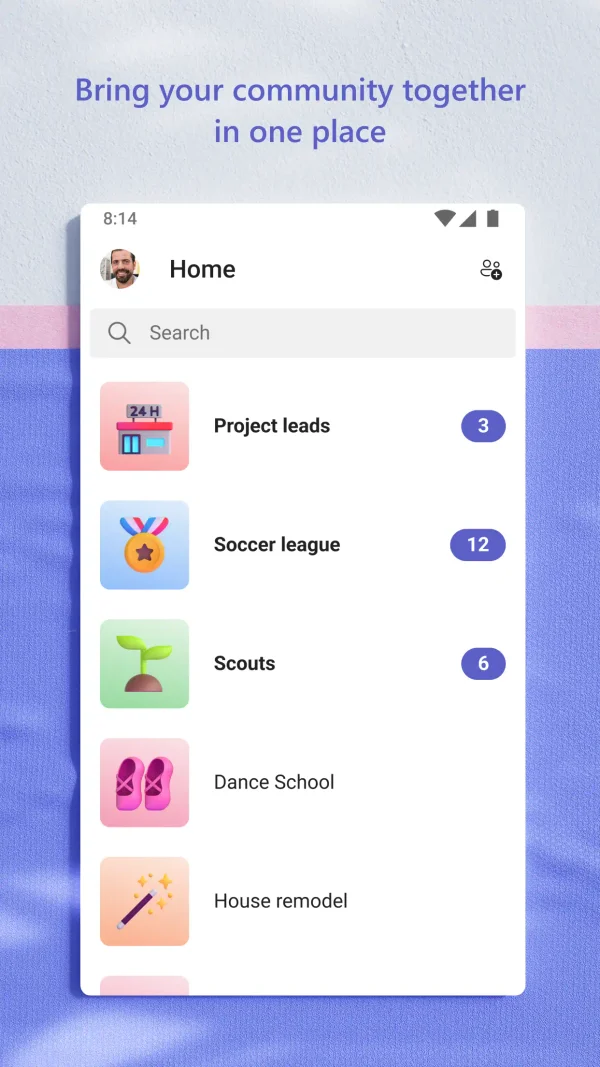
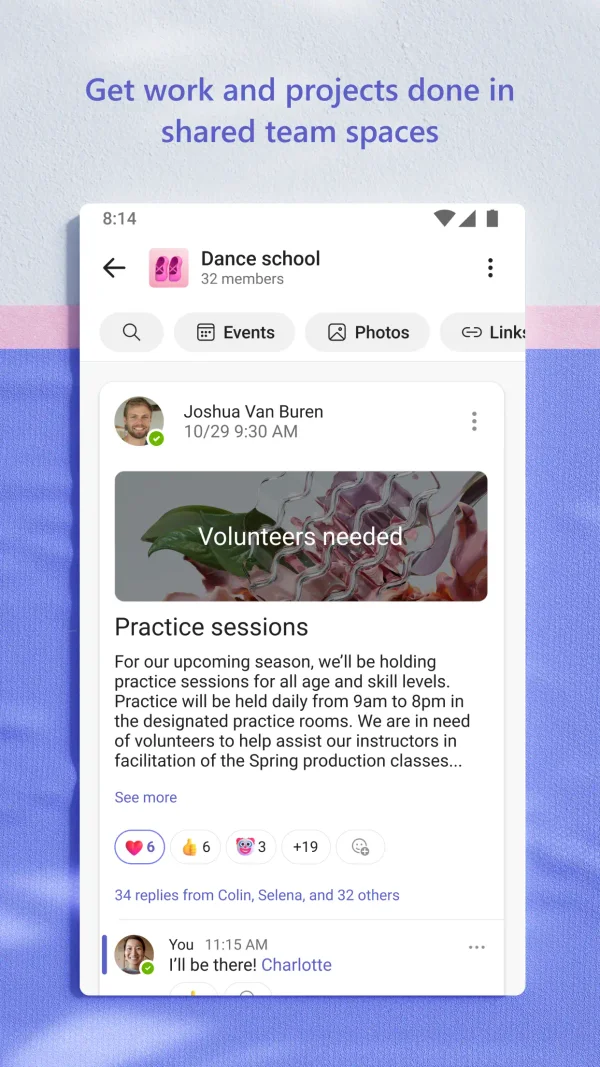
• Create a dedicated community to discuss specific topics and make plans*.
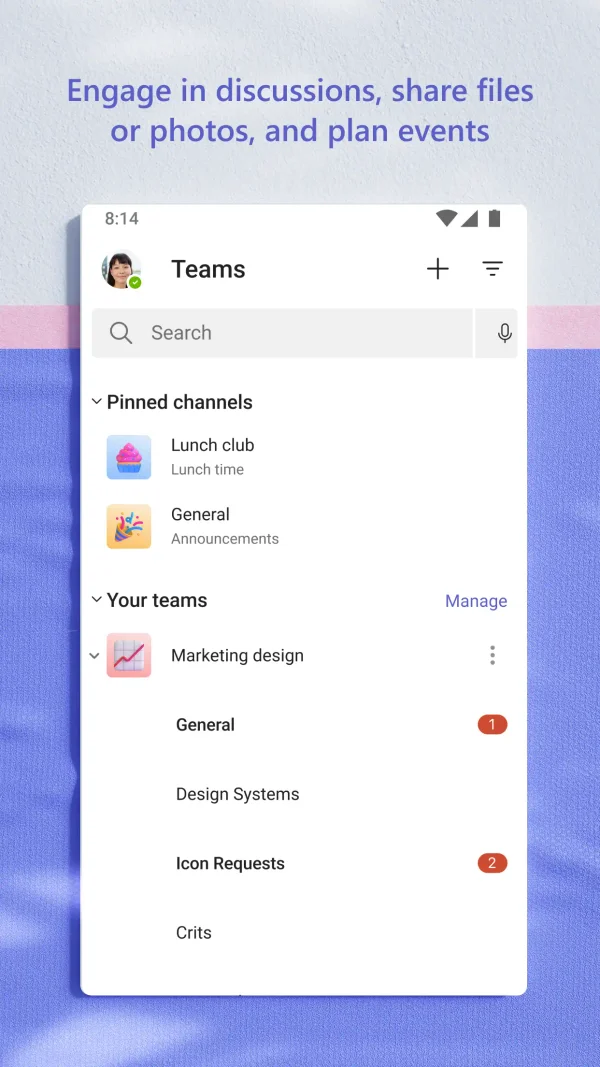
• Work closely and collaborate by keeping conversations organized by specific topics and projects with teams and channels.
• Video or audio call anyone directly in Teams or instantly convert a group chat to a call.
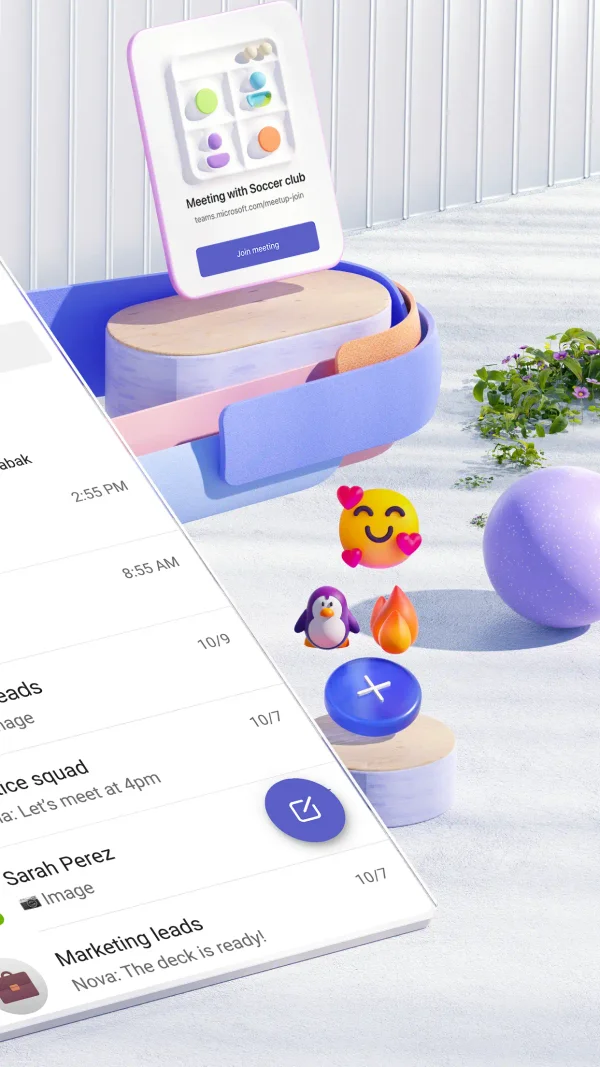
• Use GIFs, emojis, and message animations to express yourself when words aren’t enough.
Accomplish plans and projects together:
• Send photos and videos in chats to quickly and easily share important moments.
• Use cloud storage to access shared documents and files on the go.
• Organize shared content in a community — events, photos, links, files —so you don’t have to waste time searching*.
• Get the most out of your meetings by using screenshare, whiteboard, or breakout in virtual rooms.
• Manage access to information and ensure the right people have access to the right info, even when people join and leave projects.
• Use task lists to stay on top of projects and plans - assign tasks, set due dates, and cross off items to keep everyone on the same page.
Designed to give you peace of mind:
• Securely collaborate with others while maintaining control over your data.
• Keep communities safe by allowing owners to remove inappropriate content or members*.
• Enterprise-level security and compliance you expect from Microsoft 365**.
*Available when using Microsoft Teams with your Microsoft account.
**Commercial features of this app require a paid Microsoft 365 commercial subscription or a trial subscription of Microsoft Teams for work. If you’re not sure about your company’s subscription or the services you have access to, visit Office.com/Teams to learn more or contact your IT department.
By downloading Teams, you agree to the license (see aka.ms/eulateamsmobile) and privacy terms (see aka.ms/privacy). For support or feedback, email us at mtiosapp@microsoft.com. EU Contract Summary: aka.ms/EUContractSummary
Consumer Health Data Privacy Policy
https://go.microsoft.com/fwlink/?linkid=2259814
Data safety
What Microsoft Corporation declares on Google Play about the data this app collects and shares.
- This app may share these data types with third partiesPersonal info
- This app may collect these data typesLocation, Personal info and 9 others
- Data is encrypted in transit
- You can request that data be deleted
- Committed to follow the Play Families Policy
What’s new
Version 1416/1.0.0.2026203802 · Nov 20, 2026
Use Copilot to summarize channel meetings
Developer contact
- Websiteaka.ms
- Emailmstandstore@microsoft.com
- Privacy policyaka.ms
- Address1 Microsoft Way Redmond, WA 98052 United States
Information
- Offered by
- Microsoft Corporation
- Category
- Business
- Version
- 1416/1.0.0.2026203802
- Updated
- Nov 20, 2026
- Released
- Nov 2, 2016
- Age rating
- Everyone
- Price
- Free
- In-app purchases
- $9.99 - $129.99 per item
- Package name
- com.microsoft.teams
Similar apps
-
 Microsoft Outlook
Productivity
-
 Microsoft Launcher
Personalization
-
 Google Messages
Communication
-
 Gmail
Communication
-
 Google Photos
Photography
-
 Microsoft OneDrive
Productivity
-
 Microsoft Copilot
Productivity
-
 Pinterest
Lifestyle
-
 Google Chat
Business
-
 Zoom Workplace
Business
-
 Windows App
Business
-
 Google Meet
Communication