Canon Camera Connect
Canon Inc.- EveryoneAge rating
- PhotographyCategory
- Oct 1, 2026Updated
- FreePrice
Links to the official Google Play listing of jp.co.canon.ic.cameraconnect. Last checked on Nov 20, 2026.
Screenshots


About this app
Use images from your Canon camera via Wi-Fi
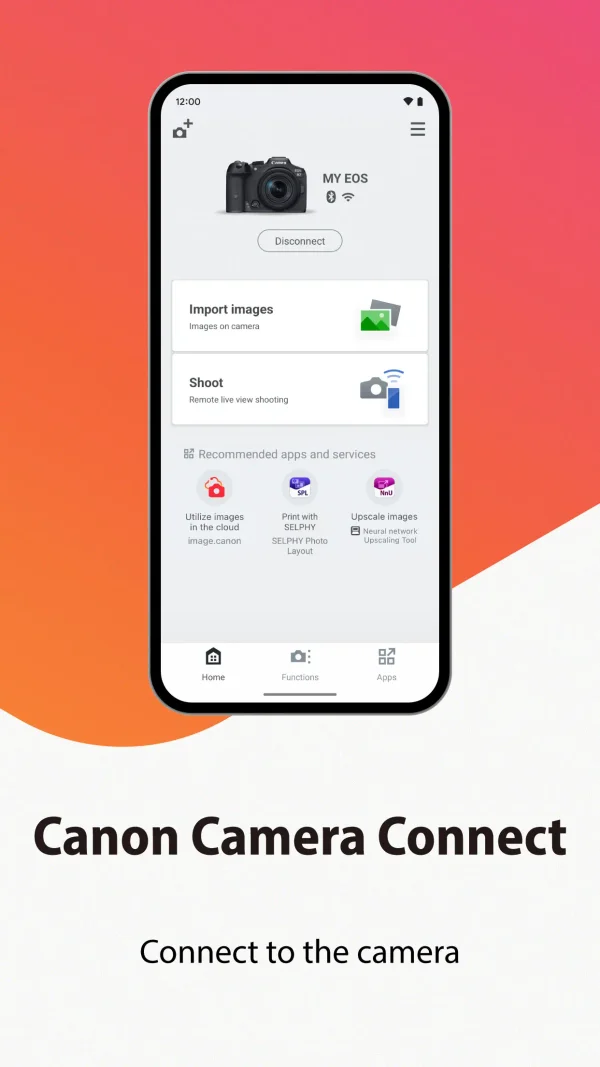
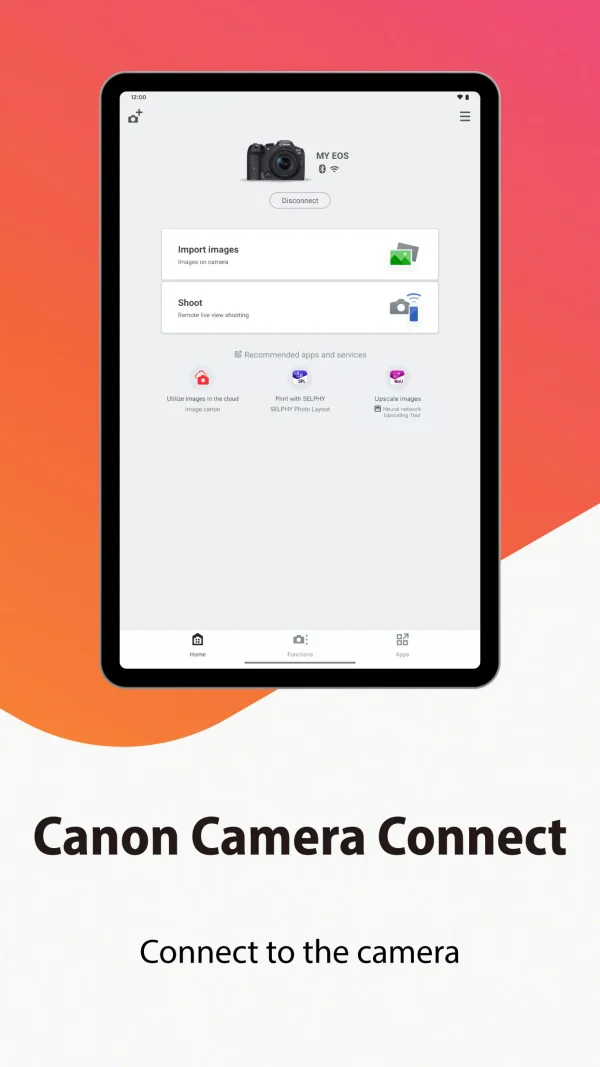
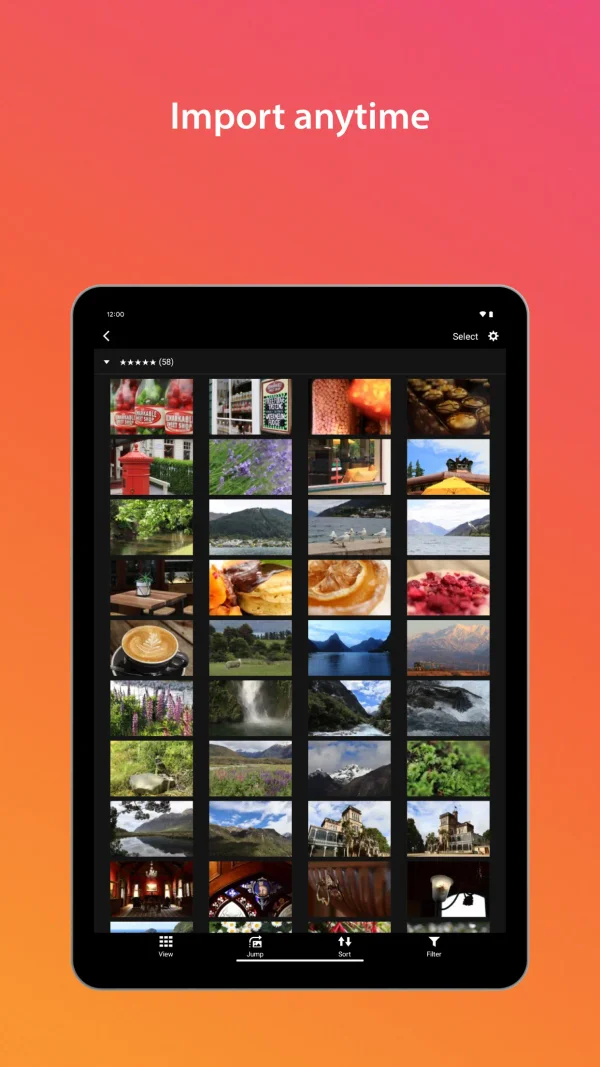
Canon Camera Connect is an application to transfer images shot with compatible Canon cameras to smartphone/tablet.
By connecting to a camera with Wi-Fi (direct connection or via wireless router), this application provides the following features:
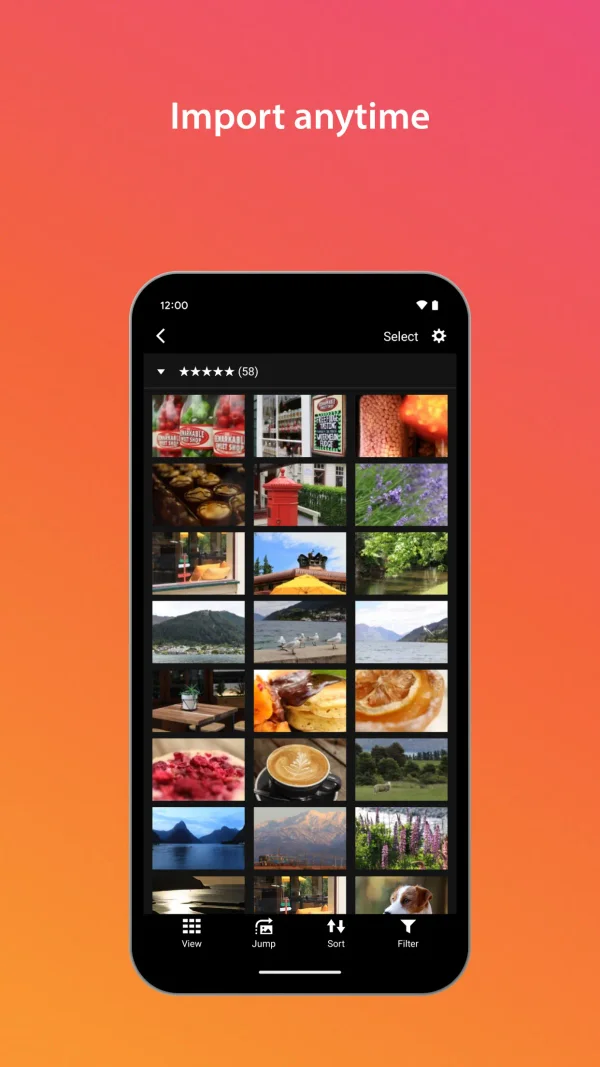
・Transfer and save camera images to a smartphone.
・Remote shoot with live view imaging of the camera from a smartphone.
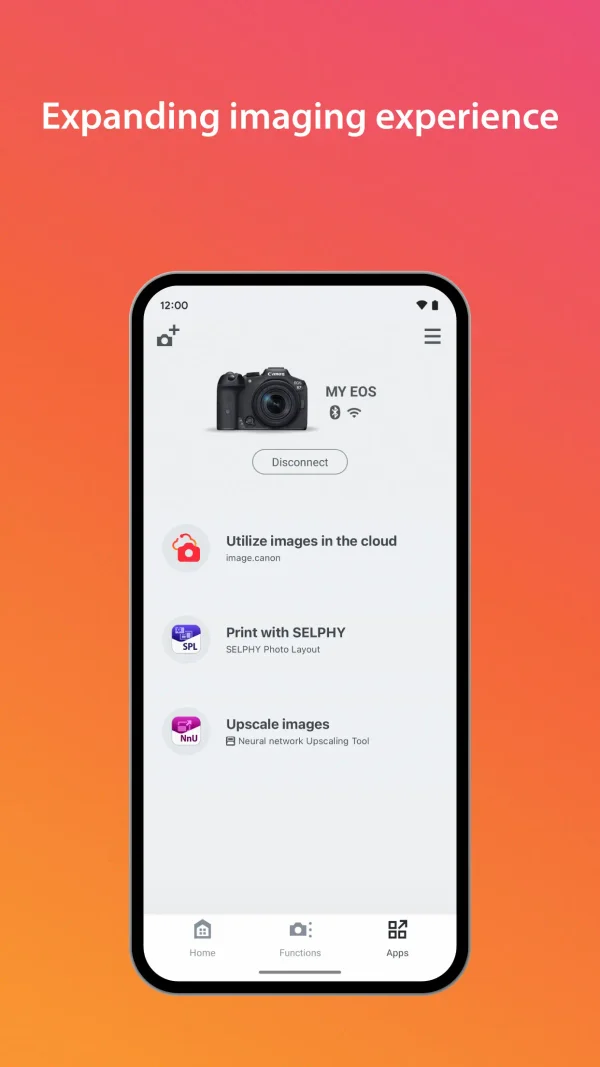
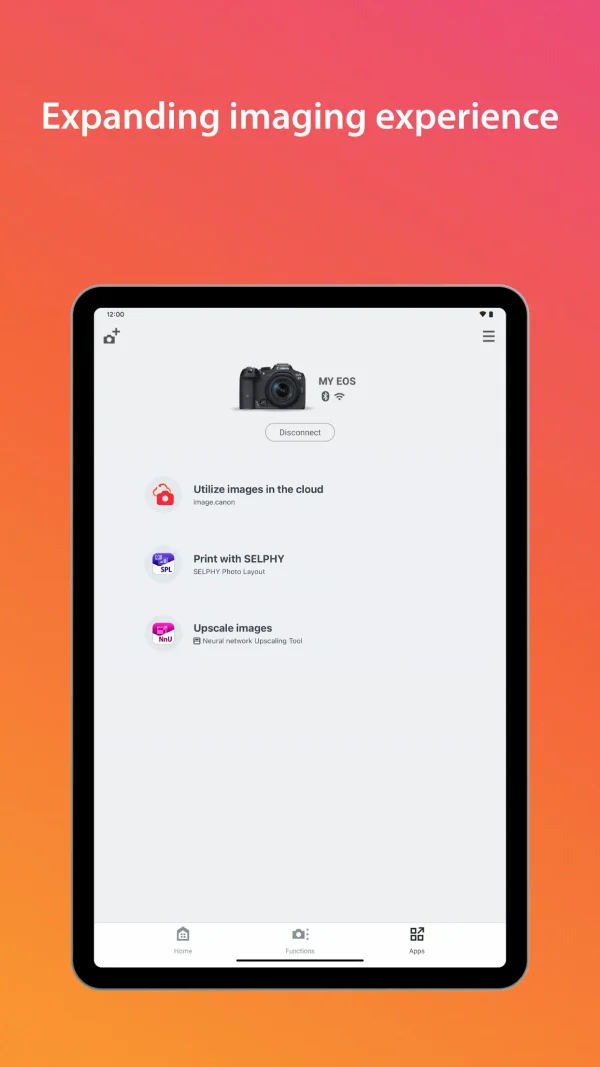
・Connect with Canon's various services.
This application also provides the following features for compatible cameras.
・Acquire location information from a smartphone and add it to the images on the camera.
・Switch to a Wi-Fi connection from pairing status with a Bluetooth enabled camera (or from touch operation with an NFC enabled camera)
・Remote release of the camera shutter with a Bluetooth connection.
・Transfer the latest firmware.
*For compatible models and features, please refer to the following website.
https://ssw.imaging-saas.canon/app/app.html?app=cc
-System requirement
・Android 13/14/15/16/17
-Bluetooth System Requirement
For Bluetooth connection, the camera needs to have a Bluetooth function, and your Android device needs to have Bluetooth 4.0 or later (supports Bluetooth Low energy technology) and the OS needs to be Android 5.0 or later.
-Supported Languages
Japanese/English/French/Italian/German/Spanish/Simplified Chinese/Russian/Korean/Turkish
-Compatible File Types
JPEG、MP4、MOV
・Importing original RAW files is not supported (RAW files are resized to JPEG).
・MOV files and 8K movie files shot with EOS cameras cannot be saved.
・HEIF (10 bit) and RAW movie files shot with compatible cameras cannot be saved.
・AVCHD files shot with Camcorder cannot be saved.
-Important Notes
・If application does not operate properly, try again after shutting down the application.
・This application is not guaranteed to operate on all Android devices.
・In the case of using Power Zoom Adapter, please set the Live View function to ON.
・If the OS network confirmation dialogue appears when connecting the device to the camera, please place a checkmark in the checkbox to make the same connection from the next time.
・The images may include your personal information such as GPS data. Be careful when posting images online where many others can view them.
・Visit your local Canon Web pages for more details.
Data safety
What Canon Inc. declares on Google Play about the data this app collects and shares.
- No data shared with third partiesLearn more about how developers declare sharing
- This app may collect these data typesLocation
- Data is encrypted in transit
- You can request that data be deleted
What’s new
Oct 1, 2026
Added support for EOS R8 Mark II.
Developer contact
- Websitessw.imaging-saas.canon
- Emailcameraconnect@mail.canon
- Privacy policyssw.imaging-saas.canon
- Address3-30-2, SHIMOMARUKO OTA-KU, 東京都 146-0092 Japan
Information
- Offered by
- Canon Inc.
- Category
- Photography
- Updated
- Oct 1, 2026
- Released
- Jan 6, 2015
- Age rating
- Everyone
- Price
- Free
- Package name
- jp.co.canon.ic.cameraconnect
Similar apps
-
 OldRoll - Vintage Film Camera
Photography
-
 Smart Connect
Productivity
-
 Camera - HD Camera for Android
Photography
-
 Professional HD Camera
Photography
-
 HD Camera 2026 for Android
Photography
-
 Manual Camera DSLR (Lite)
Photography
-
 Insta360
Video Players & Editors
-
 InFrame - Photo Editor & Frame
Photography
-
 Camera360 Lite -Stylish Filter
Photography
-
 Camera - Fast Snap with Filter
Photography
-
 Viidure-Dashcam Viewer
Tools
-
 Camera FV-5 Lite
Photography