Canon Camera Connect
Canon Inc.- Rating 3+Batasan usia
- FotografiKategori
- 1/10/2026Diperbarui
- GratisHarga
Tertaut ke halaman resmi jp.co.canon.ic.cameraconnect di Google Play. Terakhir diperiksa pada 20/11/2026.
Tangkapan layar


Tentang aplikasi ini
Terjemahan otomatis oleh Google. Bahasa asli: Inggris (Amerika Serikat).
Gunakan gambar dari kamera Canon Anda melalui Wi-Fi
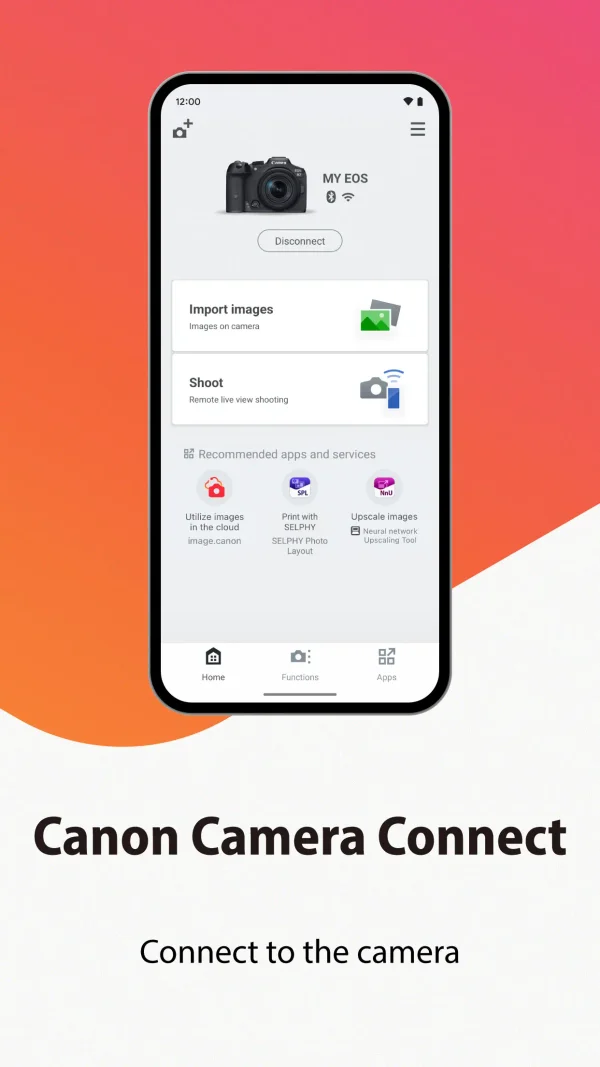
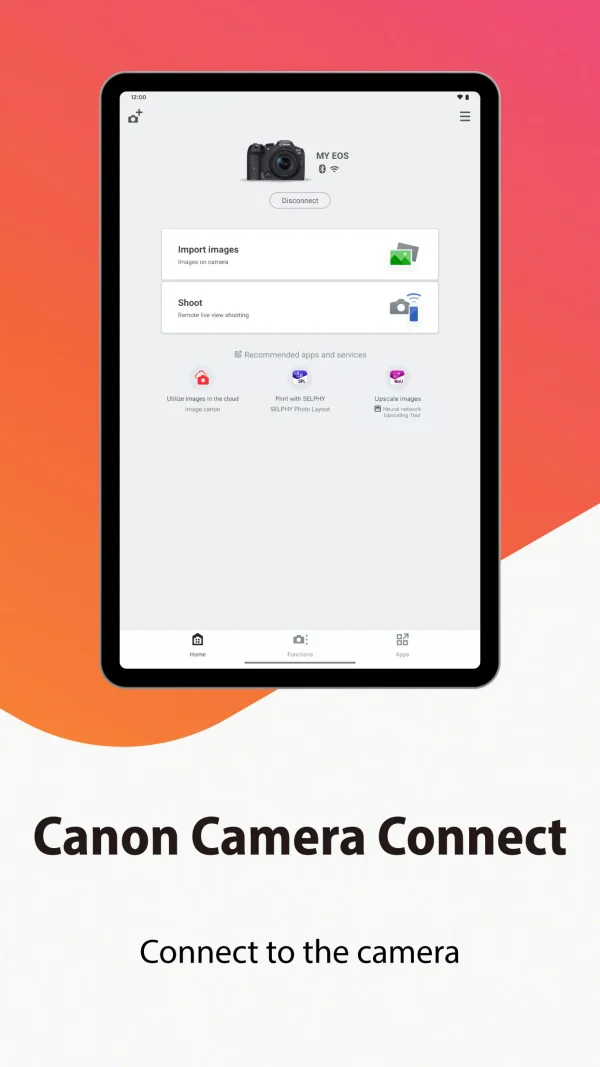
Canon Camera Connect adalah aplikasi untuk mentransfer gambar yang diambil dengan kamera Canon yang kompatibel ke smartphone/tablet.
Dengan menghubungkan ke kamera melalui Wi-Fi (koneksi langsung atau melalui router nirkabel), aplikasi ini menyediakan fitur-fitur berikut:
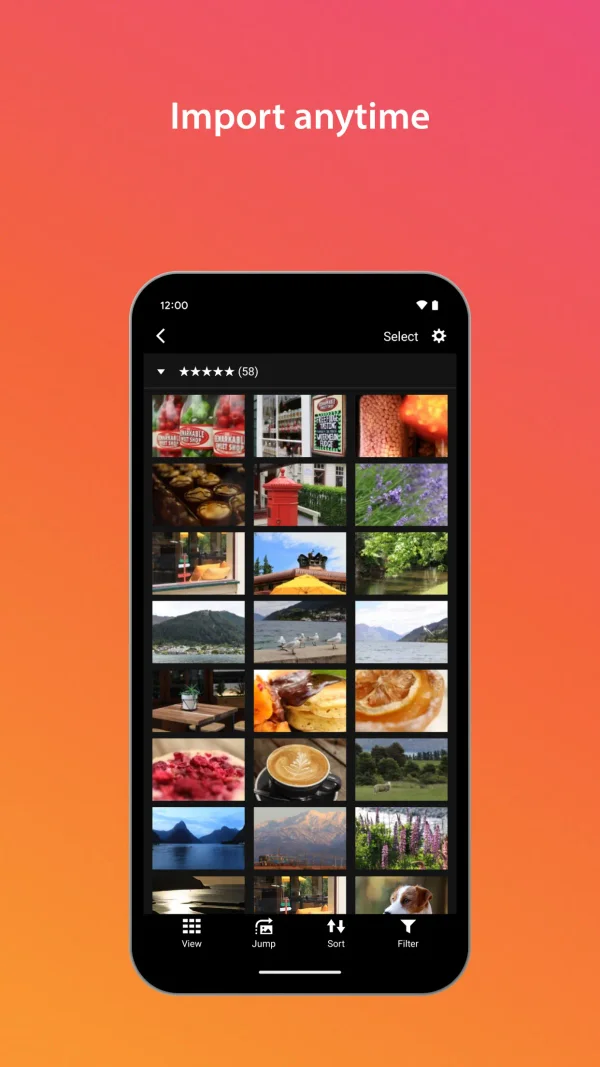
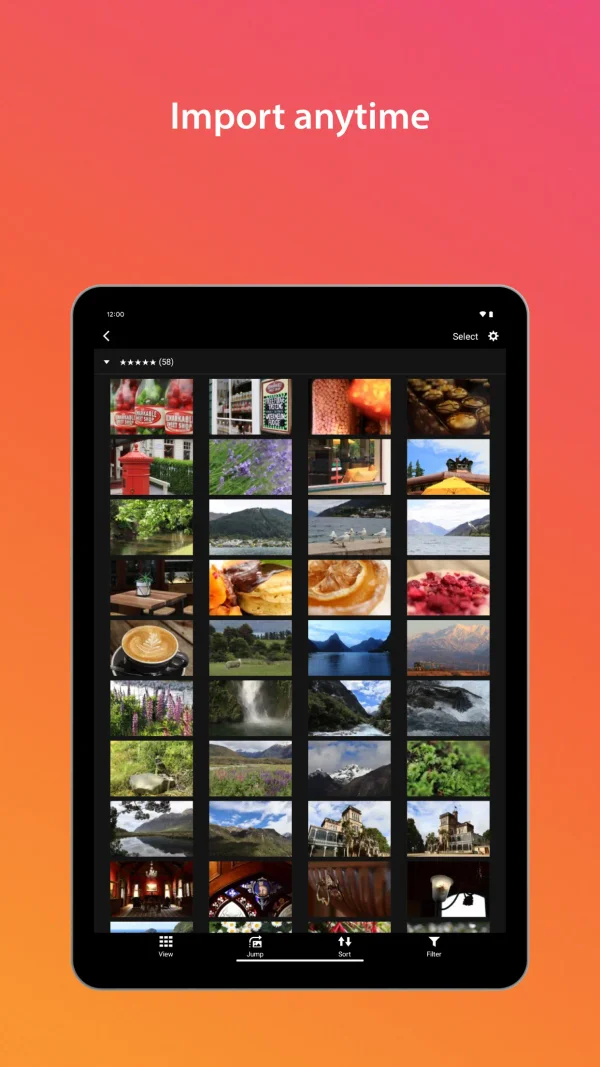
• Mentransfer dan menyimpan gambar kamera ke smartphone.
• Memotret dari jarak jauh dengan tampilan langsung kamera dari smartphone.
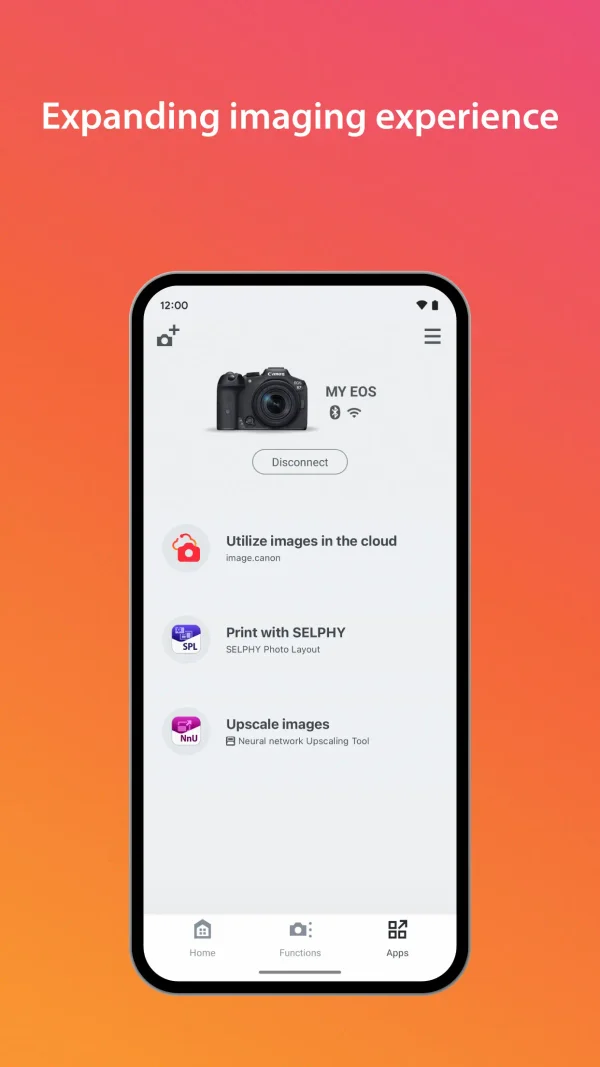
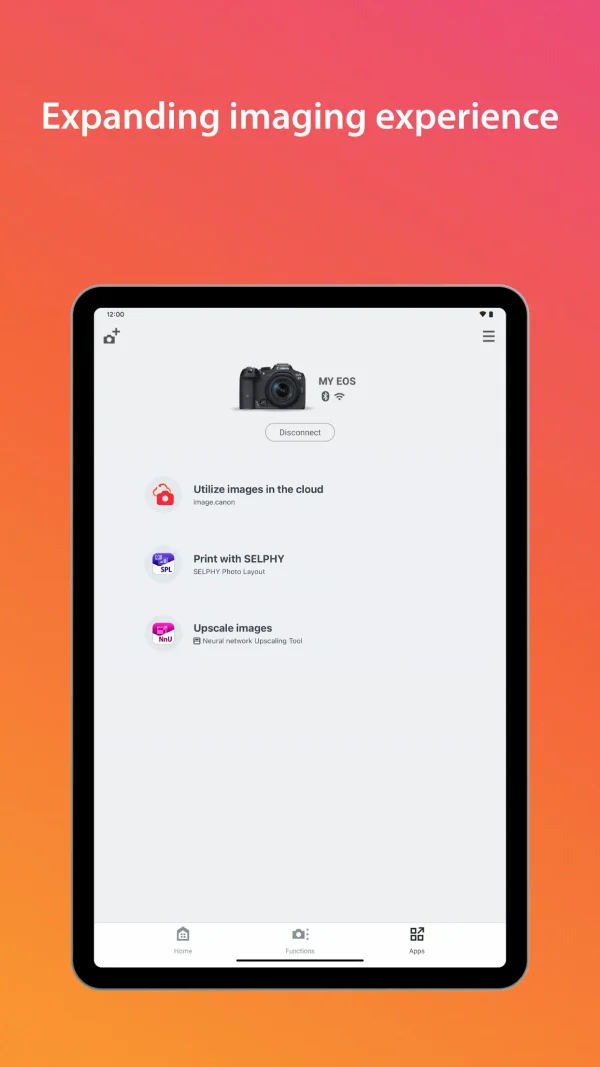
• Terhubung dengan berbagai layanan Canon.
Aplikasi ini juga menyediakan fitur-fitur berikut untuk kamera yang kompatibel:
• Mendapatkan informasi lokasi dari smartphone dan menambahkannya ke gambar di kamera.
• Beralih ke koneksi Wi-Fi dari status pemasangan dengan kamera yang mendukung Bluetooth (atau dari operasi sentuh dengan kamera yang mendukung NFC)
• Melepaskan rana kamera dari jarak jauh dengan koneksi Bluetooth.
• Mentransfer firmware terbaru.
*Untuk model dan fitur yang kompatibel, silakan lihat situs web berikut.
https://ssw.imaging-saas.canon/app/app.html?app=cc
-Persyaratan Sistem
・Android 13/14/15/16/17
-Persyaratan Sistem Bluetooth
Untuk koneksi Bluetooth, kamera harus memiliki fungsi Bluetooth, dan perangkat Android Anda harus memiliki Bluetooth 4.0 atau lebih baru (mendukung teknologi Bluetooth Low Energy) dan OS harus Android 5.0 atau lebih baru.
-Bahasa yang Didukung
Jepang/Inggris/Prancis/Italia/Jerman/Spanyol/Tiongkok Sederhana/Rusia/Korea/Turki
-Jenis File yang Kompatibel
JPEG, MP4, MOV
・Impor file RAW asli tidak didukung (file RAW diubah ukurannya menjadi JPEG).
・File MOV dan file film 8K yang diambil dengan kamera EOS tidak dapat disimpan.
・File HEIF (10 bit) dan file film RAW yang diambil dengan kamera yang kompatibel tidak dapat disimpan.
・File AVCHD yang direkam dengan Camcorder tidak dapat disimpan.
-Catatan Penting
・Jika aplikasi tidak berfungsi dengan benar, coba lagi setelah menutup aplikasi.
・Aplikasi ini tidak dijamin berfungsi di semua perangkat Android.
・Jika menggunakan Power Zoom Adapter, harap atur fungsi Live View ke ON.
・Jika dialog konfirmasi jaringan OS muncul saat menghubungkan perangkat ke kamera, harap beri tanda centang pada kotak centang untuk melakukan koneksi yang sama di lain waktu.
・Gambar mungkin berisi informasi pribadi Anda seperti data GPS. Berhati-hatilah saat memposting gambar secara online di mana banyak orang dapat melihatnya.
・Kunjungi halaman web Canon setempat Anda untuk detail lebih lanjut.
Tampilkan teks asli
Canon Camera Connect is an application to transfer images shot with compatible Canon cameras to smartphone/tablet.
By connecting to a camera with Wi-Fi (direct connection or via wireless router), this application provides the following features:
・Transfer and save camera images to a smartphone.
・Remote shoot with live view imaging of the camera from a smartphone.
・Connect with Canon's various services.
This application also provides the following features for compatible cameras.
・Acquire location information from a smartphone and add it to the images on the camera.
・Switch to a Wi-Fi connection from pairing status with a Bluetooth enabled camera (or from touch operation with an NFC enabled camera)
・Remote release of the camera shutter with a Bluetooth connection.
・Transfer the latest firmware.
*For compatible models and features, please refer to the following website.
https://ssw.imaging-saas.canon/app/app.html?app=cc
-System requirement
・Android 13/14/15/16/17
-Bluetooth System Requirement
For Bluetooth connection, the camera needs to have a Bluetooth function, and your Android device needs to have Bluetooth 4.0 or later (supports Bluetooth Low energy technology) and the OS needs to be Android 5.0 or later.
-Supported Languages
Japanese/English/French/Italian/German/Spanish/Simplified Chinese/Russian/Korean/Turkish
-Compatible File Types
JPEG、MP4、MOV
・Importing original RAW files is not supported (RAW files are resized to JPEG).
・MOV files and 8K movie files shot with EOS cameras cannot be saved.
・HEIF (10 bit) and RAW movie files shot with compatible cameras cannot be saved.
・AVCHD files shot with Camcorder cannot be saved.
-Important Notes
・If application does not operate properly, try again after shutting down the application.
・This application is not guaranteed to operate on all Android devices.
・In the case of using Power Zoom Adapter, please set the Live View function to ON.
・If the OS network confirmation dialogue appears when connecting the device to the camera, please place a checkmark in the checkbox to make the same connection from the next time.
・The images may include your personal information such as GPS data. Be careful when posting images online where many others can view them.
・Visit your local Canon Web pages for more details.
Keamanan data
Yang dinyatakan Canon Inc. di Google Play tentang data yang dikumpulkan dan dibagikan aplikasi ini.
- Tidak ada data yang dibagikan kepada pihak ketigaPelajari lebih lanjut cara developer menyatakan pembagian data
- Aplikasi ini dapat mengumpulkan jenis data berikutNama
- Data dienkripsi saat dalam pengiriman
- Anda dapat meminta agar data dihapus
Yang baru
1/10/2026
Added support for EOS R8 Mark II.
Kontak pengembang
- Situs webssw.imaging-saas.canon
- Emailcameraconnect@mail.canon
- Kebijakan Privasissw.imaging-saas.canon
- Alamat3-30-2, SHIMOMARUKO OTA-KU, 東京都 146-0092 Japan
Informasi
- Ditawarkan oleh
- Canon Inc.
- Kategori
- Fotografi
- Diperbarui
- 1/10/2026
- Dirilis
- 6/1/2015
- Batasan usia
- Rating 3+
- Harga
- Gratis
- Nama paket
- jp.co.canon.ic.cameraconnect
Aplikasi serupa
-
 OldRoll - Vintage Film Camera
Fotografi
-
 Smart Connect
Produktivitas
-
 Kamera HD untuk Android
Fotografi
-
 Kamera HD Profesional
Fotografi
-
 Kamera manual HD 2026 Android
Fotografi
-
 Manual Camera DSLR (Lite)
Fotografi
-
 Insta360
Pemutar & Editor Video
-
 InFrame - Editor Foto Bingkai
Fotografi
-
 Camera360 Lite -Stylish Filter
Fotografi
-
 Kamera - Snap Cepat
Fotografi
-
 Viidure-Dashcam Viewer
Alat
-
 Camera FV-5 Lite
Fotografi