Chordana Play
CASIO COMPUTER CO., LTD.- EveryoneAge rating
- Music & AudioCategory
- Oct 7, 2025Updated
- FreePrice
Links to the official Google Play listing of jp.co.casio.chordanaplay. Last checked on Nov 20, 2026.

Screenshots



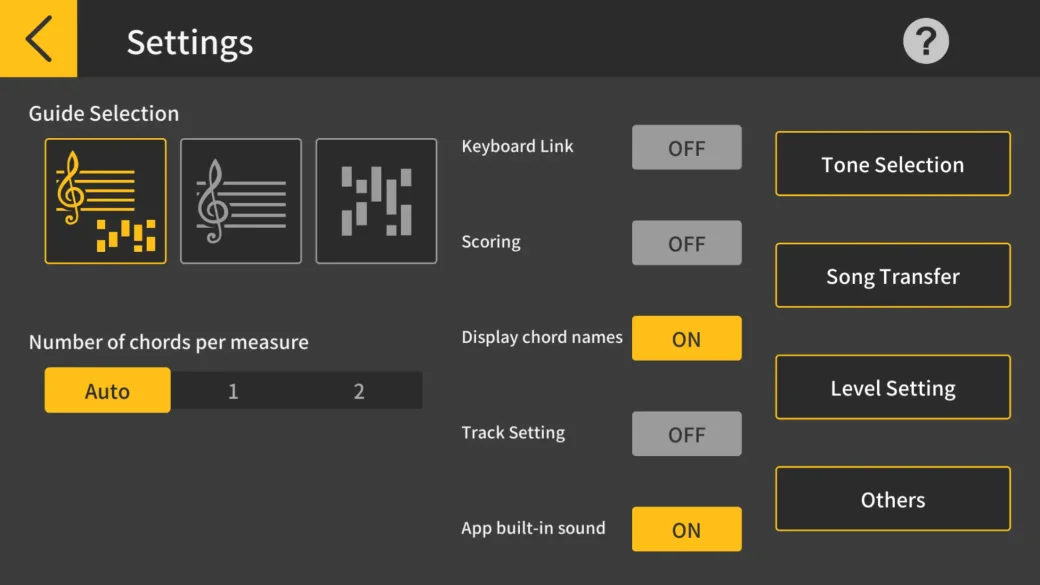
About this app
Learn your favorite songs.Practice anytime, anywhere on a smartphone or tablet.
-----------------------------------------------------------------------
Compatibility testing for Chordana Play on devices running Android 13 has identified a bug that prevents some functions from working properly when using Bluetooth MIDI.*
This bug occurs only with Android 13.
• On Google Pixel series models (excluding Pixel 4/4 XL), we have confirmed that this issue was resolved by the monthly update in March 2023.
• The update status for other smart devices varies according to manufacturer or device. Contact your manufacturer or communications service provider for information on the response status.
Please refrain from using this app on Android 13 until the issue is resolved. We apologize for any inconvenience.
This problem does not arise on devices running Android 12 or earlier or when a USB cable connection is used.
* When Wireless MIDI & Audio Adaptor (WU-BT10) is used.
-----------------------------------------------------------------------
*To use the lesson mode with the Wireless MIDI & audio adaptor (WU-BT10),
the system requirement of the smart device must be Android OS 8.0 or higher and a Bluetooth® Low Energy compatible device.
Learn your favorite songs.
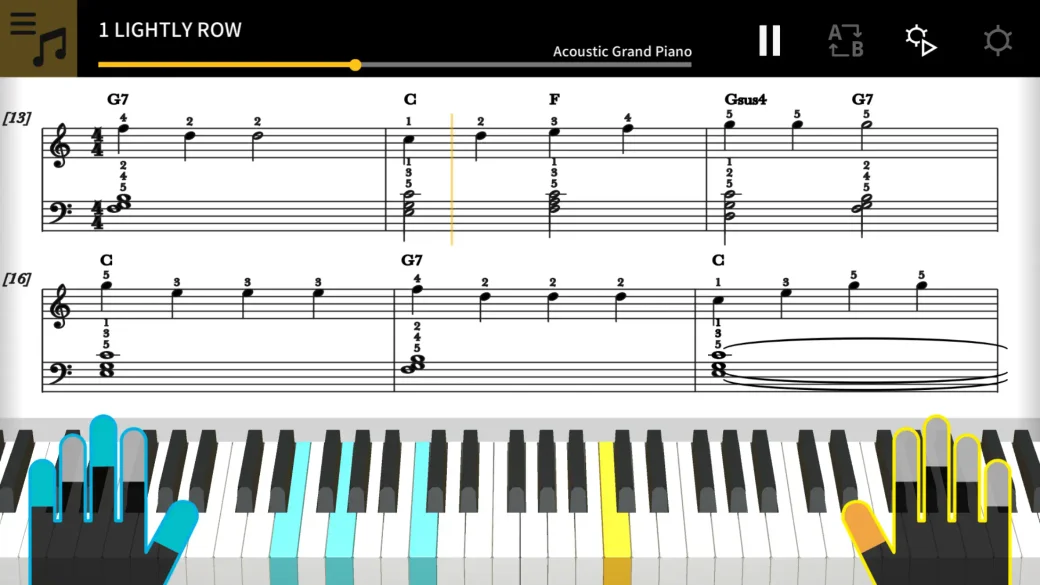
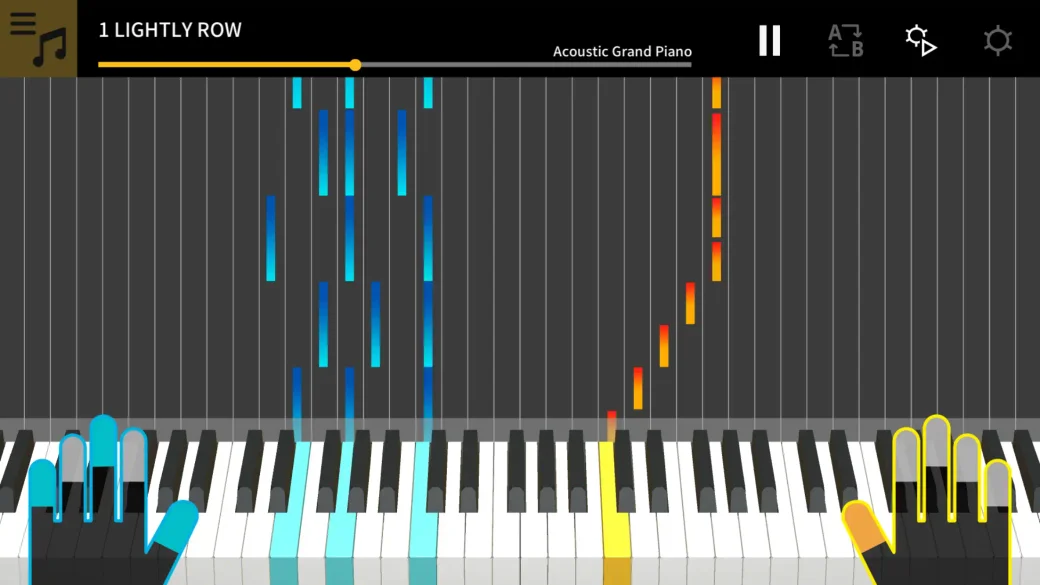
1. Music score and piano roll notation make it fun and easy to learn!
Chordana Play displays the music score and piano roll notation for built-in songs and MIDI files.
2. Use the 50 built-in songs or import standard MIDI files
Play one of the 50 songs included in Chordana Play, or add MIDI files.
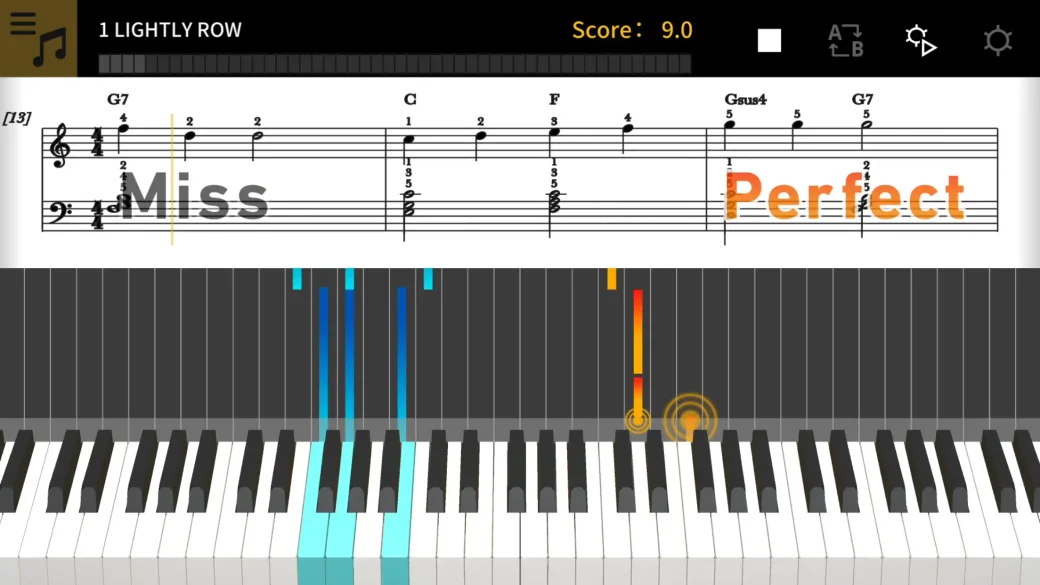
3. Lesson Mode
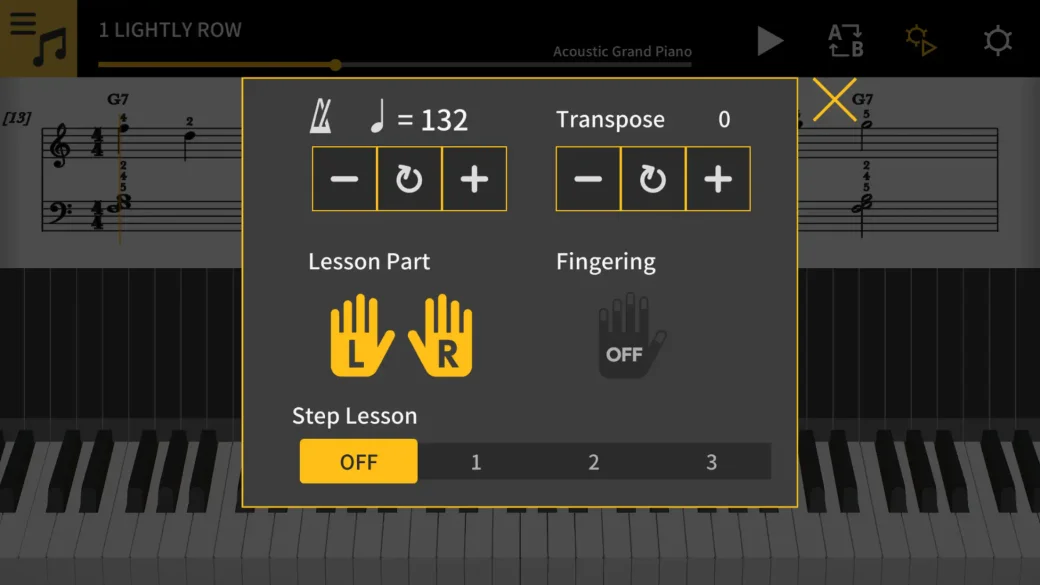
Using either the app's keyboard or a USB-connected musical instrument keyboard, you can take a three-step lesson while following the music score and piano roll.
4. Audio Mode
Play back audio on your device with musical tools such as key shift and tempo change, looping, and melody cancel.
5. Connecting your smart device to a musical instrument via a wireless adapter
● Supported CASIO Keyboard models
CT-S1, CT-S400, CT-S410, LK-S450
● What is needed for connecting and the connection method used
See here for more details on connections.
https://web.casio.com/app/en/play/support/connect.html
6. Connecting your smart device to a musical instrument via a USB cable
● Supported CASIO Keyboard models
CT-S1, CT-S195, CT-S200, CT-S300, CT-S400, CT-S410, LK-S250, LK-S450
● What is needed for connecting and the connection method used
See here for more details on connections.
https://web.casio.com/app/en/play/support/connect.html
7. Keyboard Link
● Supported CASIO Keyboard models
LK-265, LK-266, CTK-2500, CTK-2550, and CTK-3500
● Stereo mini to stereo mini cable required.
The keyboard link function enables you to use an audio cable to send melody and chord data along with the audio playback. Use the keyboard's light-up function and practice step-up lessons directly on the keyboard itself. The function has two modes.
----------
★System Requirements (Information current as of April 2021)
Android 4.4 or later required.
Recommended RAM: 2 GB or more
*To use while connected to a supported CASIO keyboard, an OTG-compatible smartphone/tablet running Android 6.0 or later is required. (Some smartphones/tablets may not be supported.)
*Lesson Mode cannot be used via a Bluetooth® connection on Android 6.x or 7.x devices.
Recommended for use on the smartphones/tablets listed below.
Operation is not guaranteed on smartphones/tablets not included in the list.
Smartphones/tablets for which operation has been confirmed will be progressively added to the list.
Note that smartphones/tablets for which operation is confirmed may still fail to display or operate correctly following updates to the smartphone/tablet software or Android OS version.
Not compatible with devices that use an x86 CPU.
[Supported smartphones/tablets]
https://support.casio.com/en/support/osdevicePage.php?cid=008003001
Data safety
What CASIO COMPUTER CO., LTD. declares on Google Play about the data this app collects and shares.
- This app may share these data types with third partiesApp activity, App info and performance, and Device or other IDs
- This app may collect these data typesApp activity, App info and performance, and Device or other IDs
- Data is encrypted in transit
- Data can’t be deleted
What’s new
Version 2.0.5 · Oct 7, 2025
・Fixed bugs.
Developer contact
- Websiteweb.casio.com
- Emailemi-app-support@casio.co.jp
- Privacy policycasio.com
- Address1-6-2, HONMACHI SHIBUYA-KU, 東京都 151-8543 Japan
Information
- Offered by
- Google Commerce Ltd
- Category
- Music & Audio
- Version
- 2.0.5
- Updated
- Oct 7, 2025
- Released
- Mar 9, 2017
- Requires
- Android 4.4 or later
- Age rating
- Everyone
- Price
- Free
- Package name
- jp.co.casio.chordanaplay
Similar apps
-
 Baby Piano, Drums, Xylo & more
Education
-
 Piano Learning App
Music & Audio
-
 FM Synthesizer [SynprezFM II]
Music & Audio
-
 Piano Academy - Learn Piano
Education
-
 The Original Piano
Music & Audio
-
 Learn recorder: Flute Master
Education
-
 Music Theory Companion
Music & Audio
-
 DJ Mixer Studio Pro - DJ Music
Music & Audio
-
 InstaDrum: Play to Learn Drums
Education
-
 Skrynia: bilingual stories
Education
-
 Drum Pad - Music & Beat Maker
Music & Audio
-
 Toddlers & Baby Learning Games
Education