Cx File Explorer
Cx File Explorer- EveryoneAge rating
- ToolsCategory
- Oct 3, 2026Updated
- FreePrice
Links to the official Google Play listing of com.cxinventor.file.explorer. Last checked on Nov 20, 2026.
Screenshots



About this app
File manager & storage cleaner app to provide easier management of files
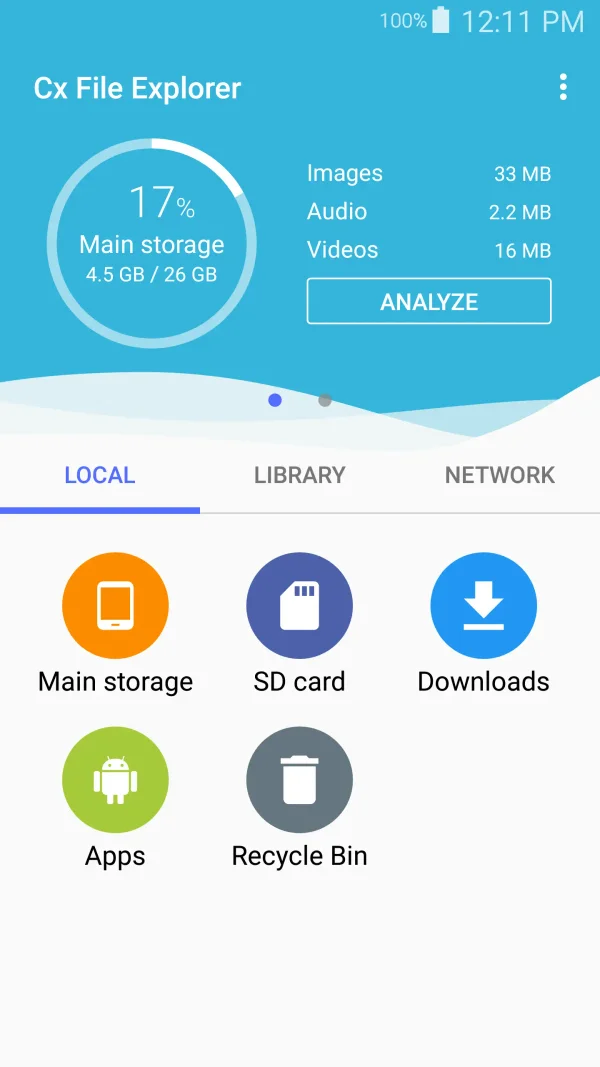
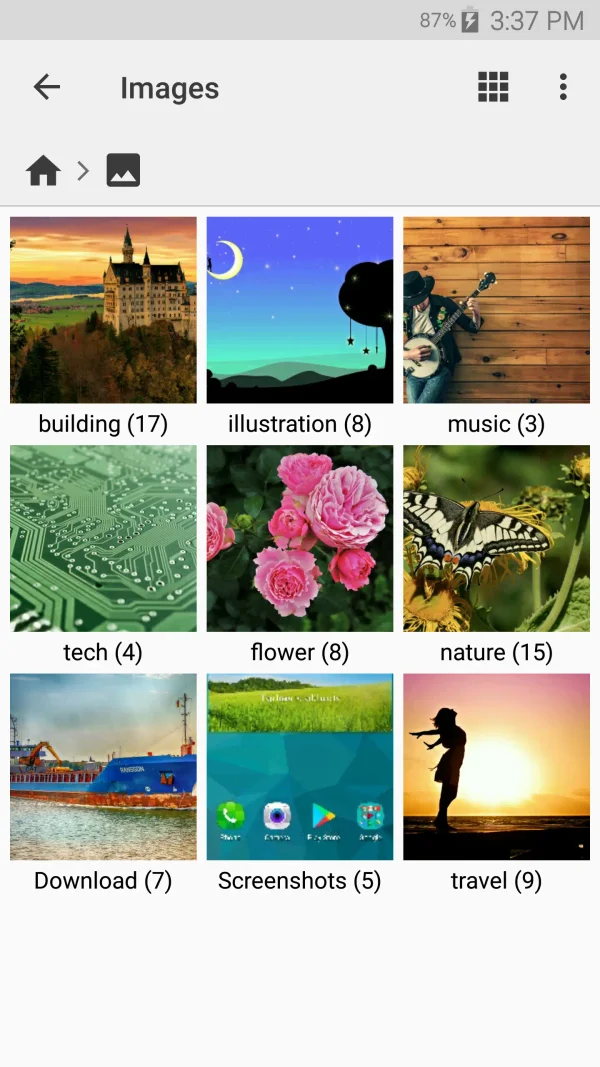
Cx File Explorer is a powerful file manager & storage cleaner app with a clean and intuitive interface. With this file manager app, you can quickly browse and manage the files on your mobile device, PC, and cloud storage, just like you use Windows Explorer or Finder on your PC or Mac. Also it provides a rich set of features that advanced users are looking for without feeling bloated. You can even manage the space used on your mobile device with a visualized storage analysis.
Key features
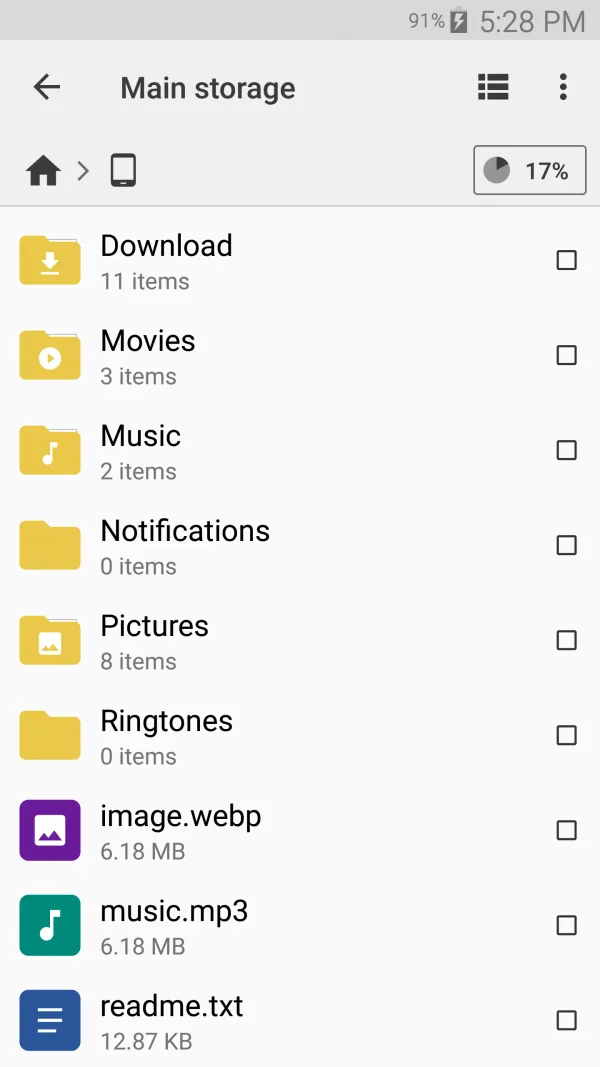
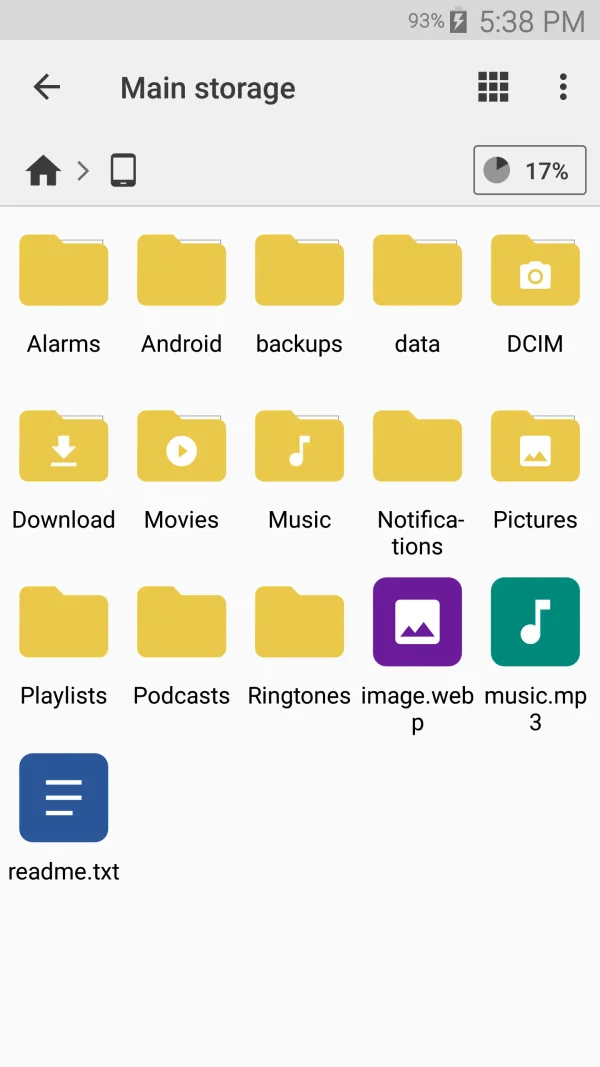
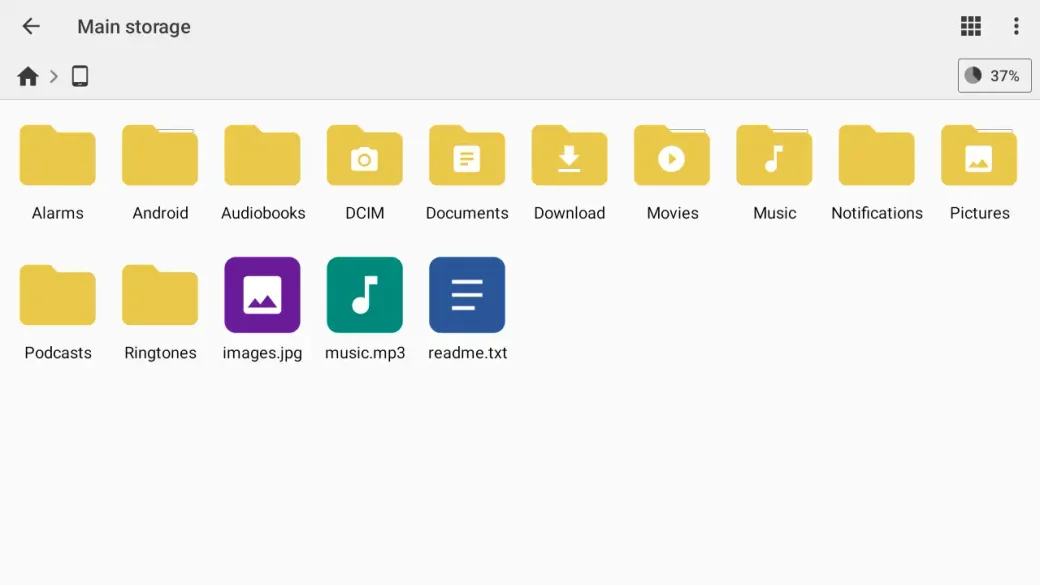
Organize your files and folders: With a user-friendly UI, you can easily browse, move, copy, compress, rename, extract, delete, create and share files (folders) on both internal and external storage of your mobile device.
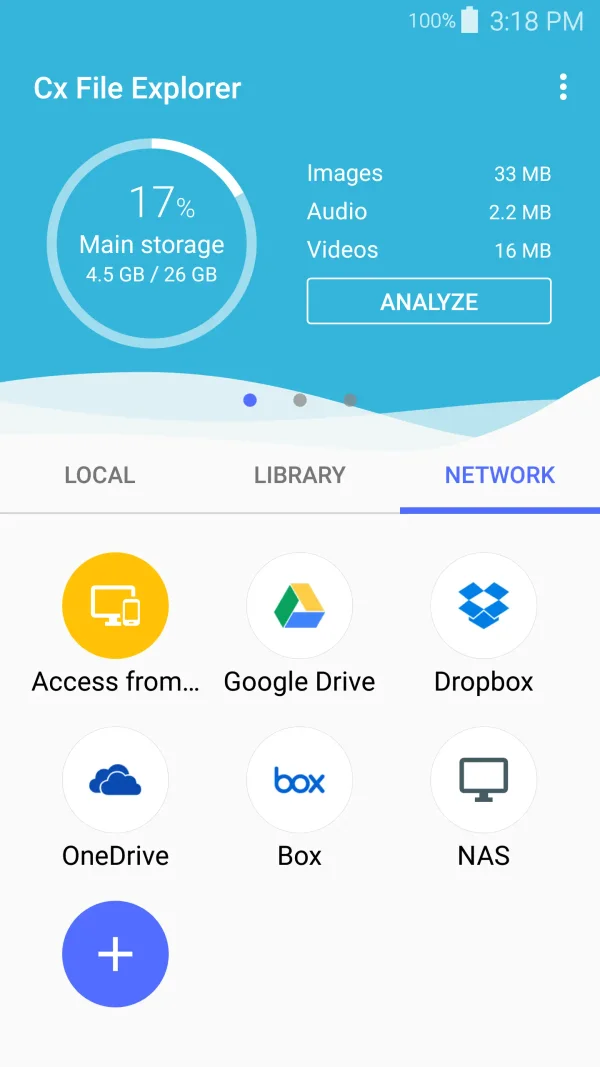
Access files on cloud storage: You can manage the files on cloud storages.
Access files on NAS (Network-attached storage): You can access files within remote or shared storage like FTP, FTPS, SFTP, SMB, WebDAV, and LAN. Also you can access your mobile dev ice from PC using FTP(File Transfer Protocol).
Manage your apps: you can manage the apps installed on your mobile device.
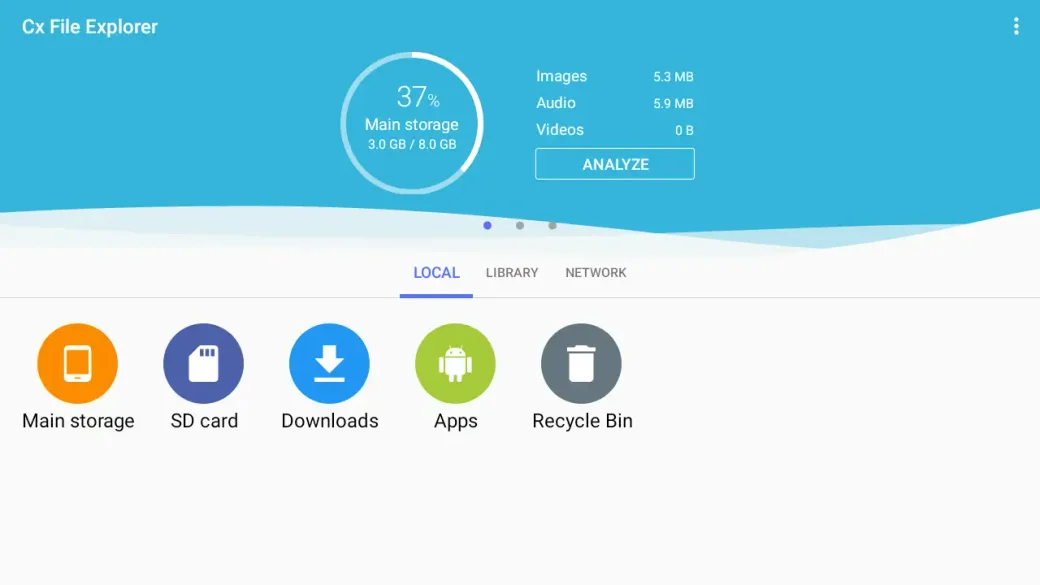
Analyze and manage your storage: Cx File Explorer provides visualized storage analysis so that you can quickly scan the available space and manage it. The Recycle bin also helps you easily manage your storage.
Clean up storage quickly: Discover and clean junk files, duplicate files and unused apps in storage cleaner.
Material Design interface: Cx File Explorer uses the Material Design interface.
If you are looking for a file manager app that has simple and sleek interface with full features, Cx File Explorer would be the best choice.
Data safety
What Cx File Explorer declares on Google Play about the data this app collects and shares.
- No data shared with third partiesLearn more about how developers declare sharing
- This app may collect these data typesApp activity, App info and performance, and Device or other IDs
- Data is encrypted in transit
- Data can’t be deleted
What’s new
Version 2.8.1 · Oct 3, 2026
- Bug fixes and minor improvements.
- On some devices, access to the /Android/data folder may be restricted by the operating system. You can work around this limitation by using the Shizuku app, which allows Cx File Explorer to access the folder
2.7.9
- File selection in the image viewer
- Split ZIP extraction
- Resume playback for long videos
2.7.0
- Built-in music player engine changed
2.0.5
- Supports storage cleaner. Clean junk files, duplicate files and unused apps
Developer contact
- Emailcx.fileexplorer@gmail.com
- Privacy policyalphainventor.com
- Address강남구 테헤란로 625, 17층 RA1741호(삼성동, 덕명빌딩) 강남구, 서울특별시 06173 South Korea
Information
- Offered by
- Cx File Explorer
- Category
- Tools
- Version
- 2.8.1
- Updated
- Oct 3, 2026
- Released
- Jul 12, 2018
- Requires
- Android 5.0 or later
- Age rating
- Everyone
- Price
- Free
- Package name
- com.cxinventor.file.explorer
Similar apps
-
 Material Files
Tools
-
 File Manager
Productivity
-
 AdGuard Mini: Ad Blocker & DNS
Tools
-
 Tooly Toolbox All Tools In One
Tools
-
 ZArchiver
Tools
-
 Storage Analyzer: Disk Cleaner
Productivity
-
 Send files to TV
Tools
-
 LocalSend: Transfer Files
Tools
-
 MediaFire
Productivity
-
 FX File Explorer
Business
-
 ASTRO File Manager & Cleaner
Tools
-
 EX File Manager
Tools