MediaFire
VividEngine- EveryoneAge rating
- ProductivityCategory
- Apr 28, 2026Updated
- FreePrice
Links to the official Google Play listing of com.mediafire.android. Last checked on Nov 20, 2026.

Screenshots

About this app
Store and stream all your photos, music, videos and docs. Up to 50GB free!
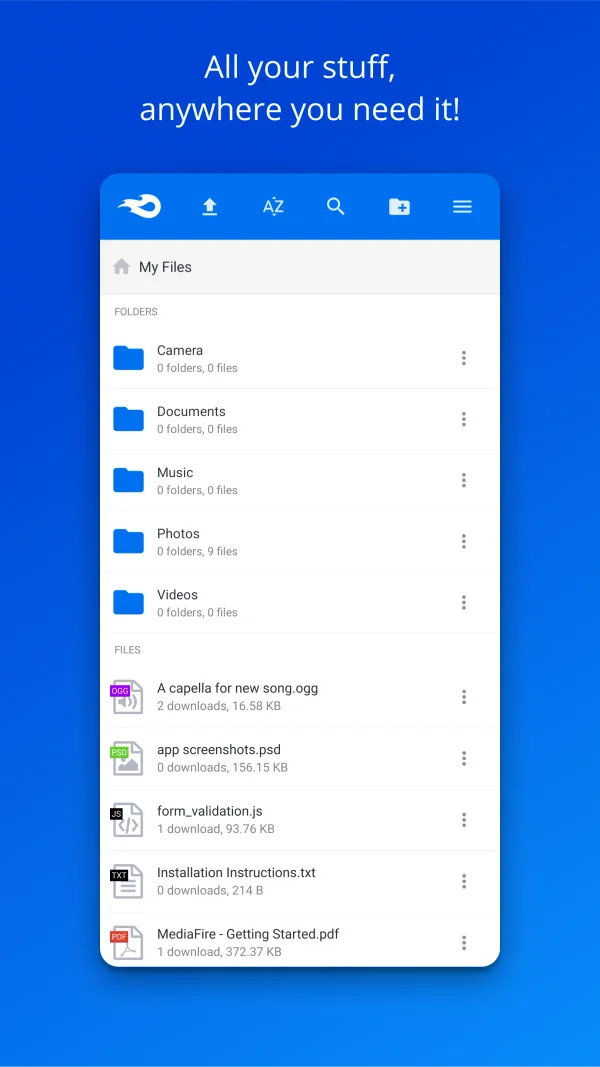
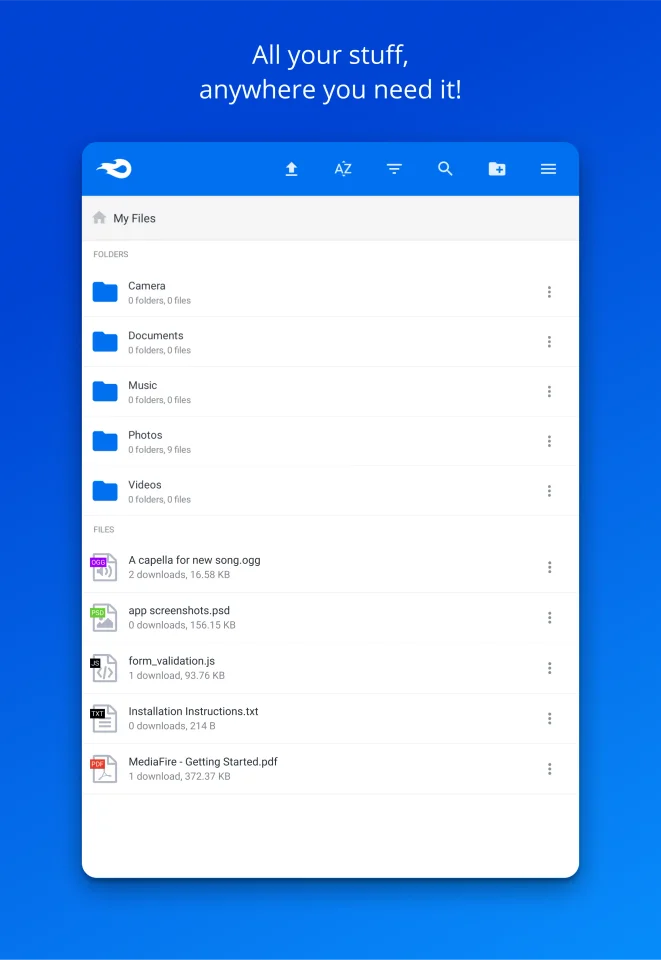
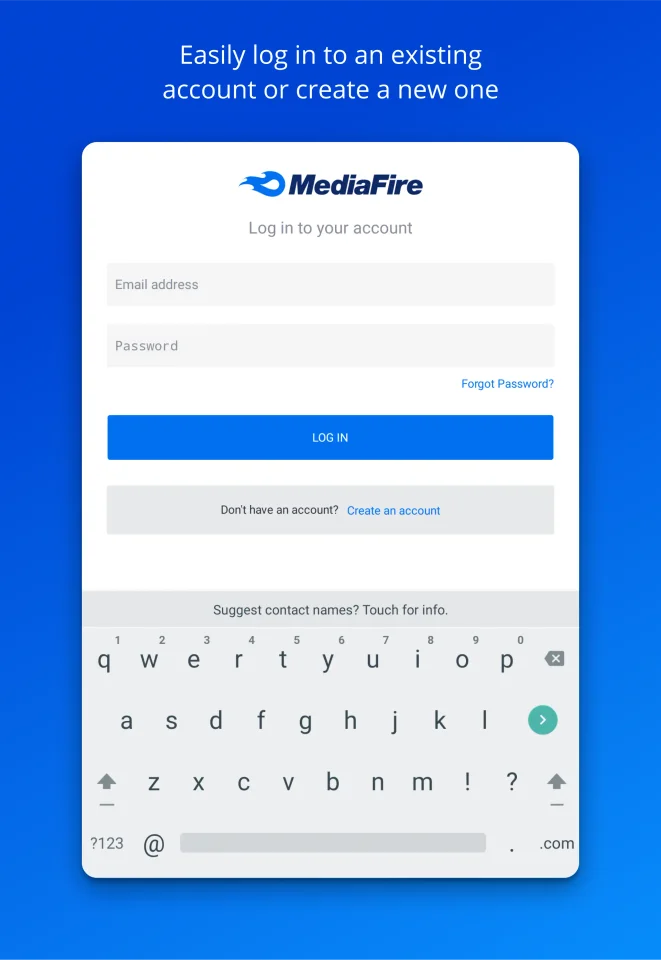
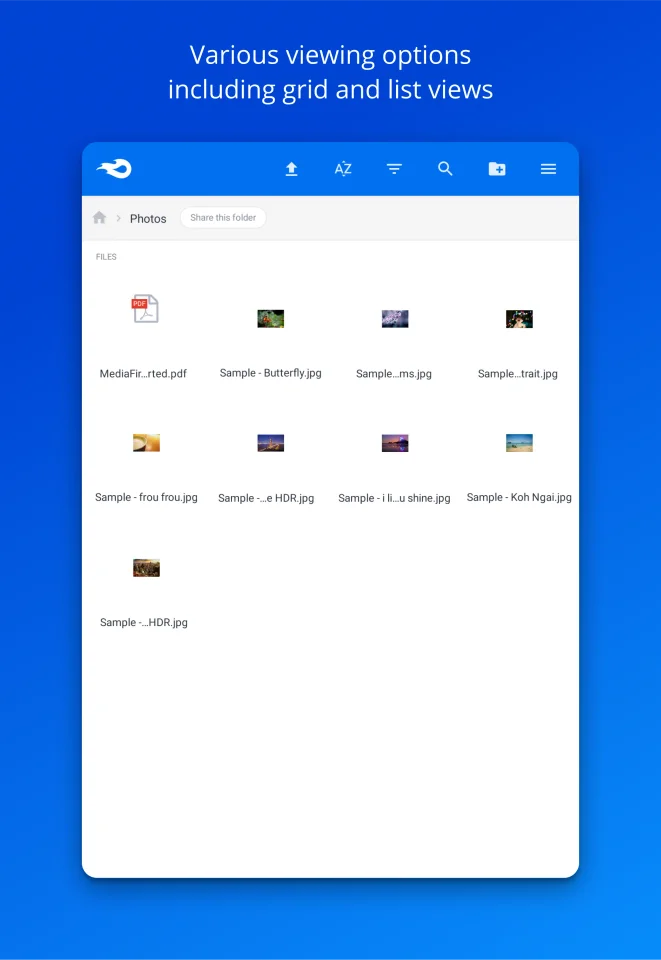
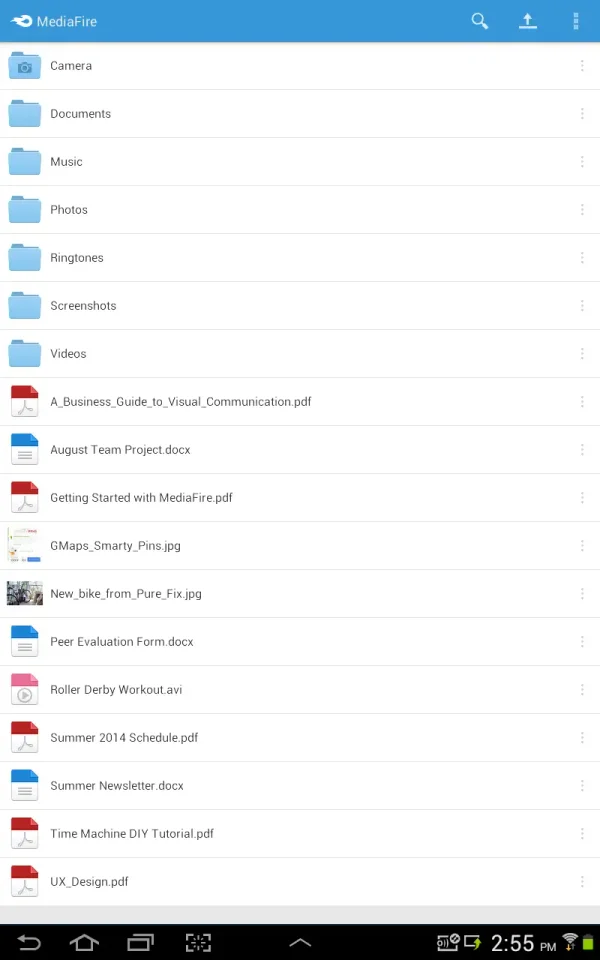
MediaFire lets you easily upload all your files - like your photos, videos, music, and documents - and access them from anywhere with your phone, tablet, computer, or the web!
Upload files and folders from other Android apps (including most file managers) by using the Android "Share to" option and selecting "MediaFire". This will upload the file or folder directly into your MediaFire account.
Features:
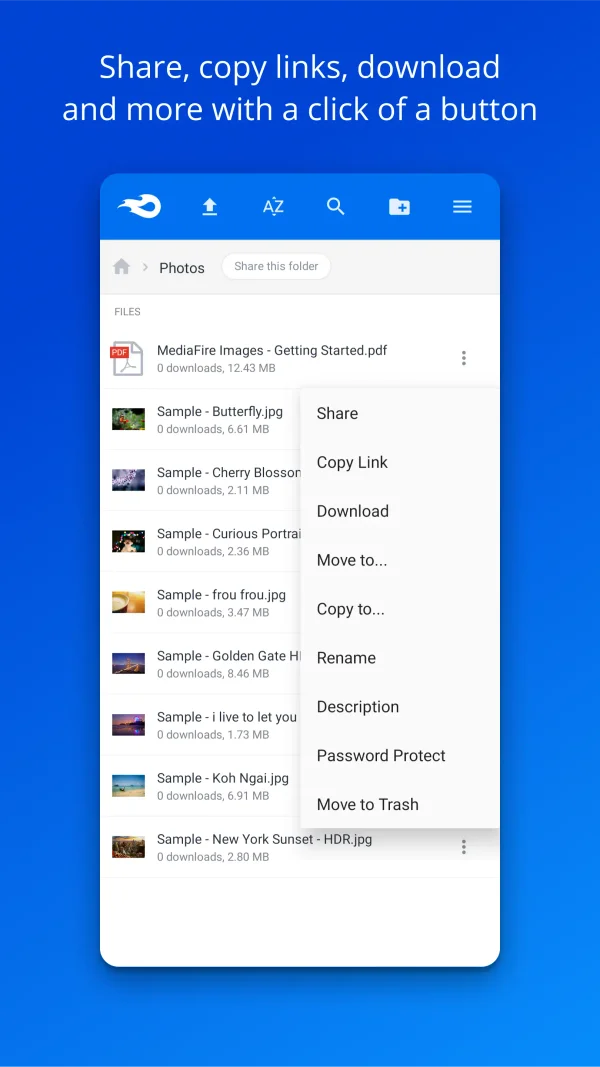
• Upload files from anywhere with "Share to MediaFire".
• 12 GB of space - free!
• Earn up to 50 GB of free space.
• View docs, spreadsheets, presentations, video, and listen to audio.
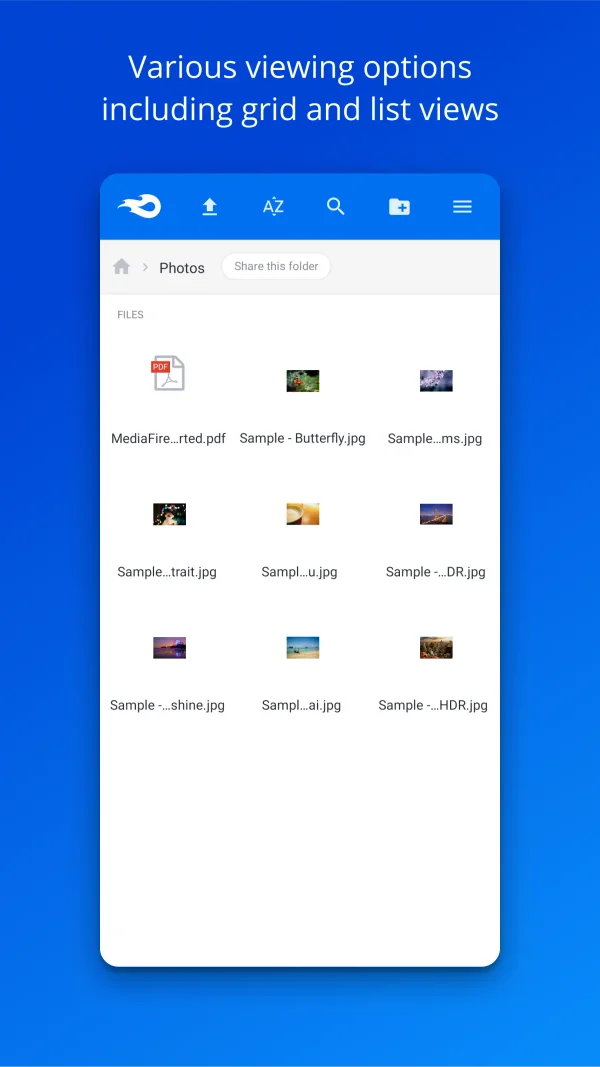
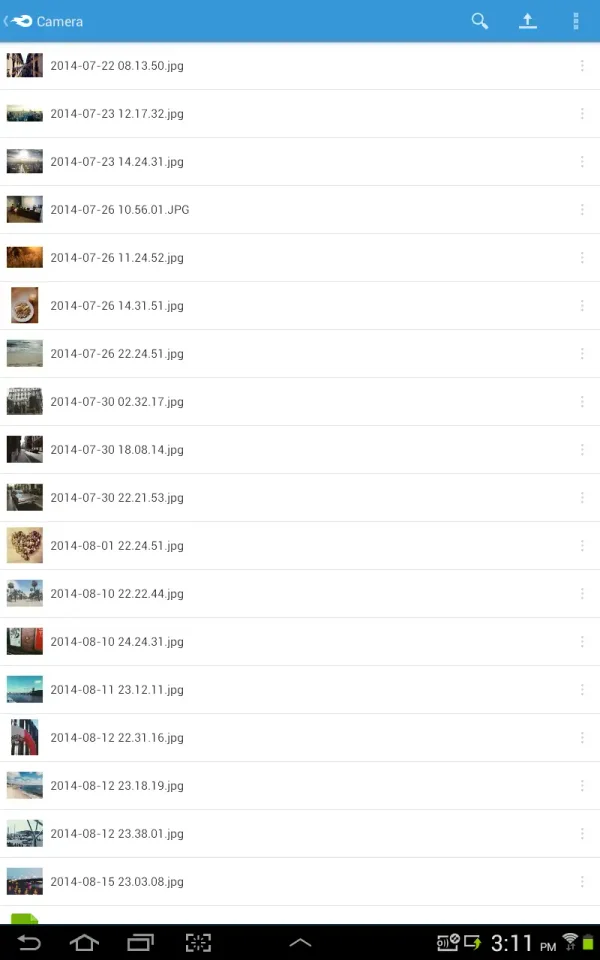
• Create and manage folders of files.
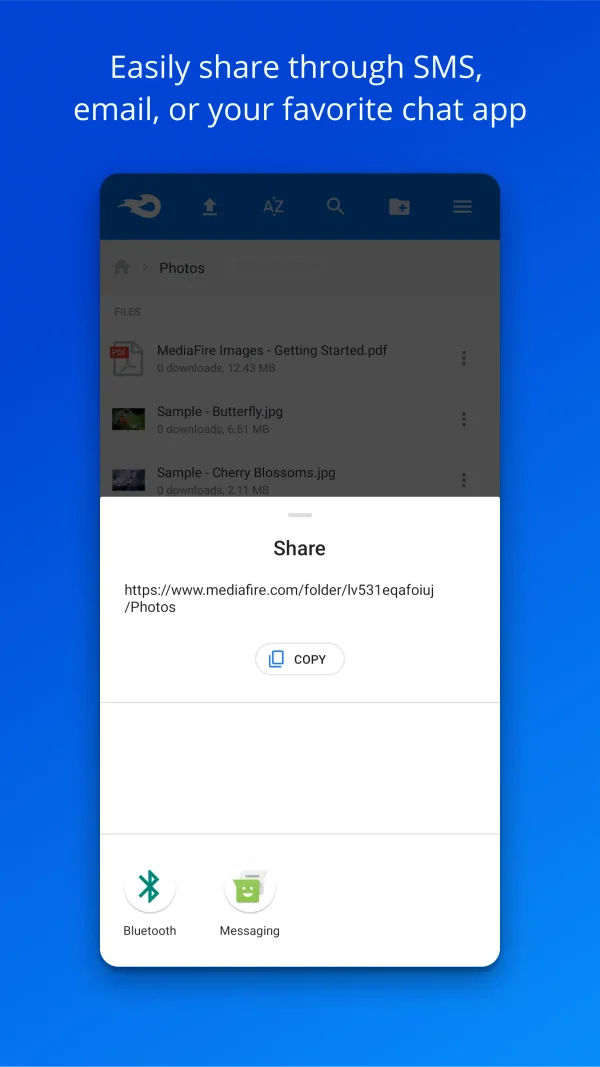
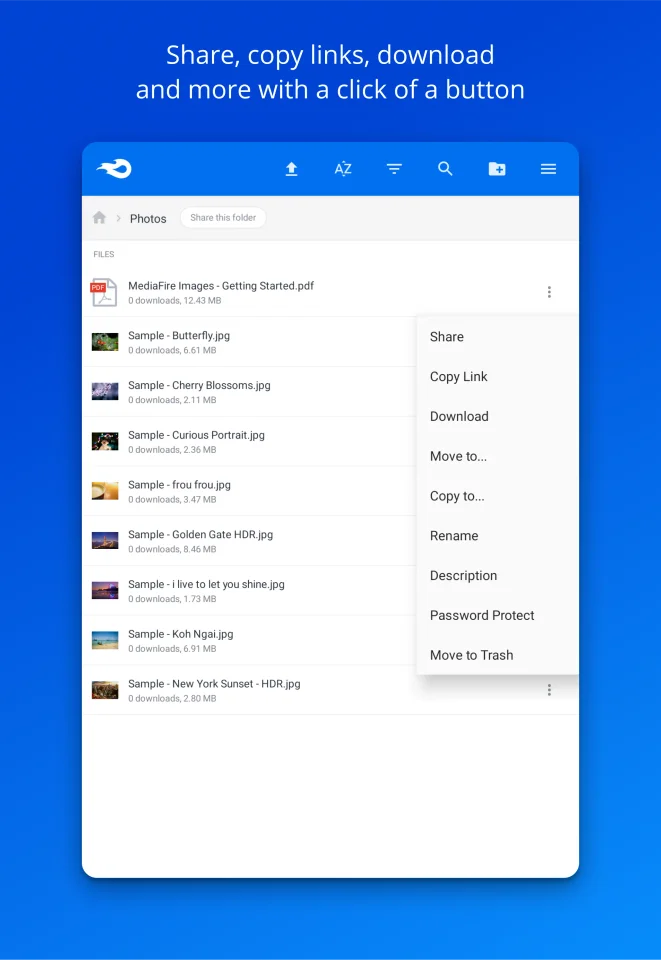
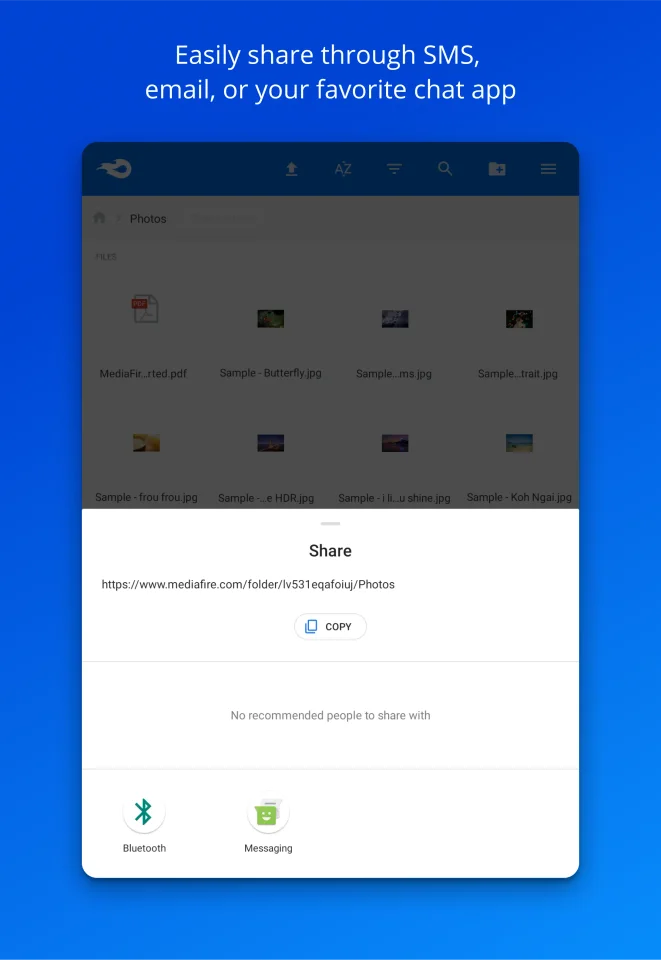
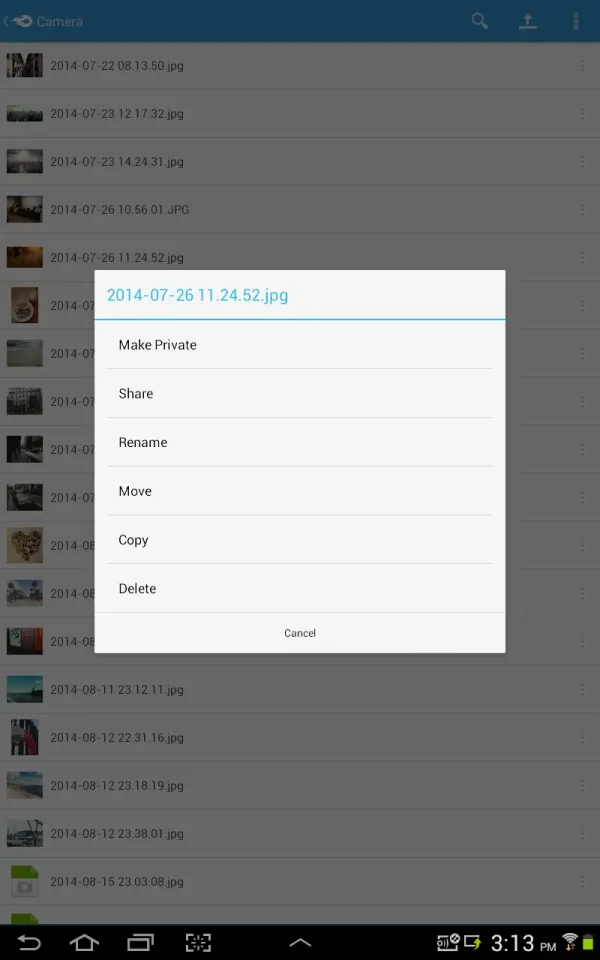
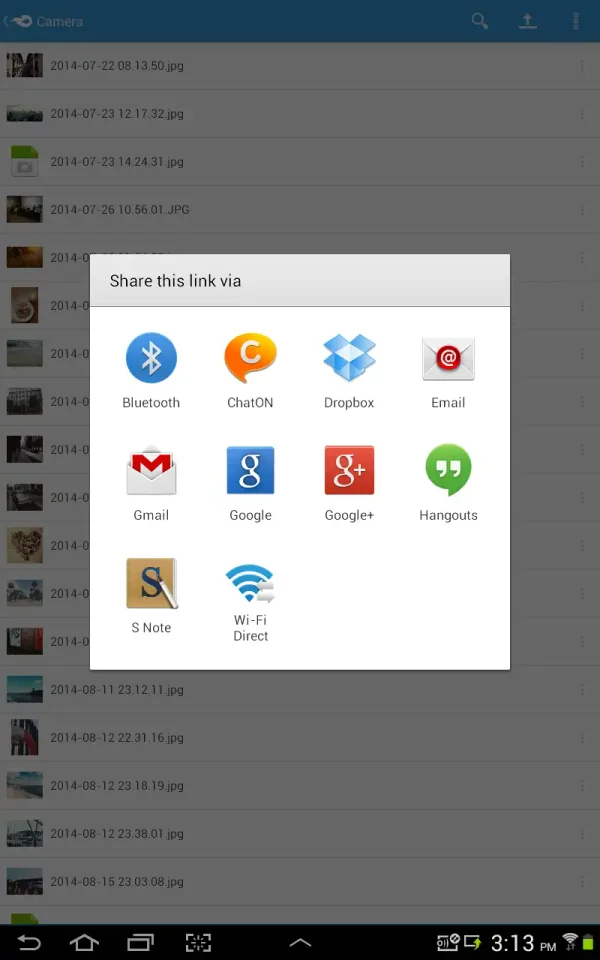
• Share files on the go via email, SMS, Facebook, Twitter, other Android apps, or copy and paste links.
• Quickly search all your files and folders.
• Keep all your important files at your fingertips.
Securely store, organize, and share all your media through your Android phone or tablet. MediaFire keeps all your photos, videos, reading material, work docs, spreadsheets, presentations, and even your homework in your pocket, ready for you to view or share anytime. All your files will always be safe in your MediaFire account - no matter what happens to your Android device.
Data safety
What VividEngine declares on Google Play about the data this app collects and shares.
- No data shared with third partiesLearn more about how developers declare sharing
- This app may collect these data typesPersonal info, Financial info and 6 others
- Data is encrypted in transit
- You can request that data be deleted
What’s new
Version 5.9.18 · Apr 28, 2026
Updated to the latest Android SDK
Developer contact
- Websitemediafire.com
- Emailmobilesupport@mediafire.com
- Privacy policymediafire.com
- Address4747 Research Forest Dr Ste 180-265 The Woodlands, TX 77381-4912 United States
Information
- Offered by
- VividEngine
- Category
- Productivity
- Version
- 5.9.18
- Updated
- Apr 28, 2026
- Released
- Jan 14, 2013
- Requires
- Android 7.0 or later
- Age rating
- Everyone
- Price
- Free
- Package name
- com.mediafire.android
Similar apps
-
 Material Files
Tools
-
 ZArchiver
Tools
-
 File Manager
Tools
-
 LocalSend: Transfer Files
Tools
-
 Cx File Explorer
Tools
-
 EX File Manager
Tools
-
 G-CPU:Monitor CPU, RAM, Widget
Tools
-
 ASTRO File Manager & Cleaner
Tools
-
 MEGA
Productivity
-
 Automate
Tools
-
 Total Commander - file manager
Tools
-
 WolOn: Wake on LAN, SSH Widget
Tools