Find My Bluetooth Device
FirehawkContains ads · In-app purchases
- EveryoneAge rating
- ToolsCategory
- Oct 30, 2026Updated
- FreePrice
Links to the official Google Play listing of com.findmybluetooth.headset.headphones.devices. Last checked on Nov 20, 2026.
Screenshots

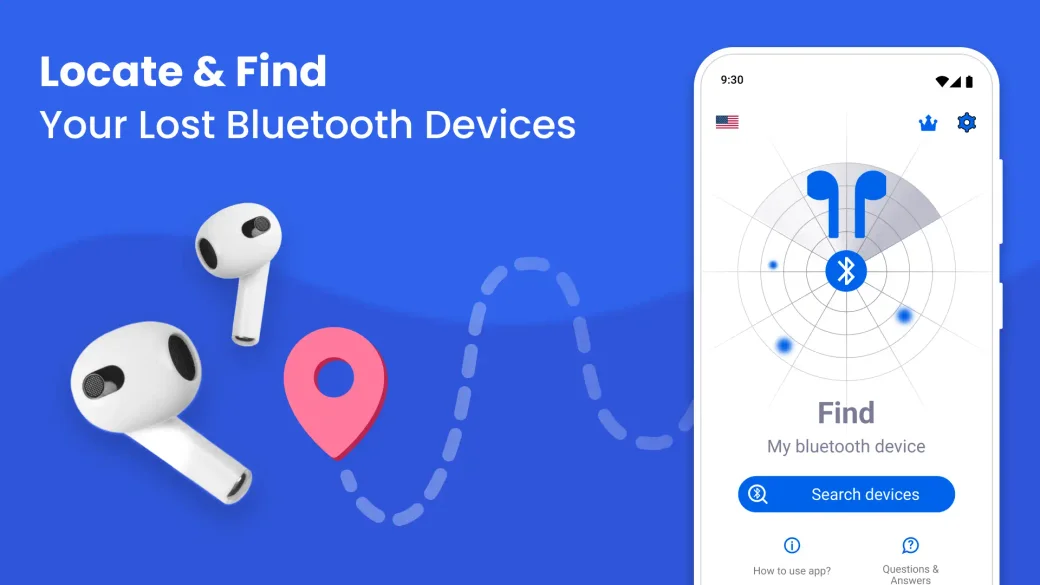
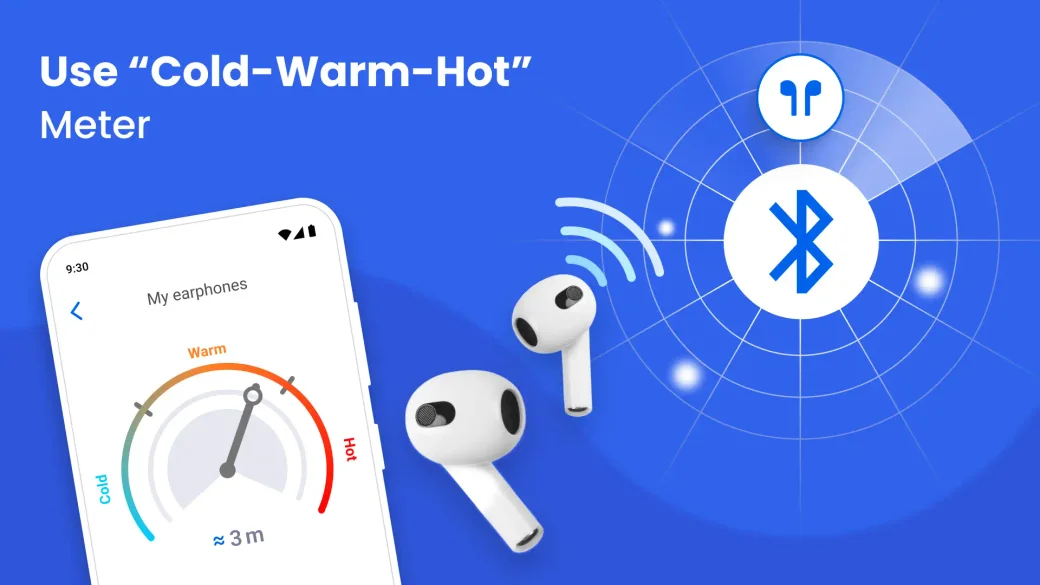
About this app
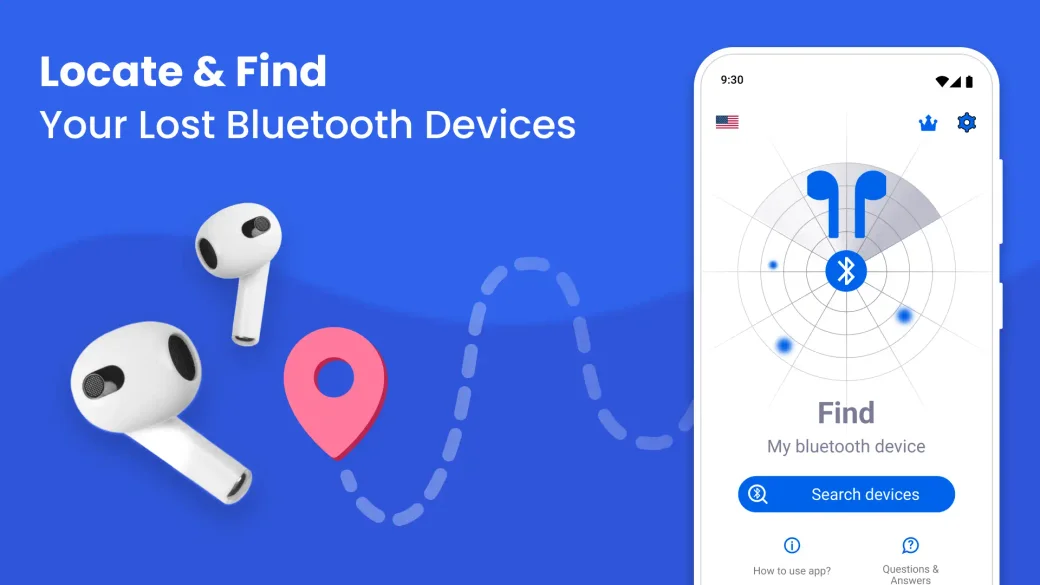
Find nearby compatible Bluetooth devices using signal-strength guidance.
What is Find My Bluetooth Device?
An Android Bluetooth device finder for searching the area around you for misplaced wireless accessories. Scan for nearby devices, select the item you recognise, and follow changes in signal strength to narrow your physical search.
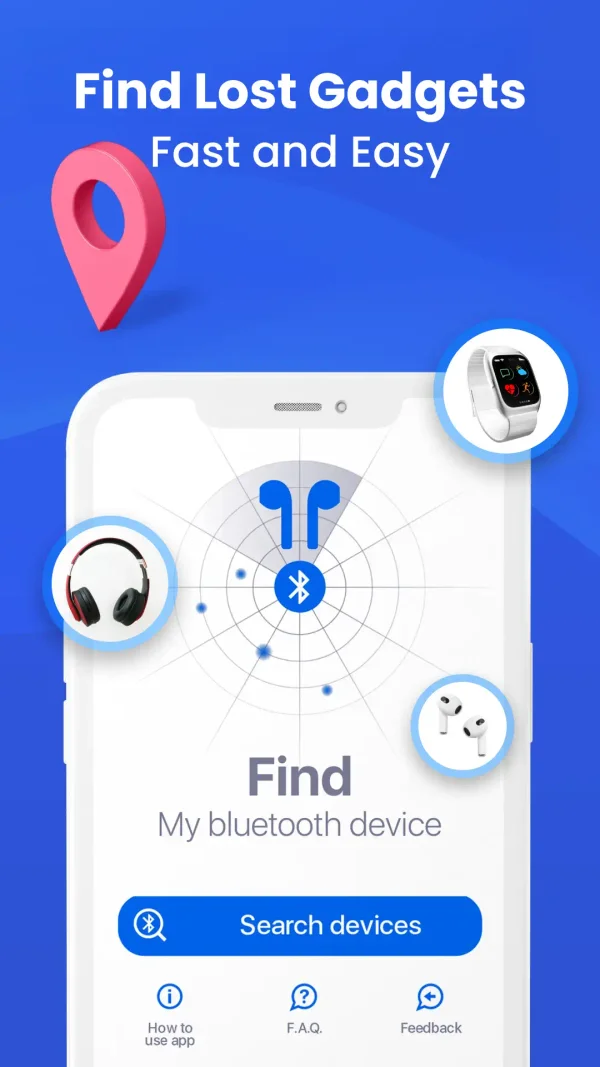
Use the proximity guide while looking for compatible earbuds, headphones, fitness trackers, or smartwatches that still have battery power and a detectable Bluetooth signal.
Who is Find My Bluetooth Device for?
Use the app when you think an accessory is nearby but cannot remember where you put it. It can help you focus your search around a bag, drawer, desk, or another place where an item may be hidden.
The guide is for finding a device the scanner can detect within Bluetooth range. It is not an exact location measurement, and you still need to find and retrieve the item yourself.
What does Find My Bluetooth Device do?
🔎 Scan for nearby devices
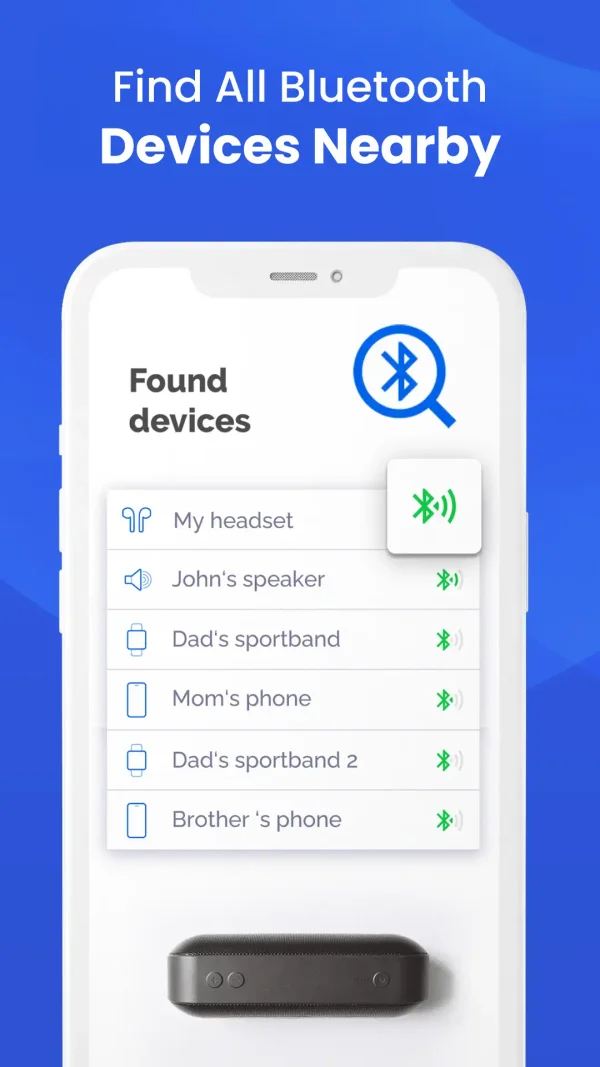
Discover detectable Bluetooth devices and view the results in a list. Look for an accessory you recognise before focusing the search on it.
🎧 Focus on your accessory
Select a device from the results so you can follow its signal rather than search every item in the list.
📶 Follow signal strength
Watch the indicator as you move around the area. Changes in the signal provide a clue about where to look next.
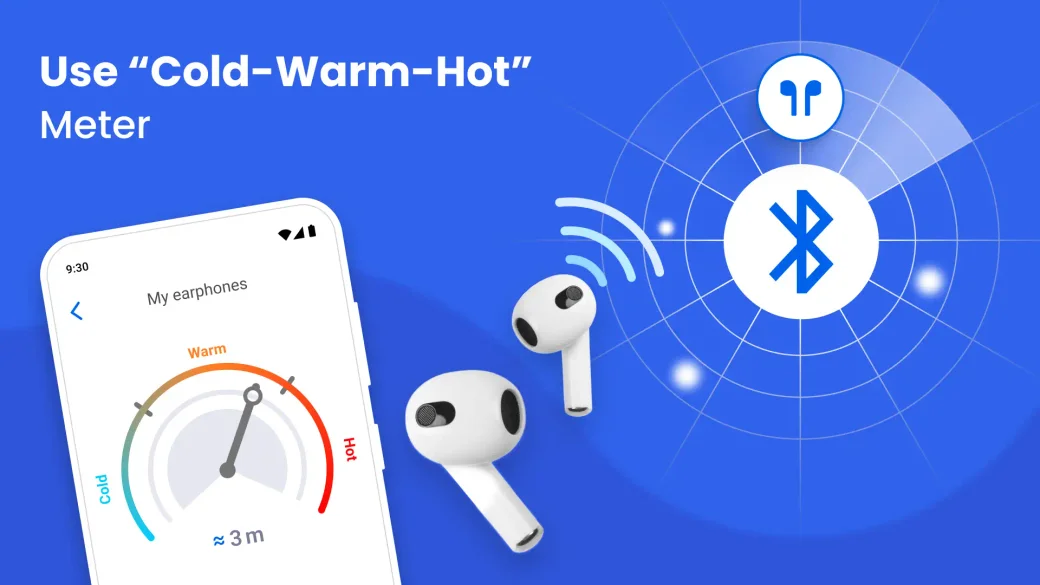
🔥 Narrow the search with proximity cues
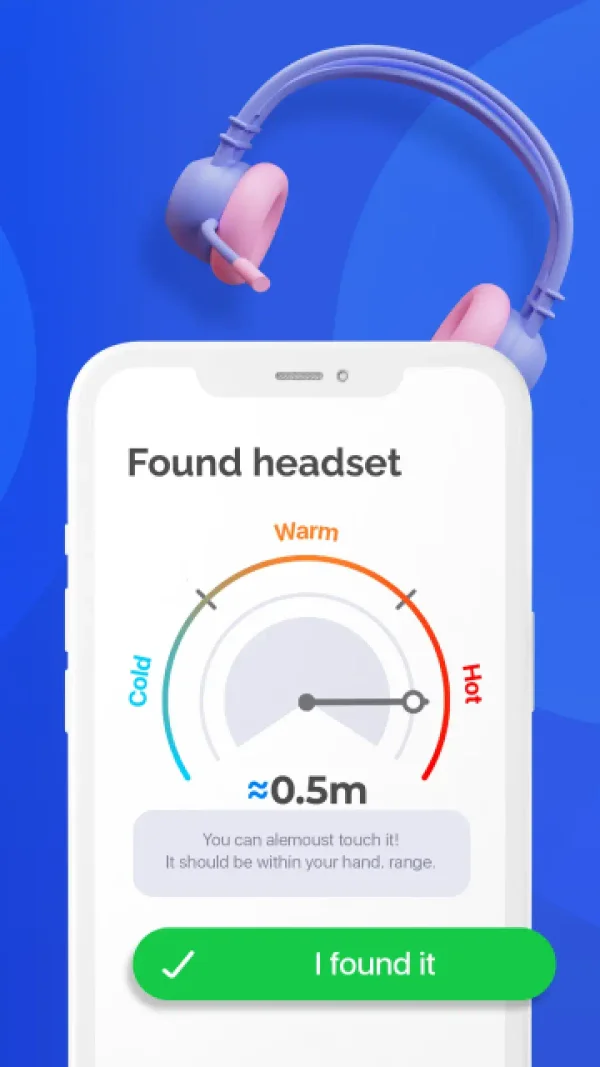
Use the hot-zone indication to focus on the nearby space, then inspect it for your accessory. Treat the guide as an estimate, not a precise distance or guaranteed position.
How does Find My Bluetooth Device work?
Enable Bluetooth and allow Nearby Devices access for scanning and connections. On older Android versions, location access is needed for Bluetooth discovery.
Tap Search Devices, review Found Devices, and select the accessory you want to find. The search flow includes a video step before you continue to the proximity guide.
Move through the area while following changes in the indicator. When the hot zone appears, check the surrounding space for the device.
Compatibility and requirements
• The accessory needs sufficient battery power and a detectable Bluetooth signal.
• Searches work within Bluetooth range, which varies with the device and surroundings.
• Earbuds inside a closed charging case may not be detectable. A case needs its own supported Bluetooth signal to be found separately.
• Compatibility depends on the device model, Bluetooth type, and operating state; not every accessory can be detected.
• Keep Bluetooth enabled and grant the scanning permissions needed by your Android version.
The app contains ads and offers in-app purchases.
Privacy
The app may collect location, app information and performance data, and device or other identifiers. App information and performance data, and device or other identifiers, may be shared with third parties.
Find My Bluetooth Device combines nearby scanning and visual signal guidance to help you concentrate your search for a misplaced wireless accessory.
Data safety
What Firehawk declares on Google Play about the data this app collects and shares.
- This app may share these data types with third partiesApp info and performance and Device or other IDs
- This app may collect these data typesLocation, App info and performance, and Device or other IDs
- Data is encrypted in transit
- Data can’t be deleted
Developer contact
- Websitefirehawk.ai
- Emailsupport.findmybluetooth@firehawk.ai
- Privacy policyfirehawk.ai
- Address18/7 Yechezkel TEL AVIV-JAFFA, 6259524 Israel
Information
- Offered by
- Firehawk
- Category
- Tools
- Version
- 2.2.2
- Updated
- Oct 30, 2026
- Released
- Mar 1, 2019
- Requires
- Android 8.0 or later
- Age rating
- Everyone
- Price
- Free
- In-app purchases
- $0.99 - $99.99 per item
- Package name
- com.findmybluetooth.headset.headphones.devices
Similar apps
-
 Remote Mouse
Tools
-
 PingID
Productivity
-
 Magic Lantern
Entertainment
-
 Anker soundcore
Tools
-
 Wi-Fi Toolkit
Tools
-
 CloudEdge
Lifestyle
-
 Navimow
Tools
-
 ECOVACS HOME
Lifestyle
-
 Kiren by F-Secure
Tools
-
 NETGEAR Orbi – WiFi System App
Tools
-
 FitShow: Treadmill Workout
Health & Fitness
-
 Samsung Print Service Plugin
Productivity